





Since Apple’s Worldwide Developers Conference is just around the corner, it’s time for yet another one of these helpful WWDC articles. I’ve been to almost every WWDC since 2010 and learned quite a bit over the years. So let’s dive right in!
Preparations / What to Pack
I assume you already know what to pack for a week-long trip. But for WWDC, it’s useful to bring a second MacBook and an extra iPad — reason being, you don’t want to install Beta 1 of iOS/macOS-next on your primary device. I’ve been there too many times, and with the exception of iOS 12, I’ve always regretted it. At the very least, wait until Beta 3 before you update your main device! An external SSD will also work well for experimenting with the new macOS release (you might also choose to partition your disk if you trust APFS already).
A battery pack is also super useful. I’ll be bringing my Anker PowerCore because it basically never runs out, unless it’s charging a MacBook, which it can also do. Additionally, be sure to get an extension cable for your power adapter and a compact US plug converter. Don’t be the person who uses an oversized adapter that blocks multiple ports. And get an Ethernet dongle. These are in high demand; Apple only provides a few on the tables and there are never enough.
Pain relievers are also a good idea, but you’ll be in the US, where you can buy these and other typical medicines at any supermarket or pharmacy if you find you need them after arriving. Both the Marriott and Hilton are close to the convention center and have the essentials available in their gift stores. Hand sanitizer might also be a good idea.
If you work at a company that has some merch, bring swag! Wear it so folks can easily find out where you work, and feel free to pass some out to ensure your company is memorable. If your Twitter avatar is 10 years old and doesn’t look like you anymore, it’s time for an update. Make it easy for your peers to recognize you.
Got a long flight ahead and have trouble sleeping? Get some sleeping pills for the flight, as some extra rest on the plane will help you survive the week. Melatonin works really well for me, but some folks prefer stronger pills.
Are you booking via Airbnb? Be sure to ping your host a few days before you arrive to finalize your check in, as sometimes they end up no longer existing — an experience which isn’t so much fun.
Get your badge on Sunday. Sunday is also a good time to get a T-Mobile Tourist Plan SIM card, as you won’t want to rely on Wi-Fi alone. Switch to an eSIM if you want iMessage to work. The Dual SIM feature on the latest generation iPhone is really useful here.
The Keynote
Should you stand in line all night for the keynote?
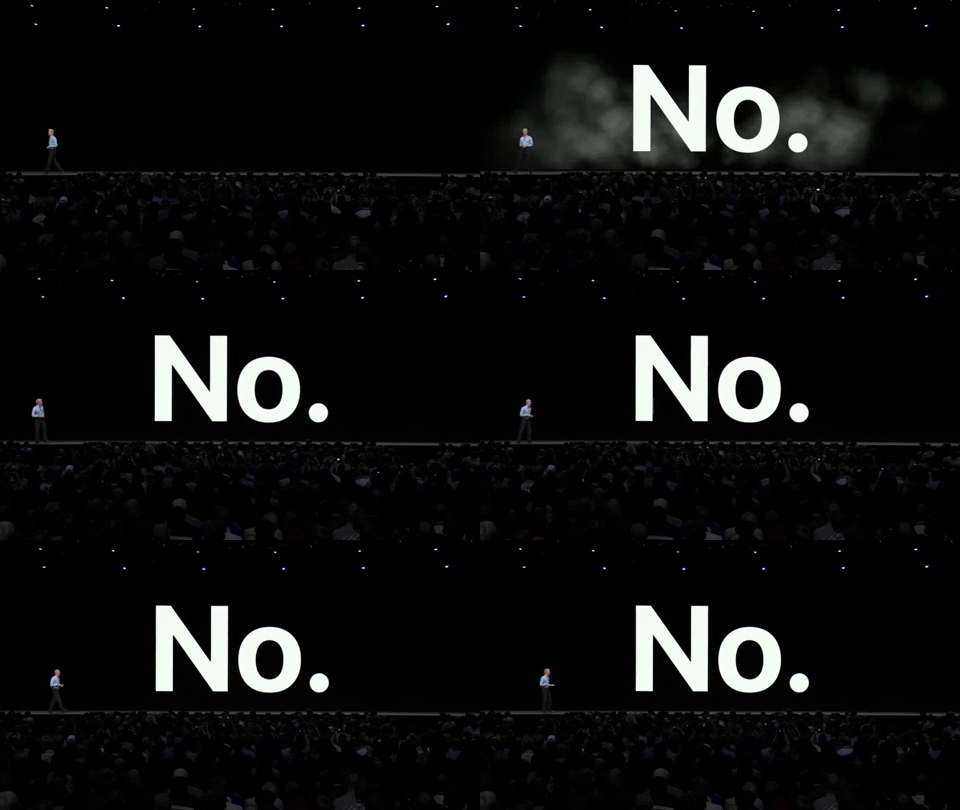
Don’t queue. This hasn’t been necessary for many years now, yet folks still queue the night before and sacrifice a lot of sleep. The really interesting keynote is the Platforms State of the Union, which takes place in the afternoon, and you’ll pass out before it happens if you don’t get a good night’s rest. Plus, the week will be exhausting enough without the unnecessary loss of sleep! However, if you really want to stand in line, come an hour early to get some queuing experience.
Once you’re in, go to the toilet before the event starts, or you’ll have to choose between either suffering or annoying people — the rows are pretty long. Get a jacket if you’re not used to American air conditioning, or have a Swift project ready to compile for some extra warmth 😉. And make sure you’re at the right venue :P
If you’re worried about grabbing breakfast in the morning, there are also events like the #wwdcnoqueue breakfast. Listen to Dave and skip the breakfast provided onsite.
People say the queue is a good place to hang out and meet new people, but honestly so is a leisurely breakfast.
— Dave Verwer (@daveverwer) May 30, 2019
Update: Some folks disagree!
Great write up - disagree about queuing though - have met so many interesting people in the Monday morning queue! Plus the atmosphere is fantastic! Having jet lag also helps here though ;)
— Andy Qua (@AndyQ) May 30, 2019
The Food
The food at WWDC isn’t great, but it’s fine, really. It usually consists of some form of a sandwich, a side, and something sweet. Eat a good breakfast every morning and you’ll be OK. And there’s always Odwalla if you need an extra dose of vitamins sugar. It’s easy to go overboard on sugar, but I suggest moderation, or else you’ll feel terrible after the week is over.
The Sessions
It’s OK to miss sessions. They are all recorded (with the exception of lunchtime sessions). Apple sometimes does cut out parts (such as accidental CocoaPods references), but for the most part, you’re better off with a video. Videos can be paused or sped up, and you can watch them when it best suits you. I suggest you only pick a few sessions for the week, and be sure they’re the ones that really interest you. During WWDC 2018, I only attended one regular session (Hi, Tyler!), and I instead spent most of the time in the labs and talking to people.
If you enjoyed a session, tweet to the engineer who did it! Apple folks put in an intense amount of work and huge number of hours to make WWDC happen, so showing appreciation will be very welcome.
Lunchtime Sessions
There are three lunchtime sessions. They are usually fantastic. They are never recorded. You won’t want to miss them.
Lunchtime talks are looking great this year! #wwdc pic.twitter.com/L0RHGlKpUR
— Peter Steinberger (@steipete) May 23, 2019
The Labs
You’ve probably already read that the labs are where the real value of WWDC is. If you really want folks to be able to help you, come prepared. Have a radar number and an example project ready. Have a charged MacBook with you that can run the example. Labs are open for everyone, but for popular labs, you should be on time, or else you’ll have to wait for some time.
At PSPDFKit, we have a shared list where we’ll, over the course of the year, add all the things we want to talk about with engineers, and we add our notes as we’re trying to get answers in the labs. Sometimes the lab you need will only be there once or twice in the week, so prioritize labs over sessions. For us, UIKit and compiler labs are the most useful, but this really depends on your project. UIKit is definitely one of the busiest labs there is!
UI Labs and Special Appointments
Throughout the week, there will be a few special labs that require an appointment. These appointments fill up really quickly, so you need to sign up at exactly 0700, or whenever slots open for the day. They can be booked via the WWDC app or website. Be on time and you might secure a spot. Generally, the UI labs are 30-minute sessions, so the actual feedback is very limited — it can be useful, but don’t expect a full app review. Come with a specific question you want an expert opinion on, and you’ll certainly get something out of it.
Store and Swag
Every year, Apple has a WWDC store with tons of swag. While the collection changes daily, it’s a good idea to go there early. Tuesday or Wednesday are good days, as any time after that, the typical shirt/jacket sizes will be sold out.
Network and Make Friends
Walk around and say hi to people you know and start talking with people you don’t know! “What did you think of the keynote?” “What’s the feature you’re most excited about?” “What are you working on these days?” — it’s easy to start a conversation. Take selfies so you remember folks. Tweet a #picswithDave.
Aside from WWDC, there’s also AltConf, Layers, and quite a few more events going on that are worth checking out. I’ll speak at the CI Best Practices for iOS and macOS App Development Panel on Tuesday at 4pm. Be sure to check out their schedule, as there might be talks you’ll like.
Parties, Drinks, and Sleep
WWDC is all about the people. Get Events near WWDC for a list of parties. iMore also has a good article. Some parties will already be full, but don’t worry if you don’t get into an event every night. There are developers everywhere, and it’s easy to find folks to chat with. And remember folks, you don’t have to consume alcohol to have a good time. Drink responsibly; you don’t want to feel like crap during the week. Here’s my Party Plan:
Sunday
- WWCT: Worldwide Costco Tour 2019
- Get Your Badge and Hang at the McEnery Convention Center
- sjMacIndie
Monday
Tuesday
Wednesday
- MacRumors WWDC 2019 Mixer
- Layers Closing Party
- A popular event is also James Dempsey and the Breakpoints LIVE
Thursday
- Night of Dim Sum
- Thursday is also the WWDC Bash, which is always fun
Friday
A Trip Down Memory Lane
That’s it for WWDC tips! Every year is different and exciting. Let’s look at the most memorable moments of the past eight years.
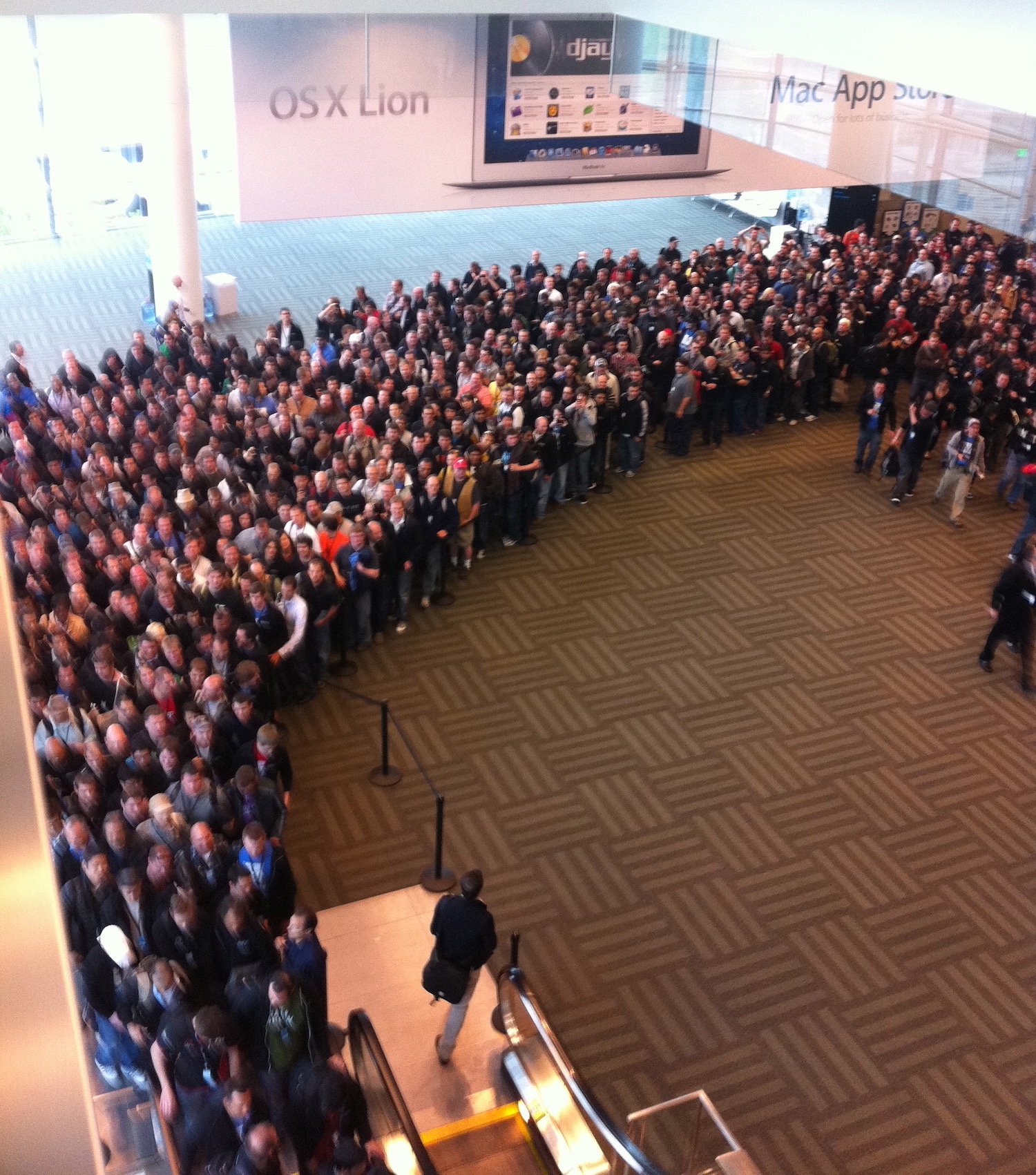
The year was 2011. The Mac App Store was the hot new thing. Lion added Auto Save and forever confused people with Lock, Duplicate, Revert to Last Opened, and Browse All Versions. AirDrop became a running gag. Game Center was introduced, only to be killed five years later.
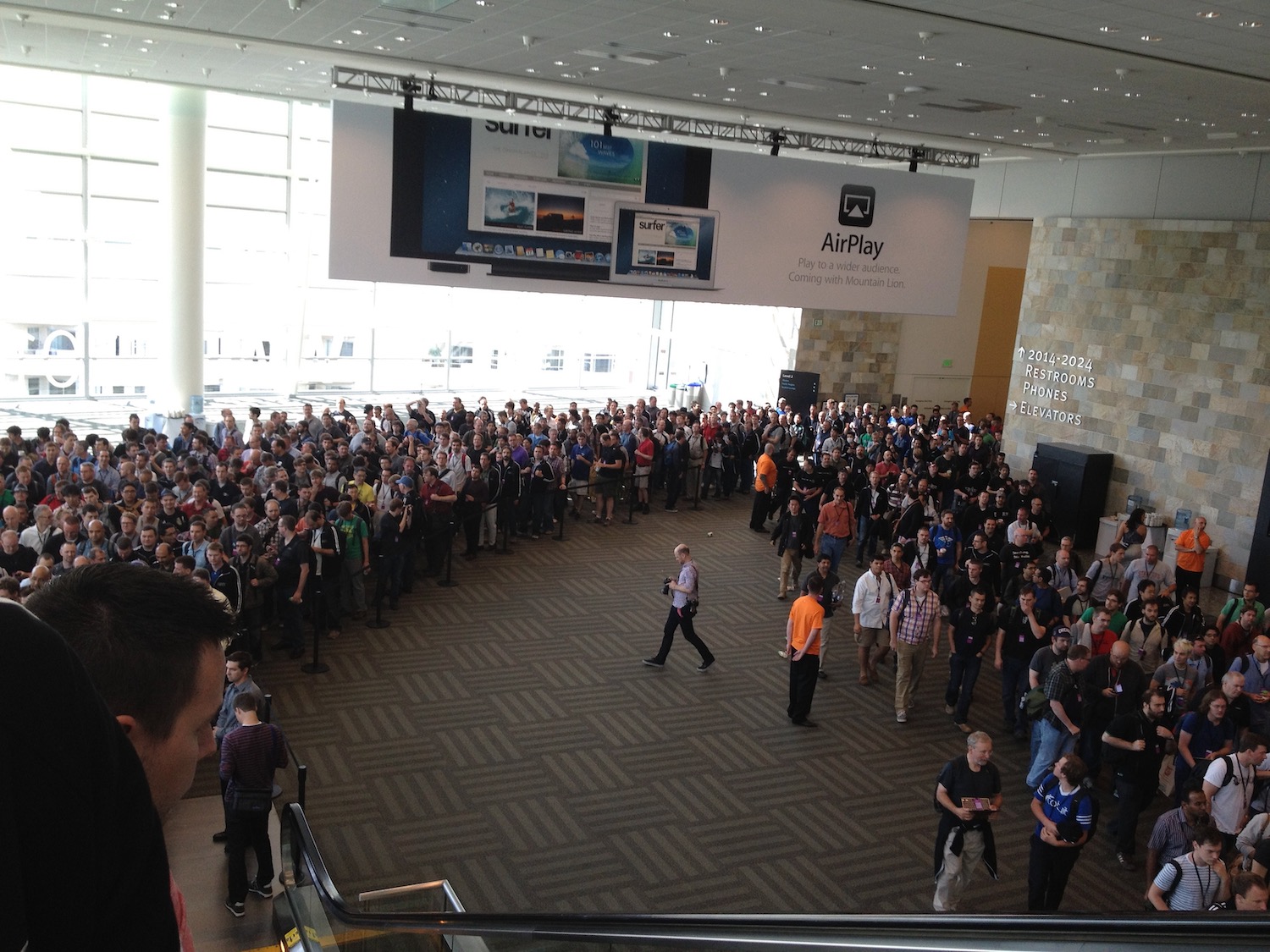
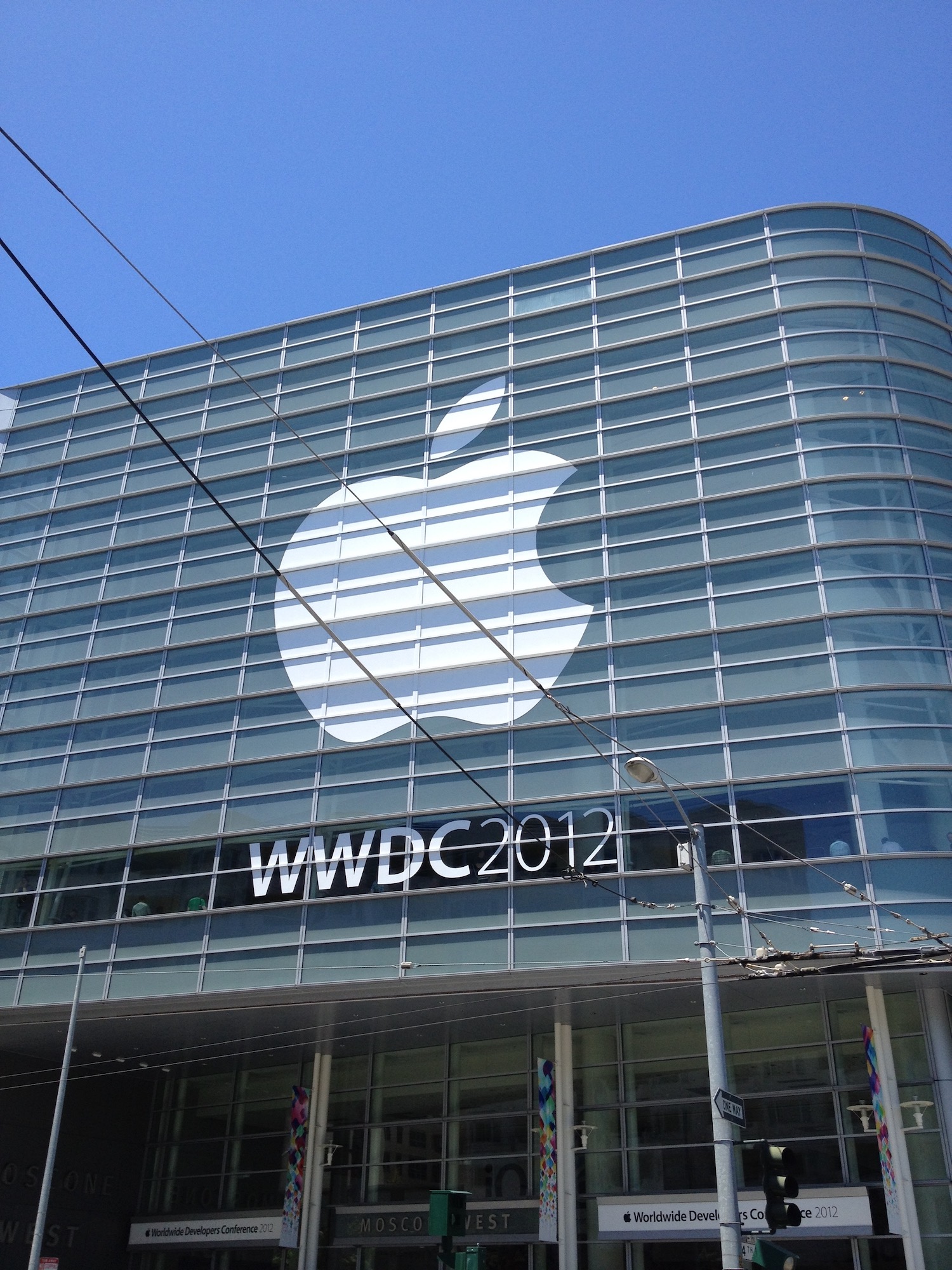
Apple was still announcing hardware back in 2012, including a new AirPort Express. Siri came to Mac with Mountain Lion.
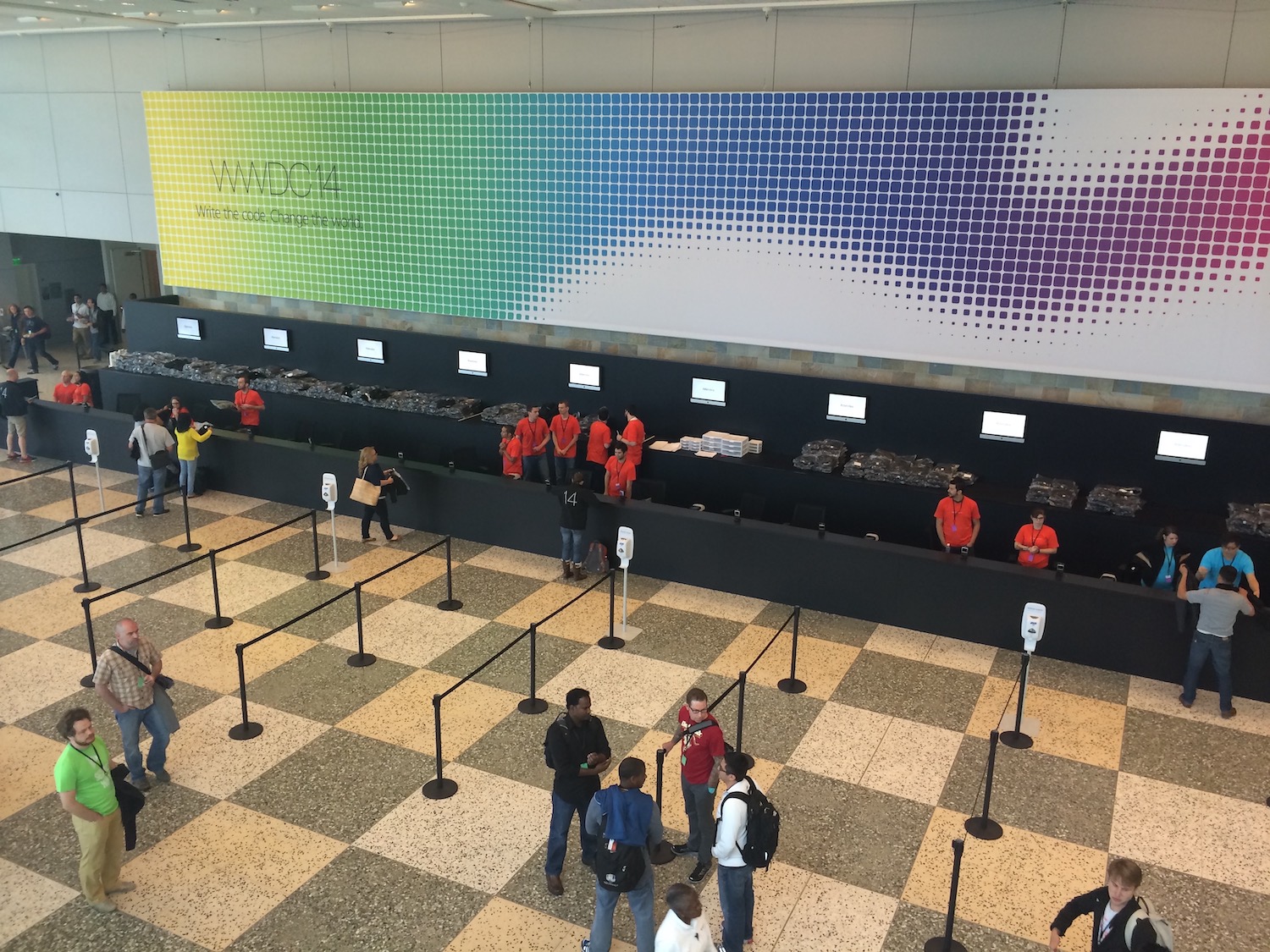
In 2014, iOS 8 fixed the worst crimes of iOS 7. OS X Weed Yosemite introduced translucency and iCloud Drive. We were promised Objective-C without the C but got Swift instead.
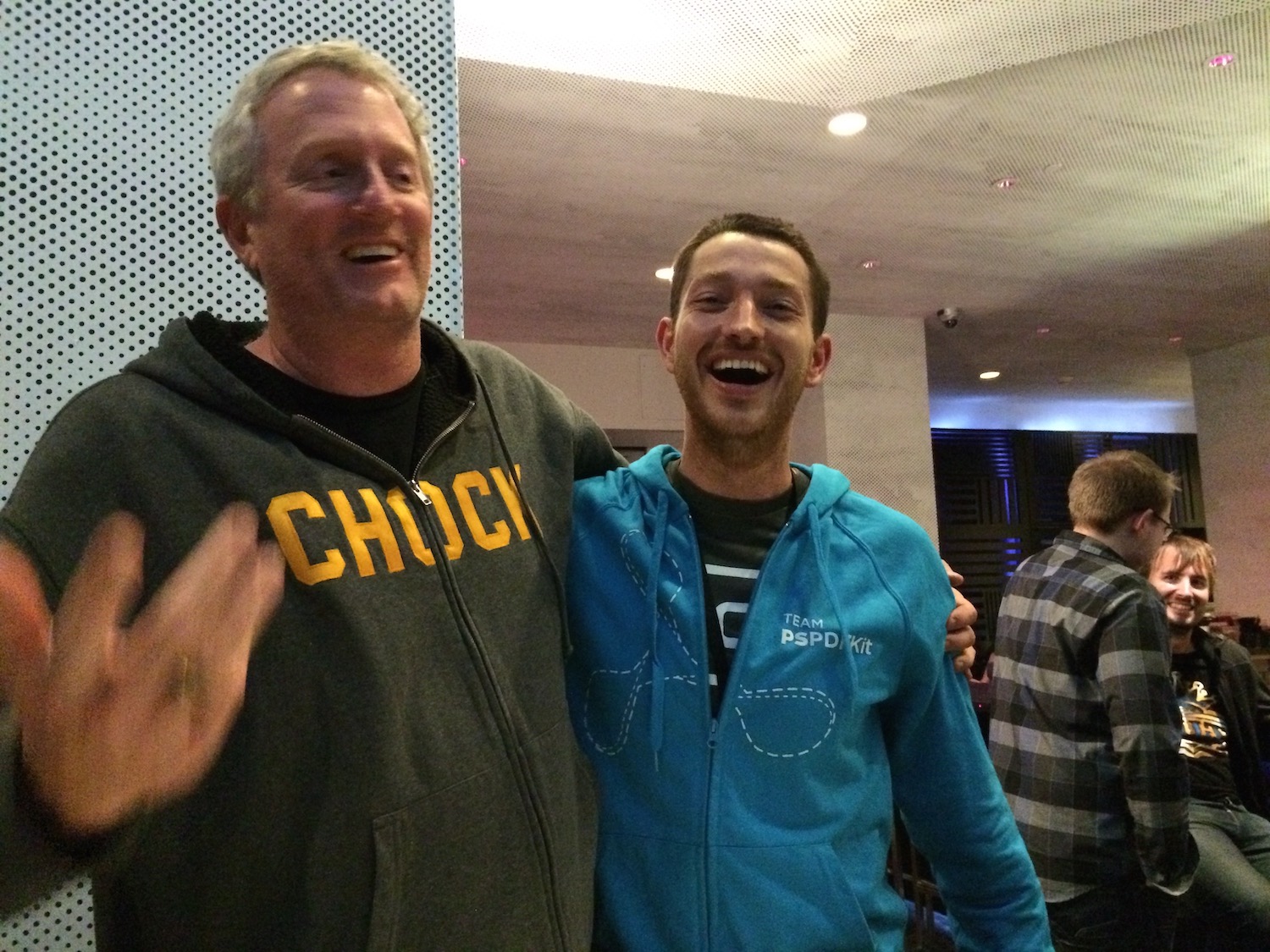
While this didn’t take place at WWDC, 2014 was also Apple’s Bono moment, and it’s too good to leave out.
Tim Cook & Bono share a moment
El Capitan arrived in 2015. Passbook became Wallet. Newsstand went away. Apple Music made the keynote insufferably long.
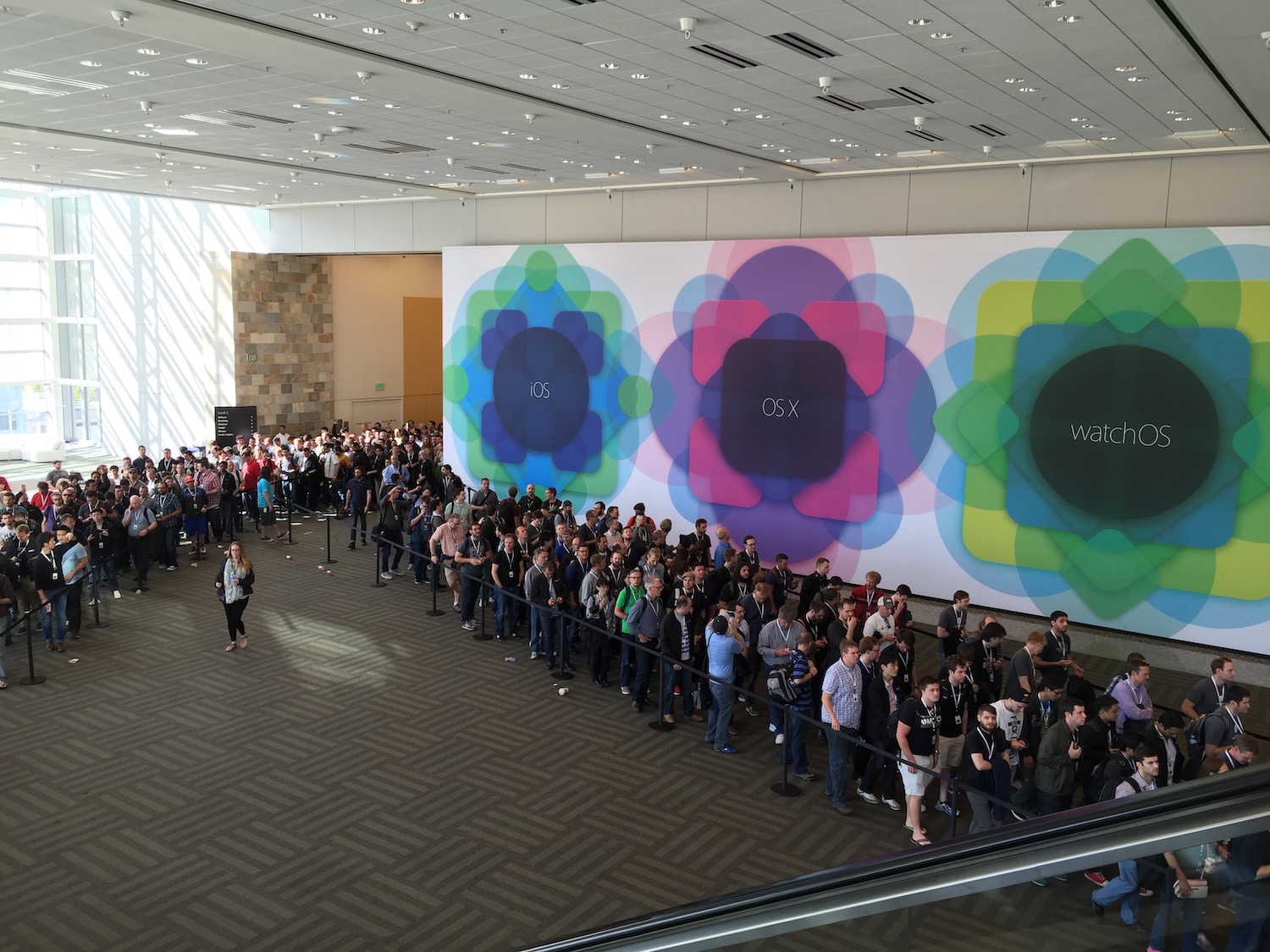
In 2016, OS X became macOS Sierra. Universal Clipboard was introduced and became reliable three years later. Siri came to the desktop. iOS expanded 3D Touch use, only to be killed three years later (as rumors say). iMessage got stickers, and rotation was broken in many wonderful and unbelievable ways. rdar://28588156 is still open to this date.
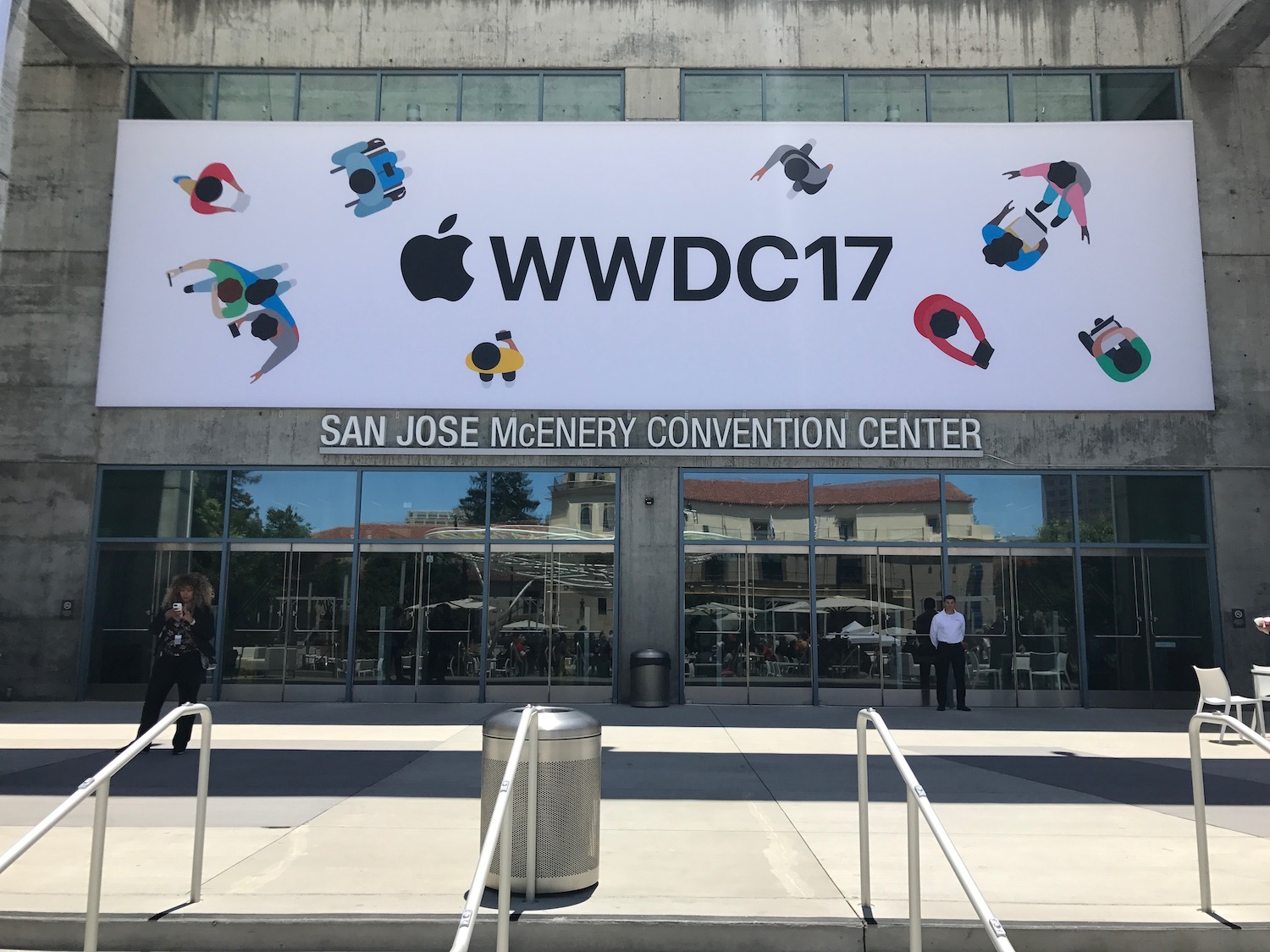
In 2017, everyone was surprised by Apple moving WWDC to the McEnery Convention Center in San Jose. The weather’s much nicer there, and the city is way smaller, so it’s easier to meet fellow engineers. There’s also much more space around the convention center, which makes it better for hanging out.
iOS 11 learned drag and drop, but sadly Apple disabled that for iPhone in later betas. We started having fun with UIDocumentBrowserViewController. ARKit was the hot thing. macOS finally got High (Sierra). Apple released PDFKit so we released PDFXKit.
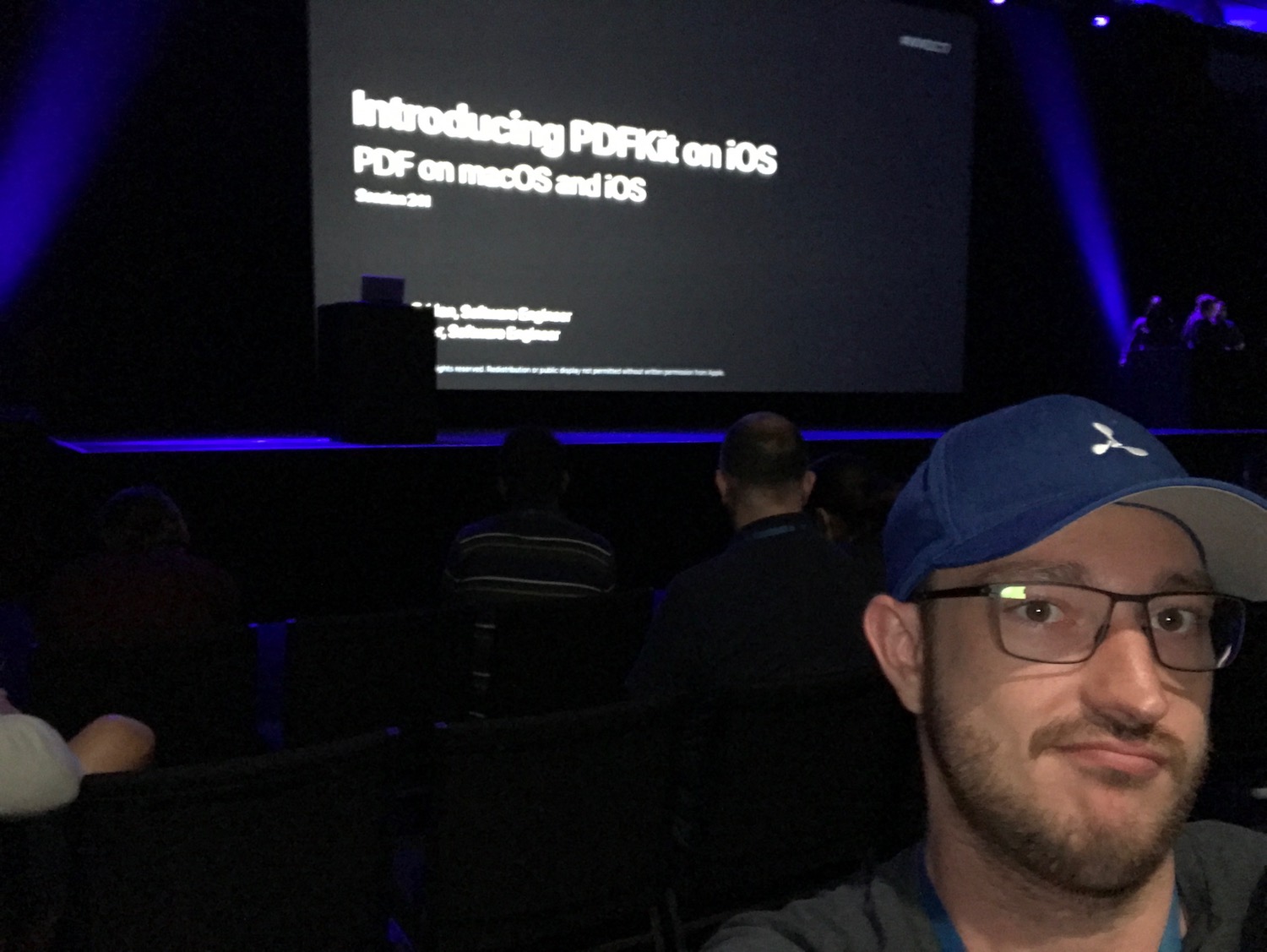
2018 was about “bug fixes and performance improvements.” Everyone was so busy with Dark Mode and learning how to pronounce Mojave. Marzipan was a no longer just a confection.
Conclusion
A handful of us from the @PSPDFKit team will be there. You can meet Douglas @qdoug, Oscar @Swanros, Jonathan @jdrhyne, Rad @radazzouz, Stefan @steviki, and, of course, Peter @steipete. Say hi! We have pins!