








PostHog's marketing team recently created a plan to improve our social media presence. One of the ideas was to share our changelog updates in a more visual way – using a graphic instead of just a text-based post.
Image-based posts perform better on X than linking out to another site.  Ian VanagasIan Vanagas originally trialed this with "visual essays". After posting a few of these, we quickly updated the design to match our brand.

So that works great for the occasional visual essay, but for changelog posts, we had a problem... we didn't have the bandwidth to create images for every new changelog post – nor should design be a blocker for the marketing team. And I didn't want to force anyone to use Figma to create these images.
So we started to think... could we productize this so our team could generate high-quality images automatically? After all, our changelog updates already include most of the information we'd need.
A couple years ago, we had done something similar for auto-generating custom open graph images for most pages on the website, so we thought... why not do something similar here?
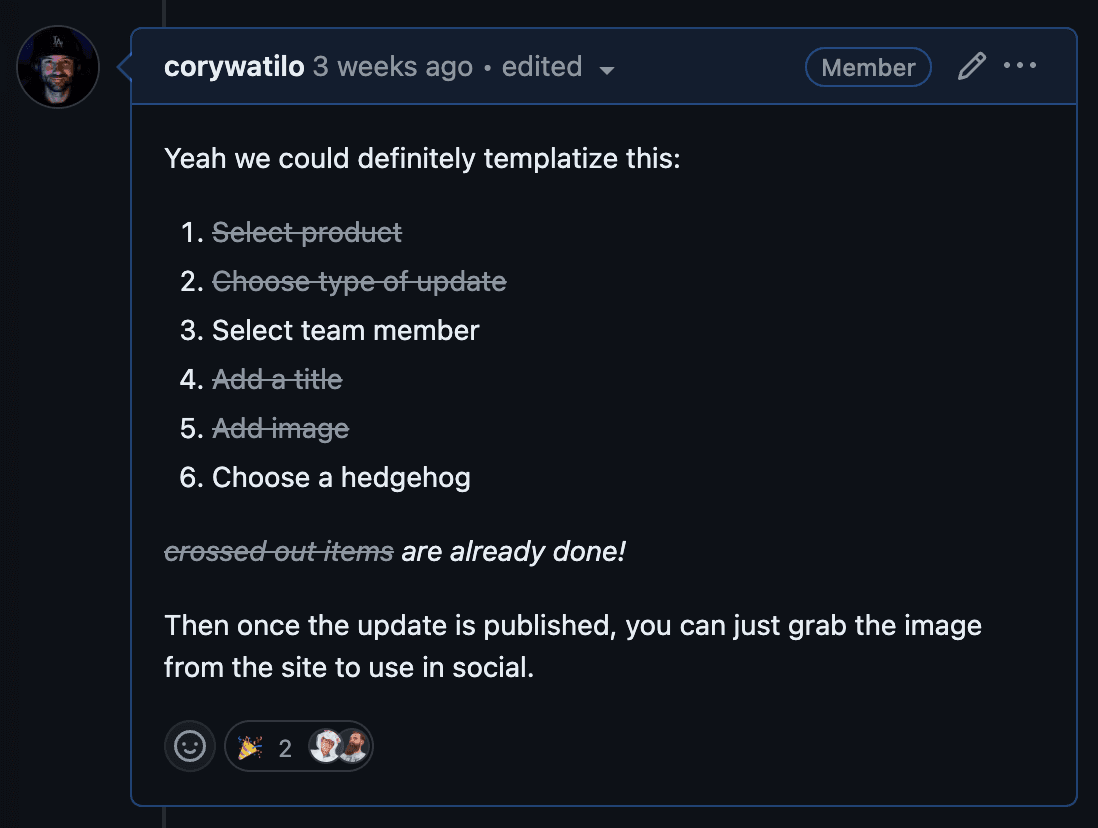
So I got to work, mocking up a template that would pull information from our self-rolled CMS.
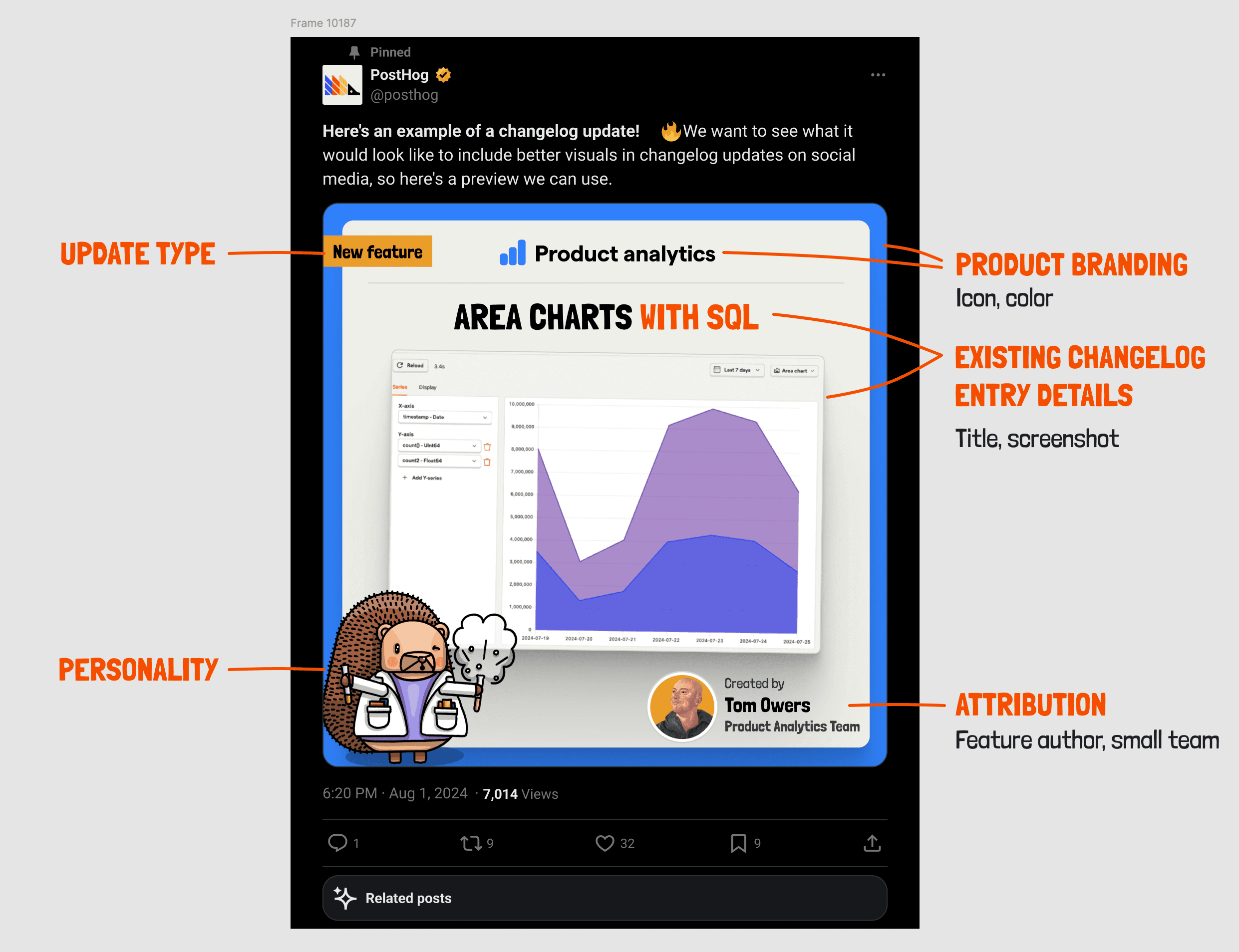
I wrote up an issue outlining how I thought we'd be able to combine data from changelog updates, small teams, and team members for use in the rendered images.
Our changelog entries already included title, description, screenshot, update_type, and associated product and team.

Each PostHog product has an icon and color associated with it. These are defined in a JSON file that builds our navigation submenus.
(The color maps to a HEX value defined in Tailwind.)
Then it just comes down to visual polish, so we added a few options.
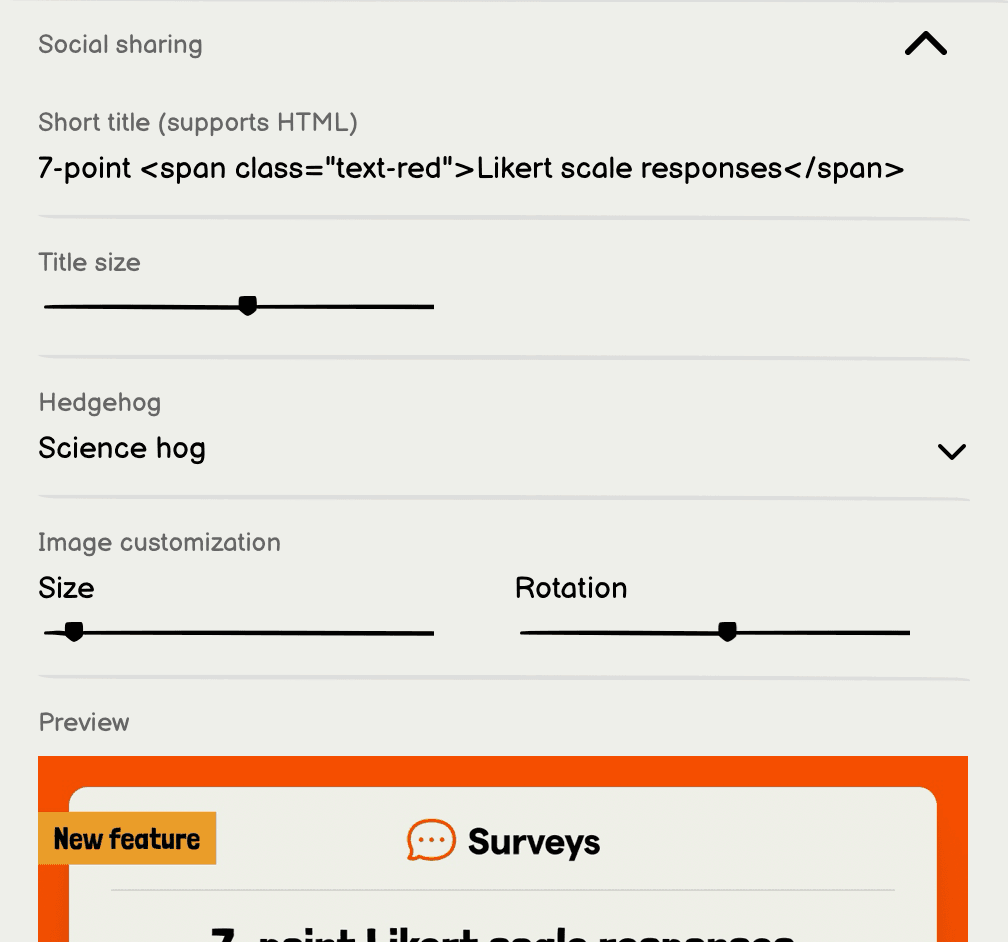
And what PostHog graphic wouldn't be complete without a hedgehog?
Recently,  Lottie CoxonLottie Coxon organized our hedgehog library and named each hedgehog.
This made it easy for our front end developer  Eli KinseyEli Kinsey to export them and create a searchable library (based off the filenames).
Now we can choose any hedgehog image from our library – as long as it's uploaded to a folder in Cloudinary.
We used html-to-image to render the final product. When a team member clicks the download button, the image is generated in a very clever way, then downloaded to the client.
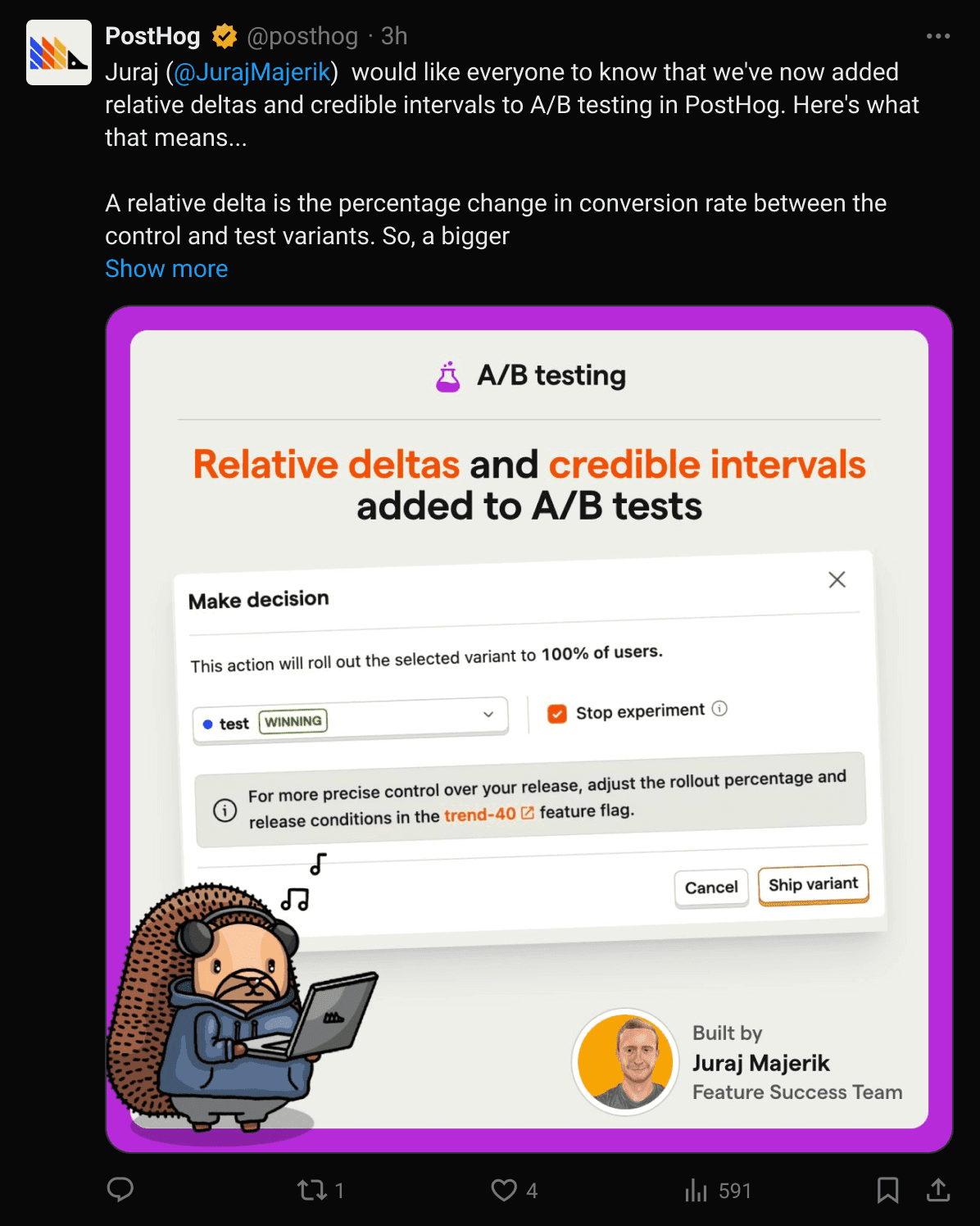
And voila, here's an example of our first image produced with this new tool. You should check it out on X - and give us a follow while you're there!
此内容由惯性聚合(RSS阅读器)自动聚合整理,仅供阅读参考。 原文来自 — 版权归原作者所有。