







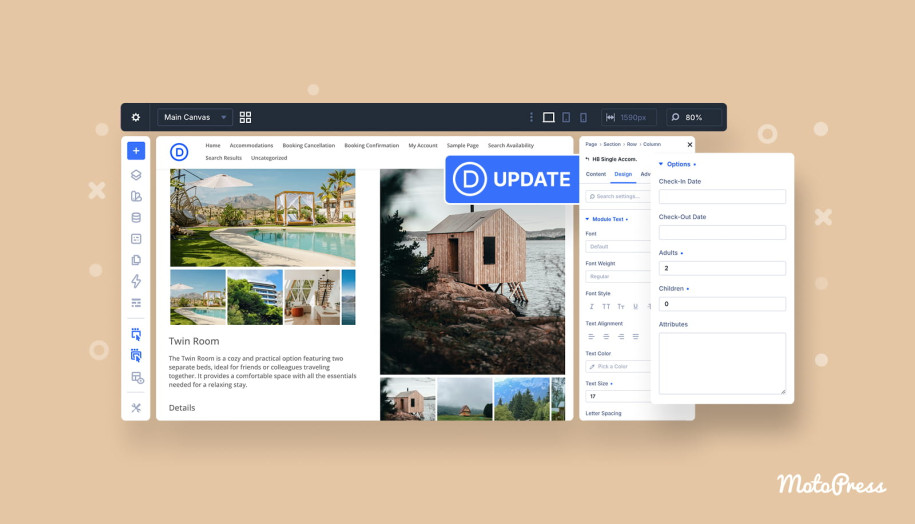
This winter, we explored Divi’s biggest update yet – Divi 5. Summing up that release – it’s a totally new Divi! Better design system, better developer tools, better everything!
Can you use MotoPress Hotel Booking with Divi 5? Absolutely! Since the MotoPress Hotel Booking also provides Divi users with the dedicated extension – MotoPress Hotel Booking for Divi – we’ve updated the latter to help you smoothly transition to the new Divi 5 building experiences.
All you need to do to work with Hotel Booking modules in Divi 5 is to update your Divi Integration add-on to the latest version 2.0.0.
If you’re using Divi 5 together with MotoPress Hotel Booking for Divi (v2.0), the Hotel Booking modules will work correctly once you:
- Open the page containing the MotoPress Hotel Booking modules in Divi 5 – modules should be converted automatically.
- Manually migrate your site to the new builder via Divi → Divi 5 Migrator.
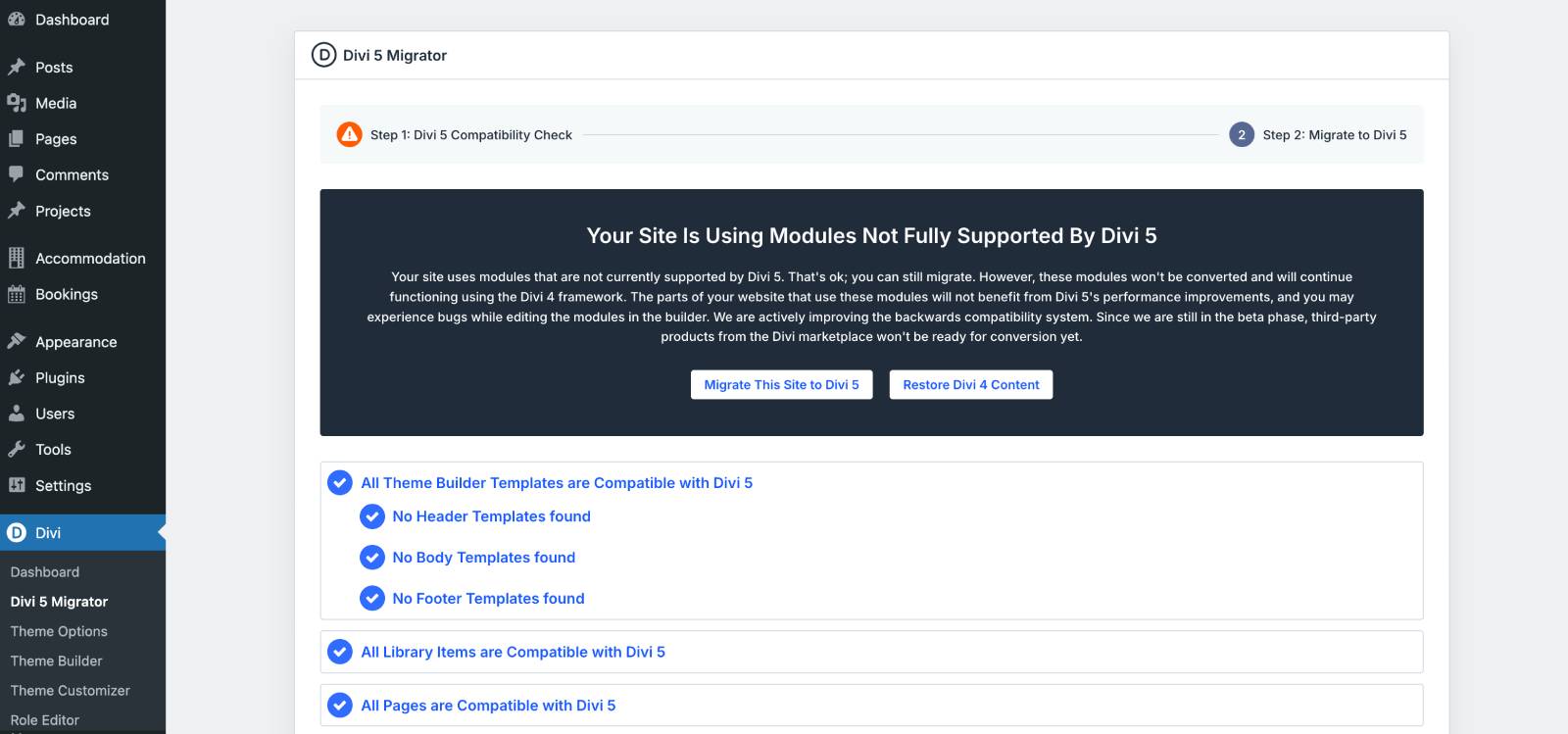
Without updating your extension, your Hotel Booking Divi modules might not work properly in Divi 5. However, if you’re not migrating to Divi 5, no worries, the modules will work in the older Divi 4 framework, too.
All the Divi module settings work the same – they just look a bit different with Divi 5’s new design system.
How to work with the Hotel Booking modules in Divi 5?
In order to add a module, you should firstly think of a layout pattern you want to have. Divi 5 is pretty smart at this aspect, letting you add a column or row first.
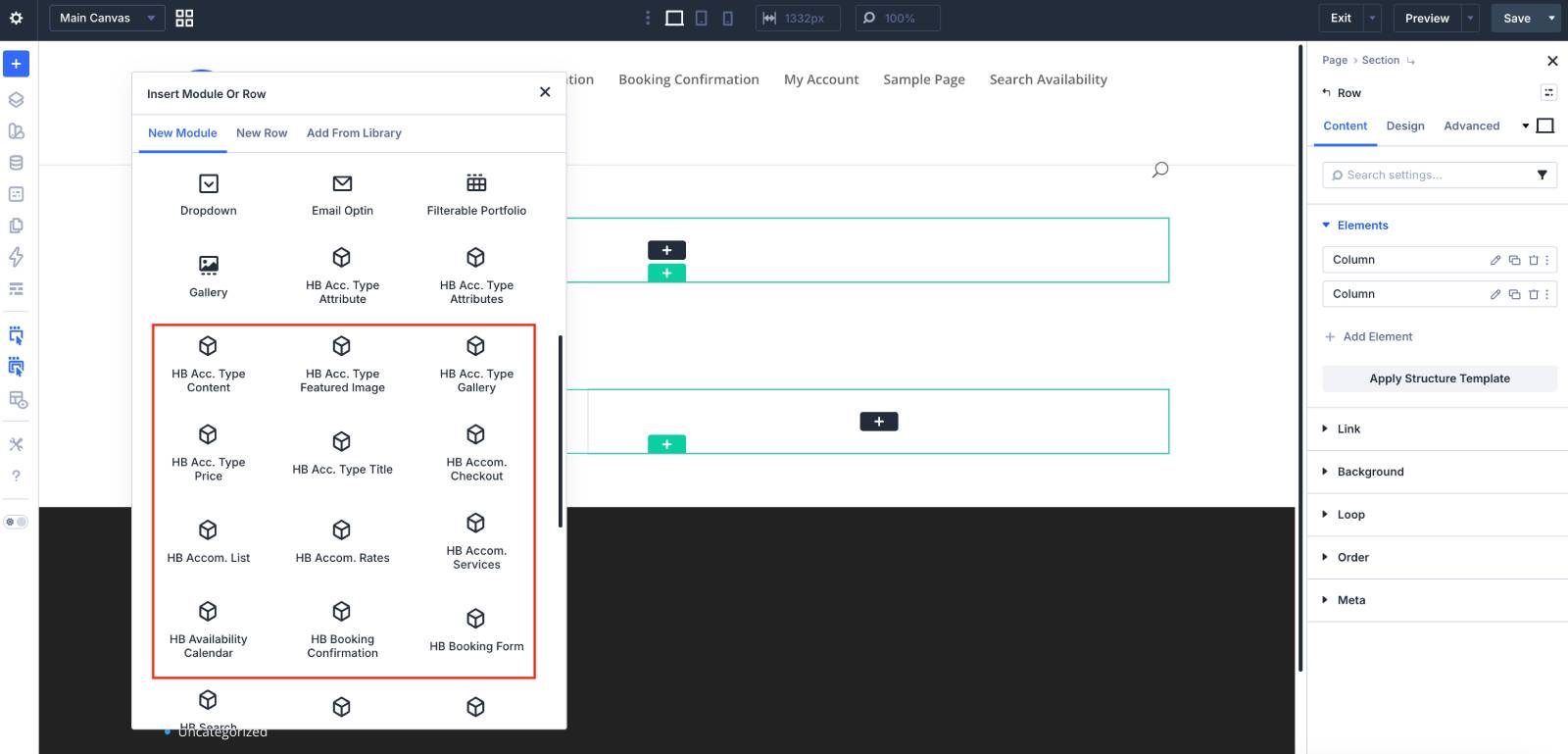
Then, click on the plus icon for the modules list to pop-up – find the modules starting with ‘HB’ (stands for Hotel Booking) and add the needed one to the page.
Some of the most used Hotel Booking modules for Divi include:
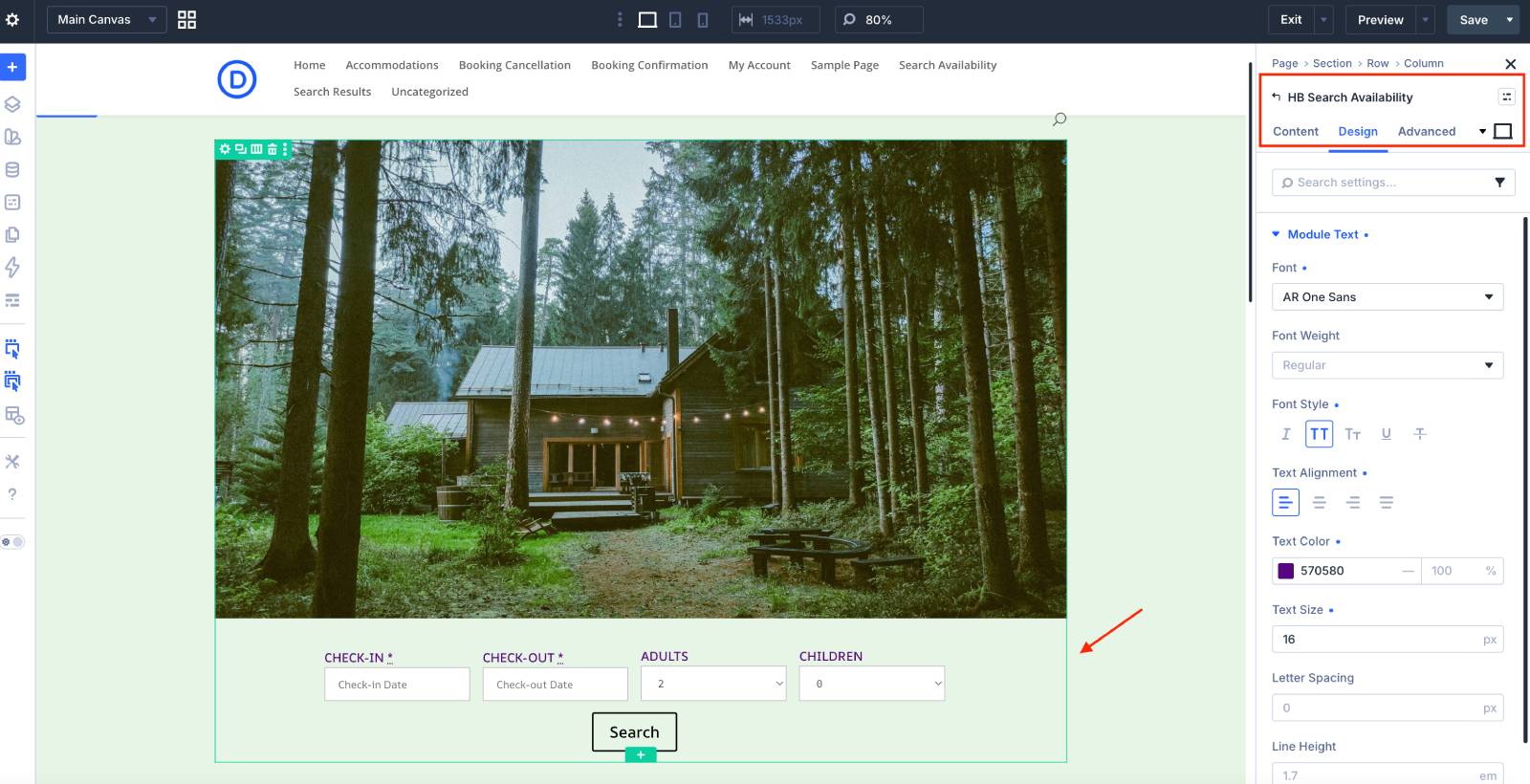
HB Search Availability
This Divi module adds a property search form with support for additional filters via the Attributes field – allowing you to include options like location, pet-friendly stays, and more. There are a few styles for the form – horizontal and vertical – which you can change in clicks via the module settings.
Via the Divi 5 Advanced / Content / Design tabs, you can tweak things such as text (size, font, etc.), background color, margins, paddings, etc.
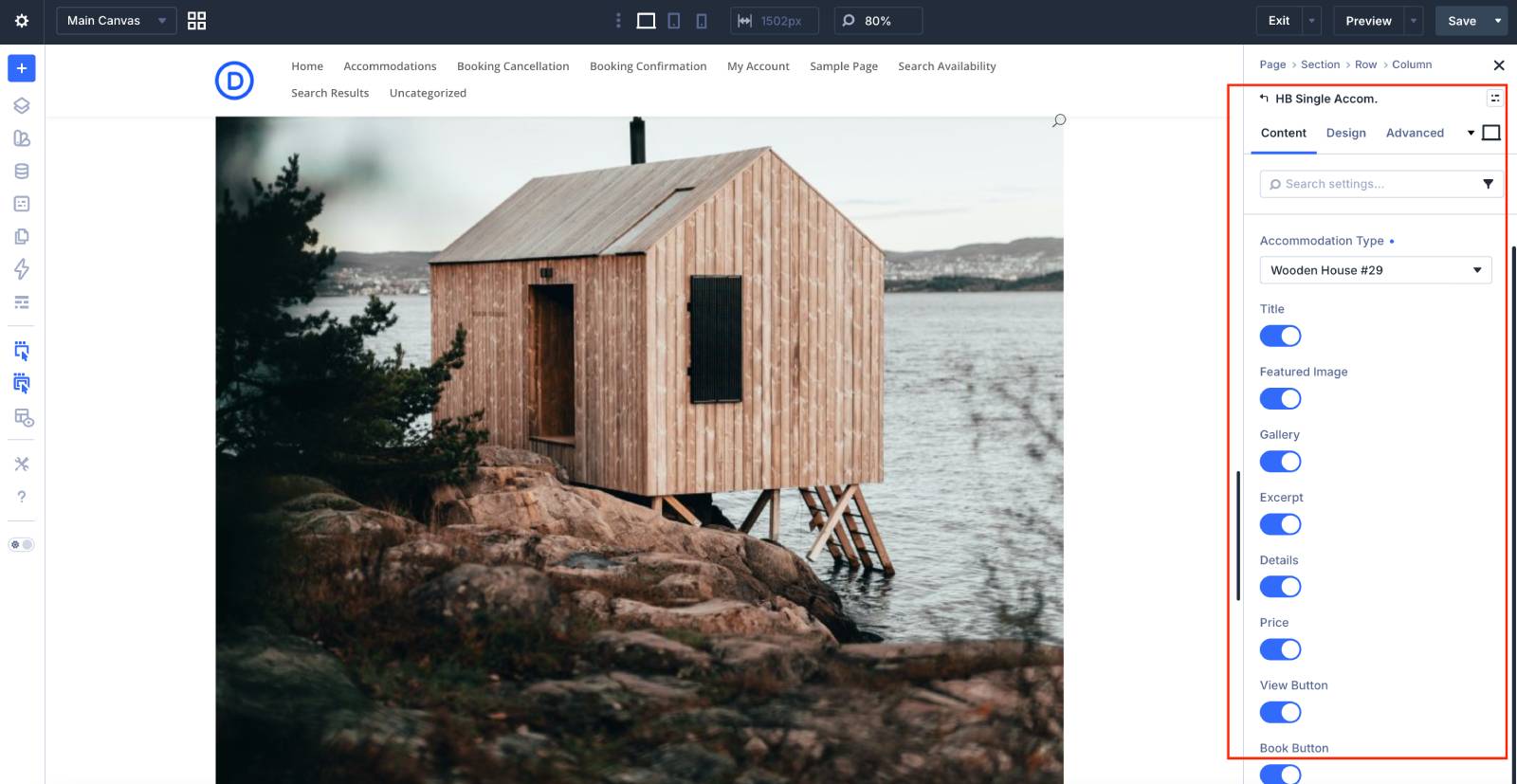
HB Single Accommodation
This module allows you to feature the needed accommodation by simply selecting it from the drop-down in the module settings. With simple toggles, you can select which details of the property to show (e.g. image gallery, the “Book now” button).
HB Accommodation List
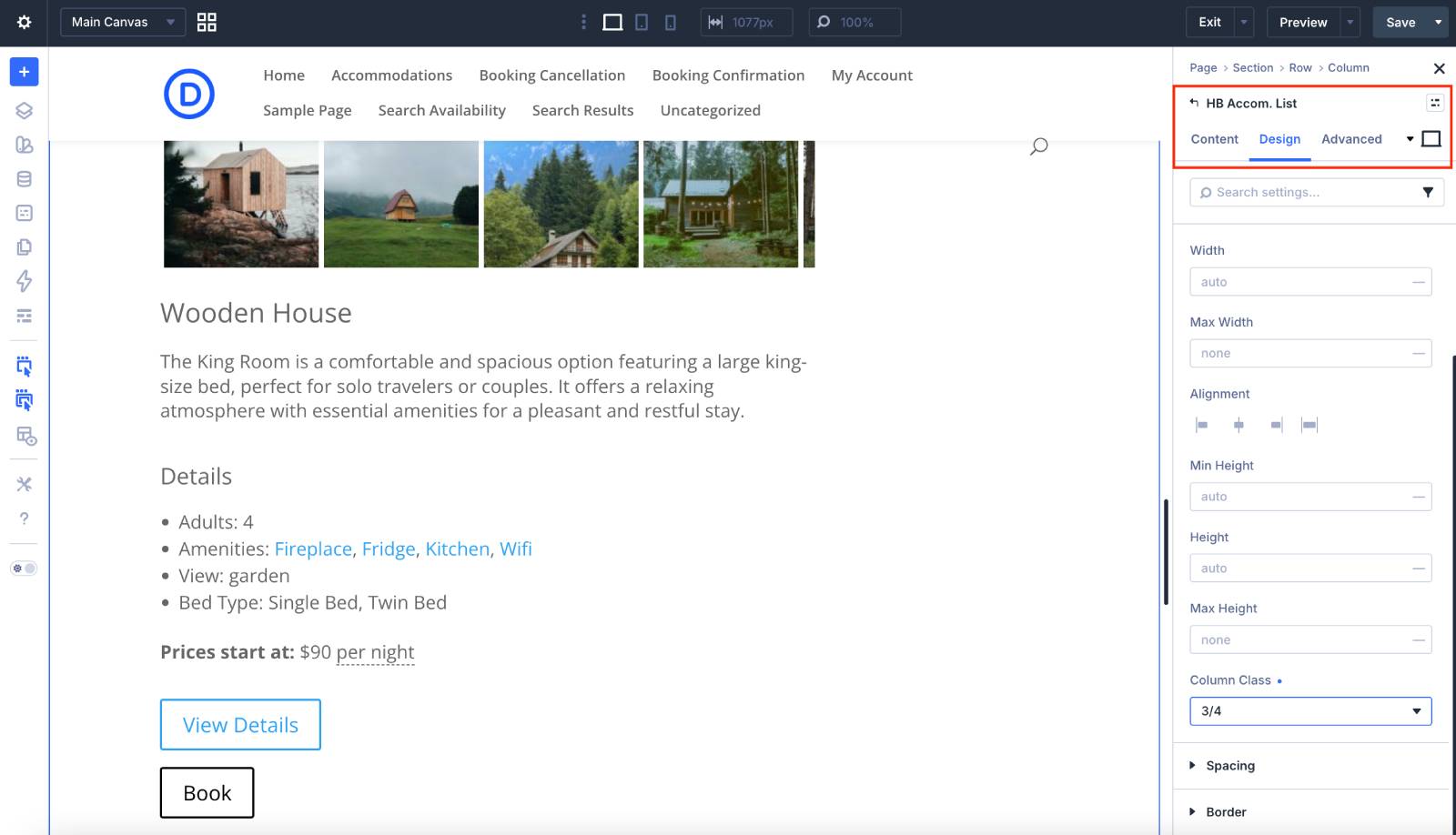
This module allows you to output the entire list of properties (or only chosen ones by ID). Through the design panel, you may apply colors to the section with this module, change its width, size, etc.
HB Availability Calendar
This calendar shows per-day real-time availability of selected accommodations. Remember that you can change the style of your calendar via Accommodation > Settings > Calendar theme. You may also show per-day pricing and make a calendar clickable.
The rest of the modules are more of building blocks for the single pages – combined with the powerful Divi 5 customization framework, you can easily build service pages or individual property pages with the needed details displayed.
Love to work in Divi 5? Got troubles with the MotoPress Hotel Booking modules for Divi? Let us know!
What has changed?
Nothing has changed in terms of the Hotel Booking module settings or the modules available. Only the Divi 5 interface has changed. To work with the modules, you simply need to understand how the new Divi 5 framework functions.
I’ve already moved to Divi 5 - how do I use the Hotel Booking modules now?
Just open the page you need, add the Hotel Booking modules from the Divi builder, and save the page. If you already had them added before, they should be converted to support Divi 5 out of the box. If not, simply opening and saving the page once more in Divi 5 should make them work as expected.
My booking section was working before, but now it looks off - what should I do?
Open that page with Hotel Booking modules in Divi 5 and click “Save” again to save the page. This refresh usually fixes display or functionality issues after switching to the new builder.
Do I need to redo my booking pages after switching to Divi 5?
No, you don’t need to rebuild everything. Just make sure you’ve run the Divi 5 Migrator successfully. Your MotoPress Hotel Booking modules should continue working normally.
I don't want to use Divi 5. Should I update the Divi Integration add-on?
No, it’s not necessary. Older versions of the MotoPress Hotel Booking Divi add-on will continue to work with the Divi 4 framework.
