








Not all WordPress hotel booking plugins are built with the same philosophy. Some focus on simplicity and tight integration with specific themes, while others aim to provide a full property management toolkit with advanced capabilities. WP Hotel Booking by ThimPress and MotoPress Hotel Booking are two plugins that often appear in discussions among WordPress hotel website owners. In this comparison, we’ll look at both plugins side by side!
At first glance, they solve the same problem: letting guests check availability, book rooms, and pay directly on your website. But once you start exploring their pricing models, integrations, and customization options, you discover more differences.
To start, here’s a quick overview of the plugins we’re comparing.
| Name | Provider | Release Year | Reviewed version |
|---|---|---|---|
| WP Hotel Booking | ThimPress | 2022 | 2.2.9 |
| WordPress Hotel Booking | MotoPress | 2016 | 5.4.1 |
Now, let’s take a closer look at how these two booking systems compare across pricing, features, booking management, and integrations.
Both plugins help property owners manage accommodation bookings directly from a WordPress website. However, their philosophy and ecosystem differ significantly. Let’s compare them across the most important aspects of hotel booking management.
Different pricing models can significantly affect how flexible a booking solution is in the long term. Let’s explore plans of the compared plugins!
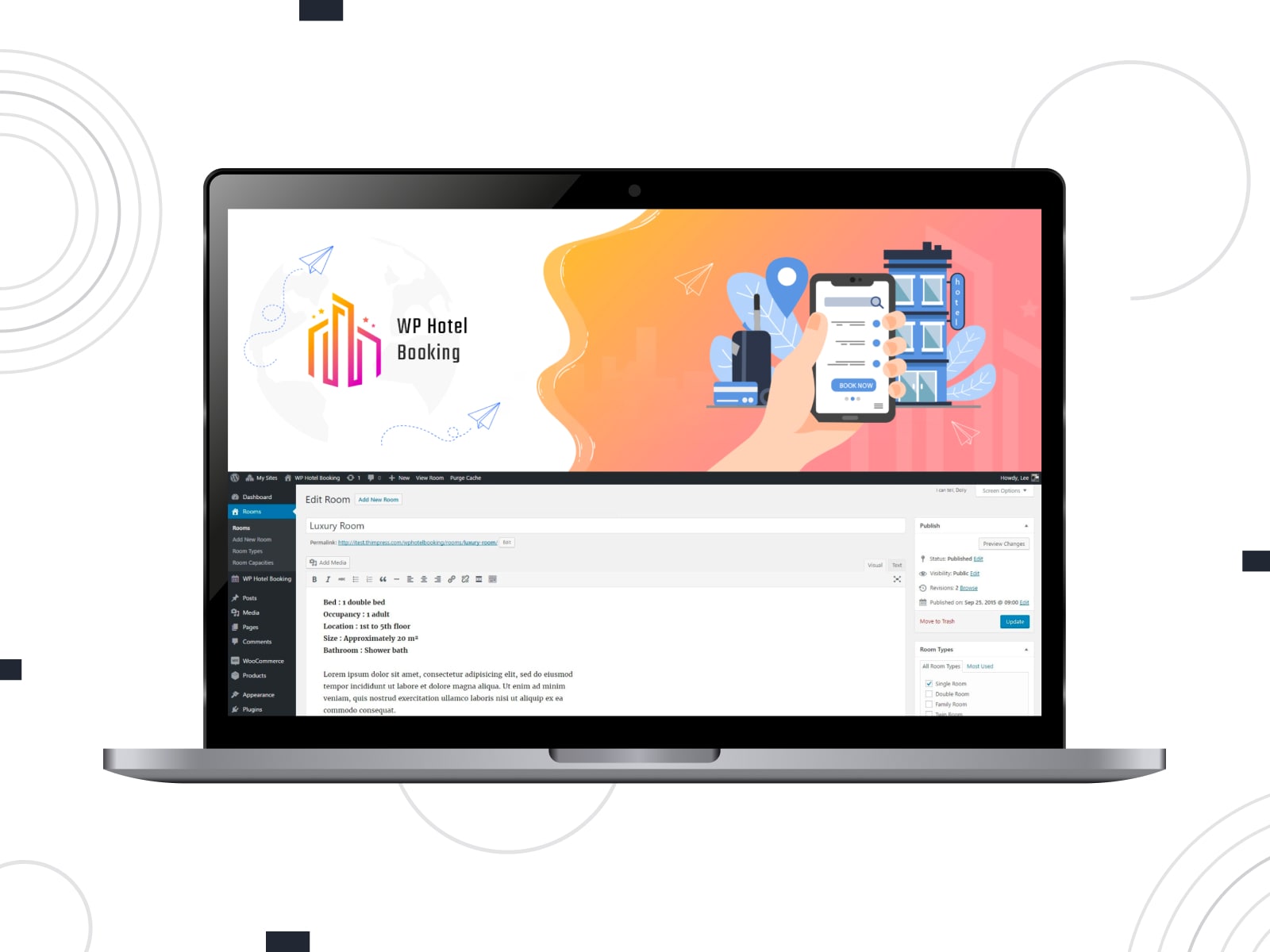
The WP Hotel Booking plugin is distributed as a free plugin on WordPress.org. Currently, it does not provide a premium upgrade version.
This means the plugin is available without licensing fees, but it also comes with limitations in terms of extended functionality, updates, and dedicated support.
Many additional capabilities are instead provided through premium themes by ThimPress, where the plugin is bundled with hotel website templates.
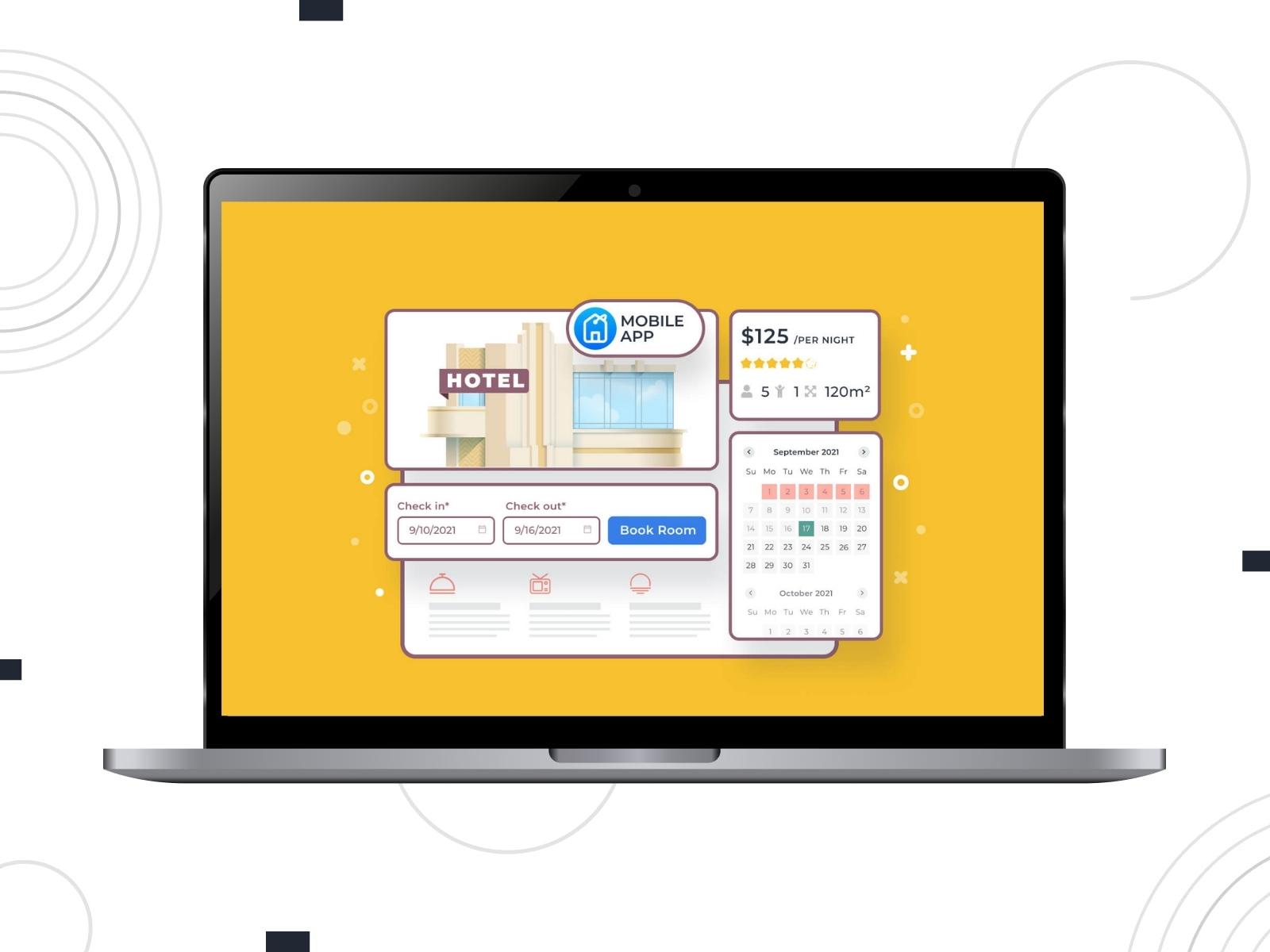
MotoPress Hotel Booking follows a freemium model. Users can start with a free version available and upgrade to premium plans when they need more advanced functionality.
MotoPress offers multiple pricing options including:
The premium version also unlocks additional capabilities not available in the free edition.
Limitations in the free version include:
Here is a detailed overview of MotoPress Hotel Booking pricing:
| Feature | Pricing |
|---|---|
| Annual Cost | 1 domain – $139 Up to 25 sites – $199 Annual Membership – $349:
|
| Lifetime Cost | 1 site – $499 Within Bundle – from $799 |
| Extensions | 10 addons (can be purchased separately or in one bundle at a discounted price) |
| Free Version | Yes |
| Free Trial | Yes, 7 days |
| Initial Configuration Service | Yes ($99-$179) |
A WordPress hotel booking plugin should allow property managers to configure accommodation types, manage availability, and automate booking workflows. Below we compare the main feature sets of WP Hotel Booking and MotoPress Hotel Booking:
| Feature | WP Hotel Booking | MotoPress Hotel Booking |
|---|---|---|
| Unlimited bookings | Yes | Yes |
| Unlimited accommodations | Yes | Yes |
| Room amenities | No | Yes |
| Image in description | Yes | Yes |
| Room capacity | Yes | Yes |
| Synchronization with OTAs and calendars | No | Yes |
| Sell extra services | Yes | Yes |
| Prices per person | No | Yes |
| Prices per night | No | Yes |
| Prices based on stay length | No | Yes |
| Availability calendar | Yes | Yes |
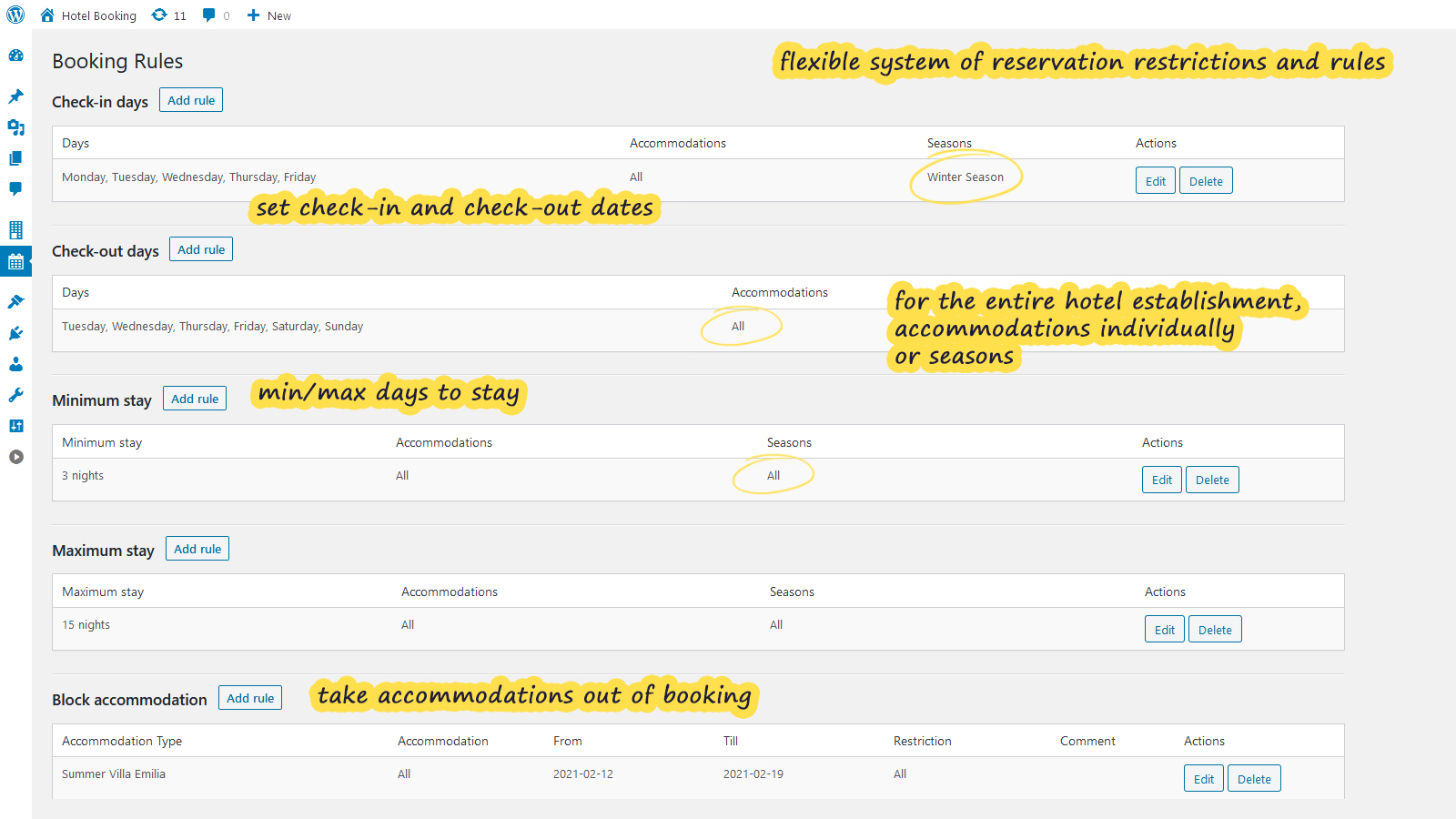
| Booking rules | Yes | Yes |
| Currencies | Yes | Yes |
| Add seasons | Yes | Yes |
| Multiple properties booked in one transaction | Yes | Yes |
| Search form | Yes | Yes |
| The ability to link accommodations | No | Yes |
| Featured list | Yes | No |
| Reviews | Yes | Yes (via Reviews addon) |
Handling online payments is a critical part of any WordPress booking plugin. Both plugins offer built-in payment options but differ in how extensive their payment ecosystems are.
| Payment Options | WP Hotel Booking | MotoPress Hotel Booking |
|---|---|---|
| Full and partial payments | Yes | Yes |
| Payment gateways |
|
|
| Payment on arrival | Yes | Yes |
| Deposits | Yes | Yes |
| Taxes & Fees | Yes | Yes |
| Balance payment notifications | No | Yes (Via Payment Request addon) |
| Discount coupons | Yes | Yes |
| Currency converter | No | Yes (Via Multicurrency addon) |
| Invoices | No | Yes (Via PDF Invoices addon) |
| Customize payment methods at checkout based on the property | No | Yes (with Accommodation Payments add-on) |
| Transaction fee | No | Yes |
| Security deposit | No | No |
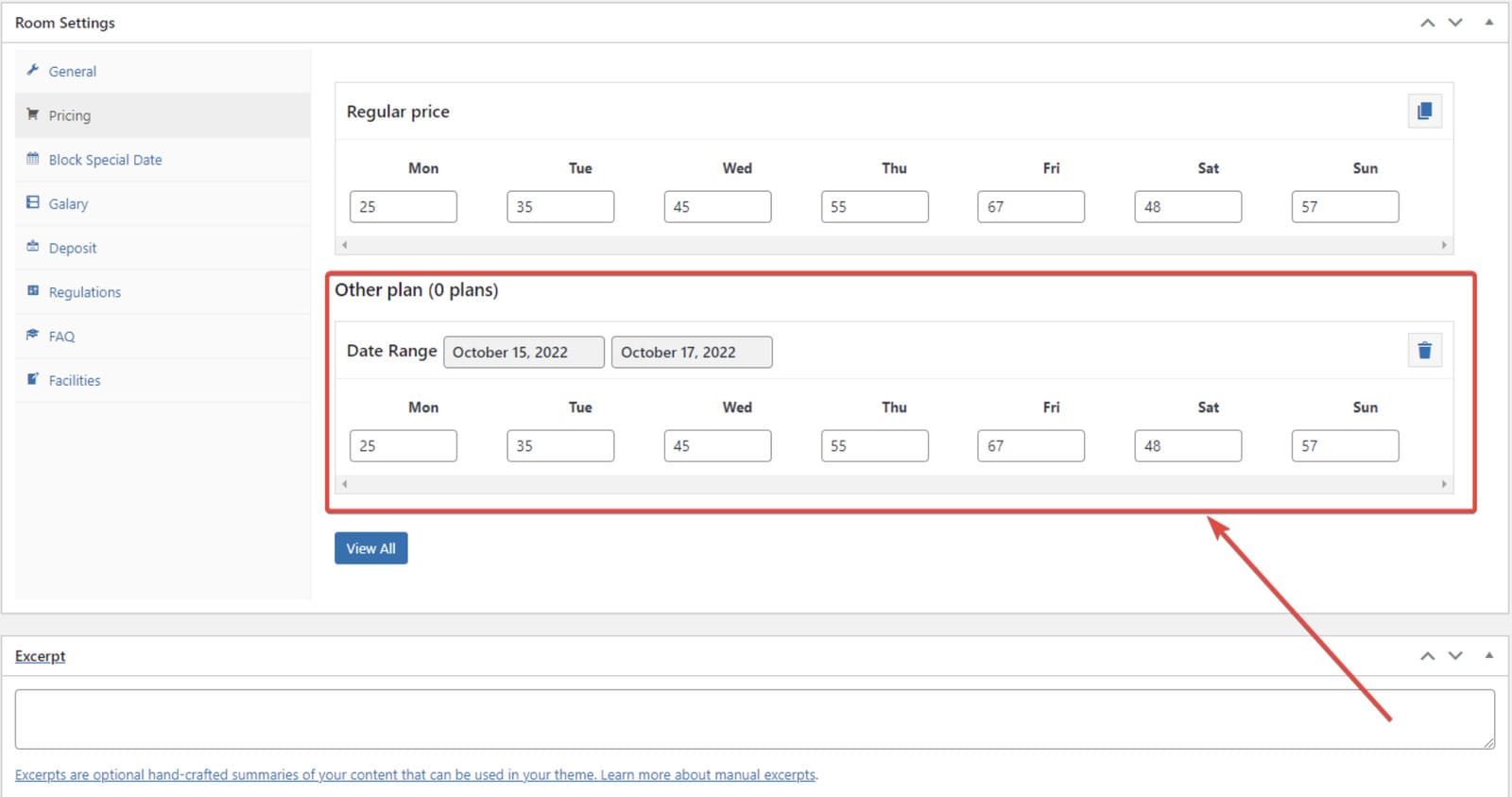
The booking form is one of the most visible elements of a hotel booking WordPress plugin, as it directly affects how guests search for accommodations and complete reservations.
Let’s examine how both plugins approach the booking interface.
WP Hotel Booking provides basic search and booking form templates that can be used to display room availability and allow guests to make reservations.
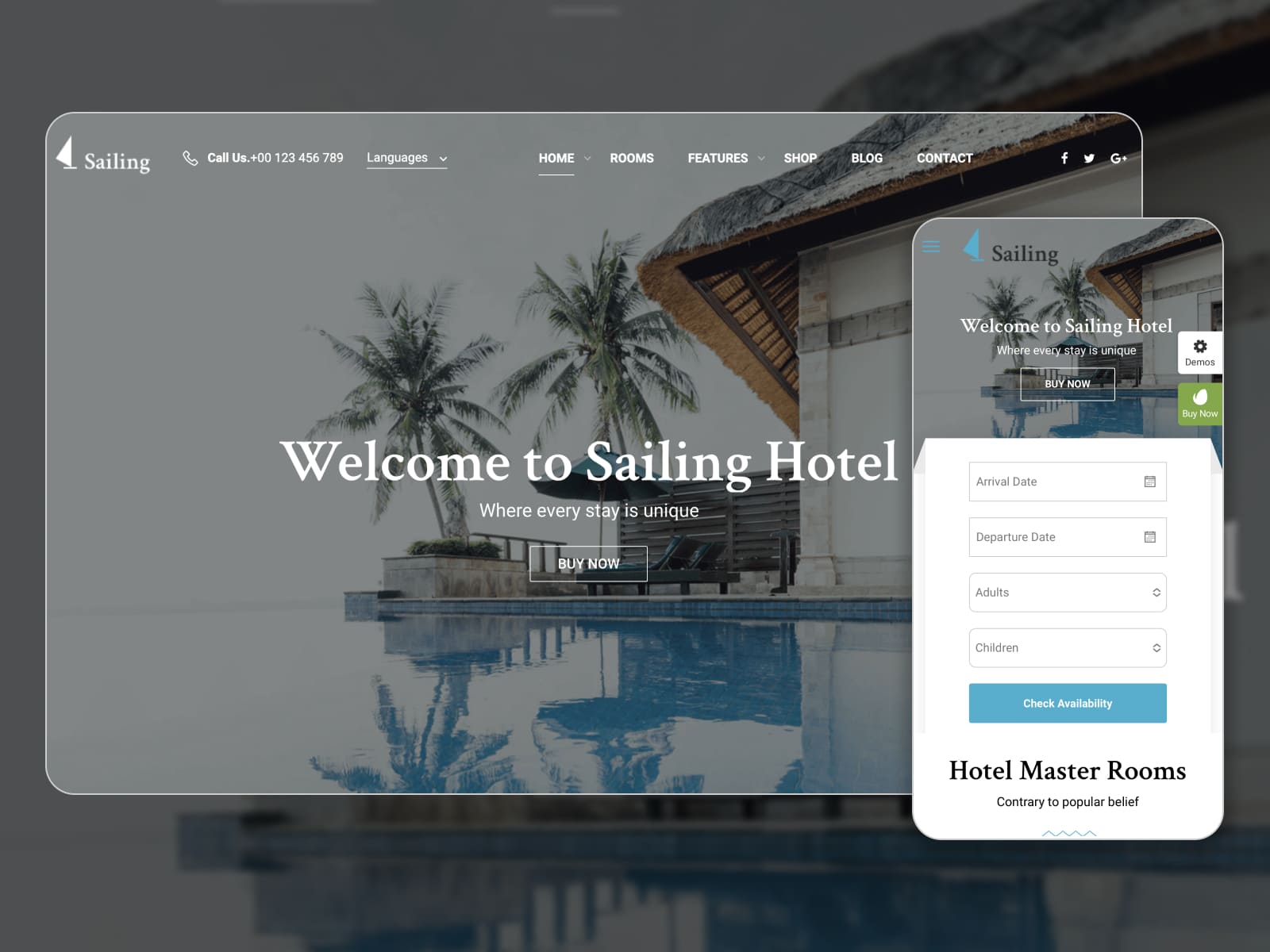
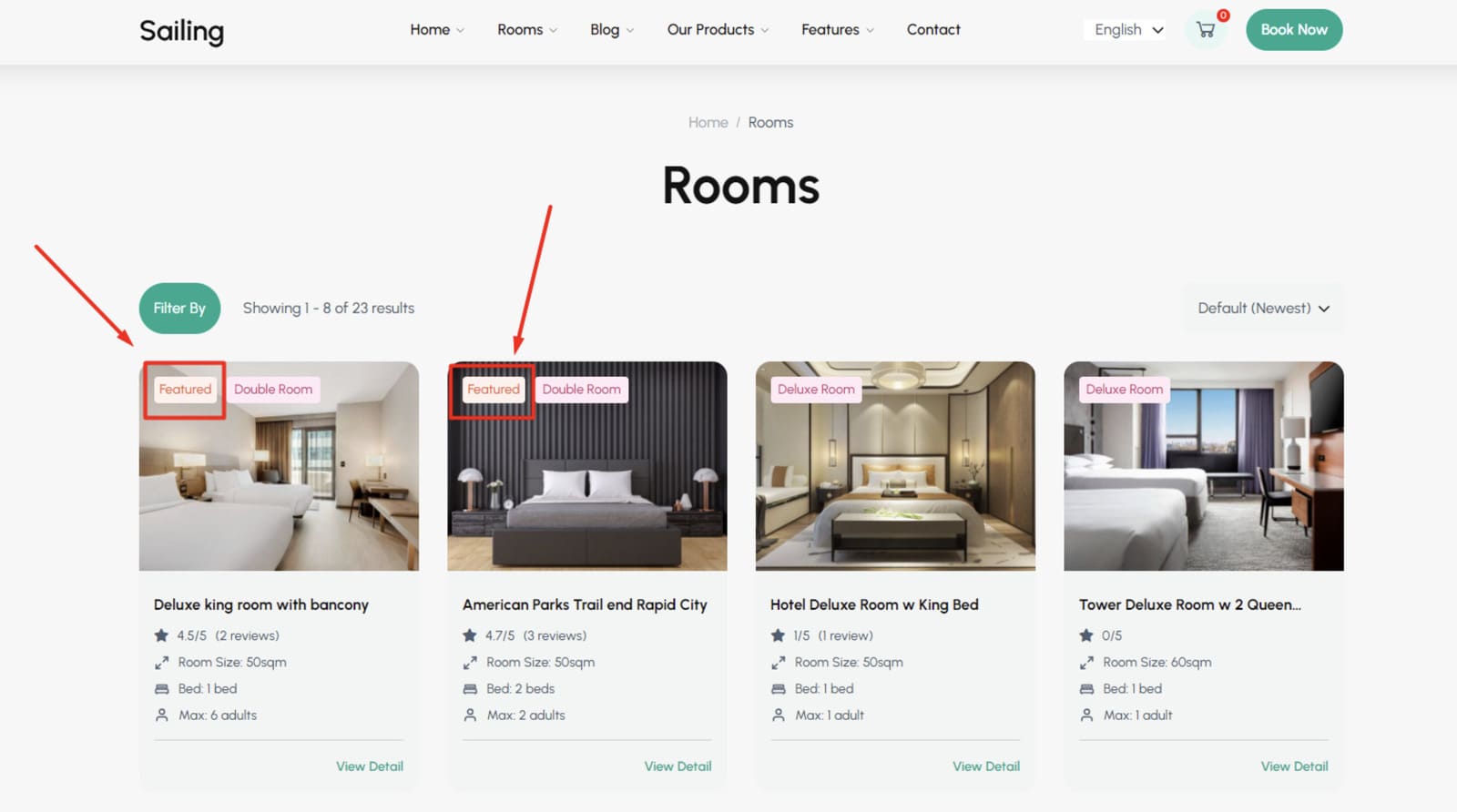
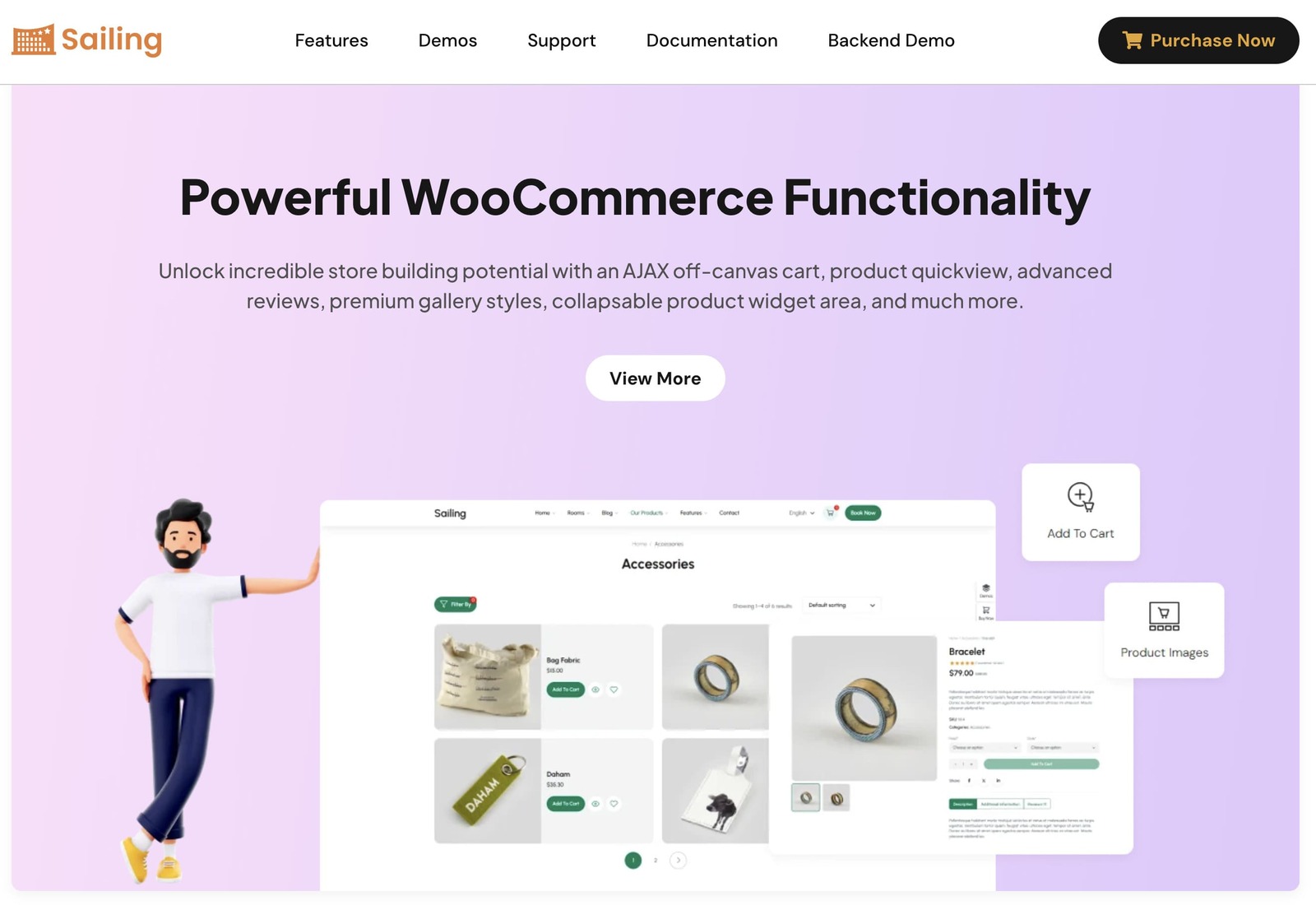
However, the plugin is primarily designed to work with premium ThimPress hotel themes, which include ready-made booking pages and layouts. Two notable examples are:
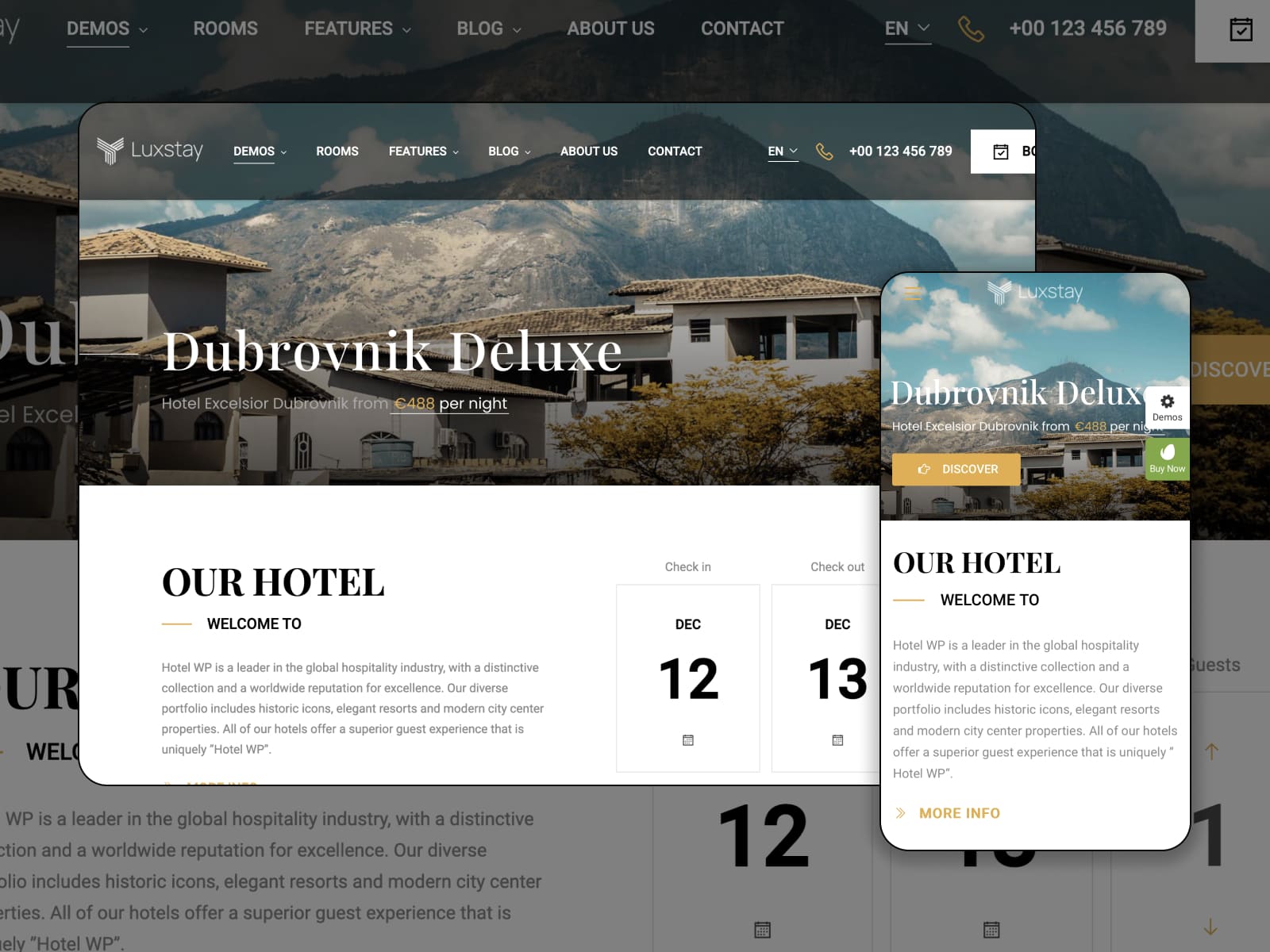
These themes already include styled booking forms and accommodation pages, reducing the need for manual layout design.
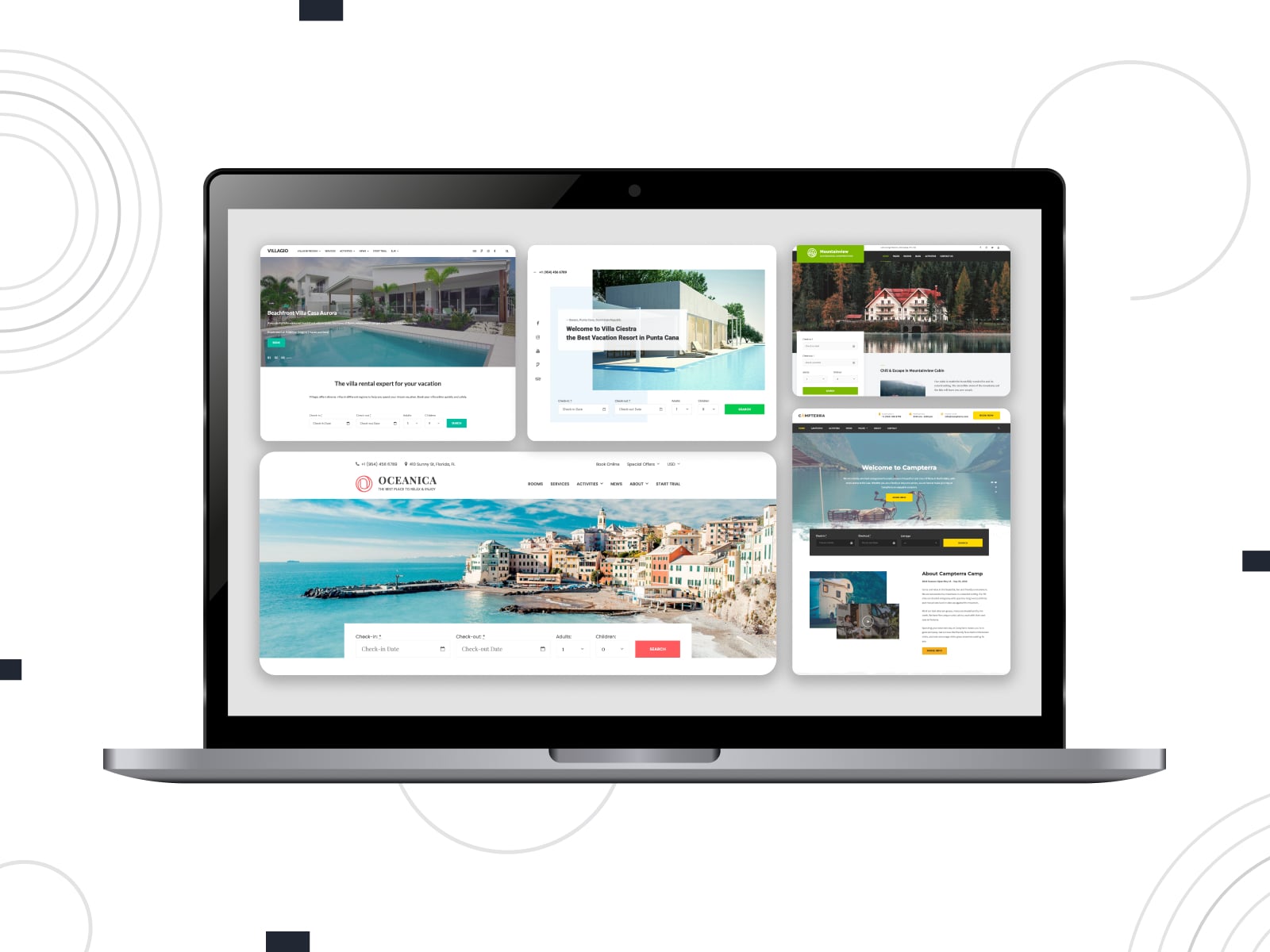
The booking form provided by MotoPress Hotel Booking is designed to integrate smoothly with most WordPress themes.
Key characteristics include:
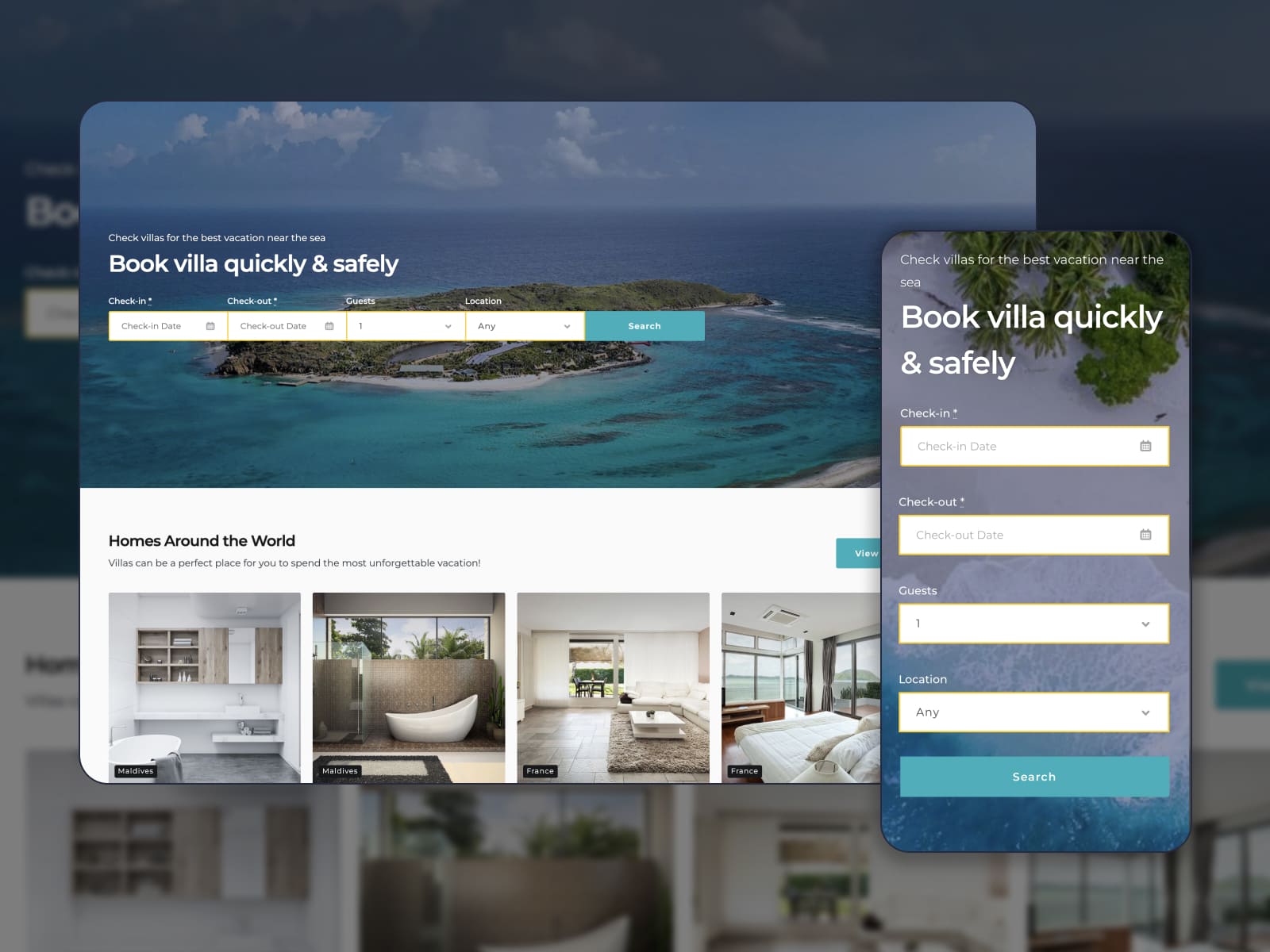
MotoPress also develops its own vacation rental themes that include the Hotel Booking plugin for free. These themes come with professionally designed booking forms and room pages to launch a property website quickly.
Automated communication is essential for a WordPress room booking plugin to keep admins and guests informed throughout the booking lifecycle. Let’s compare notification systems of the compared plugins:
| Feature | WP Hotel Booking | MotoPress Hotel Booking |
|---|---|---|
| Automated email notifications | Yes | Yes |
| Automated SMS notifications | No | No |
| Branded emails | No | Yes |
| Email templates | Yes | Yes |
| Event-driven emails | No | Yes (via Notifier addon) |
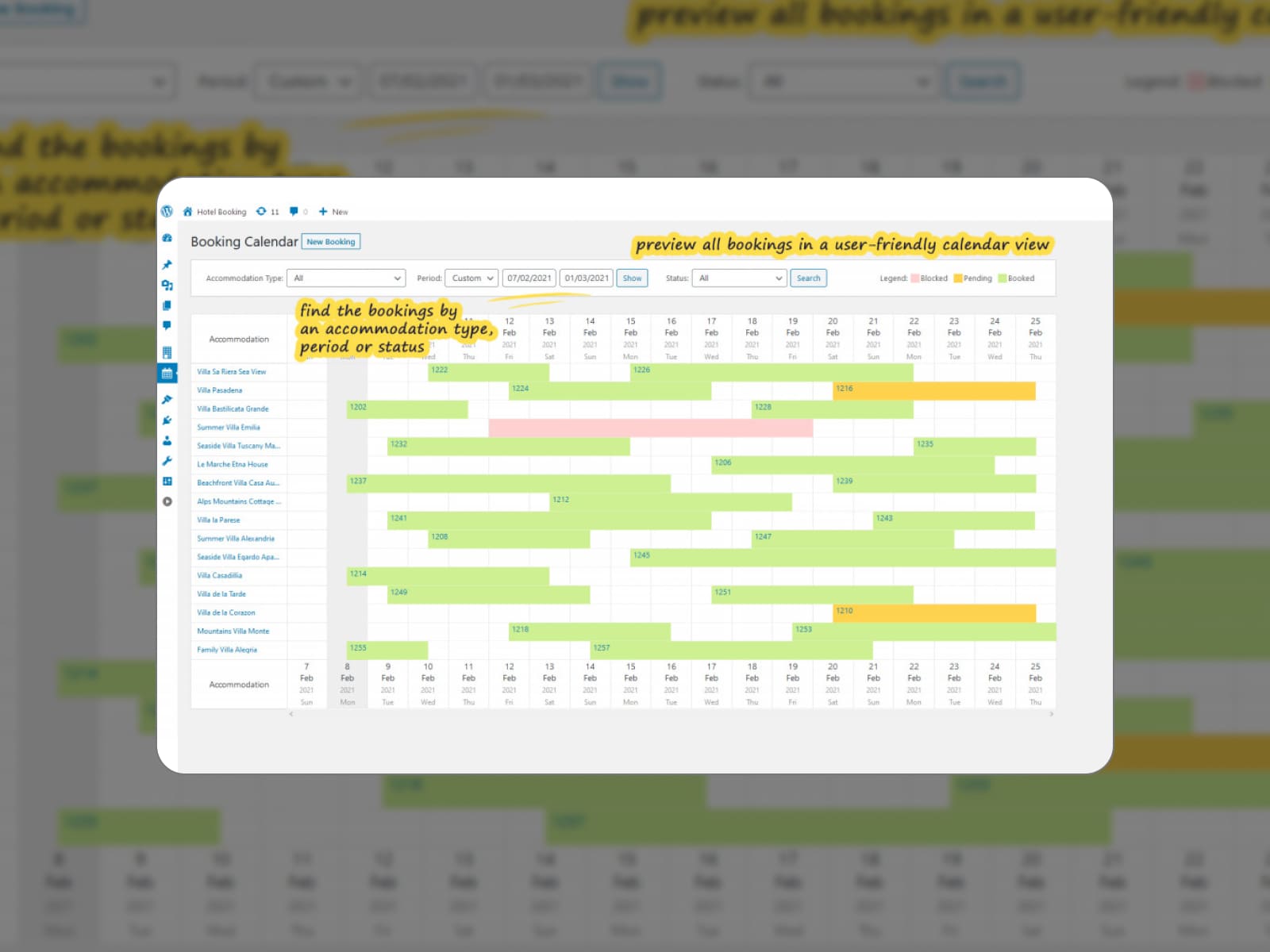
What management tools do you get with each WordPress hotel reservation plugin to handle reservations, monitor occupancy, and generate reports?
| Feature | WP Hotel Booking | MotoPress Hotel Booking |
|---|---|---|
| Add bookings manually | Yes | Yes |
| Centralized booking calendar | Yes | Yes |
| Export/import bookings | No | CSV |
| Analytical reports | Yes | Yes |
| Custom user roles | Yes (Hotel Manager and Booking Editor) | Yes (Hotel Manager and Hotel Worker) |
| Mobile application | No | Yes |
Modern hotel websites often rely on external tools for payments, channel management, marketing automation, and pricing optimization. How does each hotel booking WP plugin integrate with these services?
| Services and apps | WP Hotel Booking | MotoPress Hotel Booking |
|---|---|---|
| OTAs and calendars | No | Yes |
| WooCommerce | Yes | Yes (via WooCommerce add-on) |
| PriceLabs | No | Yes (via PriceLabs integration add-on) |
| MailChimp | No | Yes (via MailChimp addon) |
| WPML | Yes | Yes |
| Page builders | Elementor and Visual Composer | Block editor, Elementor, and Divi |
Multilingual support is essential for hospitality businesses that serve international travelers.
WP Hotel Booking supports multiple languages through Loco Translate and provides a dedicated WP Hotel Booking WPML Support plugin.
MotoPress Hotel Booking is translated into 18 languages and officially tested for compatibility with WPML. Users can also manage translations using plugins such as Loco Translate, Weglot, or other localization tools.
When choosing a WordPress booking plugin, the winner depends on the scale of your accommodation business and how many automation tools you need.
WP Hotel Booking is primarily designed to complement ThimPress hotel themes with a simple booking workflow. MotoPress Hotel Booking operates as a standalone booking system with a wider set of tools for managing accommodations, pricing rules, and integrations.
Let’s summarize the key advantages that distinguish each plugin.
Pros of WP Hotel Booking over MotoPress Hotel Booking:
Pros of MotoPress Hotel Booking over WP Hotel Booking:
So, which WordPress hotel booking plugin fits your project better? Share your thoughts in the comments!
Disclosure: this article may contain affiliate links for third-party products. If you click a link and later make a purchase, we may earn an affiliate commission that doesn’t result in additional charges to you.
How to build a hotel booking website with WordPress?
To build a hotel booking website with WordPress, you typically need a domain and hosting, a WordPress theme suitable for hospitality websites, and a hotel booking plugin that manages reservations. After installing the plugin, you can create accommodation types, configure availability calendars, set pricing rules, and add booking forms to your pages.
Is there MotoPress Hotel Booking free?
Yes. MotoPress offers a free version of the Hotel Booking plugin available on WordPress.org. It includes core booking functionality such as accommodation management, availability calendars, and basic reservation handling. Premium plans unlock advanced features like OTA synchronization, additional payment gateways, and extended booking management tools.
Can WordPress hotel booking plugins sync with Airbnb or Booking.com?
Some plugins support synchronization with OTAs through iCal calendar exchange. For example, MotoPress Hotel Booking allows automatic availability synchronization with platforms like Airbnb and Booking.com to prevent double bookings.
Can I use a hotel booking plugin with Elementor?
Yes. Many modern plugins support page builders. MotoPress Hotel Booking integrates with Elementor, the Block Editor, and Divi, while WP Hotel Booking often works with Elementor through ThimPress themes such as Sailing.
此内容由惯性聚合(RSS阅读器)自动聚合整理,仅供阅读参考。 原文来自 — 版权归原作者所有。