









Up in this release: More ways to create videos and better workflow!
Announcing the official @remotion/lottie package, including a typesafe component and extensive documentation.
With Lottie, you can import thousands of premade animations from LottieFiles and we even made a guide on how to import animations created in After Effects!
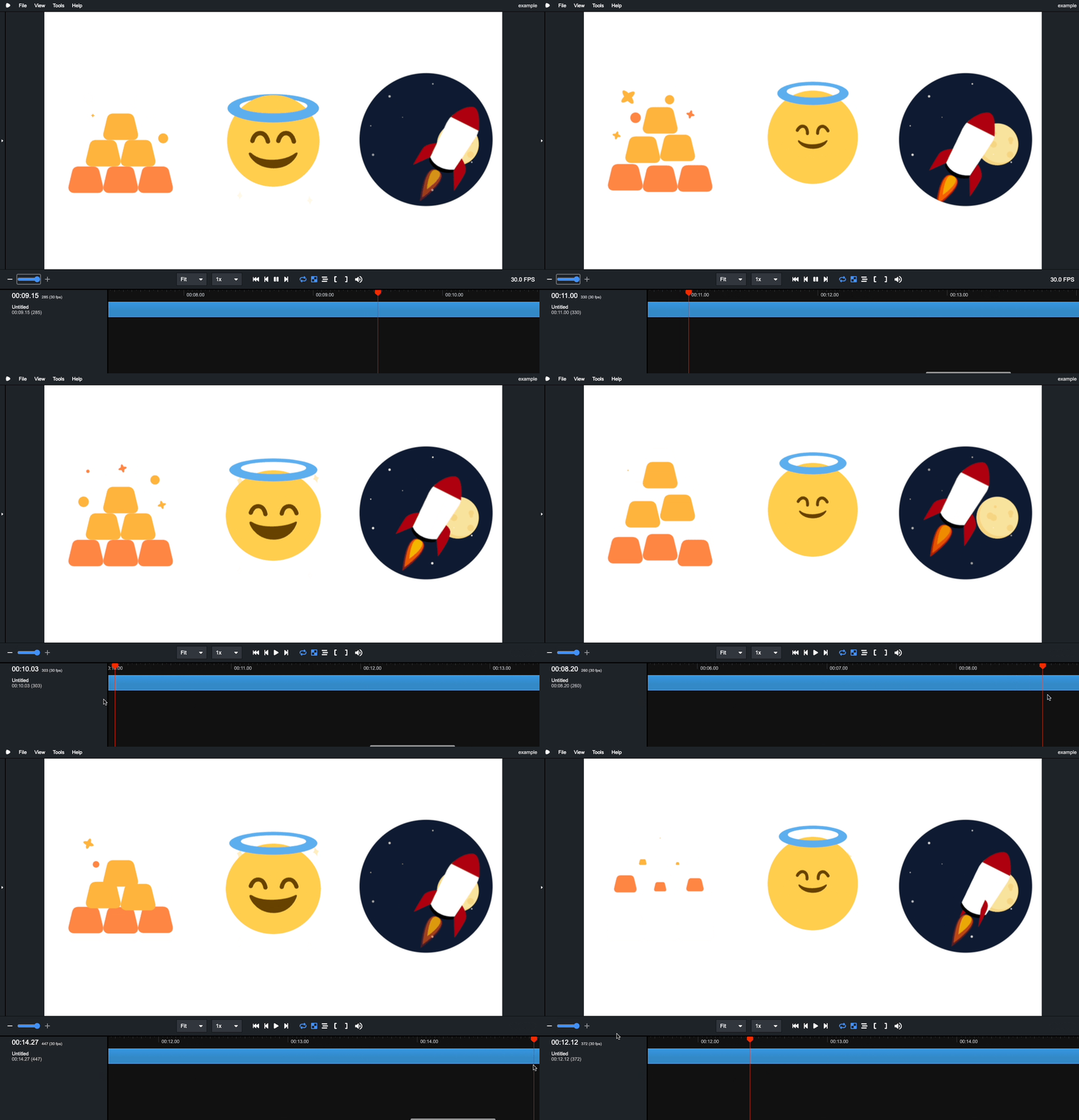
Animations from Lottiefiles embedded in Remotion: 1, 2, 3
To get started, install @remotion/lottie into your Remotion project and import the <Lottie> component:
Thanks to Arthur Denner for implementing this feature!
Using the @remotion/skia package, you can now use React Native Skia in Remotion! Thanks to our collaborators William Candillon and Christian Falch, Remotion is now a first-class target for React Native Skia.

Check out the epic announcement video, read the docs and make your first video using:
Our timeline has some new features that make it behave more like traditional video editors. You can now zoom in and out of the timeline to better focus on a certain section of a video. When playing the video, the timeline moves along with the cursor. Scrubbing with the cursor or keyboard will also scroll the timeline so the cursor is always in the viewport.
The other new timeline feature is that there are now ticks that appear every second, and when zoomed in, smaller ticks that denote the positions of a single frame. This should help you orient yourself when you are asking yourselves at which point of the video you are at.
You can now explicitly drop the audio of a video by passing --muted in the render. Videos that include no audio are now faster because we don't include a silent audio track anymore (use --enforce-audio-track to get the old behavior).
Renders that are audio only are now faster because Remotion will not wait for the video tags to seek.
Renders that are only video are now faster because no assets need to be downloaded to be included in the audio track.
privacy: "no-acl" option if you are rendering into a bucket that has the ACL feature disabled.downloadBehavior prop which makes it that when a output file link gets clicked in the browser, it will download instead of play in the browser.npx remotion render command is not necessary anymore, it will default to out/{composition-id}.{extension} now.<Player> has a new moveToBeginningWhenEnded prop that determines if the player moves back to the beginning when the video has reached the end and is not looping.<Player> has a new fullscreenchange event that allows you toclassName to the <Player>.staticFile("../my-file.png") or staticFile("https://example.com")s3:ListBucket permission for the bucket you are rendering into is missing..gif to the <Img> component.renderMediaOnLambda() inside another serverless function and AWS credentials are conflictingpublic or private.<Player> now works correctly in React 18 strict mode.npx remotion commands outside of the project root now works.Open in VS Code now works if the code command is not installed.<Video>'s.remotion to @remotion/cli, which makes the remotion package 30% smaller.jest to vitest for some packages.puppeteer-core and chalk dependencies have been inlined.此内容由惯性聚合(RSS阅读器)自动聚合整理,仅供阅读参考。 原文来自 — 版权归原作者所有。