







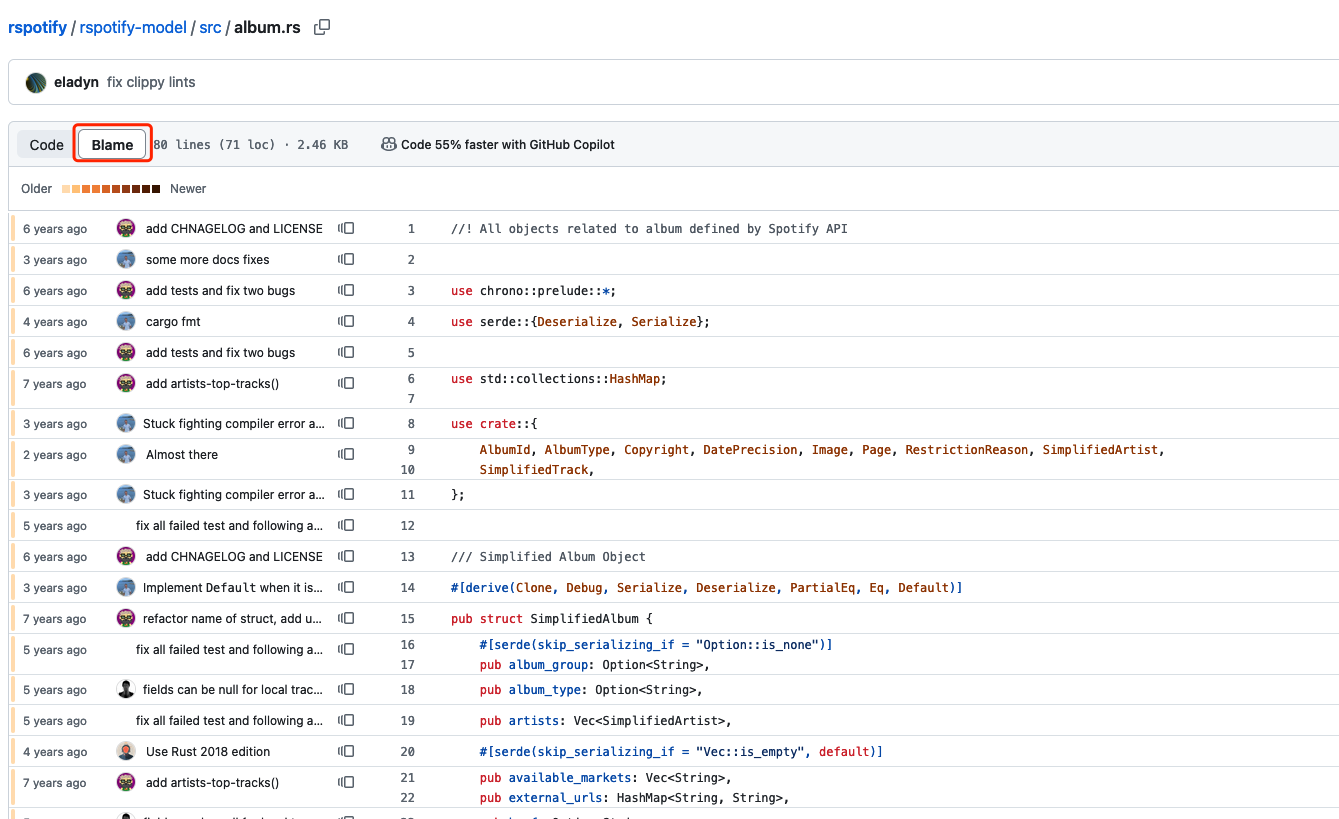
Developers usually use git blame in GUI tools like GitHub Blame
or using GitLens blame in VSCode:
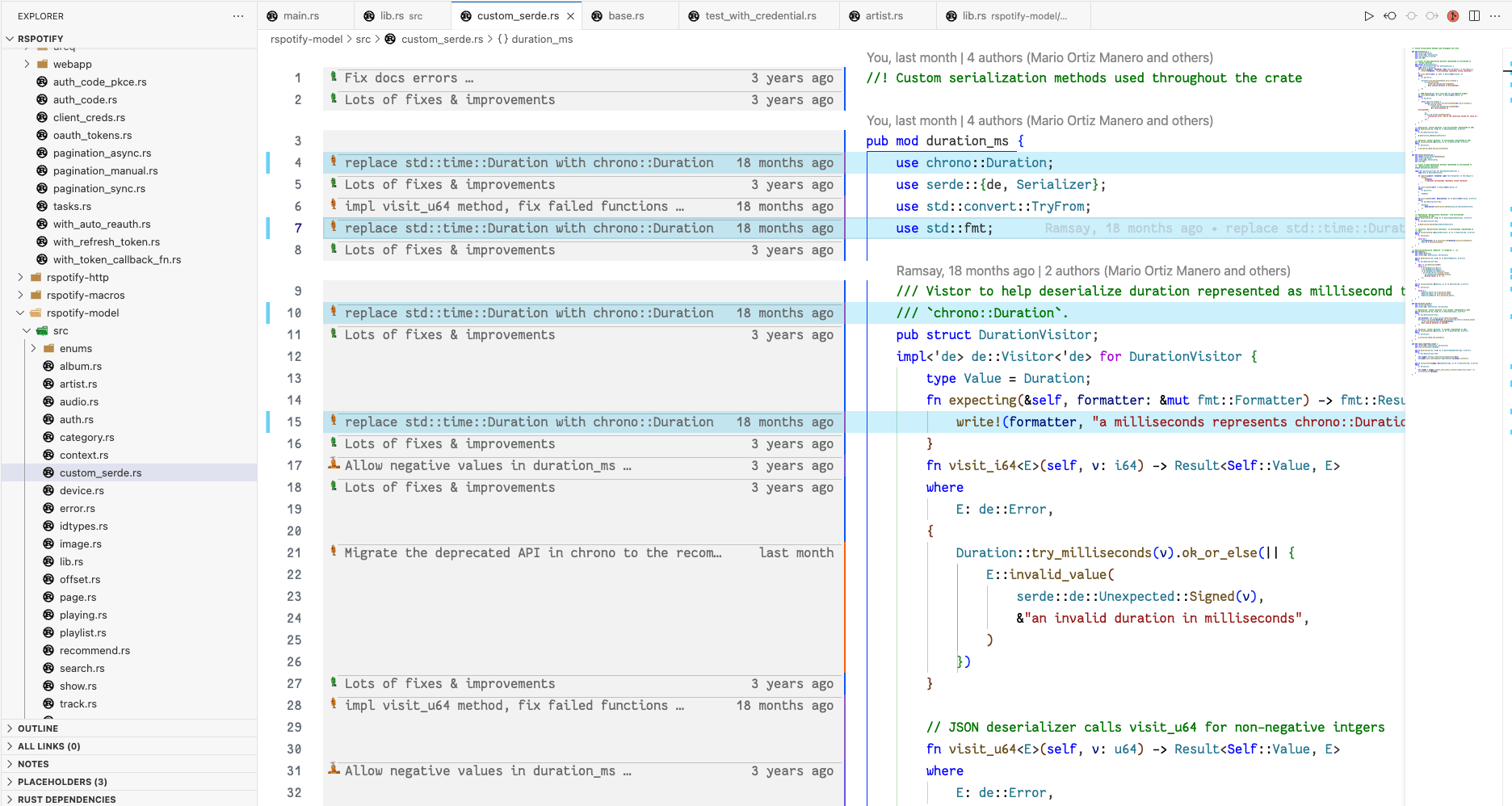
Even though GUI tools is intuitive, but the Git CLI has much more powerful tooling for finding something closer to the real story behind your code.
There are many scenarios that CLI is valuable, the first is ignoring the whitespace changes.
For example, if you formatted your C++ codebase with clang-format or Javascript codebase with prettier, you haven’t actually changed the codebase, but you’re the owner of tons of lines of code.
The git blame -w option will ignore these type of whitespace changes.
The other great option is -C which will look for code movement between files in a commit.
For example, if you refactor a function from one file to another, the normal git blame will simply show you as the author in the new file, but the -C option will follow that movement and show the last person who actually change those lines of code.
-C is extremely helpful when I need to find out the original author of some lines of code after file renames or refactors, to know more about the background and context behind this code
According to the git blame doc, you could pass -C up to three times to ask Git try even harder:
| |
(it’s a bit of odd design)
Let’s take the access.rb file of ActiveModel module in Rails framework for example:
| |
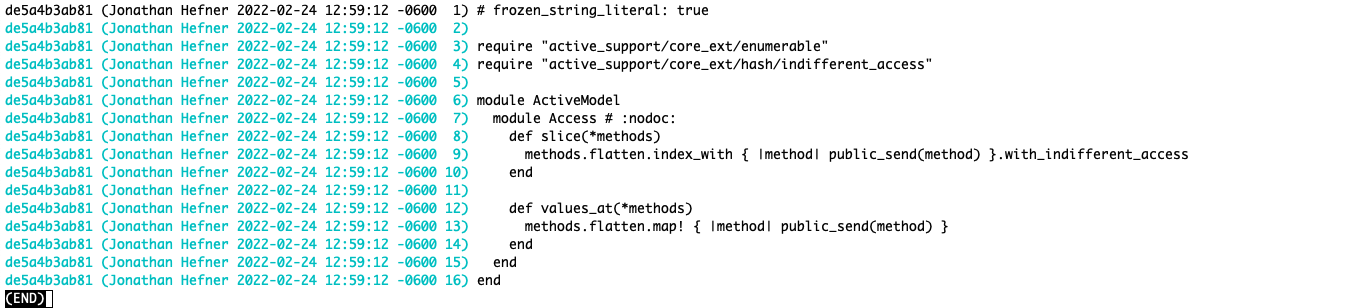
Figure 1: Vanilla git blame
Ok, it looks like Jonathan Hefner wrote all of this code it appears, let’s look at the same code with git blame -w -C -C -C activemodel/lib/active_model/access.rb

Figure 2: git blame -w -C -C -C
Now we can see that Git has followed this code from file to file over the course of multiple renames, it turns out Jonathan Hefner is the most recent file renamer, Guillermo Iguaran is the original author.
If we want to know the history about this file, it’s much better to ask Guillermo rather than Jonathan, which is beyond what the GUI blame or normal Git blame tool reveals
此内容由惯性聚合(RSS阅读器)自动聚合整理,仅供阅读参考。 原文来自 — 版权归原作者所有。