





I’ve been hinting on X/Twitter about my use of the Daylight DC-1 as a programming environment, and after about a year of use, it’s time to write about it in longer form. This isn’t a full product review, but rather an experience report on coding in sunlight. It’s also about the Boox Tab Ultra – which has a different type of display – and how it compares to the DC-1 for my use cases.
This is not a sponsored post.
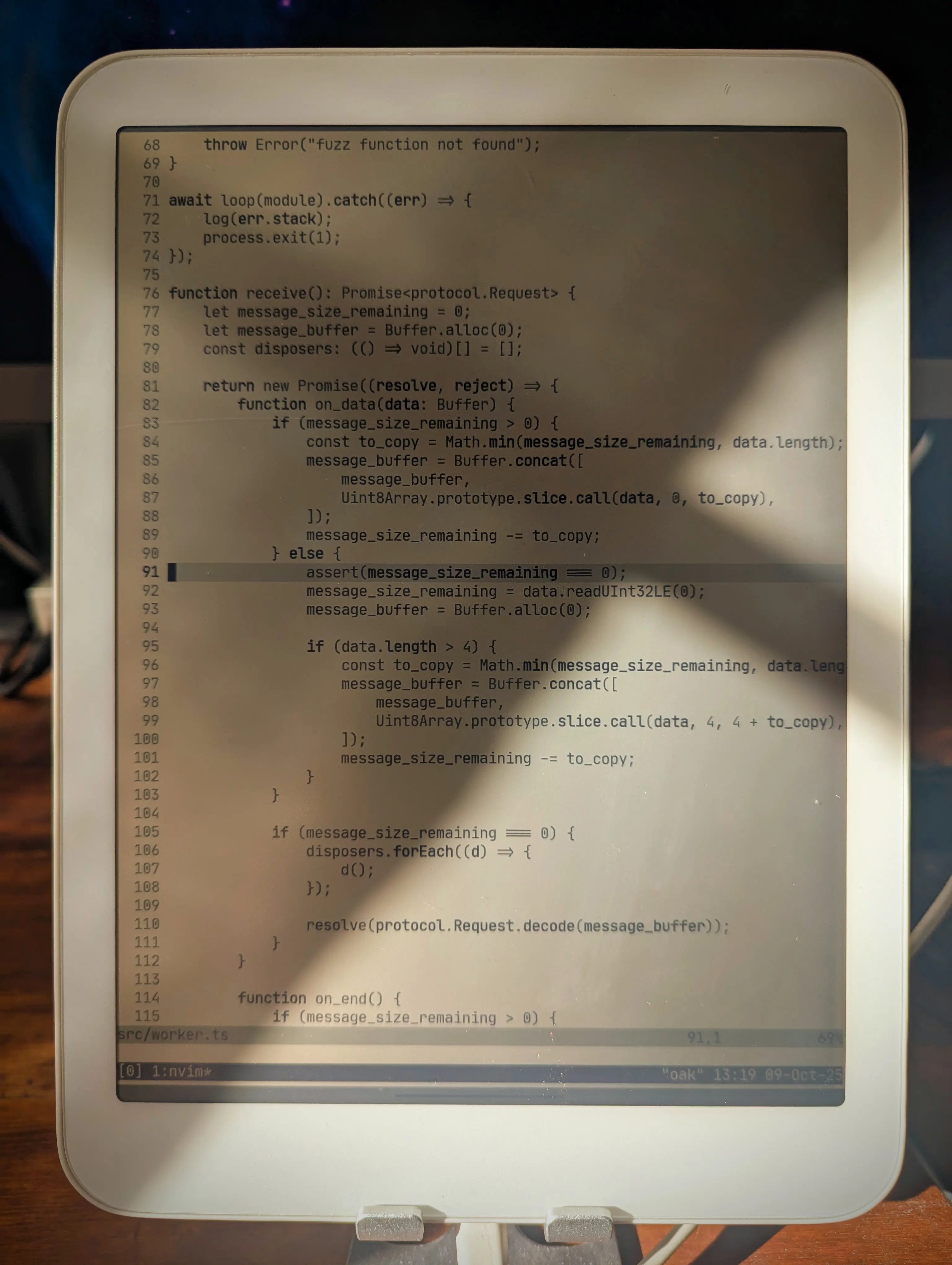
Why do I even bother, you might ask? Sunlight makes me energetic and alert, which I need when I work. Living in the Nordics, 50% of the year is primarily dark, so any direct daylight I can get becomes really important. I usually run light mode on my Framework laptop during the day, but working in actual daylight with these displays, or plain old paper, is even better.
Here are the main components of this coding environment:
aptI use a slimmed-down version of my regular dotfiles,
because this setup doesn’t use Nix. I’ve manually installed Neovim,
tmux, and a few other essentials, using the package manager that comes
with Termux. I’ve configured Termux to not show its virtual keyboard
when a physical keyboard is connected (the Bluetooth keyboard). The
Termux theme is “E-Ink” and the font is JetBrains Mono, all built into
Termux. Neovim uses the built-in quiet colorscheme for
maximum contrast.
Certain work requires a more capable environment, and in those cases I connect to my workstation using SSH and run tmux in there. For writing or simpler programming projects (I’ve even done Rust work with Cargo, for instance), the local Termux environment is fine.
Sometimes I want to go really minimalist, so I hide the tmux status
bar and run Goyo in
Neovim. Deep breaths. Feel the fresh air in your lungs. This is
especially nice for writing blog posts like this one.
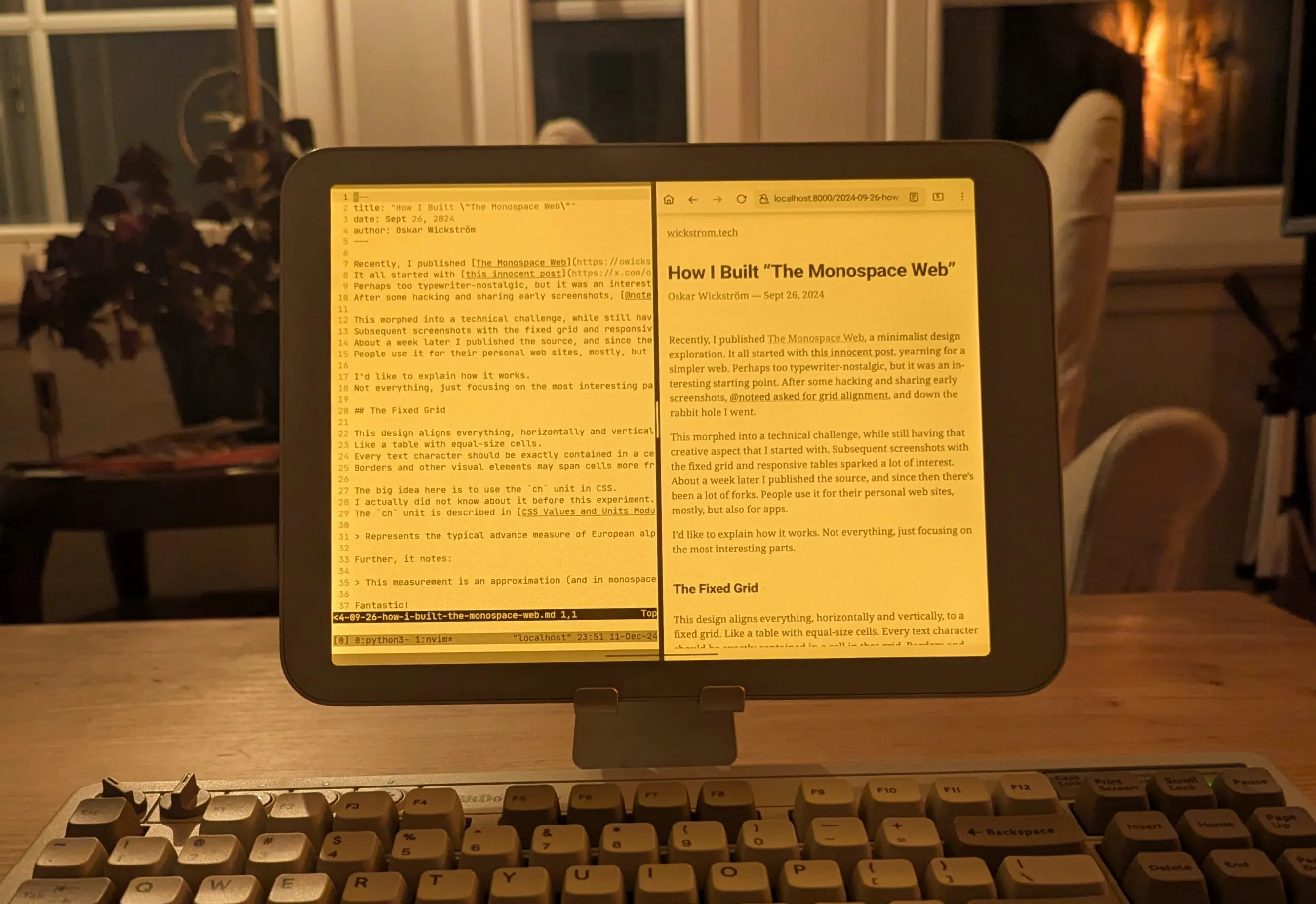
My blog editing works locally in Termux, with a live reloading Chrome in a split window, here during an evening writing session with the warm backlight enabled:
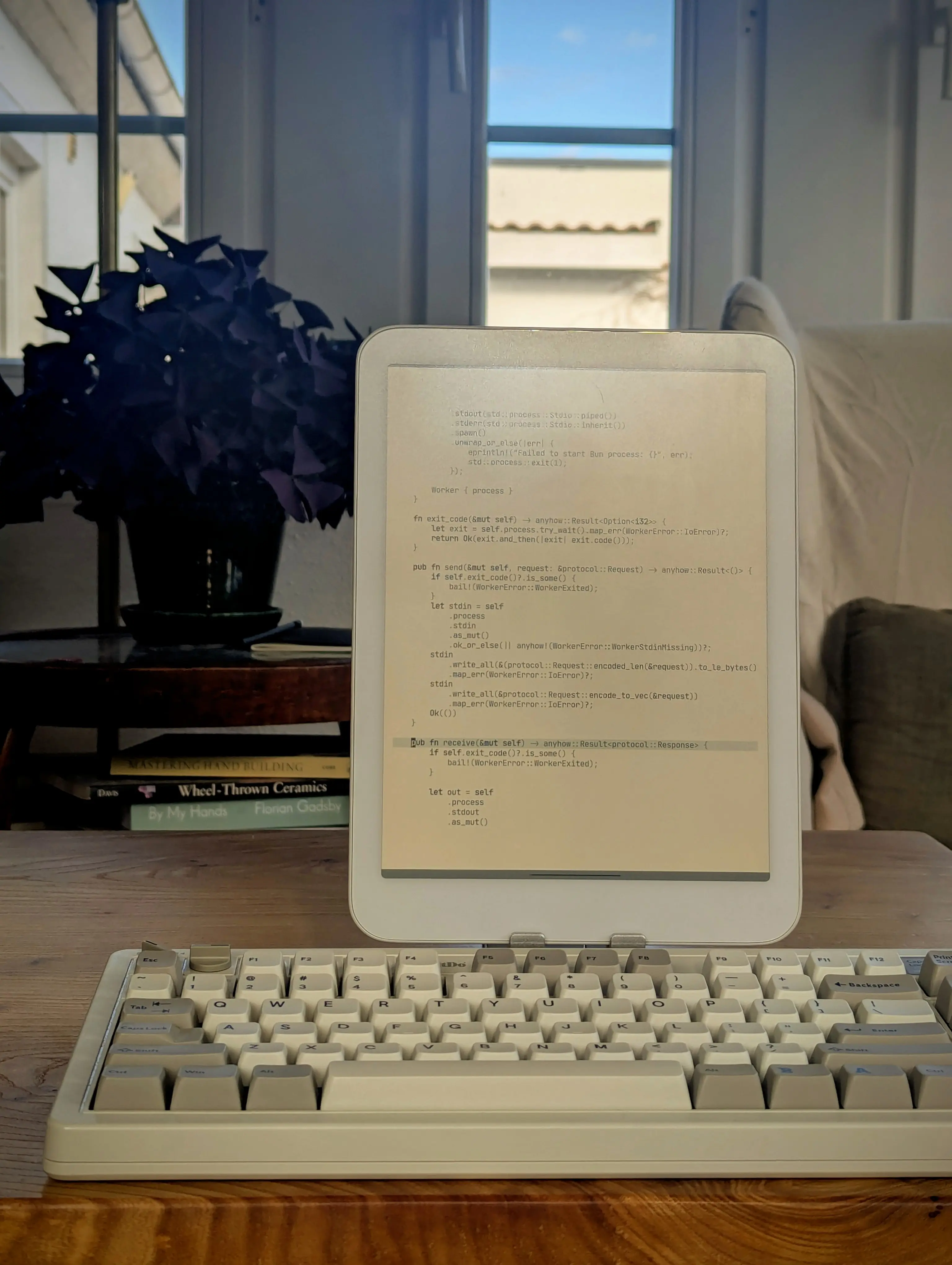
There’s the occasional Bluetooth connection problem with the 8BitDo keyboard. I also don’t love the layout, and I’m considering getting the Kinesis Freestyle2 Blue instead. I already have the wired version for my workstation, and the ergonomics are great.
What about the Boox? I’ve had this device for longer and I really like it too, but not for the same tasks. The E-Ink display is, quite frankly, a lot nicer to read on; EPUB books, research PDFs, web articles, etc. The 227 PPI instead of the Daylight’s 190 PPI makes a difference, and I like the look of E-Ink better overall.
However, the refresh rate and ghosting make it a bit frustrating for typing. Same goes for drawing, which I’ve used the Daylight for a lot. Most of my home renovation blueprints are sketched on the Daylight. The refresh rate makes it possible.
When reading at night with a more direct bedside lamp, often in combination with a subtle backlight, the Boox is much better. The Daylight screen can glare quite a bit, so the only option is backlight only. And at that point, a lot of the paperlike quality goes away.
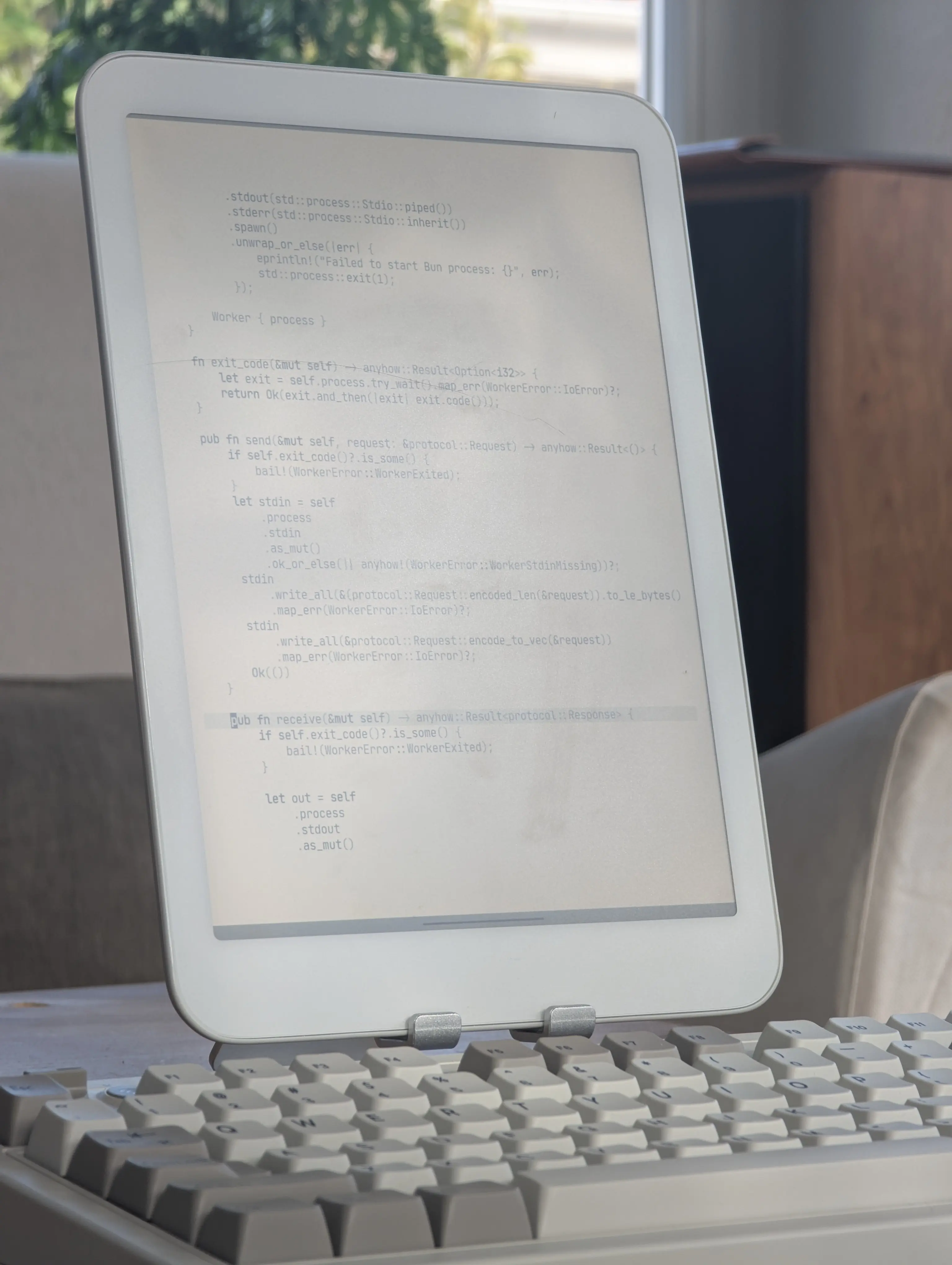
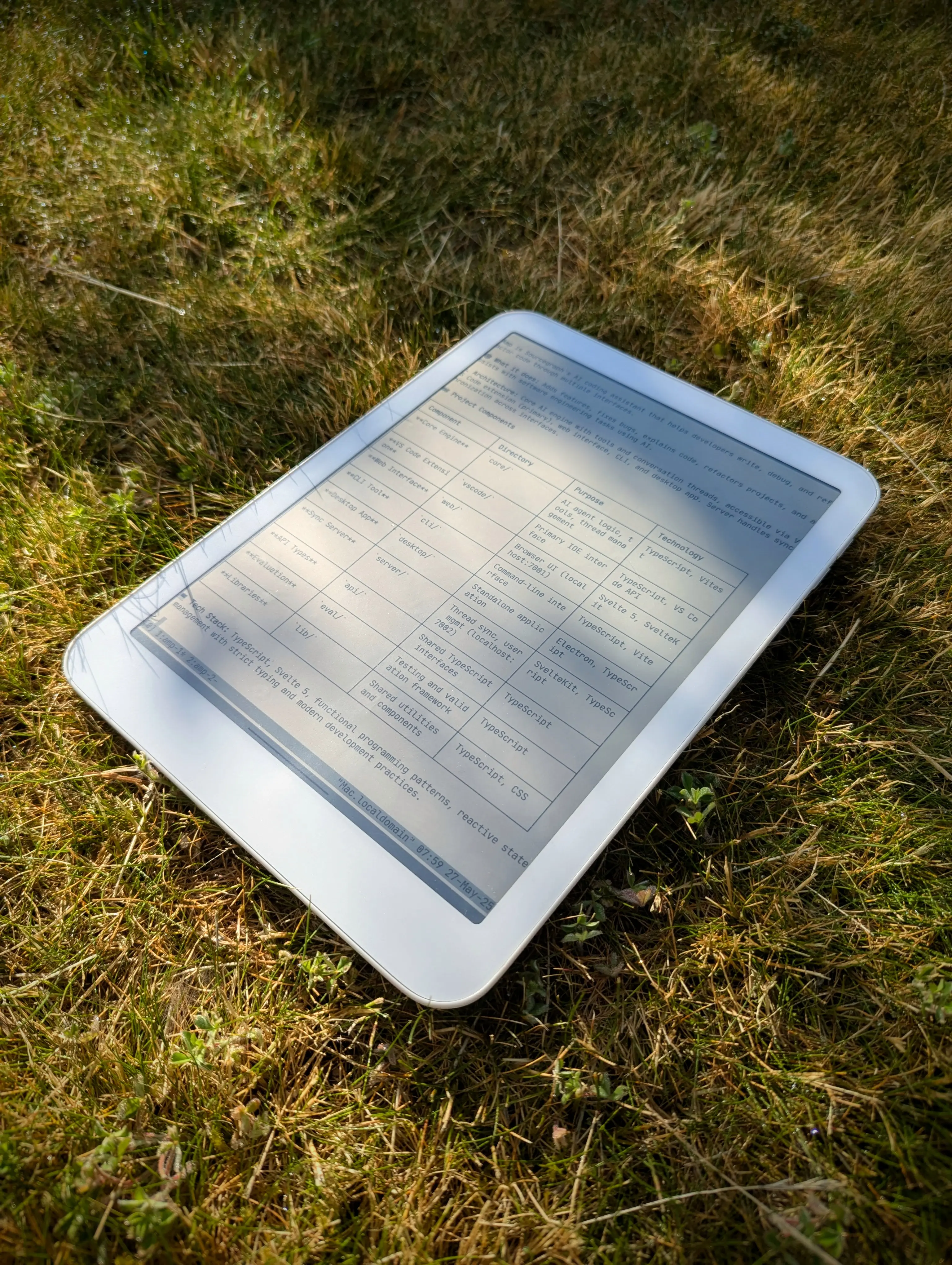
You can also get some glare when there’s direct sunlight at a particular angle:
Even if I don’t write or program directly on the Boox, I’ve experimented with using it as a secondary display, like for the live reload blog preview:
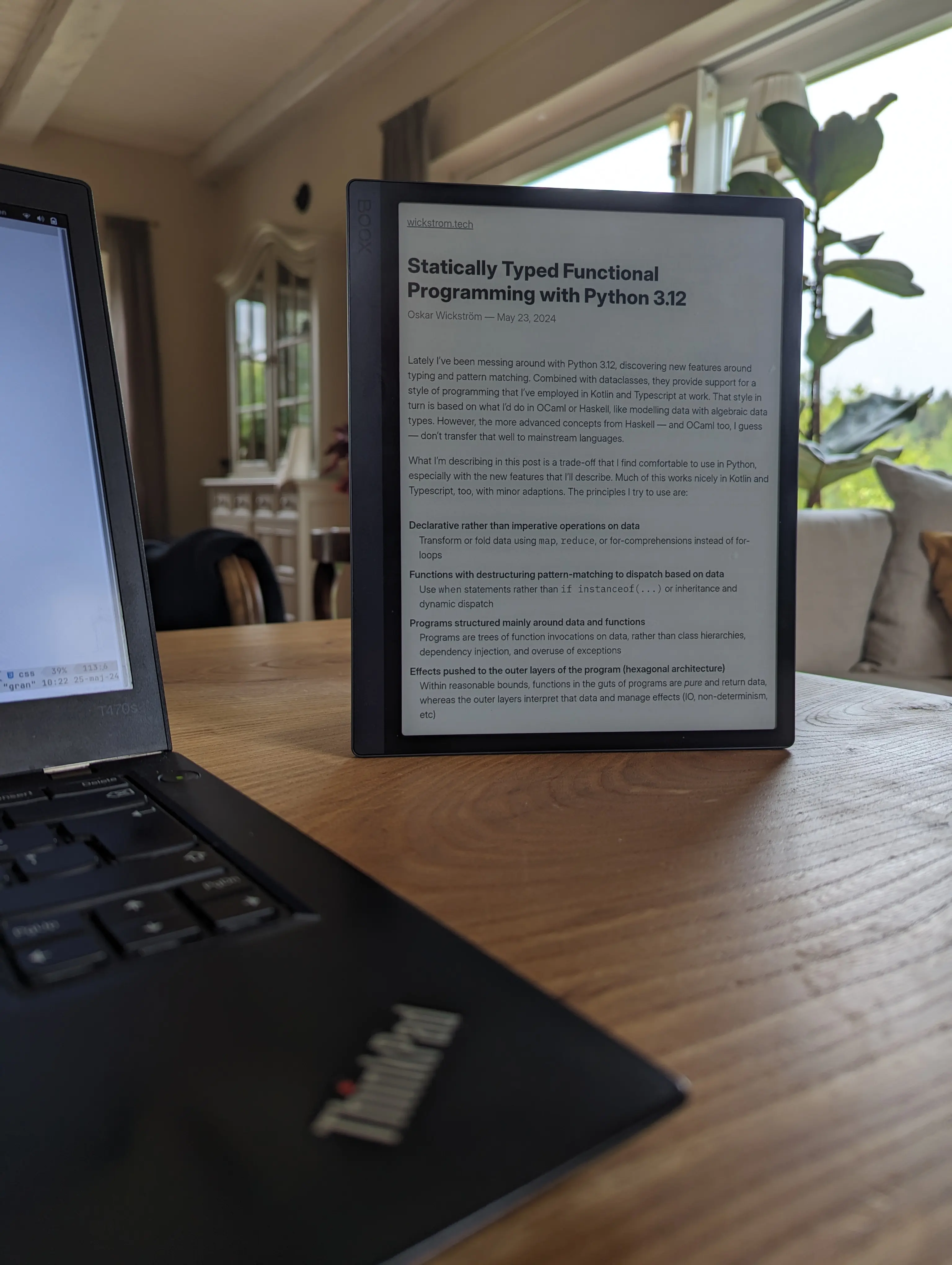
To sum up, these devices are good for different things, in my experience. I’ve probably spent more time on the Boox, because I’ve had it for longer and I’ve read a lot on it, but the Daylight has been much better for typing and drawing.
Another thing I’d like to try is a larger E-Ink monitor for my workstation, like the one Zack is hacking on. I’m hoping this technology continues to improve on refresh rate, because I love E-Ink. Until then, the Daylight is a good compromise.
此内容由惯性聚合(RSS阅读器)自动聚合整理,仅供阅读参考。 原文来自 — 版权归原作者所有。