

惯性聚合 高效追踪和阅读你感兴趣的博客、新闻、科技资讯
阅读原文 在惯性聚合中打开

推荐订阅源

F
Full Disclosure
V
Vulnerabilities – Threatpost
Attack and Defense Labs
N
News and Events Feed by Topic
SecWiki News
SecWiki News
S
Security @ Cisco Blogs
Schneier on Security
B
Blog
TaoSecurity Blog
TaoSecurity Blog
The Last Watchdog
The Last Watchdog
H
Hacker News: Front Page
Hacker News - Newest:
Hacker News - Newest: "LLM"
博客园_首页
D
Docker
cs.AI updates on arXiv.org
Y
Y Combinator Blog
W
WeLiveSecurity
N
News and Events Feed by Topic
F
Fortinet All Blogs
PCI Perspectives
PCI Perspectives
WordPress大学
WordPress大学
CTFtime.org: upcoming CTF events
www.infosecurity-magazine.com
Recent Announcements
Forbes - Security
Forbes - Security
T
Tailwind CSS Blog
Hacker News: Ask HN
Hacker News: Ask HN
爱范儿
爱范儿
腾讯CDC
Last Week in AI
Last Week in AI
月光博客
月光博客
C
Cybersecurity and Infrastructure Security Agency CISA
P
Proofpoint News Feed
Help Net Security
Help Net Security
V
V2EX
C
Cyber Attacks, Cyber Crime and Cyber Security
C
CXSECURITY Database RSS Feed - CXSecurity.com
H
Heimdal Security Blog
L
LINUX DO - 最新话题
GbyAI
GbyAI
The Hacker News
The Hacker News
罗磊的独立博客
S
SegmentFault 最新的问题
H
Hackread – Cybersecurity News, Data Breaches, AI and More
博客园 - 【当耐特】
cs.CL updates on arXiv.org
V2EX - 技术
V2EX - 技术
Cyber Security Advisories - MS-ISAC
O
OpenAI News
OSCHINA 社区最新新闻
OSCHINA 社区最新新闻

Oskar Wickström

Coding on Paper Catching Typos on My Website with Browser Testing The Bombadil Terminal Experiment There and Back Again: From Quickstrom to Bombadil Computer Says No: Error Reporting for LTL Finding Bugs in a Coding Agent with Lightweight DST Machine: Learning; Human: Unlearning; How I Built “The Monospace Web” A Flexible Minimalist Neovim for 2024 Statically Typed Functional Programming with Python 3.12 Specifying State Machines with Temporal Logic Clearing Weeds and Planting Trees Introducing Quickstrom: High-confidence browser testing The TodoMVC Showdown: Testing with WebCheck Time Travelling and Fixing Bugs with Property-Based Testing Property-Based Testing in a Screencast Editor, Case Study 3: Integration Testing Property-Based Testing in a Screencast Editor, Case Study 2: Video Scene Classification Property-Based Testing in a Screencast Editor, Case Study 1: Timeline Flattening Property-Based Testing in a Screencast Editor: Introduction Why I’m No Longer Taking Donations Writing a Screencast Video Editor in Haskell Declarative GTK+ Programming with Haskell Finite-State Machines, Part 2: Explicit Typed State Transitions Modeling with Haskell Data Types Motor: Finite-State Machines in Haskell Automating the Build of your Technical Presentation Tagless Final Encoding of a Test Language Hyper: Elegant Weapons for a More Civilized Page Taking a Step Back from Oden Custom Formatting in HTML and LaTeX Code Listings using Pandoc Paramount Color Scheme for Vim
A Year with the Daylight Computer
Oskar Wickström · 2025-10-10 · via Oskar Wickström

I’ve been hinting on X/Twitter about my use of the Daylight DC-1 as a programming environment, and after about a year of use, it’s time to write about it in longer form. This isn’t a full product review, but rather an experience report on coding in sunlight. It’s also about the Boox Tab Ultra – which has a different type of display – and how it compares to the DC-1 for my use cases.

This is not a sponsored post.
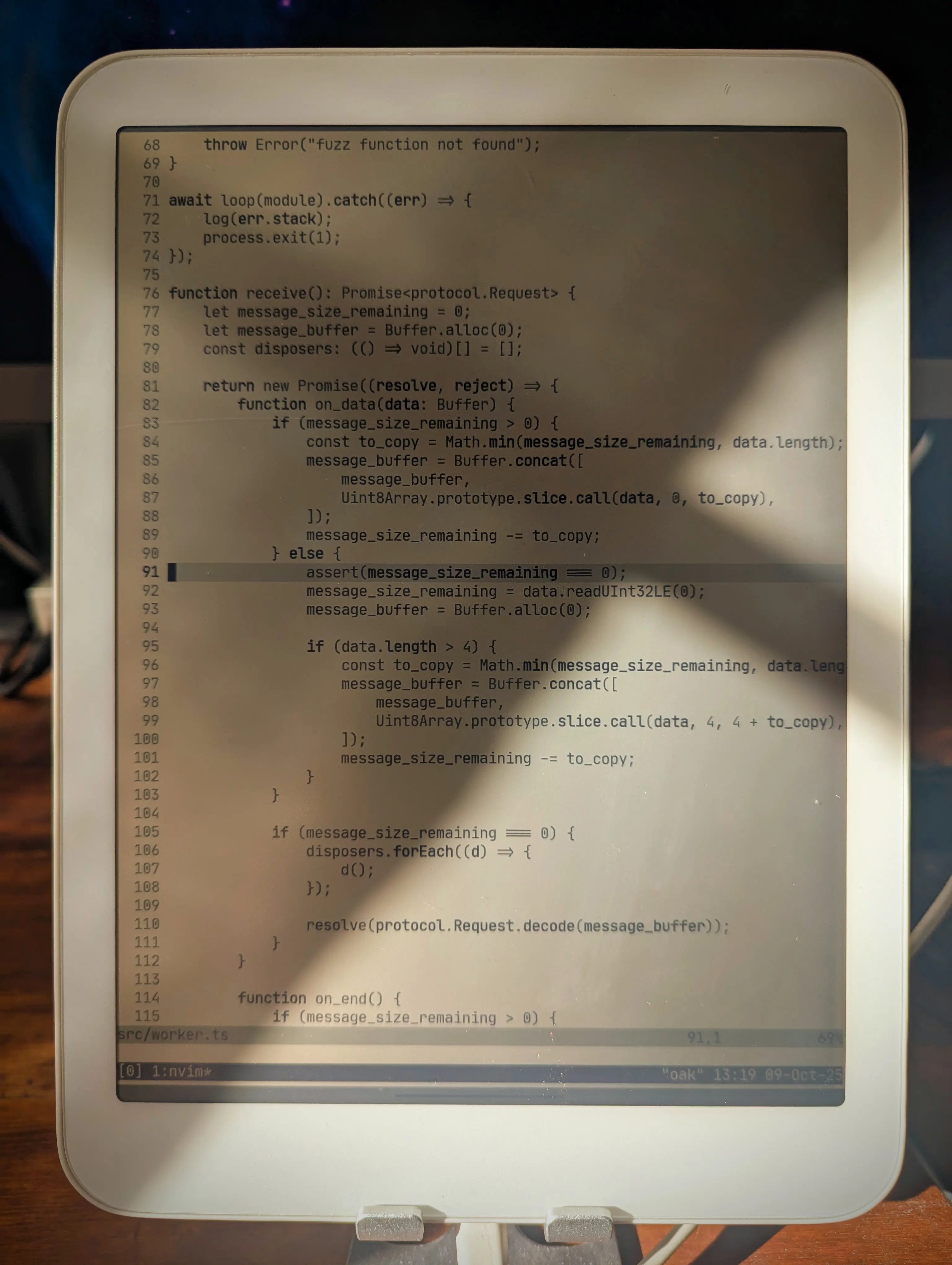
Neovim in Termux on the Daylight DC-1.

Why do I even bother, you might ask? Sunlight makes me energetic and alert, which I need when I work. Living in the Nordics, 50% of the year is primarily dark, so any direct daylight I can get becomes really important. I usually run light mode on my Framework laptop during the day, but working in actual daylight with these displays, or plain old paper, is even better.

The Setup

Here are the main components of this coding environment:

  • Daylight DC-1: an Android-based tablet with a “Live Paper” display (Reflective LCD, not E-Ink)
  • 8BitDo Retro Mechanical Keyboard: a mechanical Bluetooth-enabled keyboard, with Kailh key switches and USB-C charging and optional connection
  • Termux: a terminal emulator for Android, with a package collection based on apt
  • SSH, tmux, and Neovim: nothing surprising here

I use a slimmed-down version of my regular dotfiles, because this setup doesn’t use Nix. I’ve manually installed Neovim, tmux, and a few other essentials, using the package manager that comes with Termux. I’ve configured Termux to not show its virtual keyboard when a physical keyboard is connected (the Bluetooth keyboard). The Termux theme is “E-Ink” and the font is JetBrains Mono, all built into Termux. Neovim uses the built-in quiet colorscheme for maximum contrast.

Certain work requires a more capable environment, and in those cases I connect to my workstation using SSH and run tmux in there. For writing or simpler programming projects (I’ve even done Rust work with Cargo, for instance), the local Termux environment is fine.

Sometimes I want to go really minimalist, so I hide the tmux status bar and run Goyo in Neovim. Deep breaths. Feel the fresh air in your lungs. This is especially nice for writing blog posts like this one.
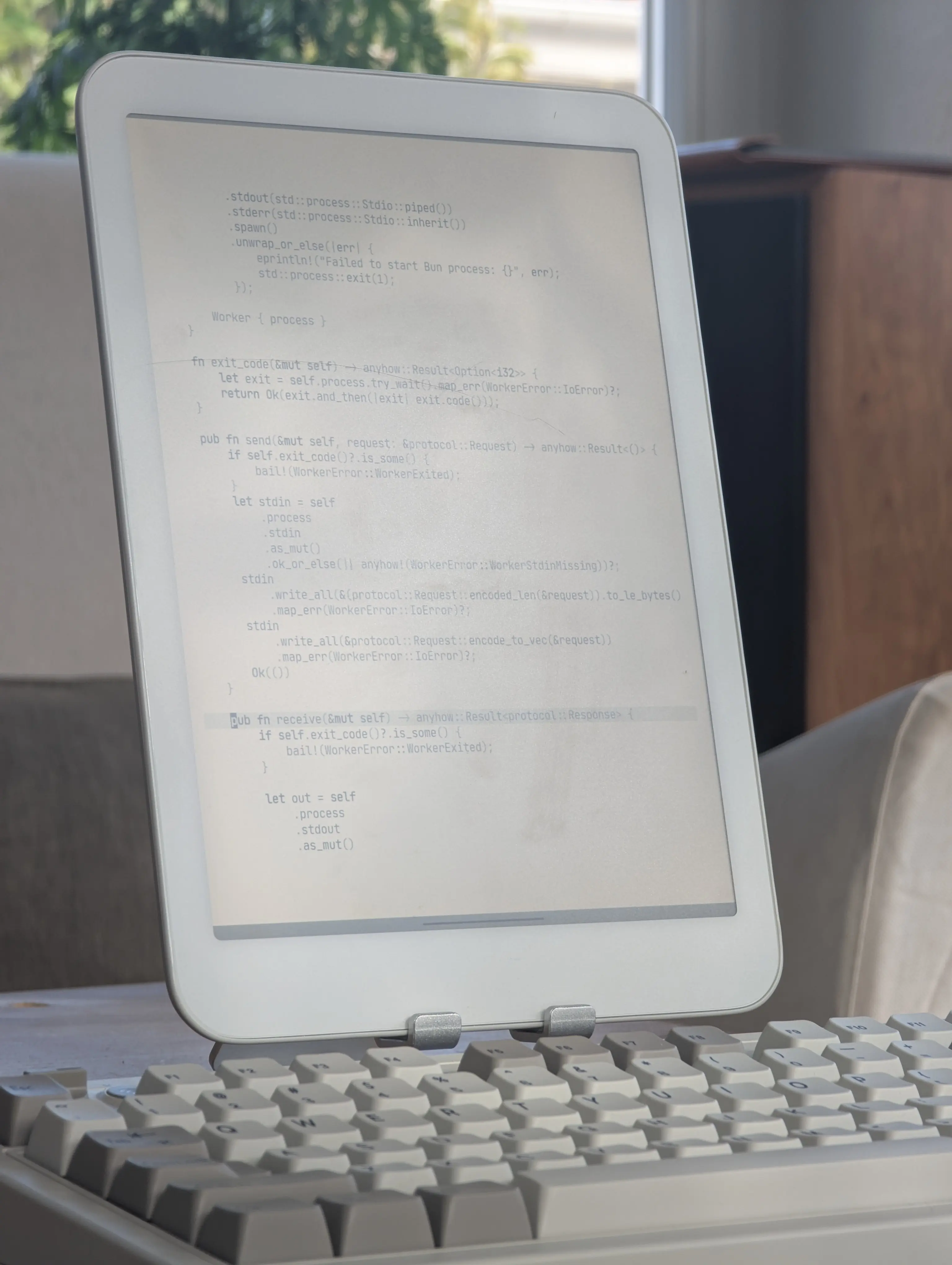
Minimalist typing with Goyo in Neovim.

My blog editing works locally in Termux, with a live reloading Chrome in a split window, here during an evening writing session with the warm backlight enabled:
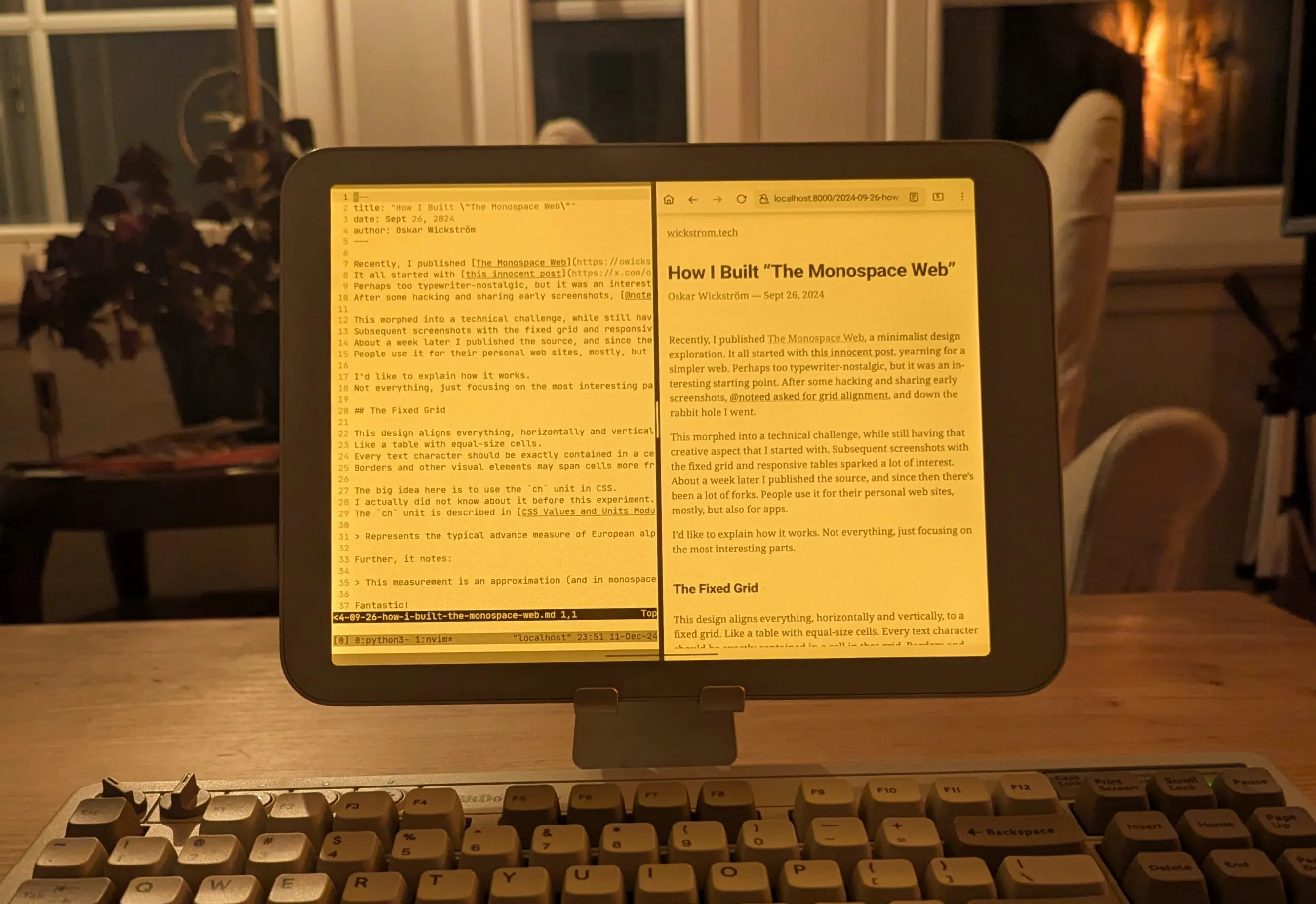
Split-screen blogging locally on the Daylight.

There’s the occasional Bluetooth connection problem with the 8BitDo keyboard. I also don’t love the layout, and I’m considering getting the Kinesis Freestyle2 Blue instead. I already have the wired version for my workstation, and the ergonomics are great.

Daylight DC-1 vs Boox Tab Ultra

What about the Boox? I’ve had this device for longer and I really like it too, but not for the same tasks. The E-Ink display is, quite frankly, a lot nicer to read on; EPUB books, research PDFs, web articles, etc. The 227 PPI instead of the Daylight’s 190 PPI makes a difference, and I like the look of E-Ink better overall.

However, the refresh rate and ghosting make it a bit frustrating for typing. Same goes for drawing, which I’ve used the Daylight for a lot. Most of my home renovation blueprints are sketched on the Daylight. The refresh rate makes it possible.

When reading at night with a more direct bedside lamp, often in combination with a subtle backlight, the Boox is much better. The Daylight screen can glare quite a bit, so the only option is backlight only. And at that point, a lot of the paperlike quality goes away.

You can also get some glare when there’s direct sunlight at a particular angle:
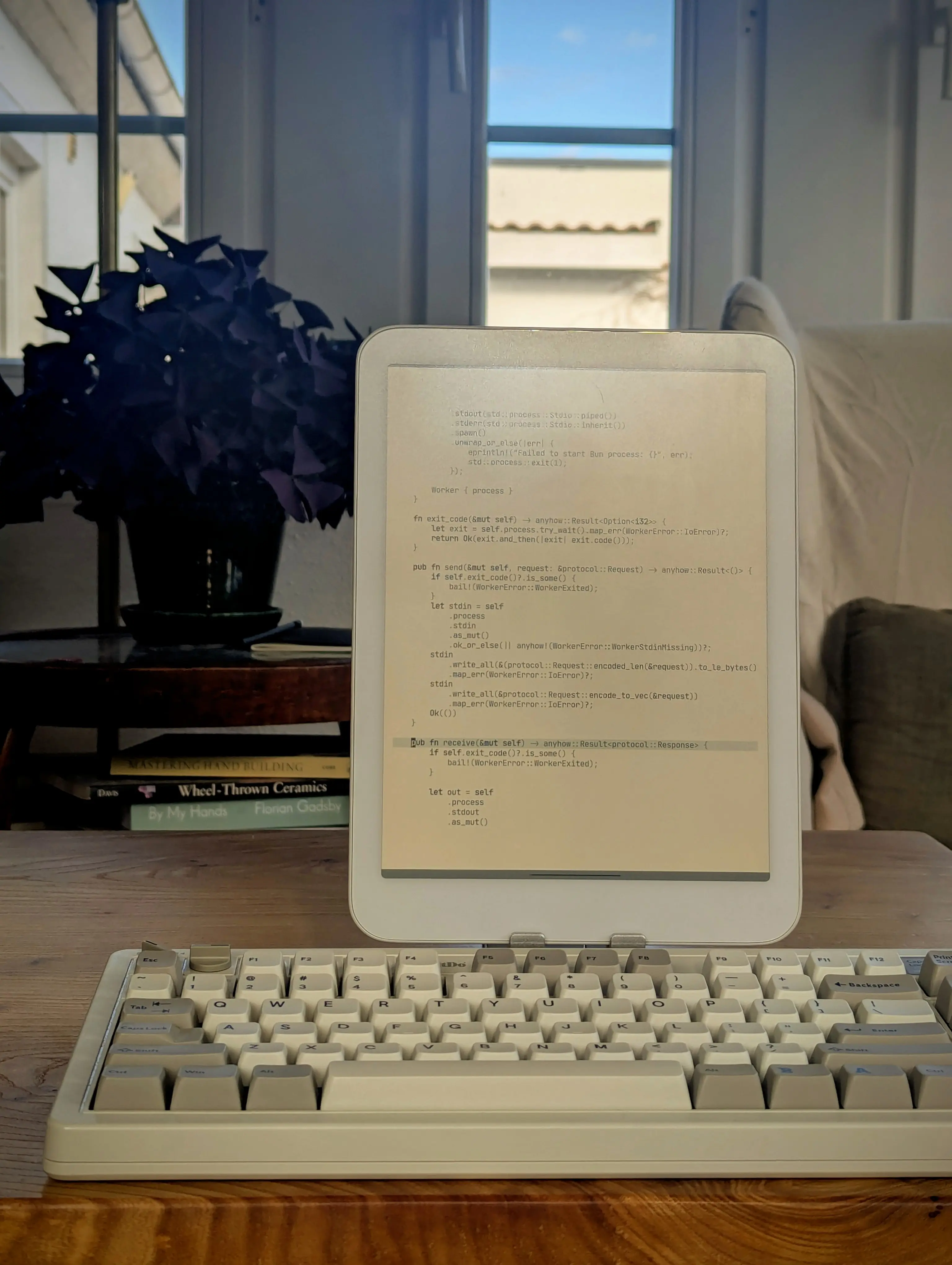
You may get glare in direct sunlight or from lamps at some angles.

Even if I don’t write or program directly on the Boox, I’ve experimented with using it as a secondary display, like for the live reload blog preview:
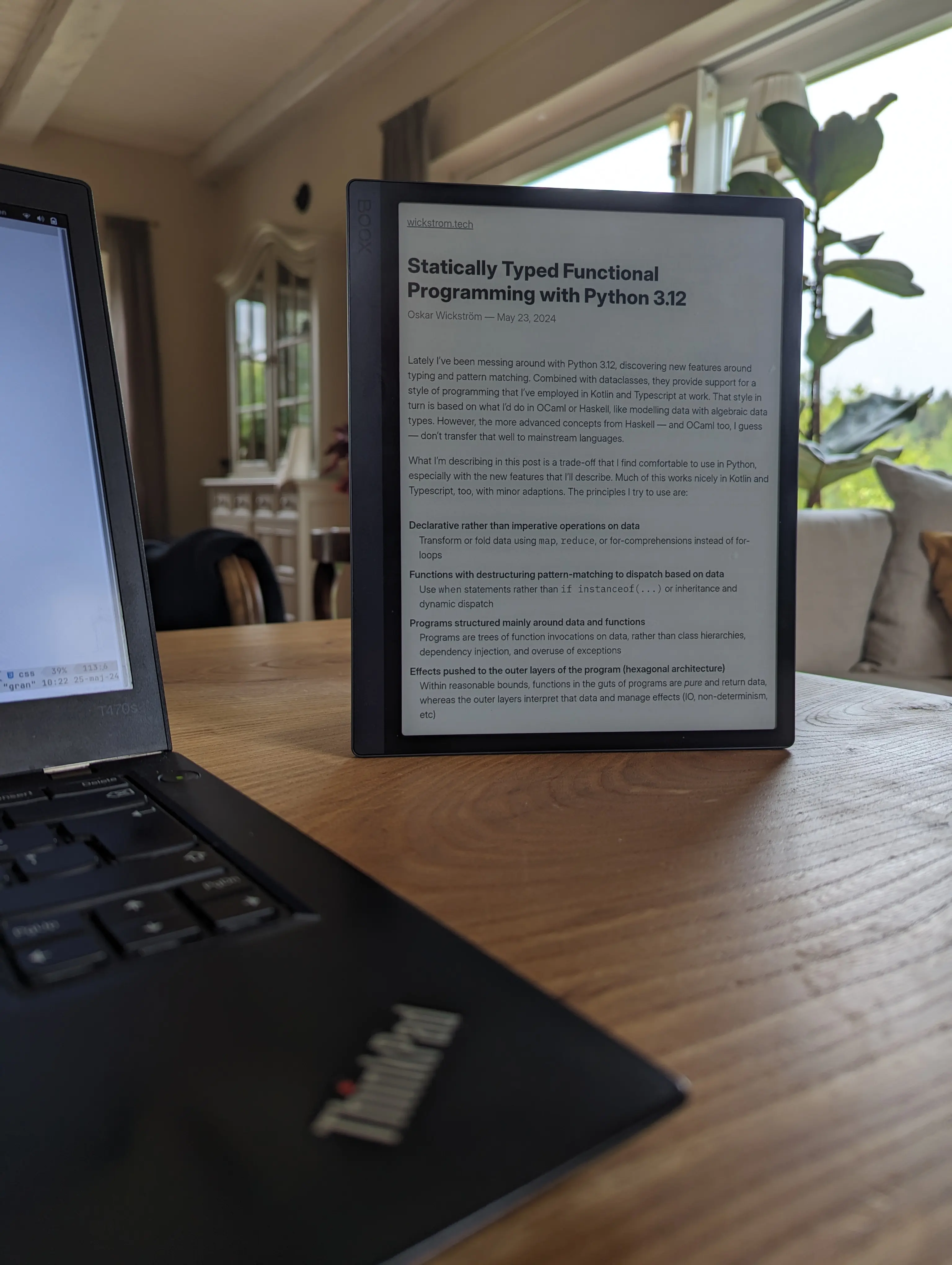
Using the Boox Tab Ultra as a secondary display by browsing the live reload HTTP server.

To sum up, these devices are good for different things, in my experience. I’ve probably spent more time on the Boox, because I’ve had it for longer and I’ve read a lot on it, but the Daylight has been much better for typing and drawing.

Another thing I’d like to try is a larger E-Ink monitor for my workstation, like the one Zack is hacking on. I’m hoping this technology continues to improve on refresh rate, because I love E-Ink. Until then, the Daylight is a good compromise.
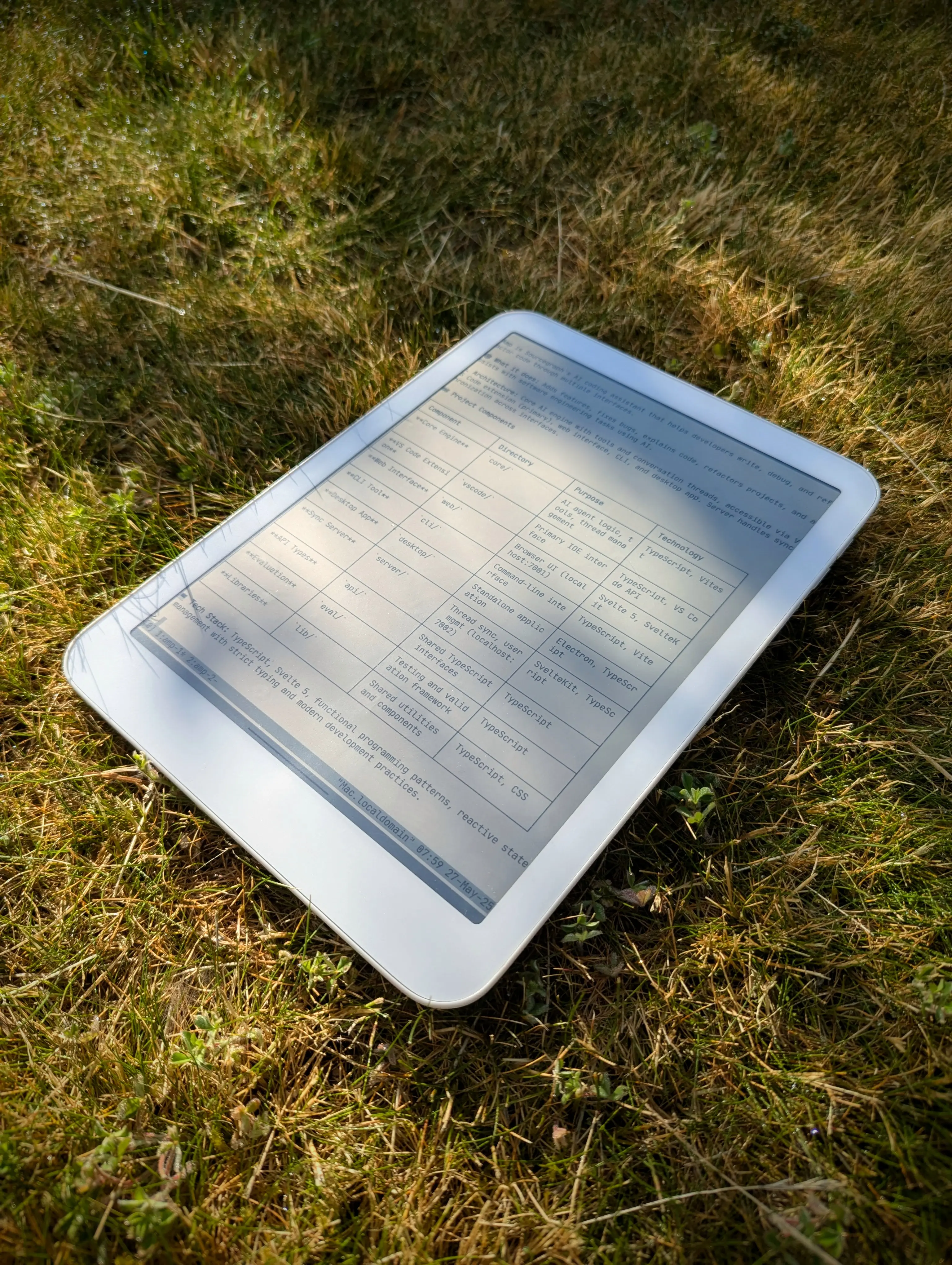
Touch grass, as they say.