




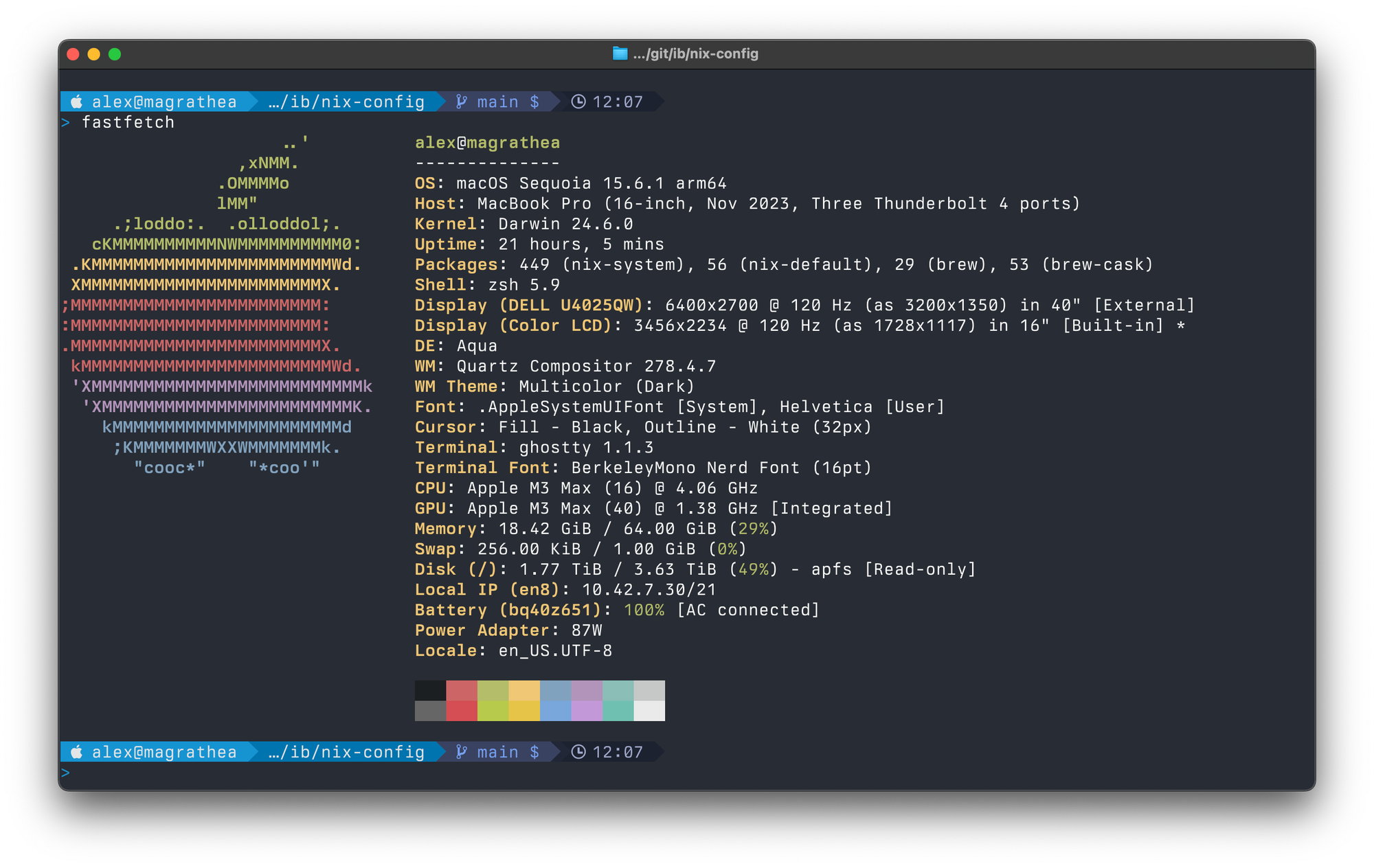
As you may know, I make YouTube videos for Tailscale for a living. One of the most common questions in the comments I get (weirdly) is, "how do you theme your tools?"
This post will set out to answer that question in more detail than I can provide in a simple comment reply.
Font
Where possible I use Berkeley Mono. Fira Code or Jetbrains Mono are nice fallbacks.
Here's my ghostty config.
# appearance
font-family = "BerkeleyMono Nerd Font"
font-size = 16
window-inherit-font-size = true
window-height = 33
window-width = 130

# shell
mouse-hide-while-typing = true
shell-integration = zsh
clipboard-paste-protection = false

# macos
## nix handles updates
auto-update = off
macos-titlebar-style = native
macos-option-as-alt = true
quit-after-last-window-closed = true
keybind = shift+enter=text:\n
Shell Prompt
The prompt that you see (the bit that contains the filepath, username, etc) is configured using Starship - a minimal, blazing fast, customizable shell prompt.
The configuration I use hangs out in my nix-config git repo. I use nix and nix-darwin to apply this configuration automatically.
nix-config/home/starship/starship.toml at main · ironicbadger/nix-config
Contribute to ironicbadger/nix-config development by creating an account on GitHub.
 ironicbadger
Editor
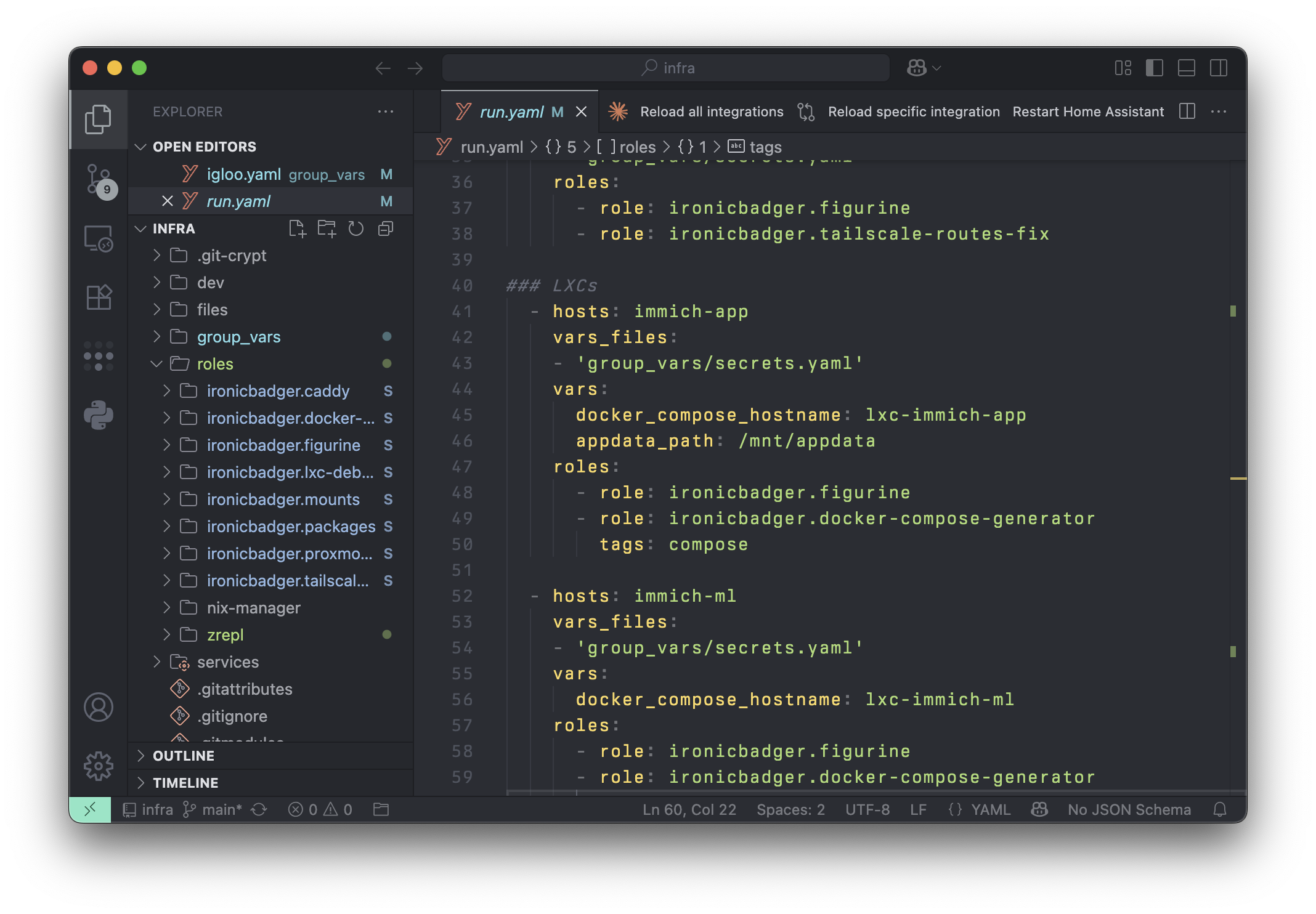
- VSCode - the editor that in the darkness bound them
- Neovim - I am still experimenting with neovim but you can find my configuration on GitHub
The VSCode theme shown below is Bearded Theme Monokai Stone. For right now I am using the default icons but in the past the Bearded Icons pack may have been shown too.
In no particular order a list of other tools I use and enjoy on macOS in particular are:
- BentoBox - Window management app
- Snippety - Text expansion
- Raycast - Spotlight replacement
- Ice - makes app "systray" icons on macOS bearable (especially with a notch)
- iStat Menus - Shows me what's going at a glance
- Hammerflow (and Hammerspoon) - Keyboard driven task navigation