





Posted on mandag, marts 25, 2019 in Hal9k, Planets
I have a Philips Hue gateway at home that is connected to a number of Philips Hue lights, as well as some IKEA trådfri light bulbs, and a couple of OSRAM Lightify light strips. Most of the time the network works quite well, but some of the time a few of the lights become unreachable. I read a rumor online that the Hue lights and the other lights are actually on two different Zigbee networks. Of course, if only I had a way of sniffing the Zigbee traffic I could diagnose these problems. And thus began this quest.
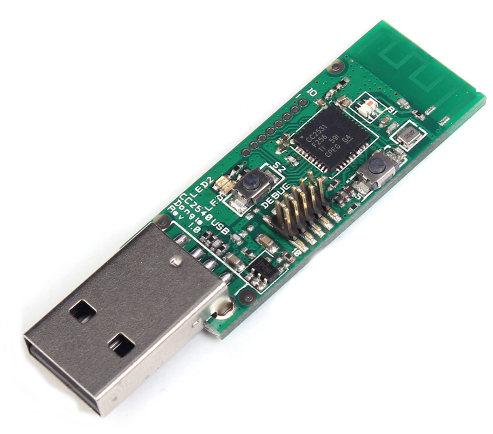
I started by buying a Zigbee sniffer, I found that the Texas Instruments CC2531 chip is widely used, and available in a cheap USB package. I purchased this USB CC2531 Zigbee sniffer, but others are probably equally good. After the dongle arrived I spent quite a while thinking that I need to replace the stock firmware, because of various old projects on GitHub (Sensniff, ccsniffpiper, etc.). Fortunately, you do not need to change the stock firmware. The best software package seems to be KillerBee which supports both sniffing and injection; however only sniffing with the CC2531. Installing KillerBee on Ubuntu is quite easy. You need to install scapy, and a few dependencies. The installation instructions are probably more up to date than this blog post.
Starting the sniffing is really easy, if you know the channel the Philips Hue is operating at. I think channel 11 is the default, but it is displayed in the Hue app, under info for the bridge:
sudo zbwireshark -c 11
This will launch a background process, and an instance of Wireshark that is monitoring the channel. At this point you can see the traffic; but everything is encrypted…
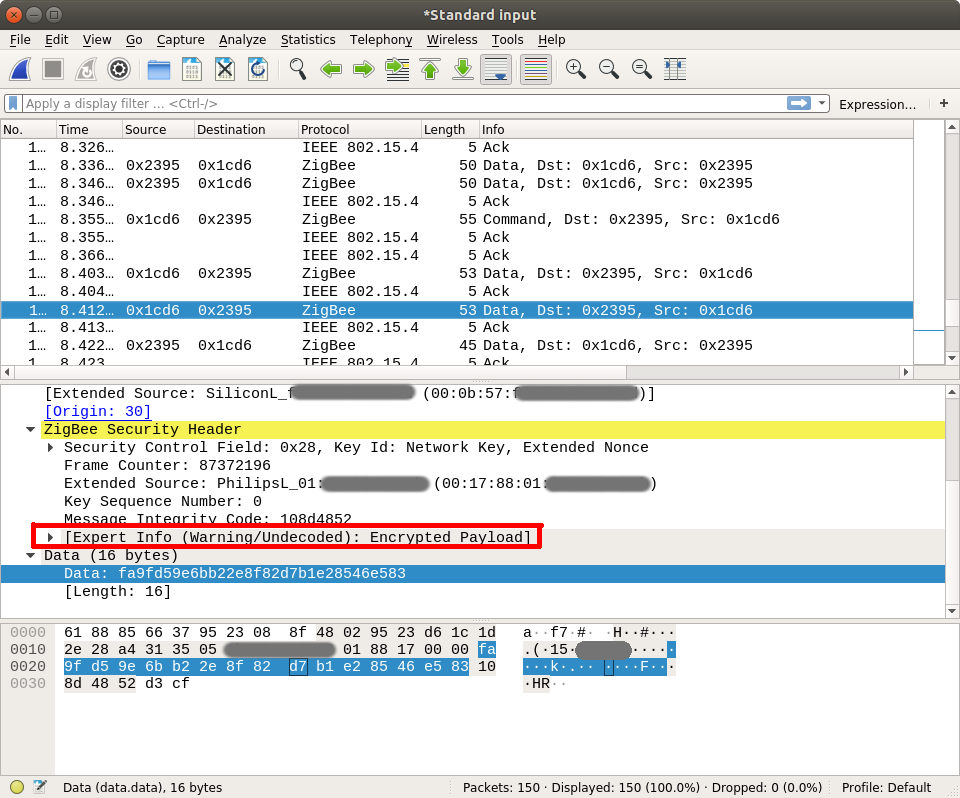
Zigbee traffic can be encrypted with AES-128, which is a symmetric encryption scheme. This means the key to encrypt and decrypt is the same. There is a number of keys that can be used to encrypt a single packet payload:
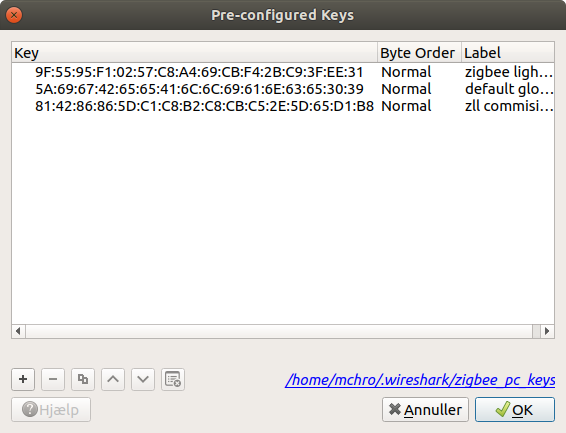
You can add these keys to Wireshark, and the Zigbee dissector will then try to decrypt traffic using them. Go to Edit -> Preferences -> Protocols -> ZigBee and edit the pre-configured keys:
The Key-Transport Key is used whenever a new device joins the network with the sole purpose of encrypting the network key. So, to find the network key we need to know the Key-Transport Key, and observe the traffic when a device joins. So this is what I did: I found an IKEA Trådfri lightbulb and spent the frustrating time needed to get it to join the Philips Hue gateway (resetting the bulb, searching for new lights). Finally, it suceeded!
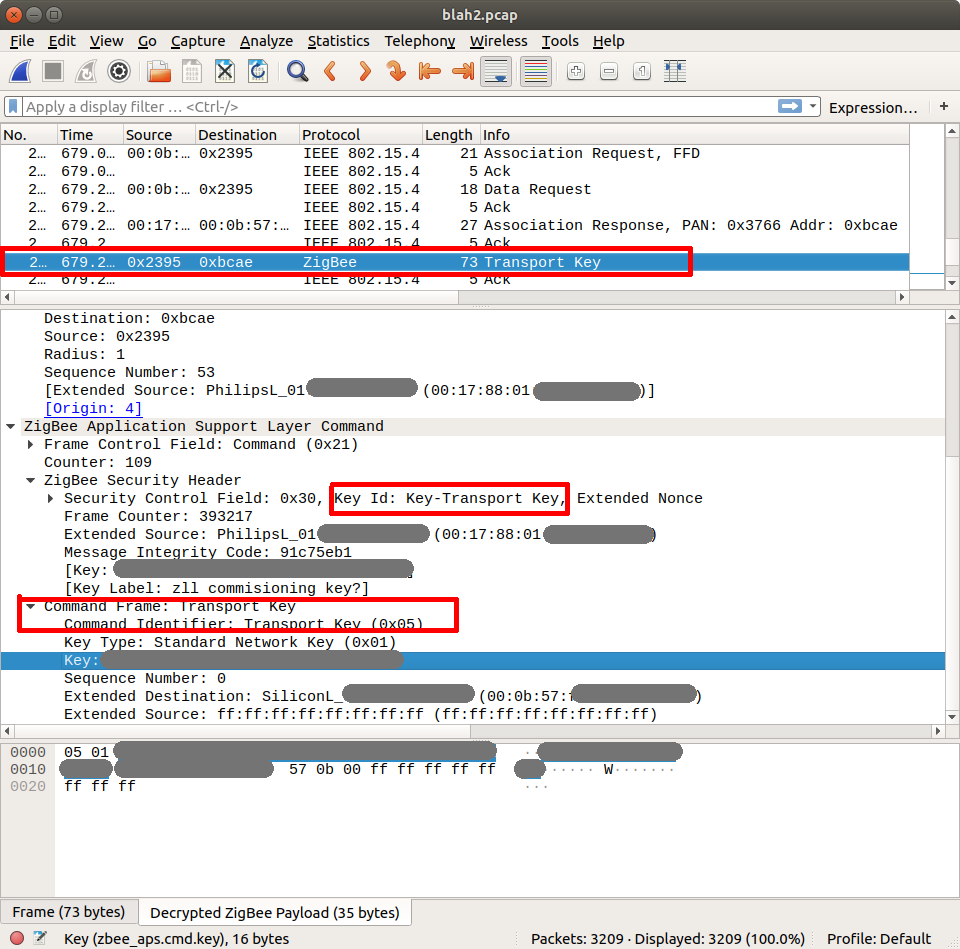
Now, by adding the transport key to the list of keys in Wireshark all the traffic on the network was able to be decrypted!
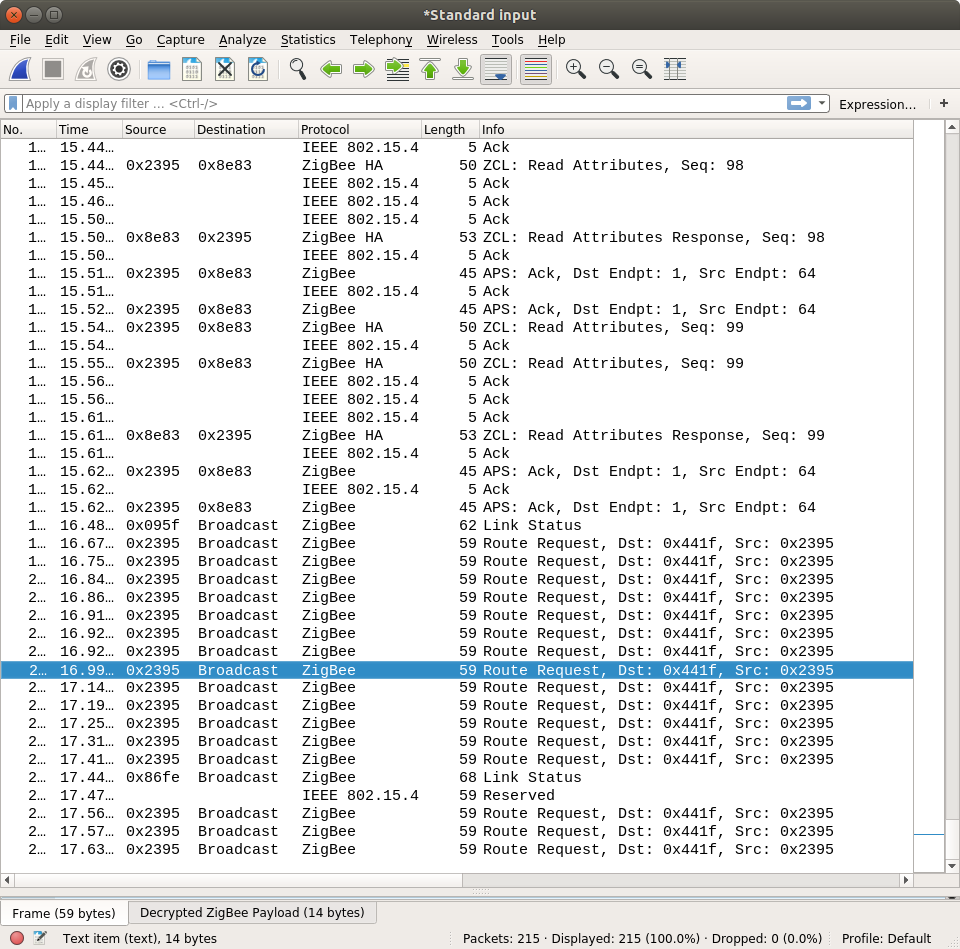
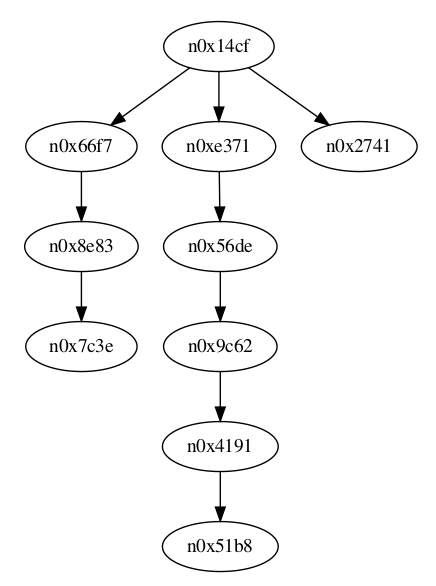
The next step will be to analyze the traffic, and understand the routing. Very initial probes using zigbee-viewer indicates that there is indeed three distinct routings:
此内容由惯性聚合(RSS阅读器)自动聚合整理,仅供阅读参考。 原文来自 — 版权归原作者所有。