







虽然可以使用kotlin开发Android,但是由于安卓的一些工具仍然需要Java环境支持,因此Java是必须的
下面Android部分会需要使用sdkmanage工具,这个工具需要用到java.se.ee模块,在Jdk9后,该模块需要使用add module才能使用
而Jdk11后直接删掉了这个模块,所以为了省事,最好使用Jdk8
下载完成后,需要配置JAVA_HOME和CLASS_PATH(sdkmanage和flutter都会用到)
进入flutter官网,下载最新版本
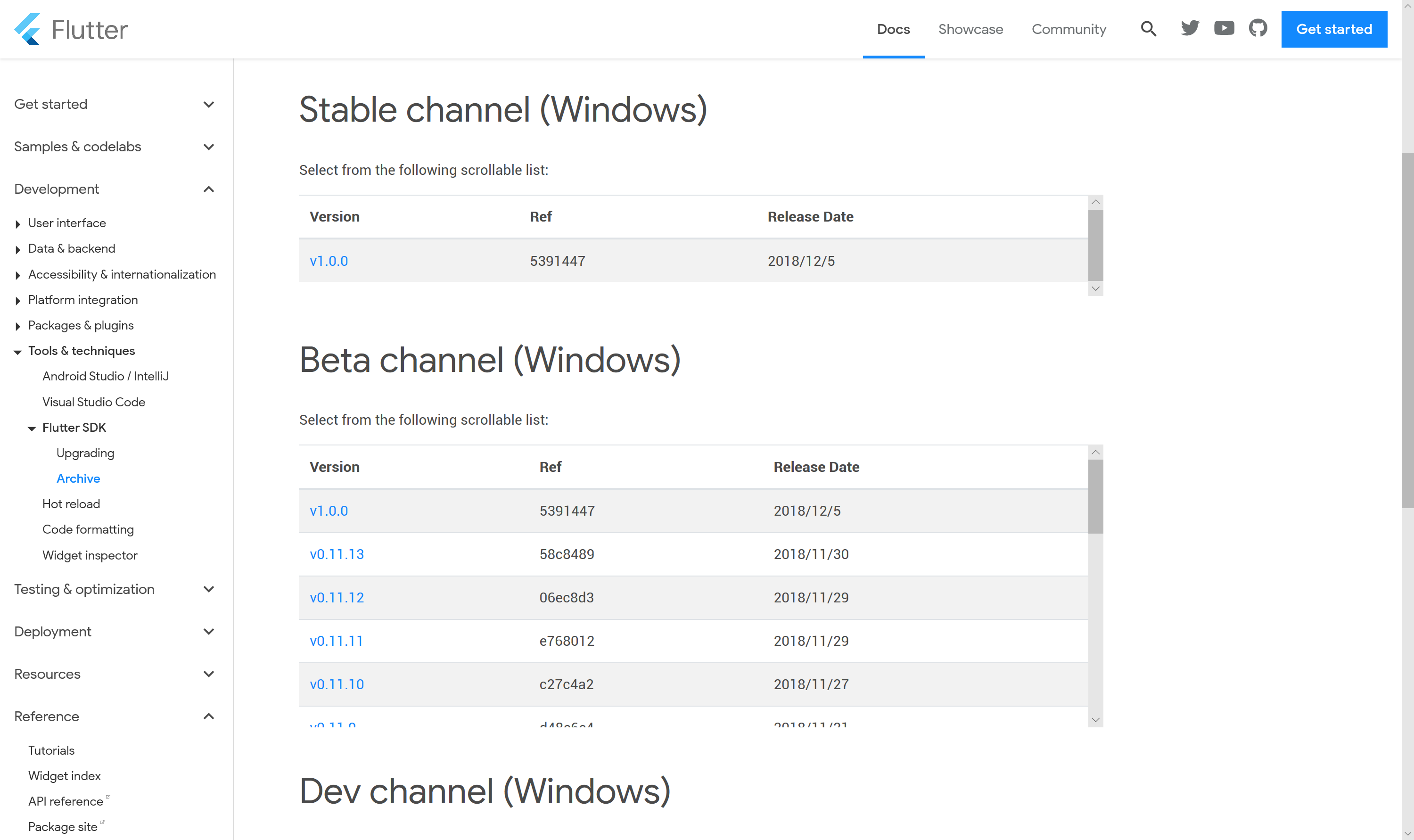 下载flutter
由于flutter本身只是一个压缩包,因此需要手动添加到环境变量里
右键我的电脑->属性->高级系统设置->环境变量,将flutter/bin目录添加到环境变量里
VSCode里已经有了名为flutter的flutter插件,直接安装即可。
他会同时帮你安装Dart插件
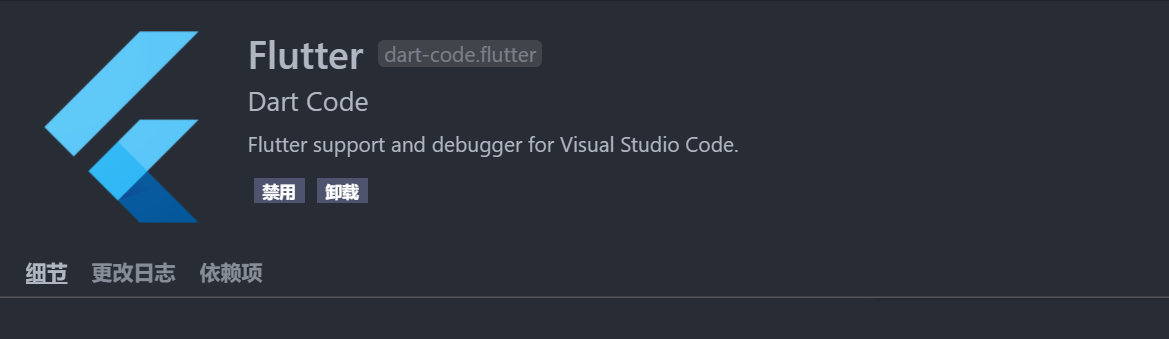 安装插件
安装插件
既然选择了Visual Studio Code,再去下Android Studio就太奇怪了
因此选择使用sdkmanager来管理
首先sdkmanager --list来看下可以安装的package有哪些
根据flutter官网上的
Download and install Android Studio.
Start Android Studio, and go through the ‘Android Studio Setup Wizard’. This installs the latest Android SDK, Android SDK Platform-Tools, and Android SDK Build-Tools, which are required by Flutter when developing for Android.
可以得知我们应该安装最新版的Android SDK,Android SDK Platform-Tools, Android SDK Build-Tools。
那么找出来最新版的安装即可
需要特别注意的是:SDK和手机版本是由对应关系的
| 系统版本 | API版本 | 开发代号 |
|---|---|---|
| 2.3.3 - 2.3.7 | 10 | Gingerbread |
| 4.0.3 - 4.0.4 | 15 | Ice Cream Sandwich |
| 4.1.x | 16 | Jelly Bean |
| 4.2.x | 17 | Jelly Bean |
| 4.3 | 18 | Jelly Bean |
| 4.4 | 19 | KitKat |
| 5.0 | 21 | Lollipop |
| 5.1 | 22 | Lollipop |
| 6.0 | 23 | Marshmallow |
| 7.0 | 24 | Nougat |
| 7.1 | 25 | Nougat |
| 8.0 | 26 | Oreo |
| 8.1 | 27 | Oreo |
| 9.0 | 28 | Pie |
比如虽然最新的是api28,但是我手机是安卓8.1,那么我只能下载到API27
这里安装的东西,在安装完成后会自动加到环境变量中,因此如果已经打开了编辑器或者终端,需要重启编辑器、终端以重新加载环境变量
sdkmanager --install "add-ons;addon-google_apis-google-24"
sdkmanager --install "build-tools;27.0.3"
sdkmanager --install "platforms;android-27"
sdkmanager --install "platform-tools"
sdkmanager --install "emulator"
sdkmanager --install "system-images;android-27;google_apis_playstore;x86"
安装模拟器的原因是:有时候模拟器测试更能会更方便一点
而且模拟器镜像应该是google api,貌似default是无法识别的
安装完成后应该类似下面的样子
Installed packages:=====================] 100% Computing updates...
  Path                                               | Version | Description                             | Location
  -------                                            | ------- | -------                                 | -------
  add-ons;addon-google_apis-google-24                | 1       | Google APIs                             | add-ons\addon-google_apis-google-24\
  build-tools;27.0.3                                 | 27.0.3  | Android SDK Build-Tools 27.0.3          | build-tools\27.0.3\
  emulator                                           | 28.0.20 | Android Emulator                        | emulator\
  patcher;v4                                         | 1       | SDK Patch Applier v4                    | patcher\v4\
  platform-tools                                     | 28.0.1  | Android SDK Platform-Tools              | platform-tools\
  platforms;android-27                               | 3       | Android SDK Platform 27                 | platforms\android-27\
  system-images;android-27;google_apis_playstore;x86 | 3       | Google Play Intel x86 Atom System Image | system-images\android-27\google_apis_playstore\x86\
  tools                                              | 26.1.1  | Android SDK Tools 26.1.1                | tools\

Available Packages:
  Path                                                                                     | Version      | Description
  -------                                                                                  | -------      | -------
  add-ons;addon-google_apis-google-15                                                      | 3            | Google APIs
  add-ons;addon-google_apis-google-16                                                      | 4            | Google APIs
  add-ons;addon-google_apis-google-17                                                      | 4            | Google APIs
  add-ons;addon-google_apis-google-18                                                      | 4            | Google APIs
  add-ons;addon-google_apis-google-19                                                      | 20           | Google APIs
  add-ons;addon-google_apis-google-21                                                      | 1            | Google APIs
  ……
在命令面板里输入flutter,选择新建项目,然后输入一个合法的项目名并选择存放位置。
类似test、flutter的名字都是不合法的
然后插件会自动在对应文件夹重新打开VS Code,并执行生成任务
等几秒就会生成一份能够运行的demo出来
 新建项目
新建项目
不管别的,先把demo跑起来是第一步要做的
不考虑模拟器等操作,直接手机插到电脑上,打开开发者选项的USB调试
一般情况下,右下角的no device会变成你的手机型号
(如果没反应的话可以考虑装一次啊手机驱动)
 连接手机
连接手机
启动flutter doctor
开始检查必须的环境
Doctor summary (to see all details, run flutter doctor -v):
[√] Flutter (Channel stable, v1.0.0, on Microsoft Windows [Version 10.0.17763.134], locale zh-CN)
[√] Android toolchain - develop for Android devices (Android SDK 28.0.3)
[!] Android Studio (not installed)
[√] VS Code (version 1.30.0)
[√] Connected device (1 available)

! Doctor found issues in 1 category.
有可能会提示licenses有问题,不过这个不是事,直接flutter doctor --android-licenses无脑y即可
然后就检测所有环境没有问题。
进入VSCode的Debug工具,第一次运行会自动生成launch.json
然后开始运行,需要等待一段时间Initializing gradle...
然后是Resolving dependencies...
……
需要注意的是,这个过程建议挂梯子,不然可能就卡这不动了
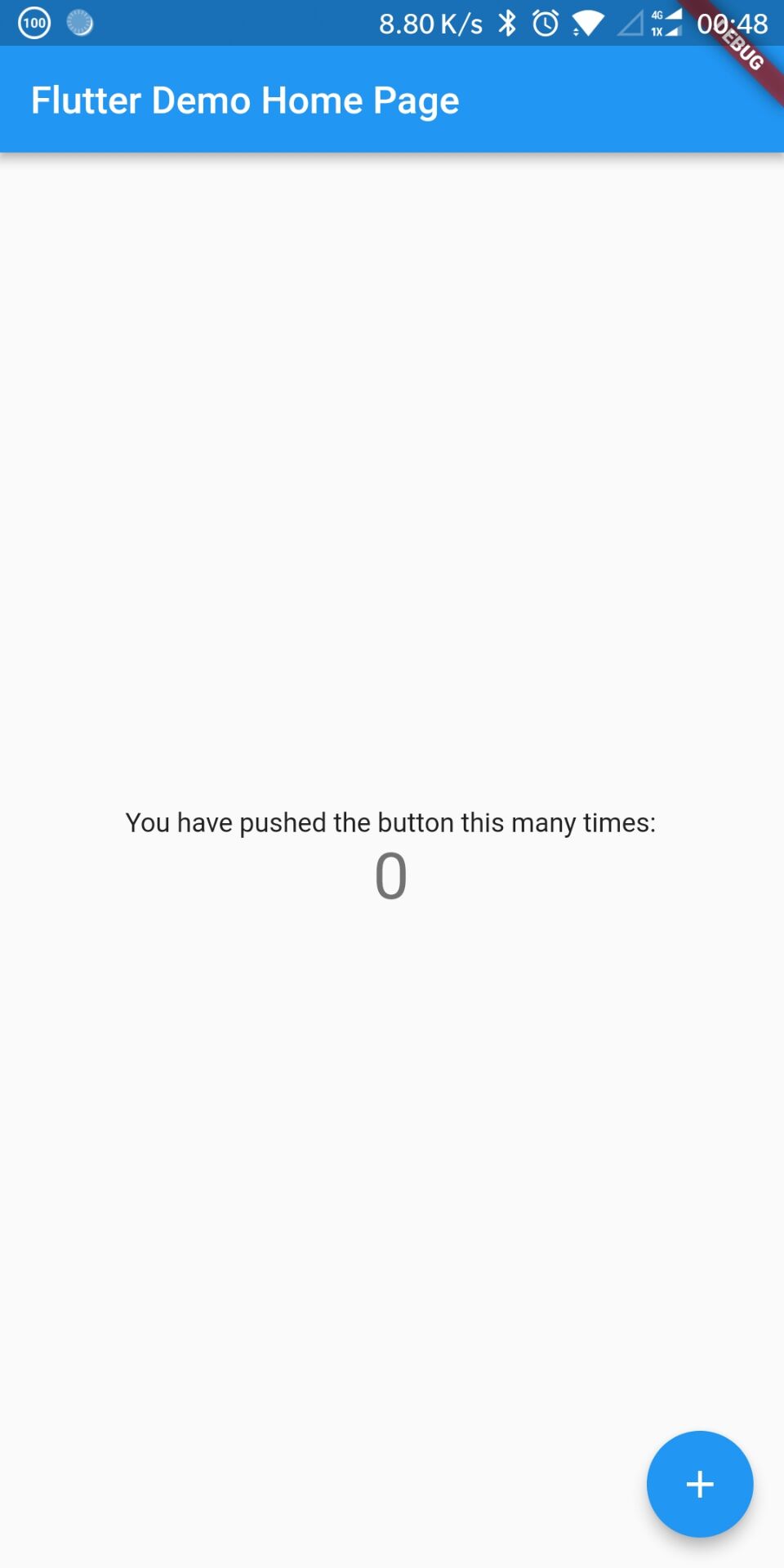 手机运行效果
由于上面说到了flutter貌似只认google api的镜像,因此应该新建google api的虚拟机
这里为了防止出别的问题,直接让flutter自己生成。右下角device那里直接new device
(如果是安装镜像前就打开了编辑器,应该关掉编辑器重开,已加载环境变量)
这里启动模拟器建议用命令行启动(第一次启动可能会比较久)
使用wipe-data清除数据(以后启动就不需要这个了)
verbose输出详细信息,可以及时看到报错信息
http-proxy挂上本地的代理,没有对比出来是否真的用到了
我这里第一次启动花了很久,所以建议上面的参数还是都带上
emulator -avd flutter_emulator -wipe-data -verbose -http-proxy 127.0.0.1:1080
等待启动后,和手机调试一样即可
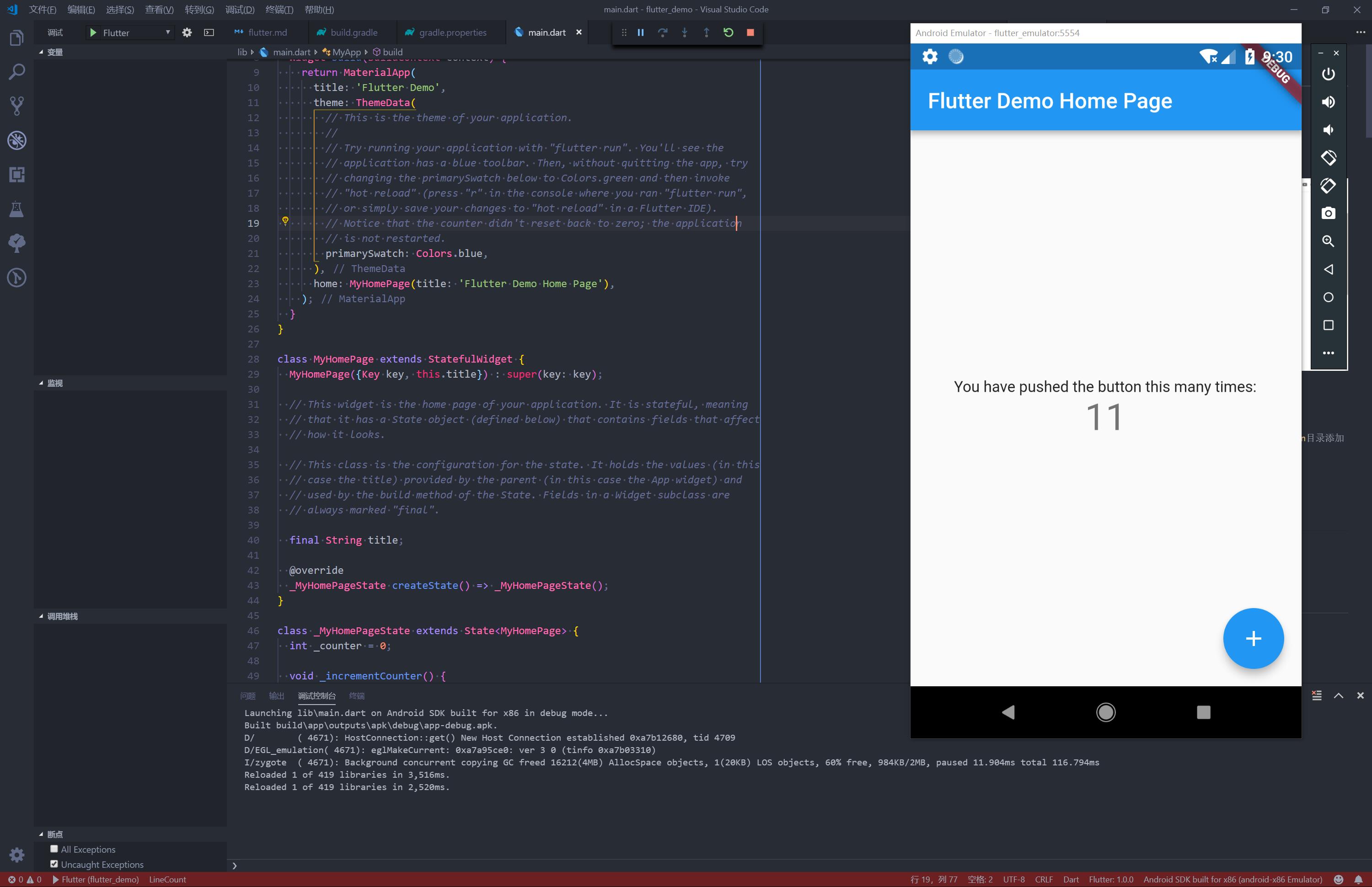 手机运行效果
此内容由惯性聚合(RSS阅读器)自动聚合整理,仅供阅读参考。 原文来自 — 版权归原作者所有。