









Introduction
In order to make TitleGetter more flexible, I plan to let users customize list.txt and the output file. Therefore, this requires the use of command line options… just like some software we commonly use, such as pacman.
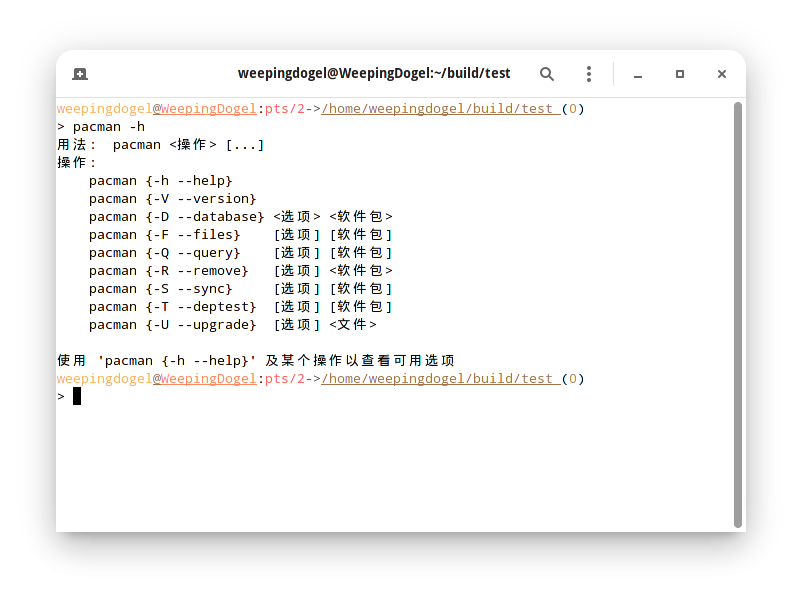
So I googled it and learned about ArgParse.
The argparse module makes it easy to write user-friendly command-line interfaces. The program defines what arguments it requires, and argparse will figure out how to parse those out of sys.argv. The argparse module also automatically generates help and usage messages and issues errors when users give the program invalid arguments.
From: argparse â Parser for command-line options, arguments and sub-commands — Python 3.9.5 documentation
Then I tried typing a file…
The result of running it looks like this:
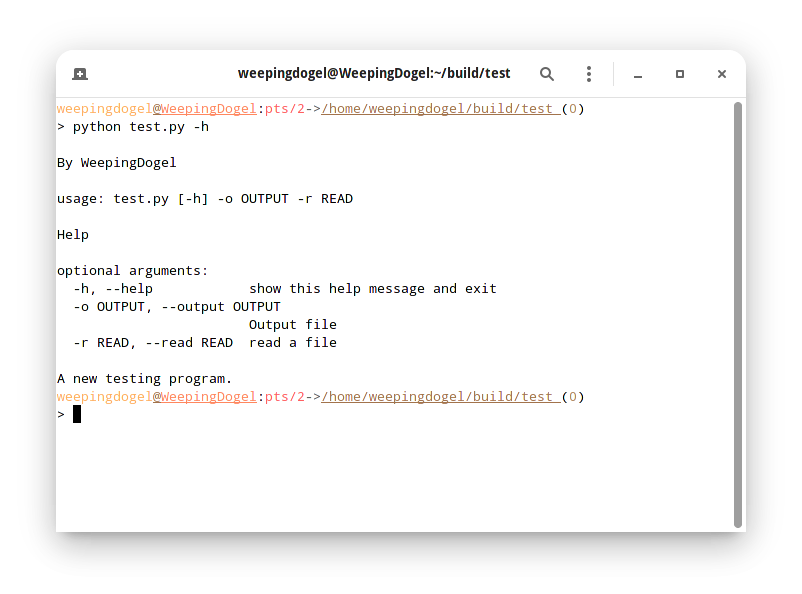
So let’s organize some related notes…
Creating Parser && Adding Options
Before everything starts, we need to use the ArgumentParser usage in the argparse library to create a variable named parser.
|
|
There is a parameter description='' here, which is used for writing some explanations…
For example, we wrote:
|
|
By the way, we need to write down some necessary options~
parser.add_argument() can be used here.
We need to add some things inside, such as the usage format of options like -a and --about.
Finally, add args = parser.parse_args().
|
|
At this point, we can add -h to see the effect.
|
|
Then let’s organize a few commonly used parameters.
default* The default value when no parameters are set.1parser.add_argument('-a','--about', help='Show the about', defualt='text.txt')- If the user does not set this parameter, a default one will be provided automatically.
help- Add explanatory text to the corresponding option.
- required
- Used to determine whether this parameter must be set.
- If
required=Trueis set, an error will be reported if this parameter is not set at runtime.
1parser.add_argument('-a','--about', required=True)1 2 3$ python a.py usage: a.py [-h] -a ABOUT a.py: error: the following arguments are required: -a/--about
Calling the Obtained Option Parameters
Next, we need to use the obtained parameters.
We know that when something is written after an option on the command line, the program will get it as a string by default. Then we have to use this to do what we want.
I wrote a simple script that can write the contents of one file to another file.
|
|
It is easy to see that what we obtain will go into the variable args, because it is assigned from the content returned by the function parser.parse_args(). To get the corresponding value of an option parameter, you can access it using args.option_name.
For example, if we want to get the written file name:
|
|
|
|
As you can see, we have obtained the string “WeepingDogel”.
Similarly, the file name to be read is the same:
That’s all you need to do ~
Next, let’s take a screenshot of the effect of the above code:
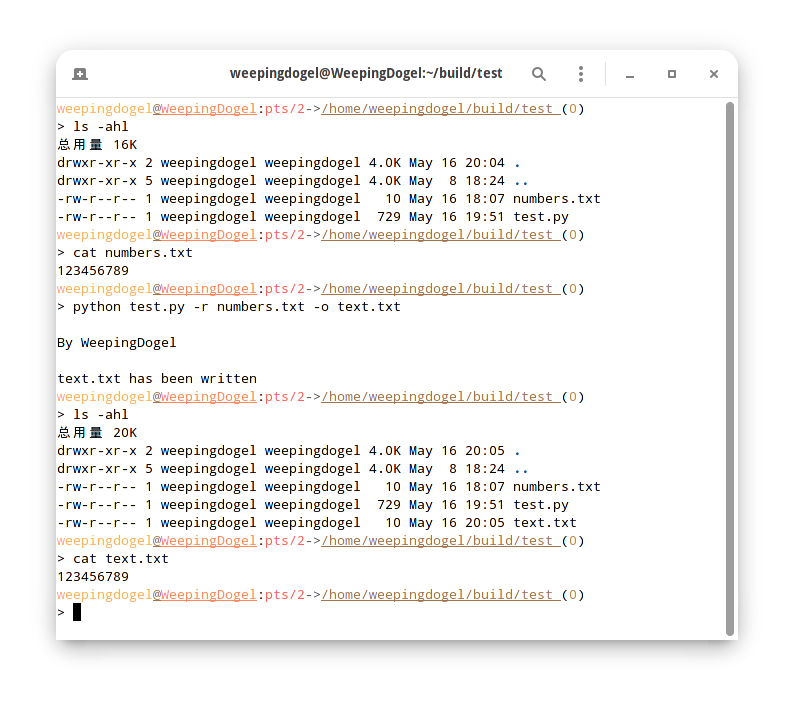
Creating and using it is that simple…
Of course, there are more usages to explore…
Conclusion
So what I’m going to do next is to update these into TitleGetter 啦!
There is no need to set the location of list.txt in the configuration file anymore! The output file position does not need to be fixed either!!