








Cross-functional collaboration is essential for building exceptional digital experiences. However, without efficient workflows, these collaborations can lead to bottlenecks. Today, we’re excited to announce the full integration of Stackbit within Netlify. This powerful combination delivers a seamless visual editing experience for sites built and deployed on Netlify, empowering content creators to take control.
Benefits of the Visual Editor within Netlify
The visual editor allows users to make changes to their website’s content and layout through a user-friendly interface, without needing to write code. This empowers non-developers to update and manage their sites effortlessly, speeding up workflows and reducing reliance on technical teams.
Netlify’s visual editor unblocks the marketer-developer workflow, enabling faster and more frequent campaign launches. This empowers developers to focus on shipping code, making your team more impactful than ever.
Some of the benefits of the visual editor include
- Faster time-to-market: Optimized web processes ensure seamless delivery of your web team’s projects.
- Autonomous website updates: Empower non-developers to perform website updates independently to eliminate the ticket vortex between marketers and developers.
What changes can you expect?
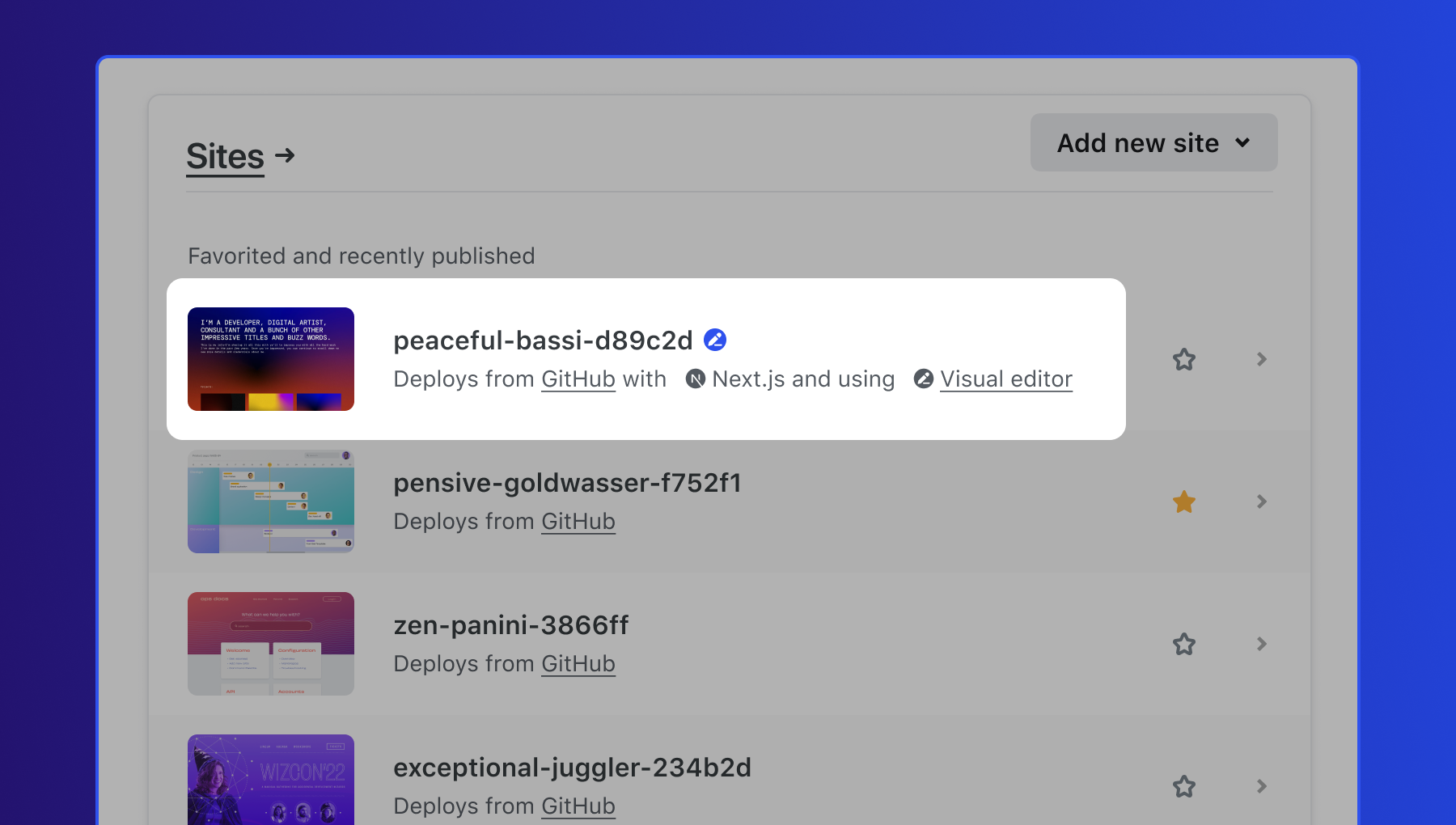
- Deploy sites with the visual editor: Users will now be able to deploy sites with the visual editor directly from app.netlify.com. Sites with the visual editor enabled will appear marked as so in the sites view.
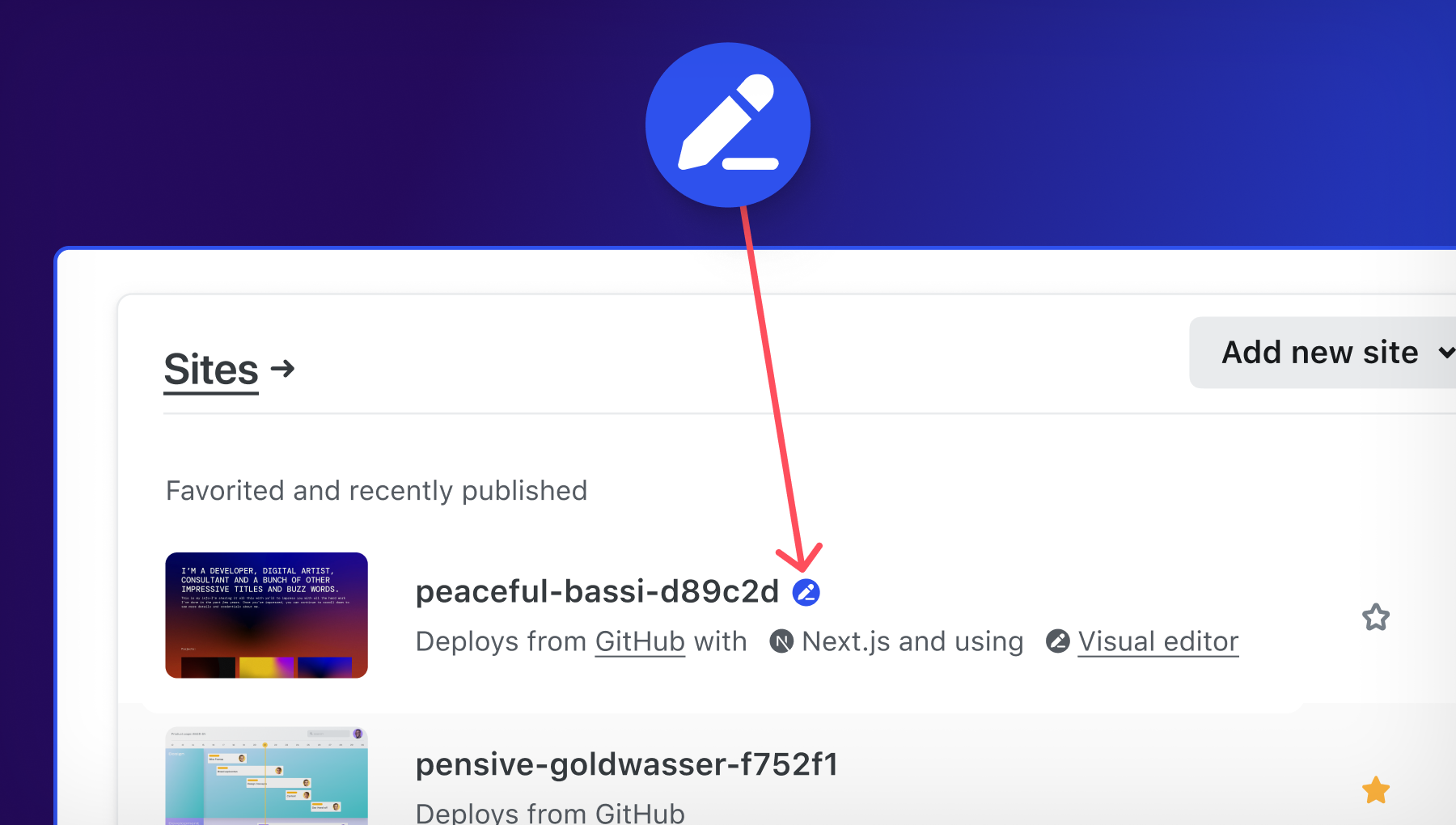
When deploying your site, now there is a new section for the visual editor.
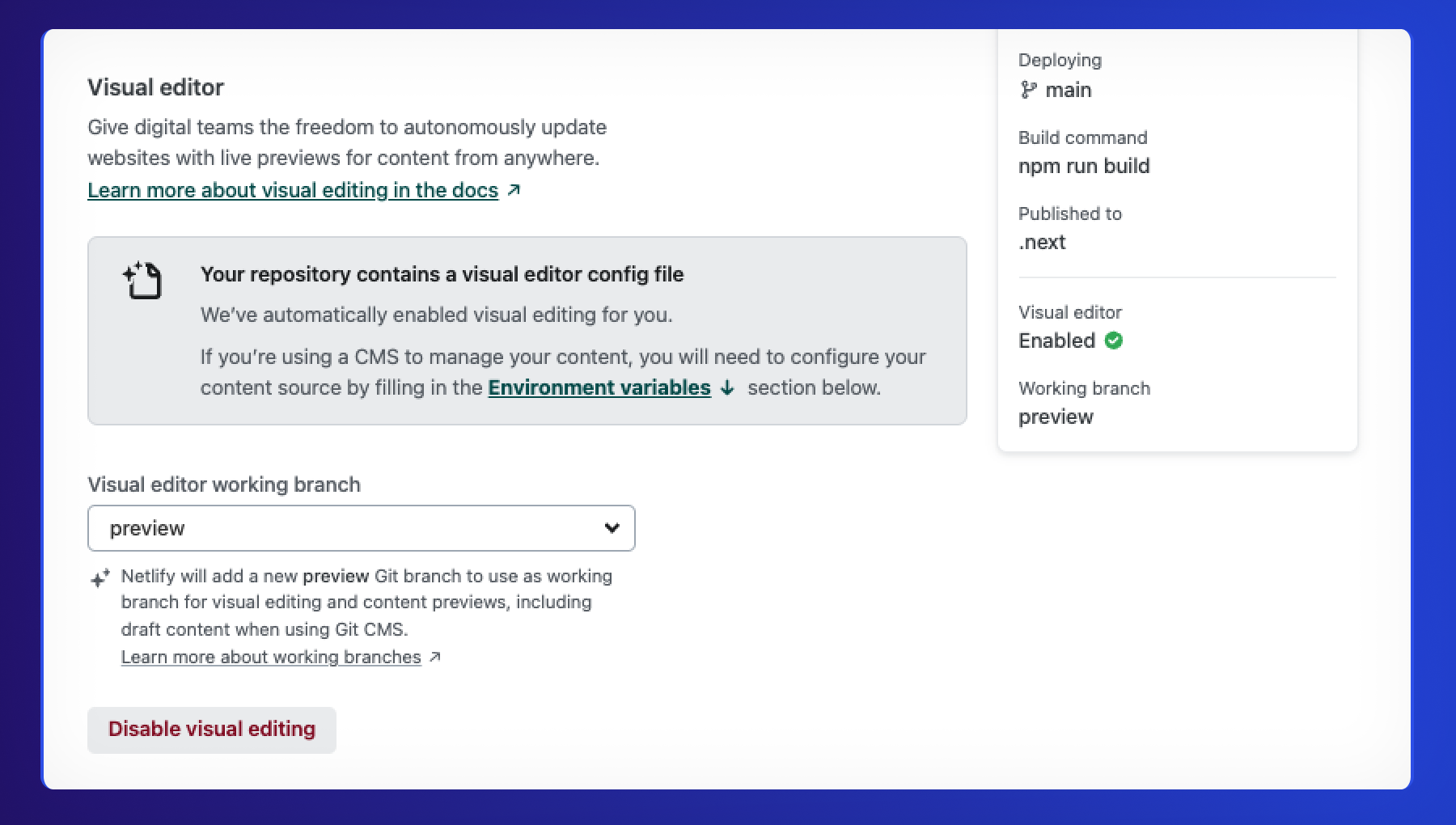
- Add the visual editor to existing sites: Users can now add visual editing capabilities to their existing sites deployed in Netlify from app.netlify.com .
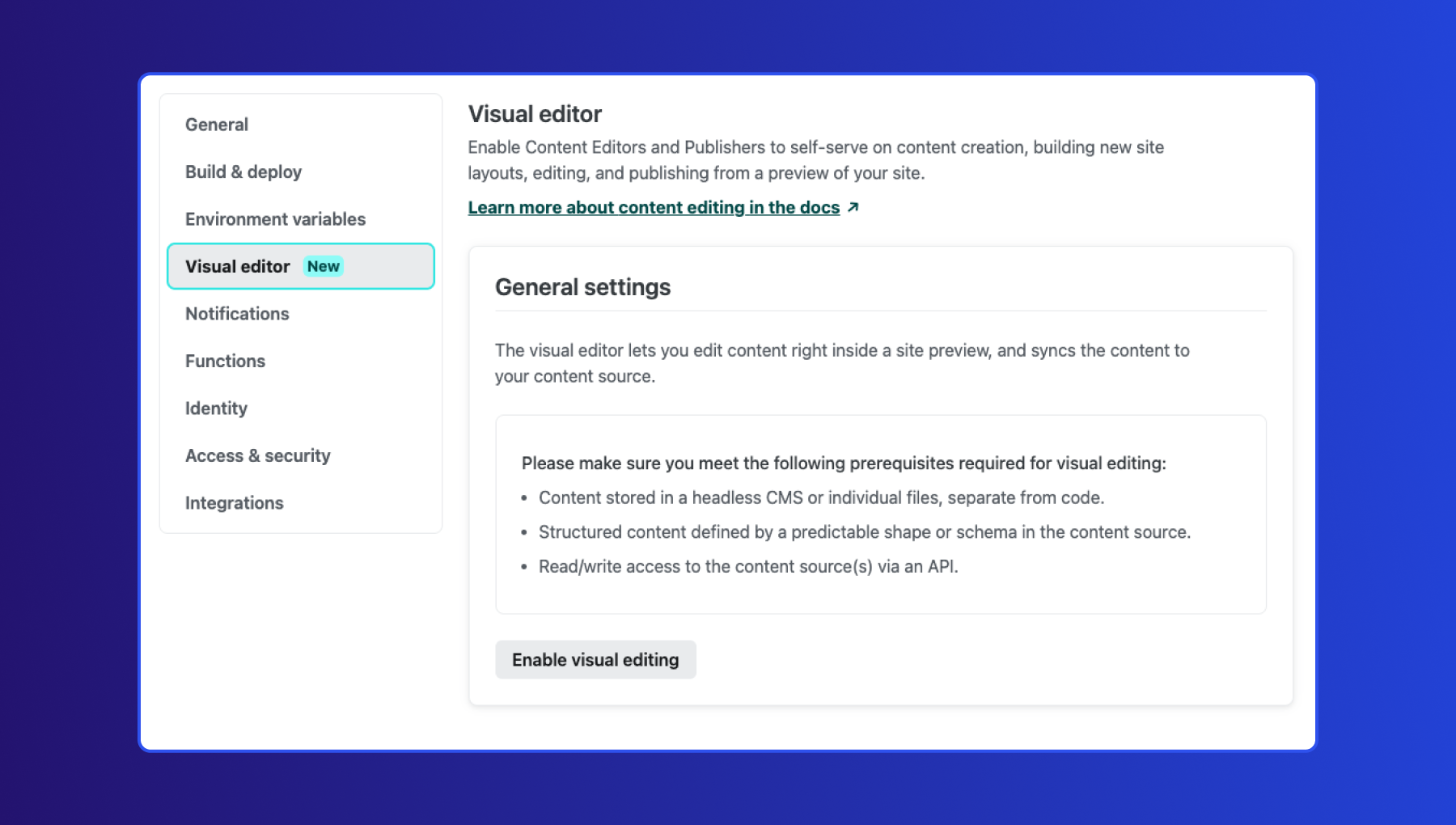
-
Transition from create.netlify.com: Users will no longer be able to create projects on create.netlify.com.
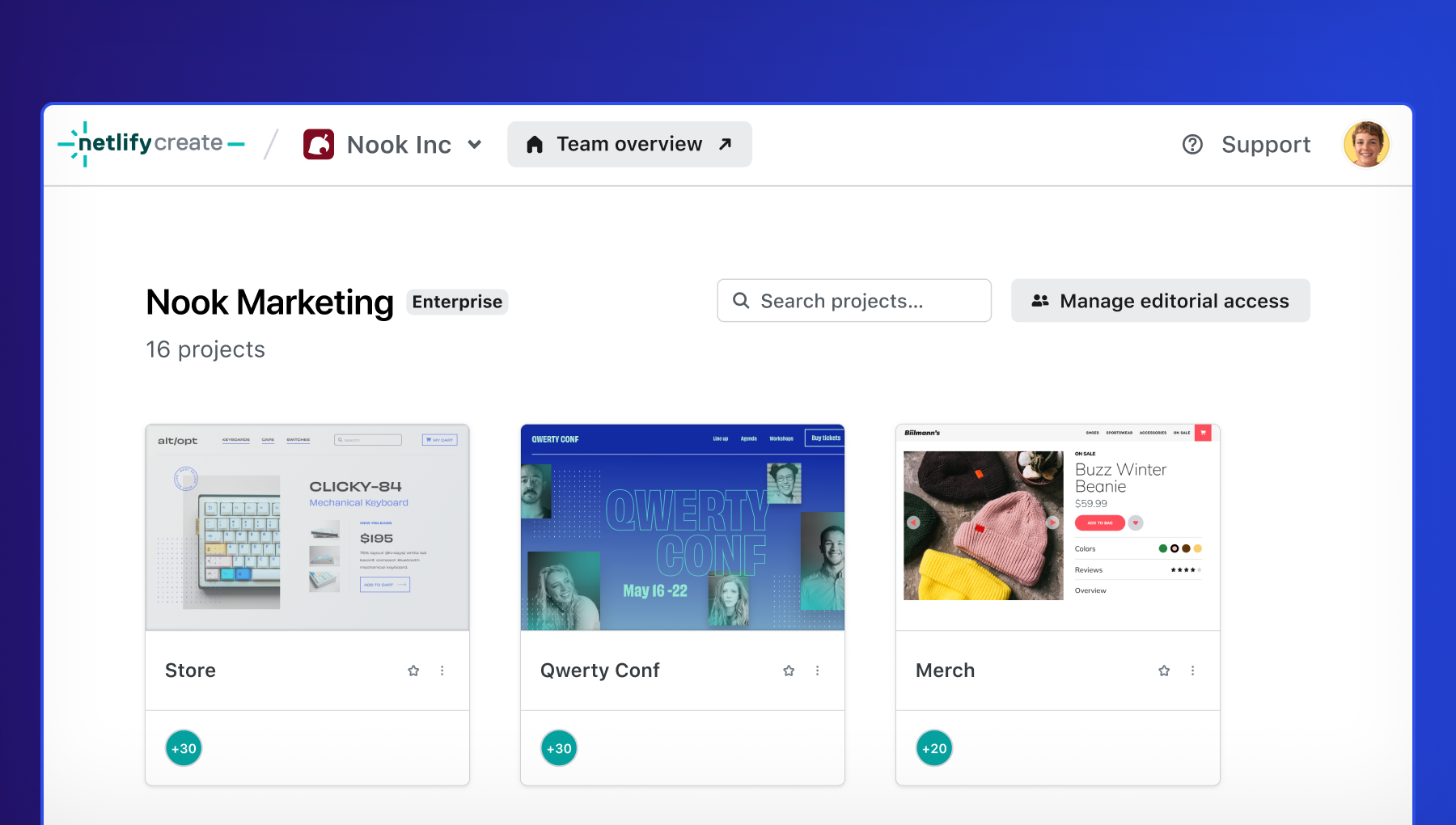
The users can deploy sites as they normally do within Netlify.

Users who had sites with hosting managed by Stackbit/Create will now be able to manage the builds & deploys themselves. These sites will now appear under your list of sites in app.netlify.com with the visual editor icon.
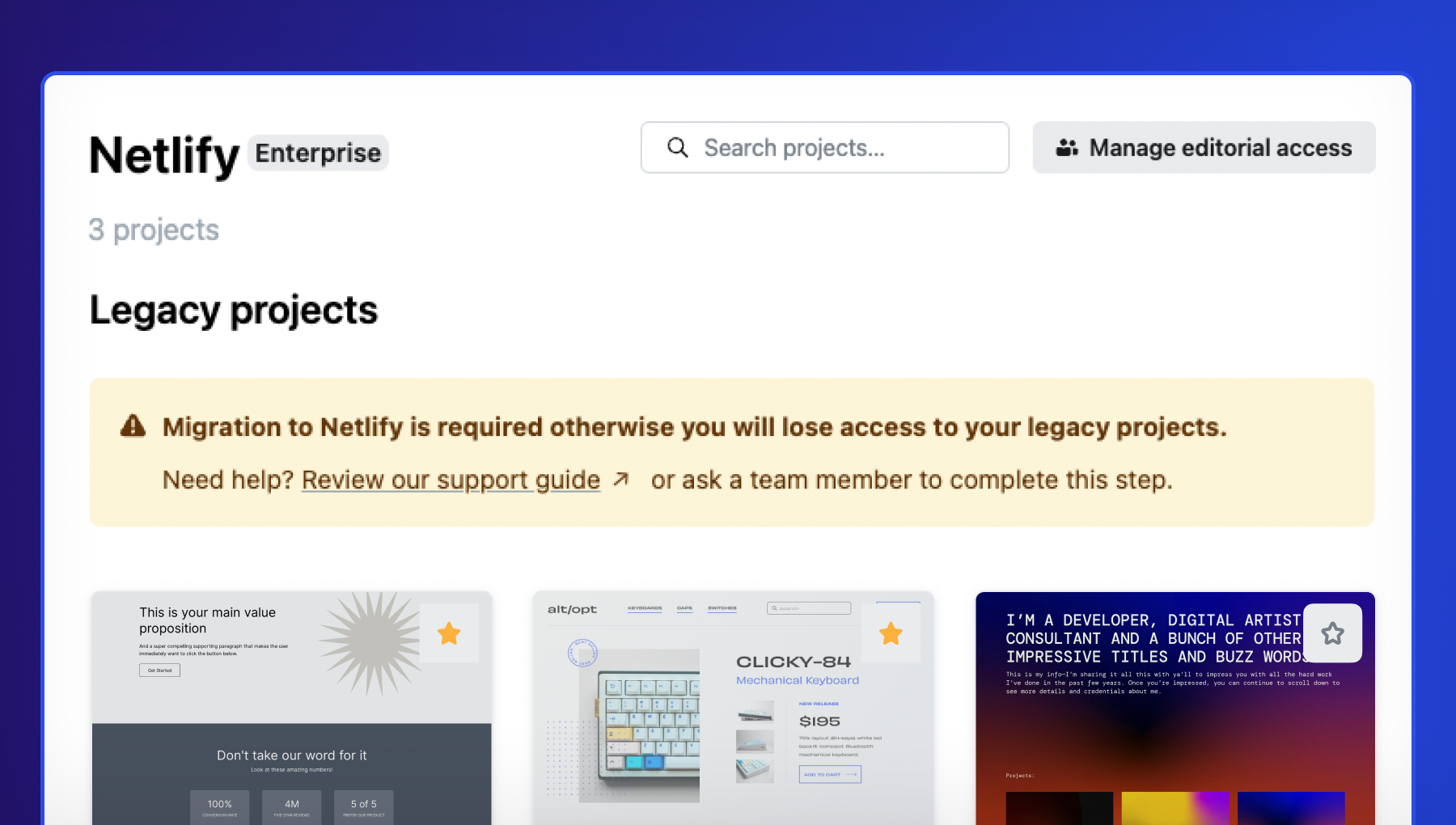
Projects will appear under ‘Legacy’ in create.netlify.com if an action is required on your end. Please visit the referenced support guides or reach out to us so we can assist with the transition.
Resources
Our Netlify Support team is ready to assist customers with the transition. If you need help linking existing sites and projects, or migrating ownership of projects in Create to the user, please contact support. Here is the Self-serve guide for migration to walk you through the process.
If you’re interested in learning more about features on Enterprise plans, please get in touch with the Netlify Sales Team.