
惯性聚合 高效追踪和阅读你感兴趣的博客、新闻、科技资讯
阅读原文 在惯性聚合中打开

推荐订阅源

freeCodeCamp Programming Tutorials: Python, JavaScript, Git & More
腾讯CDC
cs.AI updates on arXiv.org
L
LINUX DO - 热门话题
D
Darknet – Hacking Tools, Hacker News & Cyber Security
Project Zero
Project Zero
V
Vulnerabilities – Threatpost
Cisco Talos Blog
Cisco Talos Blog
P
Palo Alto Networks Blog
C
Cisco Blogs
A
Arctic Wolf
月光博客
月光博客
The GitHub Blog
The GitHub Blog
T
The Blog of Author Tim Ferriss
量子位
小众软件
小众软件
Latest news
Latest news
OSCHINA 社区最新新闻
OSCHINA 社区最新新闻
Microsoft Security Blog
T
The Exploit Database - CXSecurity.com
Security Latest
Security Latest
N
Netflix TechBlog - Medium
K
Kaspersky official blog
人人都是产品经理
人人都是产品经理
Cyber Security Advisories - MS-ISAC
博客园_首页
Y
Y Combinator Blog
P
Proofpoint News Feed
H
Hackread – Cybersecurity News, Data Breaches, AI and More
M
MIT News - Artificial intelligence
T
Threat Research - Cisco Blogs
S
Schneier on Security
D
Docker
Scott Helme
Scott Helme
MyScale Blog
MyScale Blog
Spread Privacy
Spread Privacy
cs.CL updates on arXiv.org
Threat Intelligence Blog | Flashpoint
GbyAI
GbyAI
有赞技术团队
有赞技术团队
Google DeepMind News
The Hacker News
The Hacker News
H
Help Net Security
Simon Willison's Weblog
J
Java Code Geeks
C
Cyber Attacks, Cyber Crime and Cyber Security
T
Tenable Blog
B
Blog
Know Your Adversary
Know Your Adversary
IT之家
IT之家

Open Design Blog

Best AI Design Agents in 2026: An Honest, Tested Guide Best AI Prototyping Tools in 2026: An Honest, Tested Guide Best AI Design Tools in 2026: An Honest, Tested Guide Best Bolt.new Alternatives in 2026: An Honest Comparison Best Design-to-Code Tools in 2026: An Honest, Tested Guide Best Figma Alternatives in 2026: An Honest, Tested Guide How to Use Claude Code for Frontend Design (2026 Guide) Best Lovable Alternatives in 2026: An Honest Comparison Best v0 Alternatives in 2026: An Honest Comparison Open Design is coming to Osaka / Kyoto Open Design 0.12.0: your brand is a design system Vibe Design Tools: An Honest Guide to What Works Vibe Design vs Vibe Coding: Where They Split and Why It Matters Vibe Design with Google Stitch: What It Nails, Where It Traps You Open Design 0.11.0: the Bazaar Open Design 0.10.0: the all-in-one design workspace Open Design 0.9.0: design for everyone The open-source alternative to Figma Open Design 0.8.0: everything is a plugin The layout layer the canvas used to hide How to port a Figma workflow into an Open Design plugin BYOK reality check: 5 things that break in Open Design today The open-source alternative to Claude Design 31 skills, 72 systems: how the Open Design library works BYOK design workflow: run Claude, Codex, or Qwen on your own key Why we built Open Design as a skill layer, not a product
What Is Vibe Design? The 2026 Guide to Designing by Intent
Open Design · 2026-06-17 · via Open Design Blog

← Back to Blog

Describe the feeling and direction of a UI and let AI generate it — but most tools stop at a pretty mockup. Here's what vibe design really is, vibe design vs vibe coding, and how to take it from prompt to shipped code.

June 17, 2026 6 min read Guides
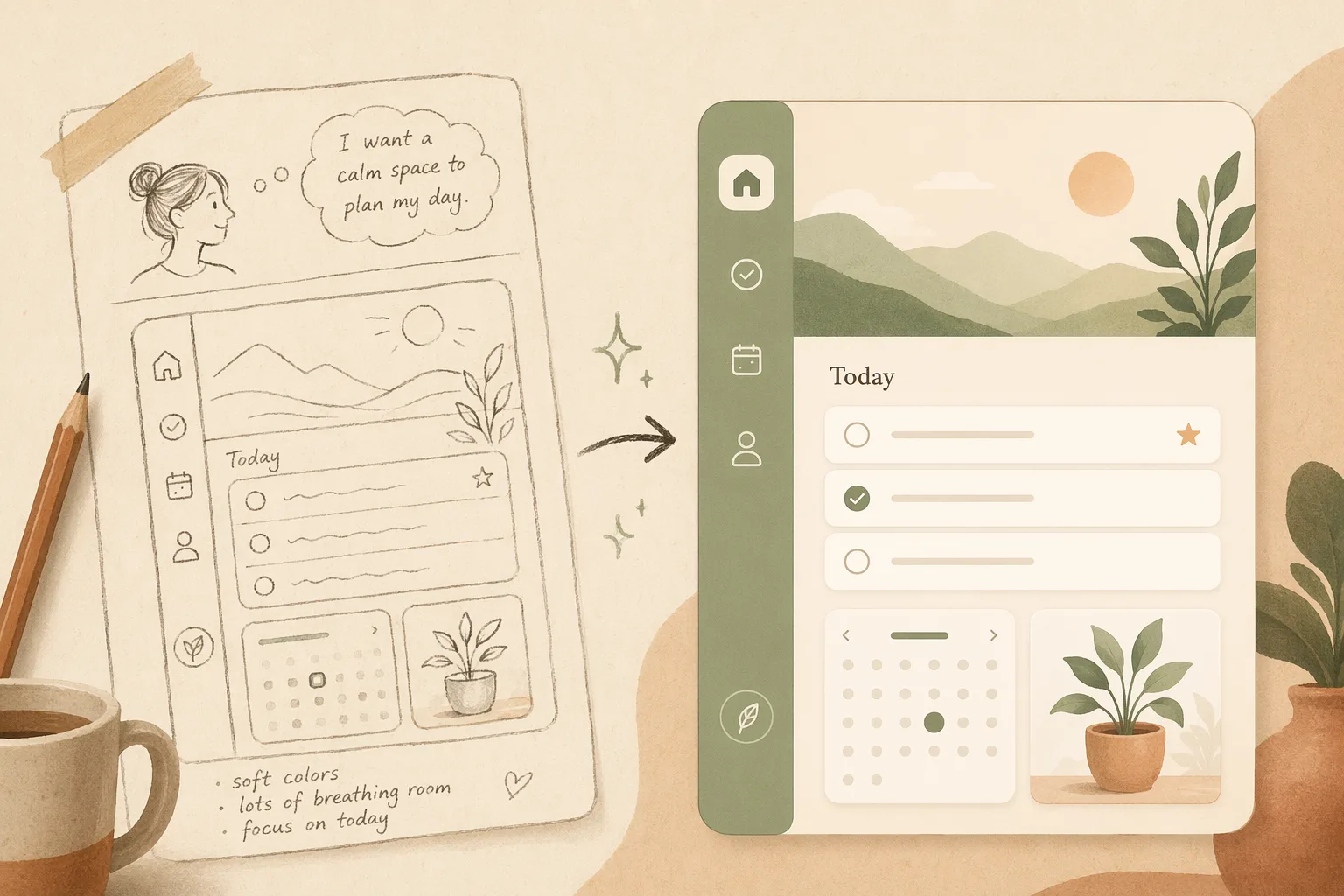
What Is Vibe Design? The 2026 Guide to Designing by Intent

Designers, founders, and product engineers keep hearing “vibe design” in 2026 — but half the articles are vendor pitches and the other half never say what happens after the AI spits out a screen. This guide gives you a clear definition, the lineage, how the workflow runs, and the one gap nobody talks about: shipping.

What is vibe design?

Vibe design is an approach to UI and product design where your primary input is intent — described in natural language, a reference image, or a URL — and an AI generates the design while you steer by feel rather than by hand.

Instead of placing components, nudging spacing, and hunting through color pickers, you describe the vibe: the tone, the layout direction, the feeling. You act less like a craftsperson and more like a creative director reviewing and redirecting. Three things define it:

  • Intent in — a prompt, a screenshot, a reference site, or a rough sketch.
  • Generation out — the AI returns real UI, not a blank canvas.
  • Steering — you critique and redirect in natural language until it’s right.

Vibe design vs vibe coding

The term descends directly from vibe coding, coined by Andrej Karpathy in 2025: don’t hand-write code — describe what you want and let AI implement it. Vibe design applies that same “intent-first” philosophy to the visual layer.

Vibe codingVibe design
InputIntent (what it should do)Intent (how it should look & feel)
OutputWorking codeWorking interface
You steer byBehavior & logicTone, layout, taste
Popularized byKarpathy, 2025Google Stitch, early 2026

They’re two ends of the same shift, and in 2026 they’re converging: the most useful agents design and build. Google pushed “vibe design” mainstream with its Stitch launch in early 2026, giving the category a name and a wave of search demand.
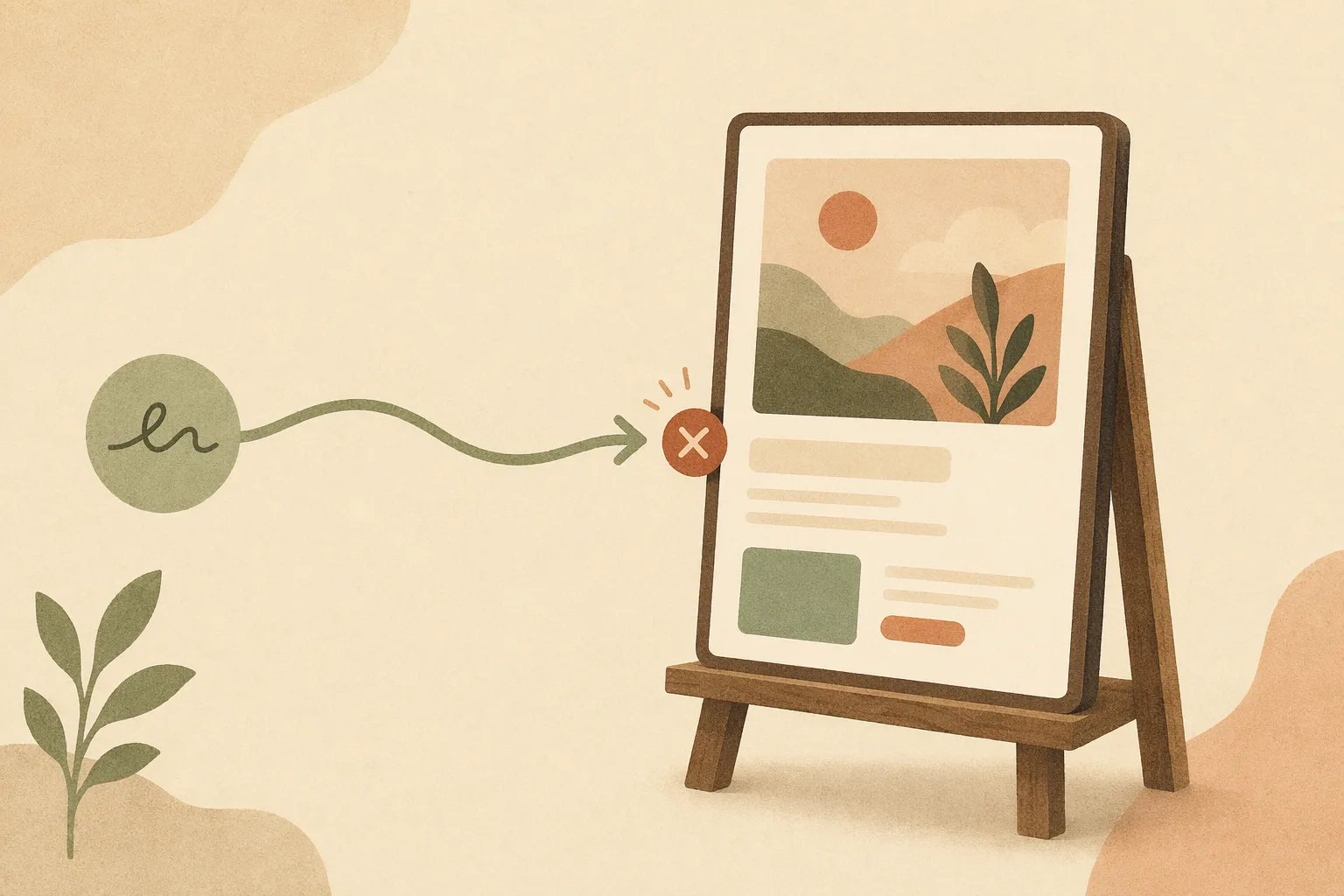
Editorial illustration: a prompt producing a single static UI screen
Google Stitch took "vibe design" mainstream — but stops at a generated screen.

How vibe design actually works

A typical loop runs in four moves:

  1. Describe the vibe — “a calm, trustworthy fintech dashboard, lots of whitespace, one accent color.”
  2. Generate — the AI returns a real screen (or several variants).
  3. Steer — “make it denser,” “warmer palette,” “add an empty state.”
  4. Iterate until it matches the intent.

The payoff is speed and access: one or two people directing an AI can produce dozens of polished concepts a week, and non-designers can reach a credible interface without learning a heavy tool.

In an agent-native workspace like Open Design, this loop lives in one surface — you describe the vibe to the same agent that can later write the code, so steering the design and building the product aren’t two disconnected tools. (Disclosure: we build Open Design.)
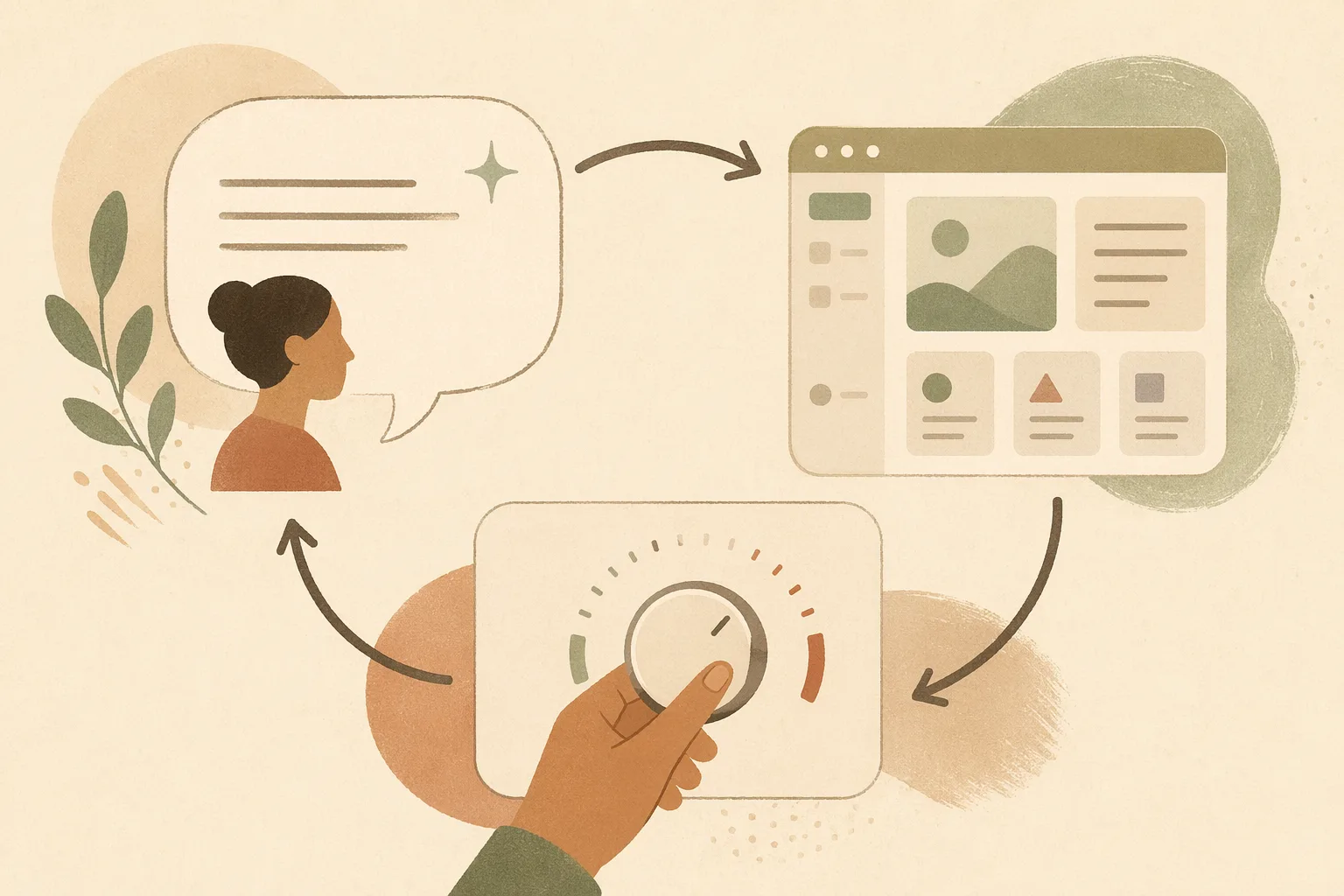
Editorial illustration of the describe, generate, and steer loop in Open Design
The intent → generate → steer loop, in Open Design.

The gap nobody talks about: from mockup to shipped

Here’s where most “vibe design” tools quietly stop — at a static mockup. You get a beautiful screen, then you’re back to hand-translating it into code, and the design never updates again.

Real vibe design shouldn’t end at a picture. The harder, more valuable version is agentic vibe design: an agent that generates the design, critiques and evolves it, and ships it to production code — keeping design and code in sync as you steer.

StageMost tools todayAgentic vibe design
Generate UI
Self-critique & iterate❌ one static screen✅ agent revises
Ship to real code❌ hand-translate later✅ exports working code
Keep design ↔ code in sync
Open-source / BYOKmostly closed

This is the lane Open Design works in — the open-source, agent-native design workspace. You describe the vibe, an agent designs the UI, evolves it, and ships it to real code; it’s BYOK and works alongside the coding agent you already use (Claude Code, Cursor, and others) instead of locking you into a closed canvas — so the walkthrough below shows the workflow, not just claims it.
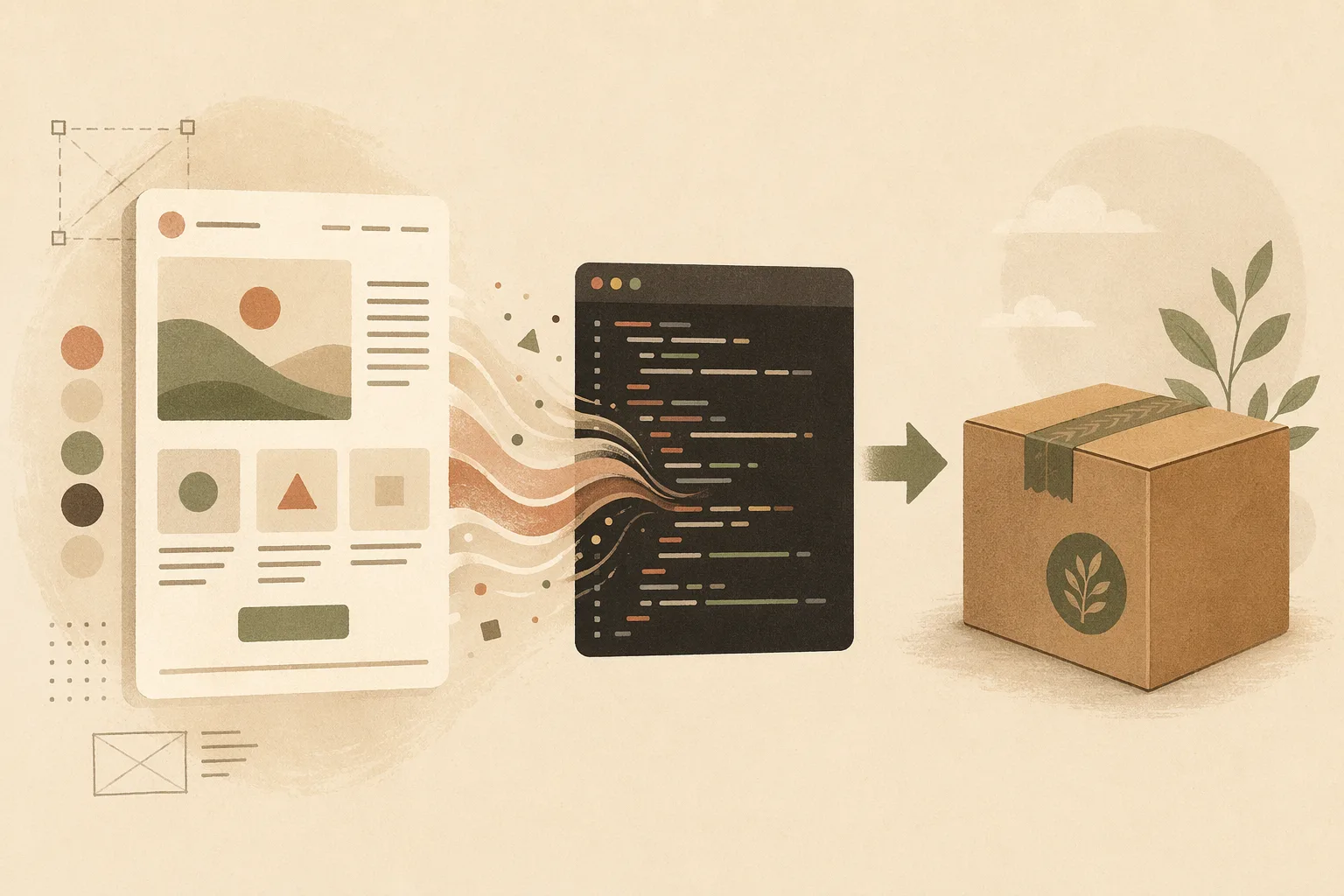
Editorial illustration of a design shipping to production code in Open Design
Agentic vibe design ends in shippable code, not a screenshot.

A concrete loop we run constantly: prompt a dashboard → get a working layout → “tighten the spacing and add dark mode” → the agent revises design and code together → export production HTML. The artifact is shippable, not a screenshot.

Common myths about vibe design

  • “It replaces designers.” No — it shifts them to creative direction and taste, where judgment matters more, not less.
  • “It only makes throwaway mockups.” Only if the tool stops at mockups. Agentic tools take it to code.
  • “You need to be technical.” The opposite — intent is the interface.
  • “It’s just AI image generation.” Vibe design produces structured, editable UI, not a flat picture.

How to start vibe designing today

  1. Pick an intent-first tool that ships to code, not just mockups, so your work doesn’t dead-end.
  2. Start from a reference — paste a screenshot or URL; say what to keep and change.
  3. Steer in plain language — iterate on density, palette, tone, and states.
  4. Push to code early — the sooner the design is real code, the sooner you learn what works.
  5. Keep it open and yours — open-source + BYOK avoids lock-in as the category moves fast. (If you’re coming from a closed canvas, here’s the open-source path away from Figma and from Claude Design.)

The takeaway

Vibe design is intent-first design: you describe, AI generates, you steer. Born from vibe coding and pushed mainstream by Google Stitch in 2026, it collapses the distance between idea and interface. But the version that matters doesn’t stop at a mockup — it’s agentic, and it ships to code. Start there and vibe design becomes real output, not just a nice picture.

Ready to try it? Open the app or browse the design systems and skills library.

Next step

Download the desktop build

Take the open-source design workspace for a spin, inspect the release notes on GitHub, or join our Discord for live community feedback.