





Design-to-code tools split into four approaches that look similar in a demo and behave nothing alike on a real project. Here's the honest map of the best design-to-code tools in 2026 — Figma exporters, AI app builders, handoff tools, and agent-native pipelines — and the one question that tells you which kind you actually need.
June 30, 2026 9 min read Guides
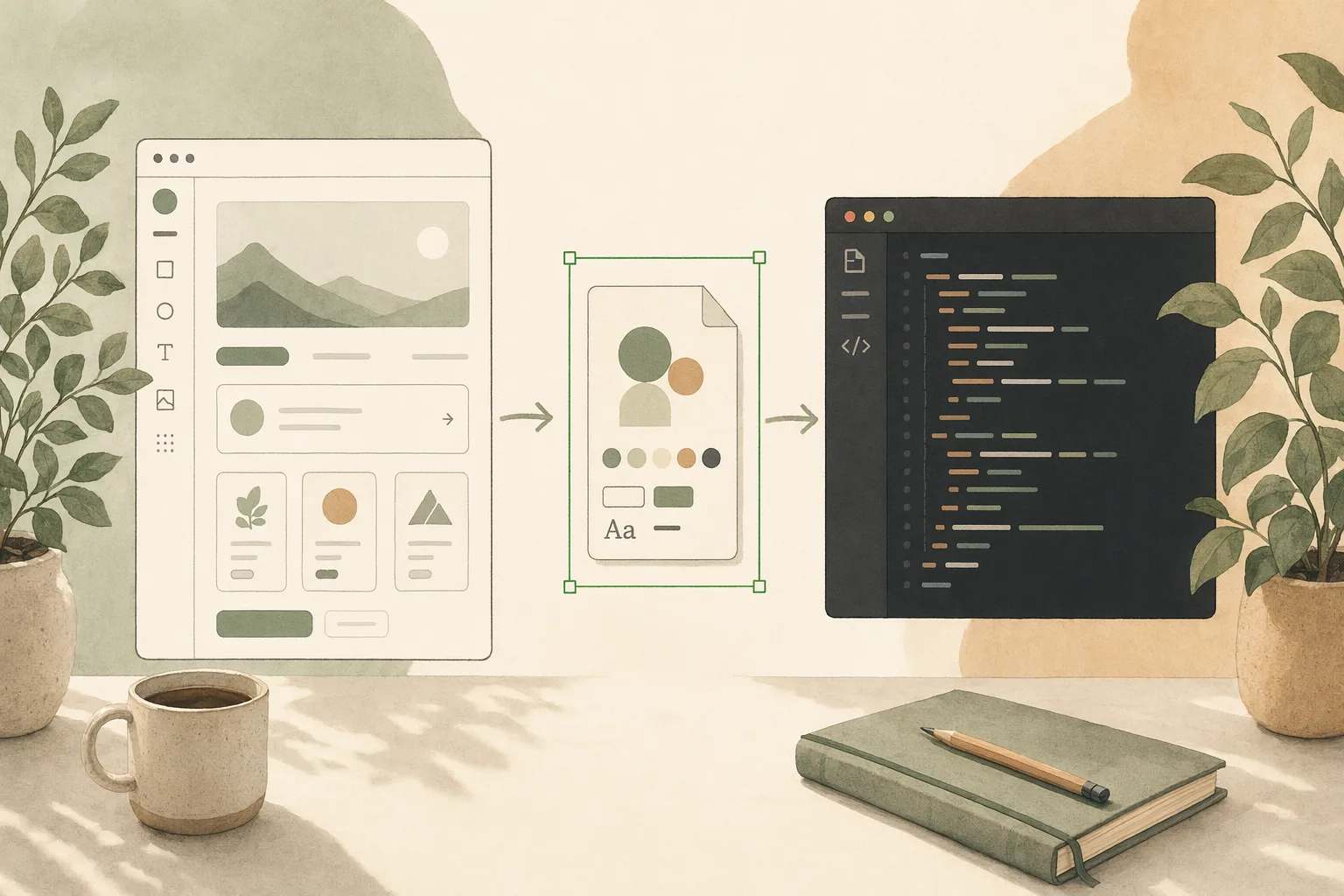
“Design to code” is one of those searches where every result shows you a polished before-and-after and none of them tell you the thing that matters: is this a one-time export, or a pipeline you can run again next week without it falling apart? That single question separates the design-to-code tools that save you work from the ones that just move the work somewhere less visible.
I work on the design-to-code pipeline at Open Design, which means I run most of these tools against real design systems, not demo screens. We build in this category, so I have a stake — and I’ll mark plainly where our own tool fits and where it doesn’t. This isn’t a ranking. It’s the map: four genuinely different approaches, what each is actually for, and the trade-off the marketing page leaves out.
Every design-to-code tool is answering one of two questions, and they’re not the same job:
Most “design to code” tools are exporters wearing pipeline language. Knowing which you’re buying is the whole game.
| Approach | Tools | Output | Repeatable & ownable? | Best when |
|---|---|---|---|---|
| Figma → code exporters | Anima, Locofy, Builder.io | Framework code from a Figma file | One-shot; you maintain the export | You have a finished Figma file to ship once |
| AI app builders | v0, Lovable, Bolt, Figma Make | Generated app/components from a prompt | Code yours, pipeline theirs | You’re starting from a prompt, not a file |
| Handoff & inspect | Figma Dev Mode | Specs, tokens, measurements | Not code — a spec | Engineers hand-build from a source of truth |
| Agent-native pipeline | Open Design | Prompt/design system → shipped code via your agent | Plain files, fully yours, repeatable | Design-to-code is a workflow you’ll run often |
Read it by your own priority. If you need “this Figma frame as React, today,” the top row wins. If you need “design-to-code as a step my team runs every sprint,” your eye should travel down — repeatability and ownership are the columns that decide whether you built a habit or a one-off.
The classic design-to-code tools. Point them at a Figma file and get framework code out — Builder.io is the strongest for enterprise teams that need design-system-consistent output across frameworks; Anima and Locofy lead for straight Figma-to-code conversion.
The part nobody prints: fidelity has a ceiling, and the export is a fork. The generated code is a snapshot of a design at a moment; when the design moves, you re-export and reconcile by hand, or you abandon the export and hand-edit the code until it no longer matches the file. It’s a great first scaffold and a poor long-term source of truth. (We walked through moving an actual Figma workflow over in port a Figma workflow to an Open Design plugin; the Figma alternative breakdown covers the canvas side.)
These don’t start from a Figma file — they start from a prompt and generate working code. v0 hands you clean React and Tailwind; Lovable and Bolt spin up whole apps; Figma Make generates from inside Figma. There’s no handoff cliff because the output already runs.
The part nobody prints: the design is a side effect of the build, and the running result is usually tied to their stack and host. You own the code in principle; the pipeline that produced it lives in their product. This is the vibe design vs vibe coding line — fast to a running thing, with lock-in of a different shape than the exporters’.
Not a code generator at all, and honest about it: Dev Mode gives engineers specs, tokens, and measurements to build against. For teams where designers design and engineers implement, it’s the default source of truth and works exactly as intended.
The part nobody prints: it deliberately leaves the code to you. That’s the right call for some teams and a non-answer if “design to code” meant “I don’t want to hand-build this.”
This is the one we build, so read it with that in mind. Instead of exporting a file or generating a hosted app, Open Design makes your design system a set of files — every design system is a DESIGN.md, every capability a SKILL.md — and lets the coding agent you already run take them from prompt to shipped code, repeatably, into your own codebase.
Honest placement: it’s not a one-click Figma exporter, and it won’t replace Dev Mode for a pure designer-to-engineer handoff. What it does is make design-to-code a repeatable, ownable step rather than a one-time conversion — the files are yours, the agent is yours, and running it again next sprint doesn’t mean re-reconciling an export. It’s the answer when design-to-code is a workflow you’ll run constantly, not a one-off. See how it fits engineering teams and designers.
What is the best design-to-code tool in 2026? Depends on your input and horizon. For a finished Figma file shipped once: Anima, Locofy, or Builder.io. For prompt-to-app: v0, Lovable, Bolt. For a repeatable, ownable pipeline: an agent-native tool like Open Design. For pure handoff specs: Figma Dev Mode.
What’s the best AI design-to-code tool? “AI design to code” usually means prompt-to-code app builders (v0, Lovable, Bolt) or an agent-native pipeline (Open Design) that turns your design system into shipped code through your own agent.
Are there free design-to-code tools? Most have free tiers for a first conversion or scaffold; cost appears at real export, fidelity, and scale.
What about Figma to code specifically? Anima, Locofy, and Builder.io are the dedicated Figma-to-code exporters; for an ownable, repeatable alternative to one-shot exports, see Open Design and porting a Figma workflow.
Design-to-code looks like one category and is really four: export a Figma file, generate an app from a prompt, hand off a spec, or run an ownable pipeline. The lists show you the prettiest before-and-after. The question that actually saves you is the boring one — is this a one-time export or a pipeline I can run again? Decide that, match the tool to your input, and the choice gets simple. If the answer is “I want design-to-code to be a repeatable step I own,” that’s the bet Open Design is built on: your agent, your files, prompt to shipped.
此内容由惯性聚合(RSS阅读器)自动聚合整理,仅供阅读参考。 原文来自 — 版权归原作者所有。