





open-design-v0.16.0 — 92 PRs from 20 contributors in five days. Codename "Reliable Delivery." Visual direction now follows whatever you are actually making, automatic updates take effect properly, long tasks keep their answer and the files that came with it, and previews stop fighting the frame. Plus a message center inside the app — and the 0.16.1 patch that cleared the last thing covering your canvas.
July 22, 2026 7 min read Product
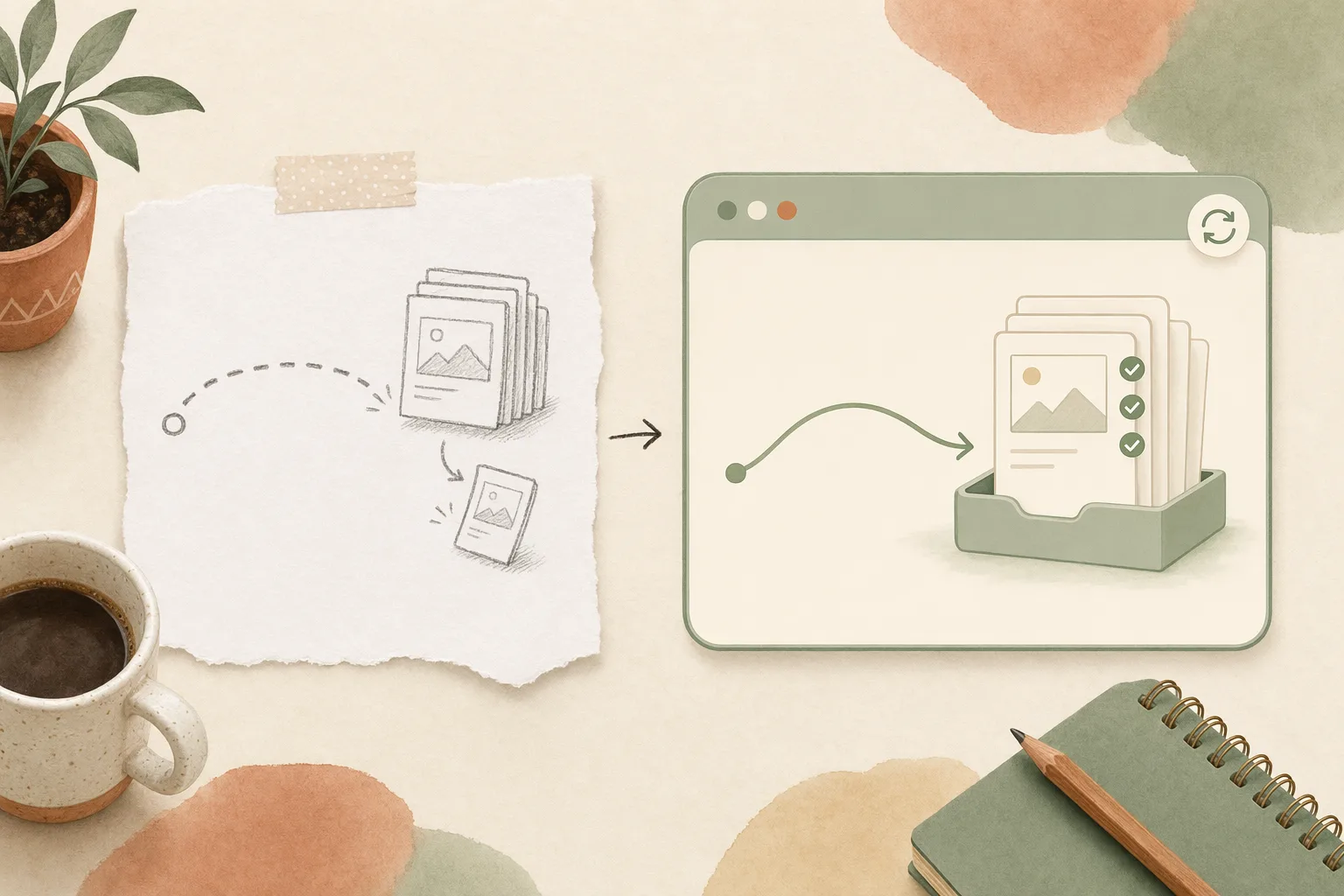
open-design-v0.16.0, published on July 22, 2026. 92 PRs from 20 contributors in five days. Codename “Reliable Delivery.” The last release went after what a run costs you. This one goes after what happens between a finished result and the moment it actually reaches you: the update that half-applied, the long task that lost its files, the preview you had to fight, the export that dropped a slide.
Want the full changelog? It lives in the release notes on GitHub. This is the short version: what changed underneath, what you can do with it today, and where to start.
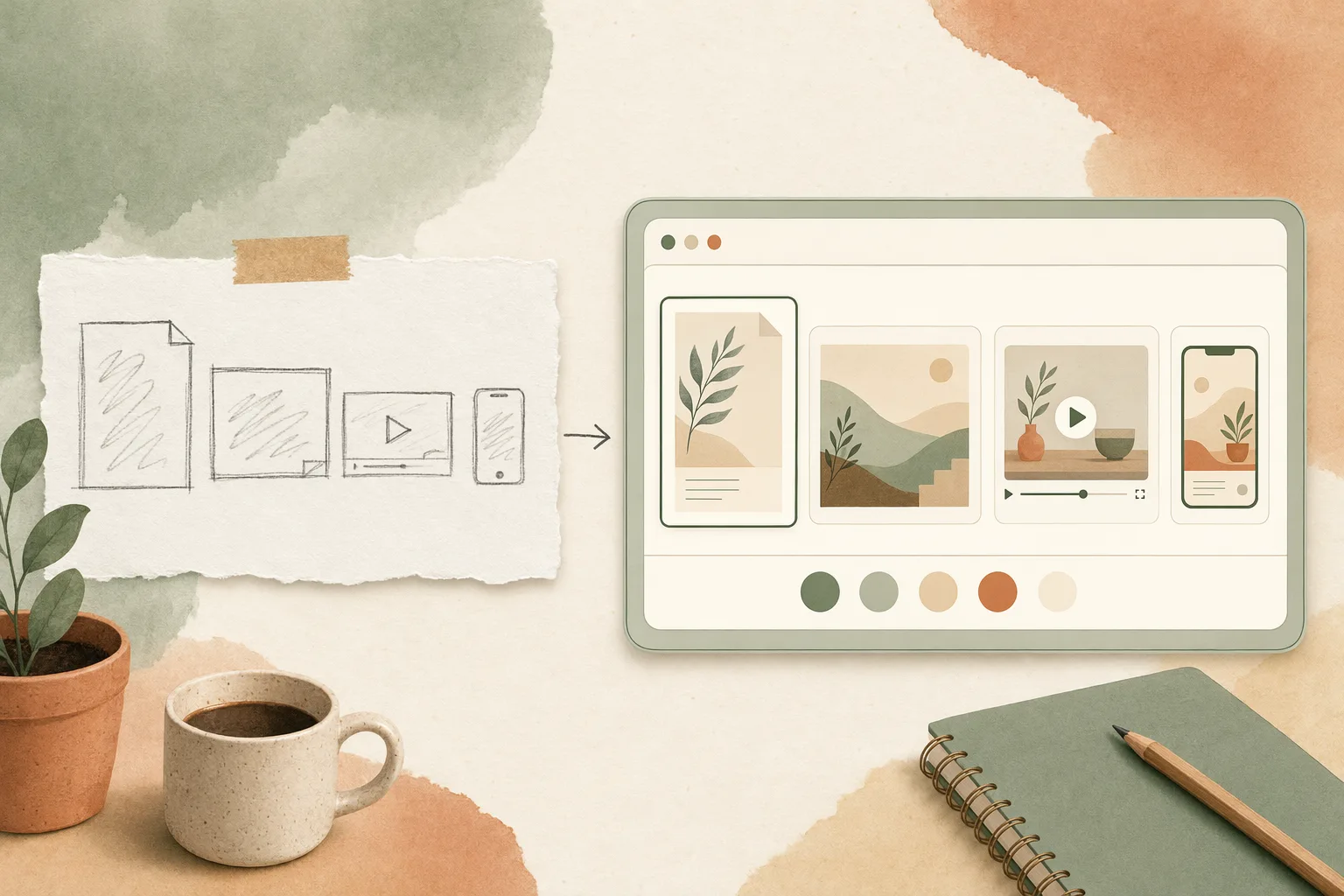
Style used to be a decision you could only make for decks and prototypes. Everything else — a document, a poster, a video, a Web Clone, a wireframe, a mobile screen, a Hyperframe — started from whatever the model felt like.
In 0.16.0, every format gets its own visual direction, with previews rendered the way that format is actually seen. Four quick choices sit inline where you’re working, and the full style library is one click away. You pick a look for the thing in front of you instead of translating a deck theme into a poster in your head.
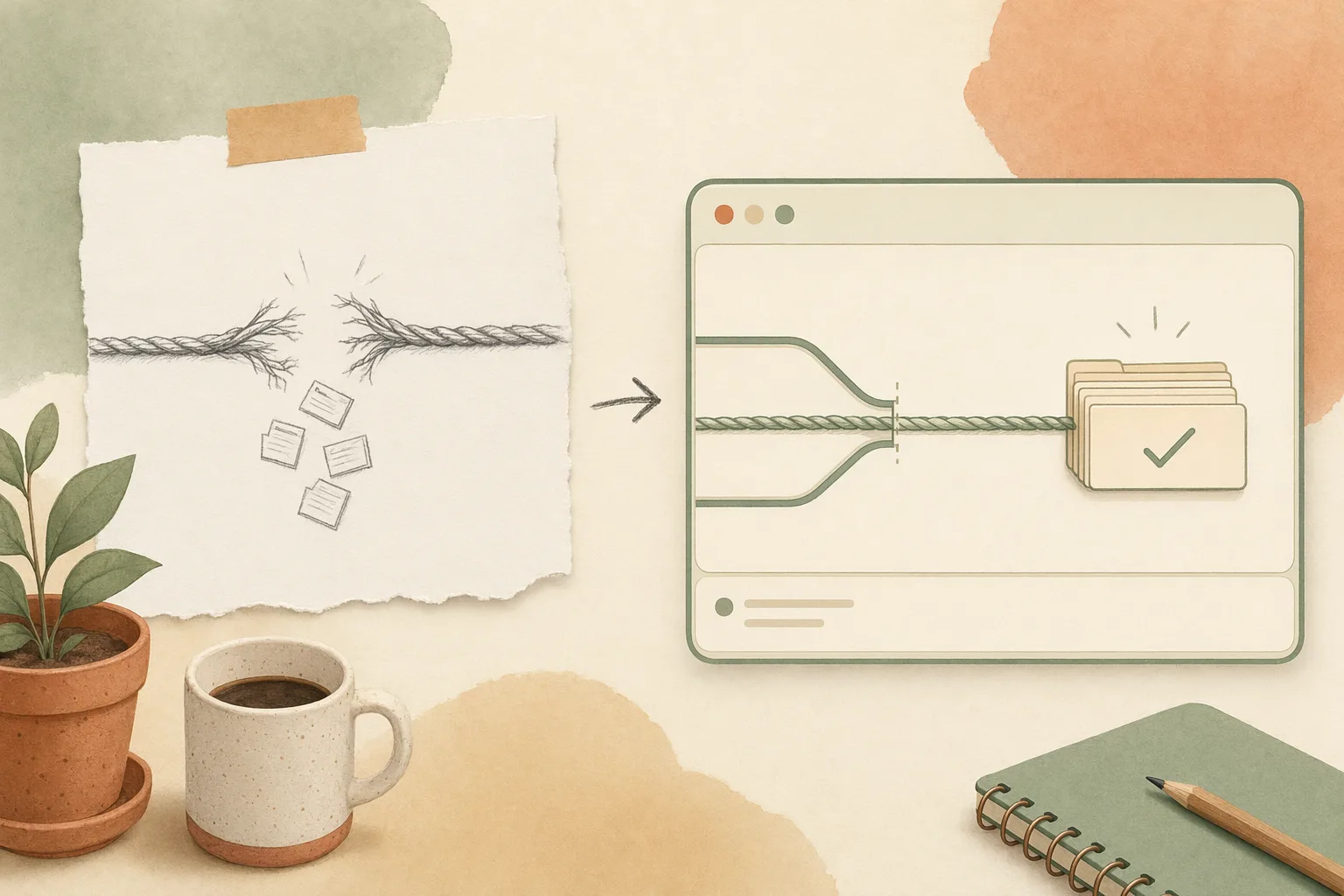
An update that half-applies is worse than no update: the app reports a new version while a feature quietly runs on the old one. 0.16.0 makes the upgrade land. After updating, the new version takes effect more reliably, and features broken by an incomplete update — PPTX export among them — work again.
On macOS, “Check for Updates…” now says which state you’re in: current, downloading, ready to restart, waiting for active work to finish, or in need of a manual download. Windows update reliability improves too. Thanks to @PerishCode for a long run of work here.
Extended runs are where the most valuable work lives, and where the most work used to disappear. In 0.16.0, a task approaching a conversation limit continues with the newest useful context instead of failing abruptly, and files generated earlier in the run stay attached to the result rather than vanishing with the compaction.
The failure paths got more honest as well: recovered helper agents no longer turn successful work into a reported failure, interrupted tasks show an accurate state after a restart, canceled work stays canceled, and errors that genuinely can’t be recovered stop with an explanation you can act on instead of a spinner.
New in 0.16.0: a message center behind a bell in the Home and project headers — unread counts, filters, mark-all-read, and links straight to the thing being announced. Read state stays on the device when you’re anonymous and follows your account when you’re signed in, dates render in your locale, and the close button is always where you expect it. Thanks @nettee.
Bringing your own key should fail at setup time, not three minutes into a task. Incomplete edits now stay as recoverable drafts instead of overwriting a working configuration, so a half-finished change can’t take down a provider you rely on.
Connection tests behave more like real tasks, surface the provider’s actual error, and preserve each provider’s own model ordering — no more alphabetized list that buries the model you wanted. Compatible MiniMax, DeepSeek and MiMo addresses are handled more consistently, outdated Moonshot and DeepSeek defaults now point at current models, and Settings and onboarding finally show the same choices. Memory can also use a compatible MiniMax key you already saved, and says plainly when a provider only supports image or audio.
Small friction, felt constantly. Wide desktop pages now fit the pane until you choose your own zoom, older decks respond to navigation keys immediately, and the latest main HTML file appears as soon as a task finishes instead of after a manual refresh. When an asset is blocked for safety, the preview names the project file involved without exposing a sensitive system path.
Image generation got steadier too: Nano Banana and custom image generation retry once when a provider is briefly busy, and GPT Image reference edits work across more compatible services. A blip becomes a short wait instead of a lost creative turn.
od deploy --target … --json, so a preview returns its own URL instead of replacing your live hostname.The next day, 0.16.1 shipped one focused fix for the design preview: run status no longer covers your generated work. Building, completion, and delivery-recovery status stay in Chat — which is still where you follow progress or retry a failed delivery — and the canvas stays yours. If you’re downloading today, take 0.16.1.
| If you’re… | Start here |
|---|---|
| New to Open Design | Download the desktop app, start a project, and pick a visual direction made for the format you’re working in |
| Running long tasks | Push a long run further — hitting the context ceiling now continues with the newest useful context, files intact |
| On an older build | Run “Check for Updates…” — the update state is now explicit, and PPTX export works after upgrading |
| Using your own keys | Re-test your BYOK providers: errors surface at setup, drafts no longer clobber a working config |
| Living in the preview | Reopen a wide desktop page or an older deck — the frame fits, and the keys respond |
A release you can trust is mostly a release that stops losing things. 0.16.0 spends its budget there — an update that lands, a long task that keeps its files, a style that matches the format, a preview that gets out of the way. Download the desktop app, rerun the longest task you’ve got, and see it arrive whole.
92 PRs in five days, from 20 people who each closed one more gap between a finished result and a delivered one. Reliability is unglamorous work, and it is the work that makes everything else believable. We see you. 🚀
此内容由惯性聚合(RSS阅读器)自动聚合整理,仅供阅读参考。 原文来自 — 版权归原作者所有。