





Do you ever uninstall software and find that there are still leftover files on your computer? It gives me a feeling of not fully getting rid of something, and it’s very frustrating. But this AppCleaner has helped me solve this problem, so I want to share it with everyone here.

You can use Homebrew to install it directly:
brew install --cask appcleaner
Or you can download and install it directly from FreeMacSoft.
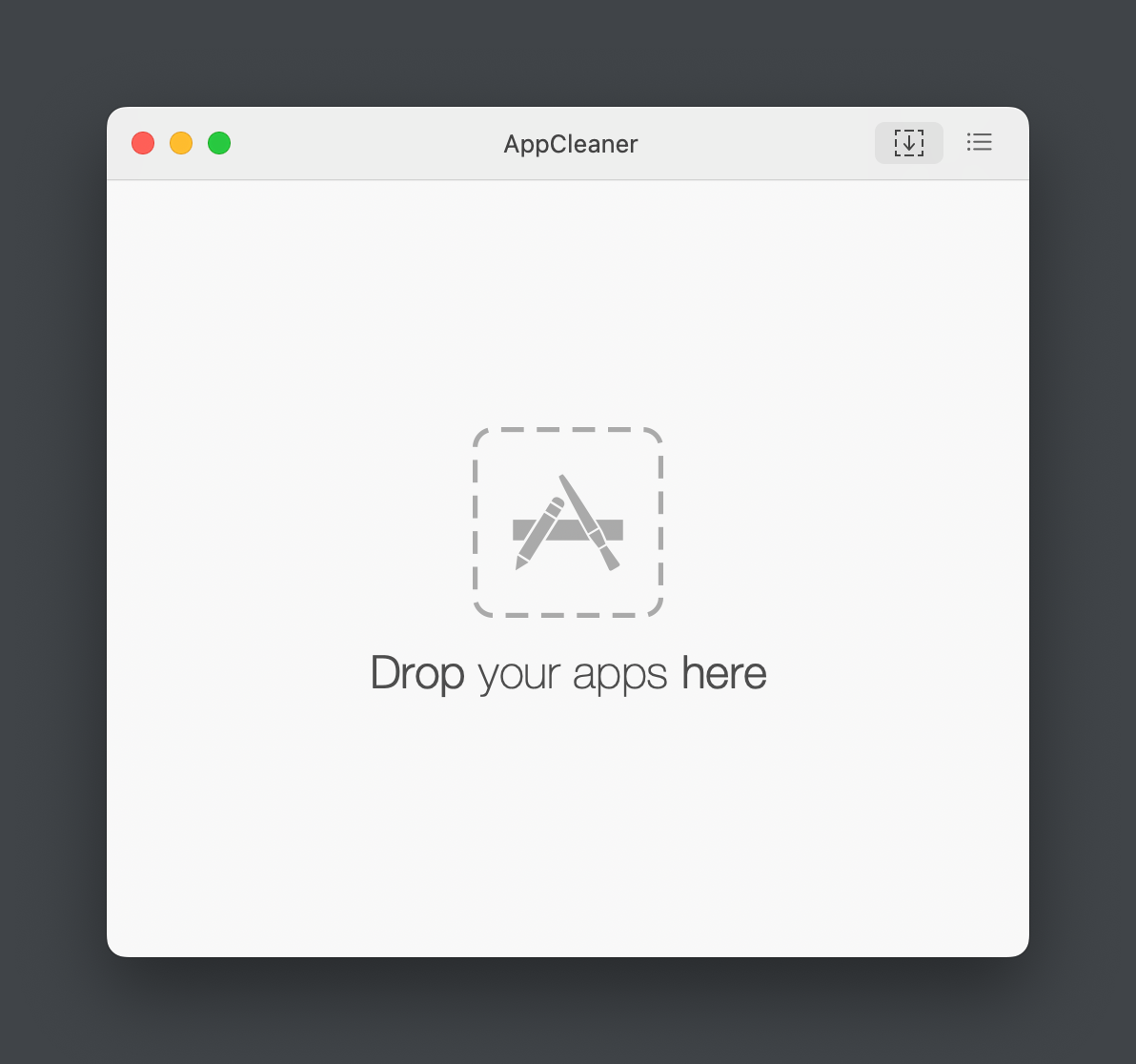
Its functionality is very simple. Open the app, drag the software you want to uninstall into the window, confirm that you want to delete the associated files, click Remove, and you’re done.
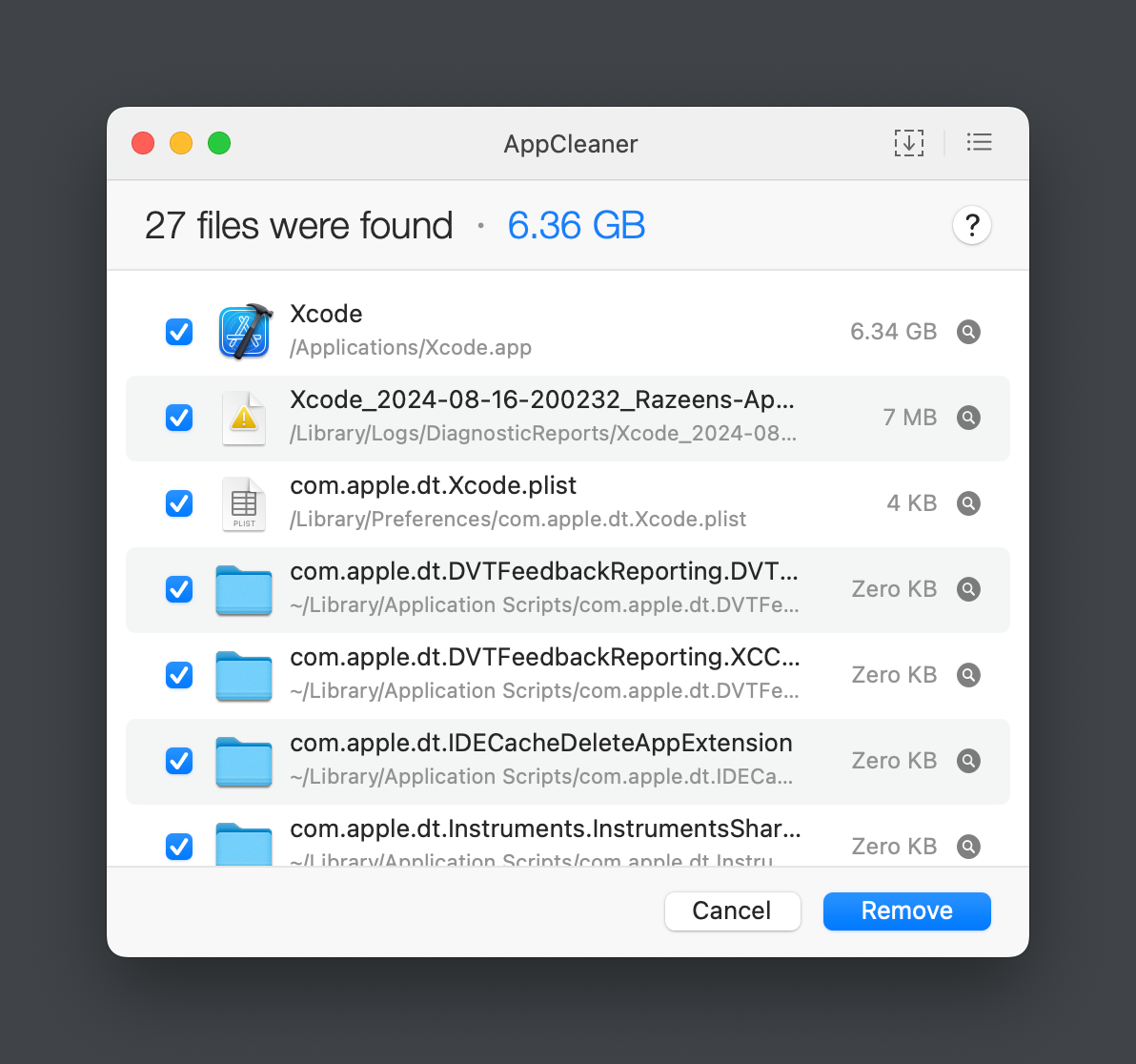
The paths, sizes, and other information of the associated files will be displayed.
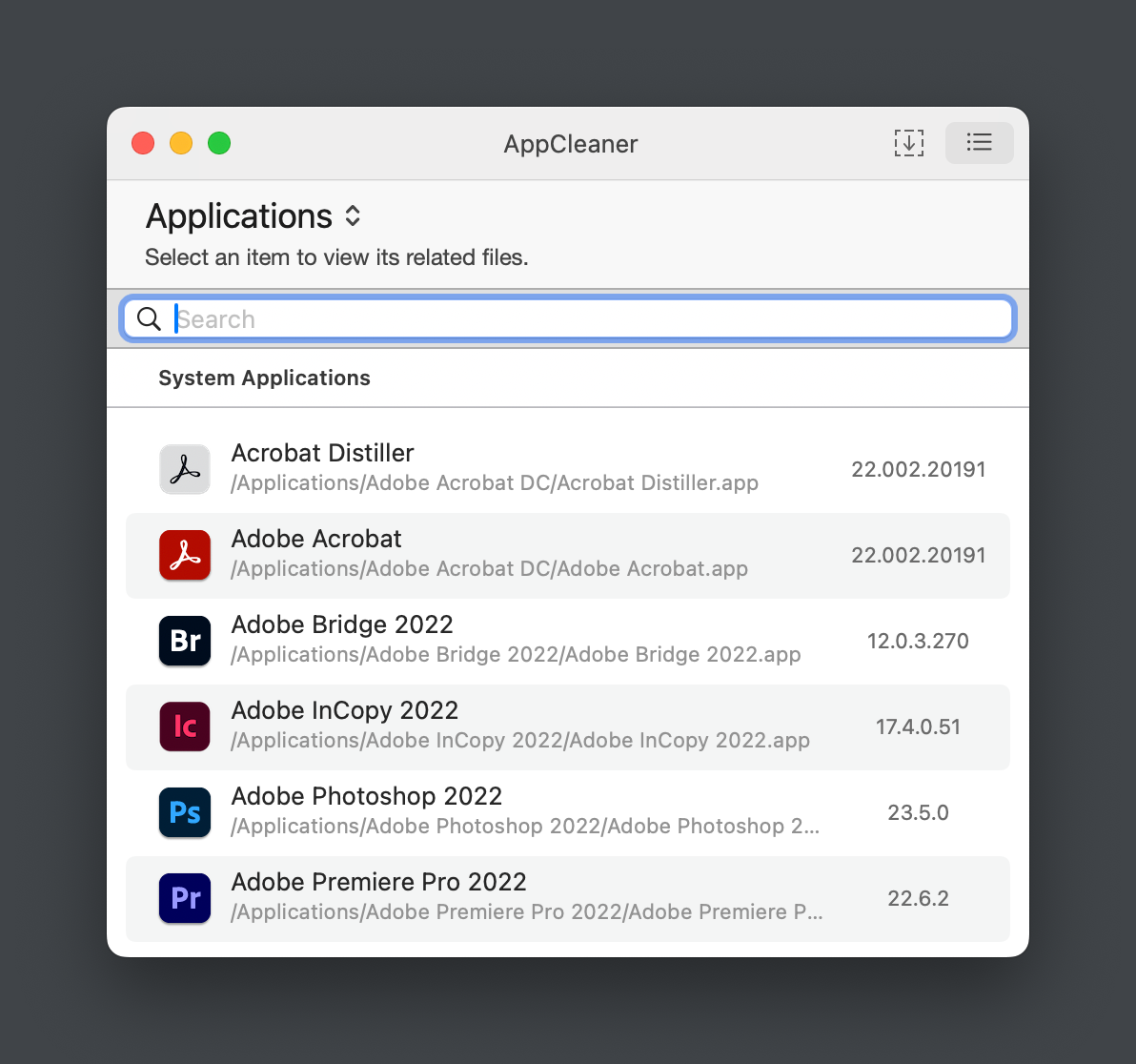
You can also search and browse the list of apps to choose the software you want to uninstall.
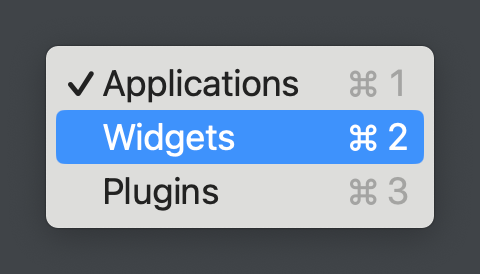
In addition, it also supports uninstalling plugins and widgets.
此内容由惯性聚合(RSS阅读器)自动聚合整理,仅供阅读参考。 原文来自 — 版权归原作者所有。