





Developers working in Google Antigravity can now install our lifecycle context graph, GitLab Orbit, directly from the Antigravity MCP Store and give their agents structured access to projects, pipelines, merge requests, vulnerabilities, and source code across their GitLab instance.
The Orbit integration is a new addition to a family of purpose-built GitLab integrations already in the Google Cloud ecosystem and brings GitLab's context layer into Google's agent-first development platform.
Antigravity agents, without GitLab Orbit, can see the files and reach the terminal. They do not understand the broader system: which services depend on the code being changed, whether similar vulnerabilities have been flagged elsewhere, or who reviewed comparable changes in the past. That context lives in your DevSecOps platform. Getting it to a coding agent has meant using custom scripts or copy-pasting between tools.
GitLab Orbit indexes your GitLab instance and builds a knowledge graph of relationships between groups, projects, users, work items, merge requests, pipelines, vulnerabilities, and source code. It surfaces that graph through two MCP tools: query_graph, which executes structured queries, and get_graph_schema, which returns available node types, properties, and relationships.
With this integration, an Antigravity agent can be more accurate and you can answer the most complex questions about your software lifecycle with this context layer:
The agent composes the query in GitLab Orbit's JSON DSL and gets typed results back, instead of requiring you to switch between browser tabs and paste context into the coding platform.
In early internal tests, agents grounded with GitLab Orbit responded up to 11 times faster, used up to 4.5 times fewer tokens, and produced up to 45 times fewer hallucinations.
With GitLab Orbit and Antigravity, several key user journeys are enhanced by the interoperability of the two services.
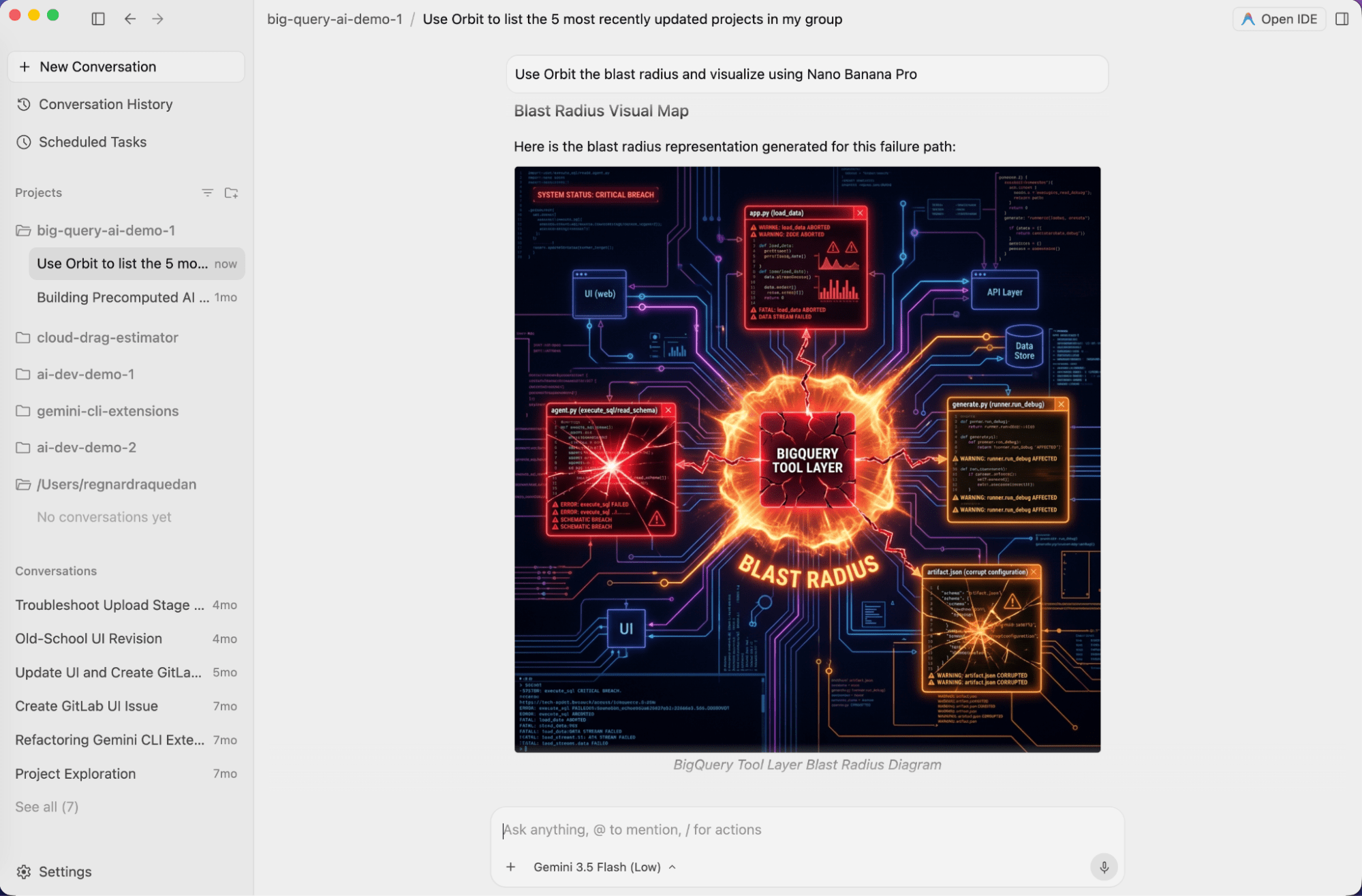
Before refactoring a shared auth library, an engineer asks an Antigravity agent connected to GitLab Orbit: What depends on this module? Which open merge requests touch those files? And who owns them? The agent queries the knowledge graph and returns all three in one answer: the importers, every in-flight merge request against those files, and their owners. The engineer sees which open work the refactor will collide with, and who to involve, before editing a line. Without Orbit, the same agent sees only the open files and the terminal, with no ability to query the importers, merge requests, and owners that live in GitLab.
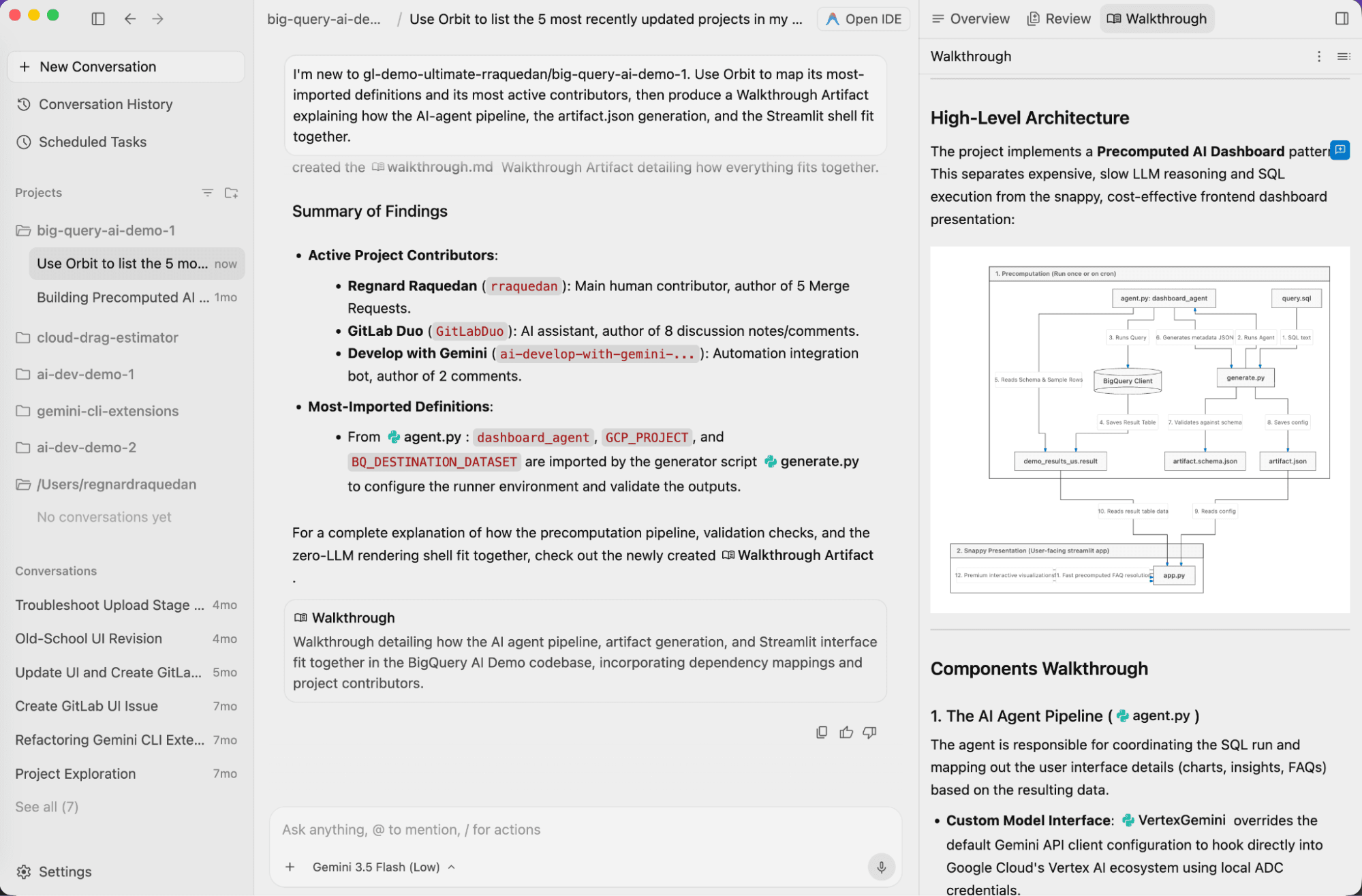
A developer returning to an unfamiliar service asks for its dependencies, entry-point files, and the merge requests opened against it this week. The agent runs the queries against the knowledge graph and produces a Walkthrough Artifact, a scannable map the developer keeps rather than a chat answer that scrolls away. Orbit reindexes within minutes of a change, so the map reflects the service as it is today, not the stale wiki that onboarding usually relies on.
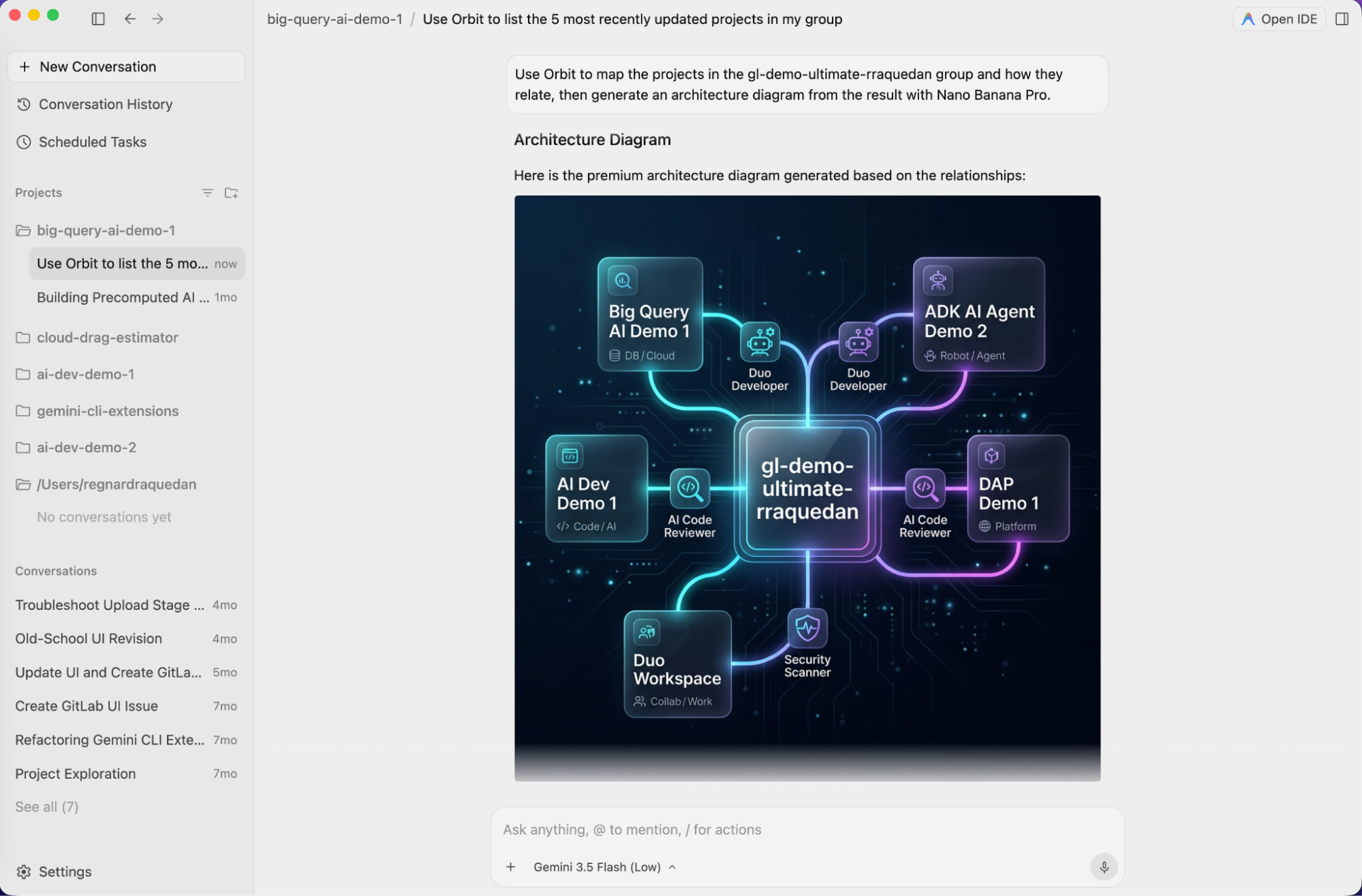
A tech lead queries GitLab Orbit for a group's service-dependency structure and has the agent render it as an architecture diagram with Nano Banana Pro. Its nodes and edges are drawn from the live graph rather than relying on a diagram that's already out of date. For a narrower view, like only the services with open security findings, the tech lead re-queries and regenerates a diagram. Every query is filtered to what the tech lead can access, so the diagram is safe to share as-is. A text-only agent can't turn a graph query into a diagram, let alone keep it current. GitLab is building the same capability natively as a Software Architecture Map; in Antigravity, it works today.
Antigravity's MCP Store is a built-in integration hub inside the settings. It uses the Model Context Protocol to connect agents to external tools and services in a standardized way.
Open the MCP Store panel from the settings. Within the customization tab, find the MCP section. Click “Add MCP” and add GitLab Orbit. Authenticate with GitLab through the on-screen prompts. Once installed, Orbit's tools are automatically available to your agents. No config files or terminal setup required.
GitLab Orbit is the same engine that provides context to Duo Agent Platform. For platform engineering teams managing large GitLab instances, agents working inside Antigravity draw on the same governed knowledge graph as agents working inside GitLab, without a separate context pipeline to configure and maintain.
Orbit indexes code in Ruby, Java, Kotlin, Python, TypeScript, JavaScript, Rust, and C# from the default branch, and reindexes within minutes of a change. Queries through MCP consume GitLab Credits; calls to get_graph_schema are free.
GitLab Orbit is available for GitLab Premium and Ultimate tiers on GitLab.com. To try it out, turn on Orbit for your top-level group, then install the GitLab Orbit integration from the Antigravity MCP Store.
If you are not yet using GitLab Duo Agent Platform, start with a free trial.
If you are on GitLab's Free tier, sign up for Duo Agent Platform with these steps.
If you are a GitLab Premium or Ultimate subscriber, turn on Duo Agent Platform and use the GitLab Credits included with your subscription.
此内容由惯性聚合(RSS阅读器)自动聚合整理,仅供阅读参考。 原文来自 — 版权归原作者所有。