缘起
几个月前给朋友推荐过mpv,朋友非技术人员,而mpv只提供命令行工具,没有图形界面,周末下午逛github看到Gooey,觉得简单有趣,决定用它给mpv写一个简单的图形界面
需求
需求很简单,通过点击桌面图标,之后选择电影文件,就能播放,而不需要使用图形界面,这应该是大多非技术用户习惯的操作。
一些介绍
mac下常见播放器有QuickTime,MplayerX,VLC。我之前用MplayerX居多,mpv 是 Mplayer 和 Mplayer2 项目的分支,目前活跃的开发者都转向开发 mpv。mpv基本可以满足一般用户的需要
mac下不同播放器的比较参考这里
Turn (almost) any Python command line program into a full GUI application with one line
Gooey能轻易地把python命令行工具变为GUI应用,通过极少的代码
安装
mpv
1
2
3
|
brew tap mpv-player/mpv
brew install mpv
which mpv # /usr/local/bin/mpv
|
使用:mpv /your/folder/yourfile.mp4
mpv在mac目前没有图形界面
Gooey
pip install Gooey //需要在sudo pip下安装,wxpython要求比较多,virtuanenv下比较麻烦,具体可以参考wxPythonVirtualenvOnMac
依赖wxpython,安装wxpython
1
2
3
|
brew install wxpython
cd /Library/Python/2.7/site-packages
ln -s /usr/local/Cellar/wxpython/3.0.2.0/lib/python2.7/site-packages/wx-3.0-osx_cocoa/wx/ wx
|
上源码
cat mpv_gui.py
 1
 2
 3
 4
 5
 6
 7
 8
 9
10
11
12
13
14
15
16
17
18
19
20
21
22
23
|
#!/usr/bin/env python
# encoding: utf-8
#import argparse
from gooey import Gooey, GooeyParser
import subprocess
import sys

def handle(args):
    filename = args.filename
    # 播放,调用系统服务(mpv)
    mpv = "/usr/local/bin/mpv"
    # todo:变为独立进程
    subprocess.Popen([mpv,filename])

@Gooey(language="chinese")
def main():
  parser = GooeyParser(description=u'mpv_gui')
  parser.add_argument('filename', help=u"请选择电影文件", widget='FileChooser')
  args = parser.parse_args()
  handle(args)

if __name__ == '__main__':
  main()
|
点击执行
1
2
|
mv mpv_gui.py mpv_gui
chmod +x mpv_gui
|
之后点击mpv_gui文件即可选择播放电影
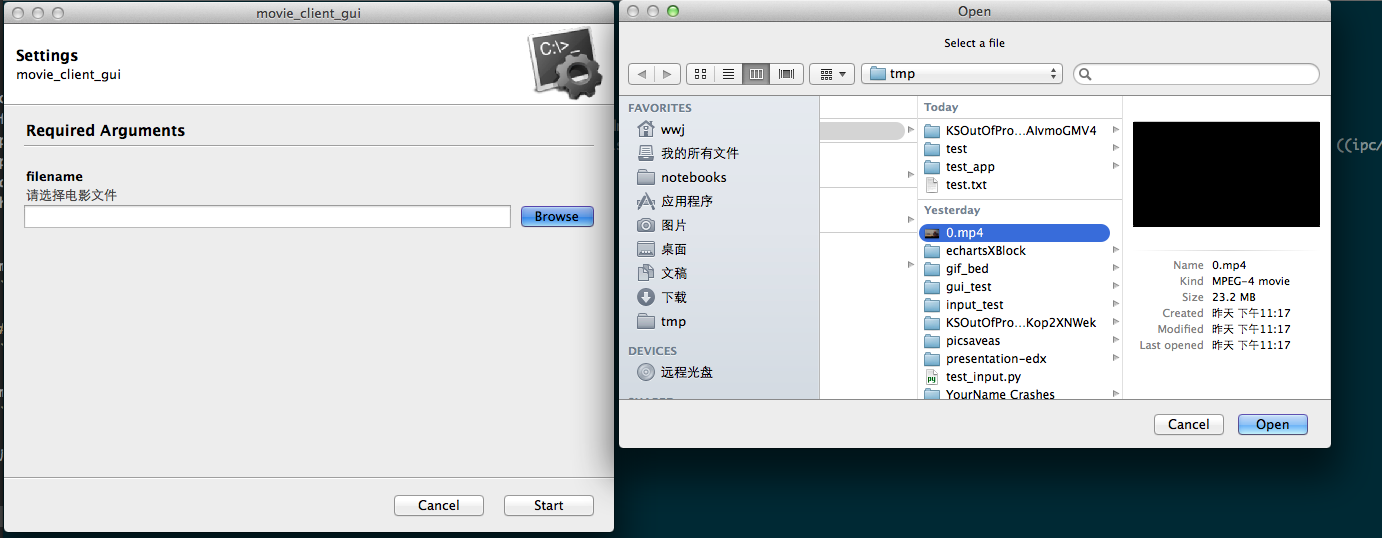
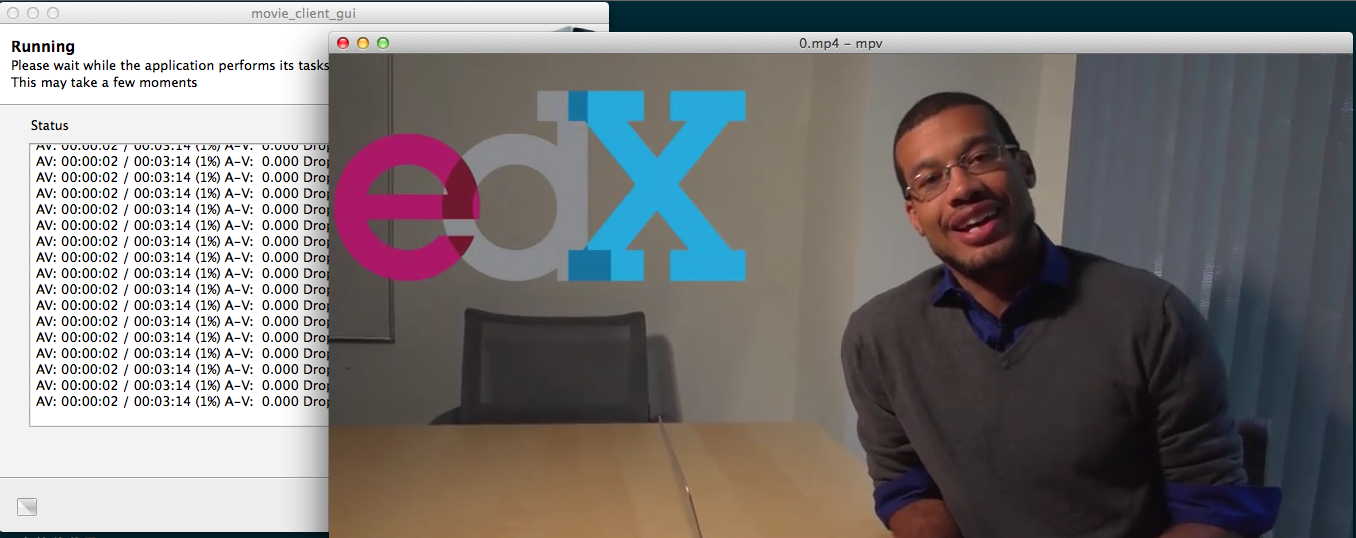
如果你想把这个工具打包成无依赖的系统软件,可以试试pyinstaller
todo
Gooey安装不方便,文件选择用tkinter的tkFileDialog就好了
1
2
3
4
5
6
|
from Tkinter import Tk
from tkFileDialog import askopenfilename

Tk().withdraw() # we don't want a full GUI, so keep the root window from appearing
filename = askopenfilename() # show an "Open" dialog box and return the path to the selected file , 在命令行下层?
print(filename)
|
后记
后来发现可以直接安装mpv.app,之后绑定格式和播放工具 (参考 全能高效的播放器 mpv)
1
2
|
brew install mpv --with-bundle
brew linkapps mpv
|






