惯性聚合 高效追踪和阅读你感兴趣的博客、新闻、科技资讯
阅读原文 在惯性聚合中打开

推荐订阅源

Blog — PlanetScale
Blog — PlanetScale
C
Cybersecurity and Infrastructure Security Agency CISA
K
Kaspersky official blog
L
LangChain Blog
I
Intezer
N
News and Events Feed by Topic
C
Check Point Blog
MyScale Blog
MyScale Blog
I
InfoQ
Last Week in AI
Last Week in AI
腾讯CDC
钛媒体:引领未来商业与生活新知
钛媒体:引领未来商业与生活新知
L
LINUX DO - 热门话题
T
Threatpost
Y
Y Combinator Blog
奇客Solidot–传递最新科技情报
奇客Solidot–传递最新科技情报
H
Help Net Security
The GitHub Blog
The GitHub Blog
V
Vulnerabilities – Threatpost
NISL@THU
NISL@THU
云风的 BLOG
云风的 BLOG
OSCHINA 社区最新新闻
OSCHINA 社区最新新闻
A
About on SuperTechFans
Threat Intelligence Blog | Flashpoint
Martin Fowler
Martin Fowler
P
Privacy International News Feed
AWS News Blog
AWS News Blog
Simon Willison's Weblog
S
Securelist
T
Tor Project blog
C
CERT Recently Published Vulnerability Notes
Scott Helme
Scott Helme
A
Arctic Wolf
有赞技术团队
有赞技术团队
博客园 - 三生石上(FineUI控件)
T
Tenable Blog
The Hacker News
The Hacker News
博客园_首页
Cisco Talos Blog
Cisco Talos Blog
Spread Privacy
Spread Privacy
Microsoft Security Blog
N
News and Events Feed by Topic
K
KPMG report finds enterprise disconnect between AI and its ROI | CIO
V
V2EX
G
Google Developers Blog
Webroot Blog
Webroot Blog
www.infosecurity-magazine.com
WordPress大学
WordPress大学
P
Palo Alto Networks Blog
T
Threat Research - Cisco Blogs

博客园 - 萧萧空间

Windows 2003,XP安装Windows Phone 7 从海量数据中找出中位数(转) 界面开发(五)--- 界面优化 界面开发(四)--- 还窗体的新面貌 界面开发(三)--- 设置窗体的Region 界面开发(二)--- NativeWindow 界面开发(一)--- Hook所有的窗体 界面开发概述 ExtJs扩展之GroupPropertyGrid ExtJs之带图片的下拉列表框 寻找第K大的数的方法总结 我自己的ColorSpy Java反编译工具JD ExtJs Grid Drag Drap Splash窗体(ProgressWindowForm修改) 异步窗体实现操作进度(ProgressWindow) 线程封装组件(BackgroundWorker)和线程(Thread) 多线程开发 NSIS 的使用心得
Office 2010 beta版安装
萧萧空间 · 2010-01-12 · via 博客园 - 萧萧空间

     昨天打开Microsoft网站,发现Microsoft Office 2010版可以下载了,于是马上从微软网站下载下来,卸载了本机的Office 2007,来体验一下Office 2010 Beta版。

     下载地址:

    http://www.microsoft.com/office/2010/en/default.aspx

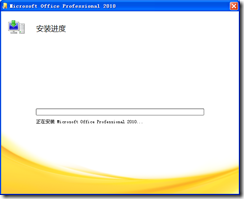
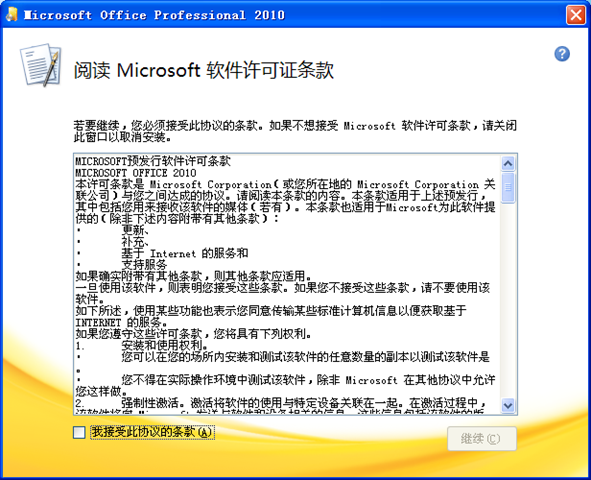
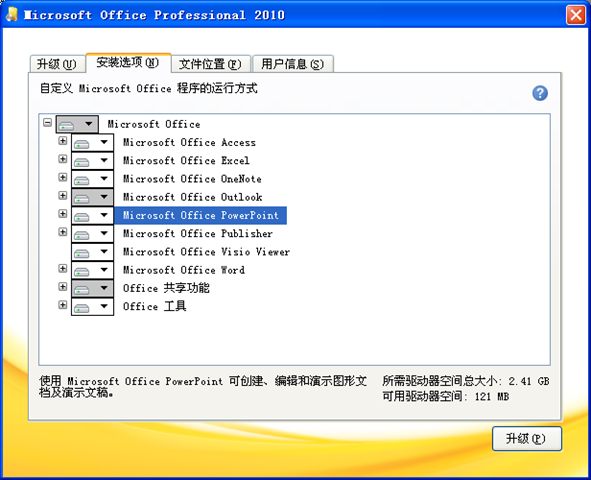
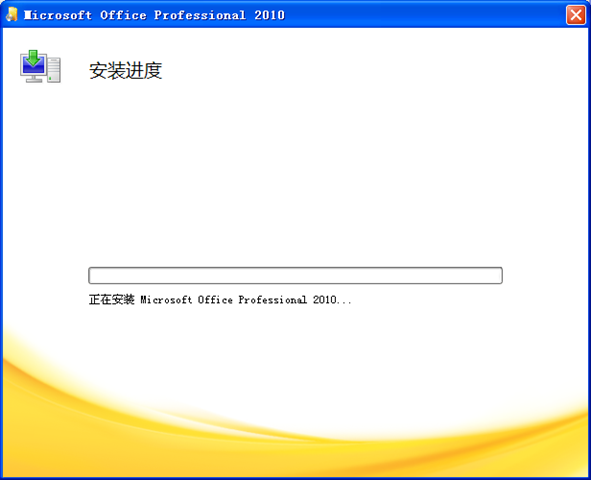
     Office 2010 Beta版安装过程:

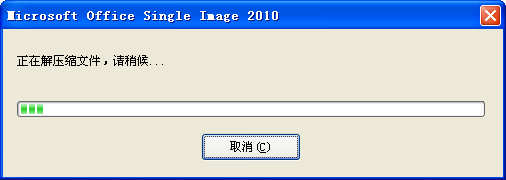
1、解压数据
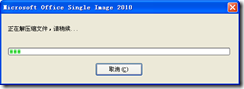
Office 2010 Image 1

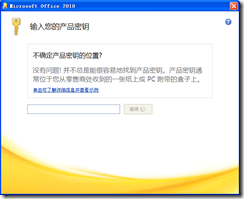
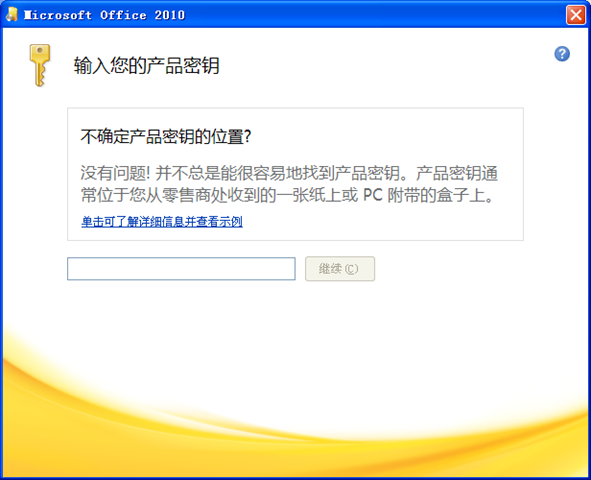
2、输入注册码,微软下载时,会提供给你自己的注册码。

Office 2010 Image 2

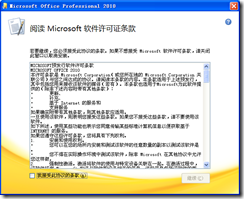
3、

Office 2010 Image 3

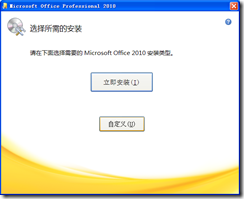
4、

Office 2010 Image 10 

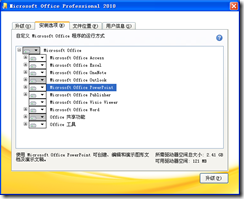
5、

Office 2010 Image 6

6、

Office 2010 Image 11

7、

Office 2010 Image 9

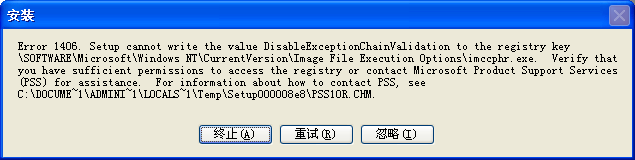
8、开始安装时,也许是我的电脑问题,出现了一个错误,不知道,但是我忽略了这个错误,还可以进行安装。(本人电脑Windows XP SP3)。
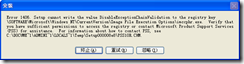
Office 2010 Image 12

9、然后就安装成功了。

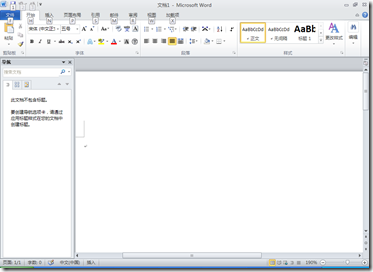
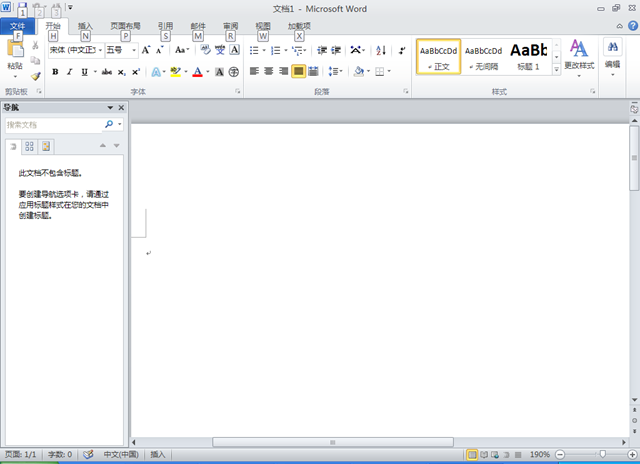
10、Word界面:

Office 2010 Image 13

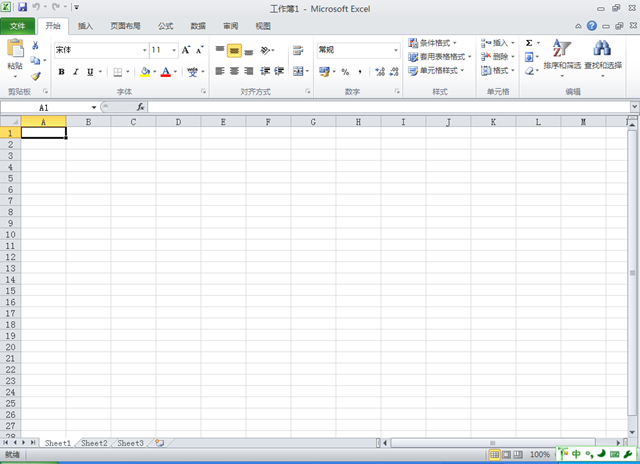
11、Excel界面:

Office 2010 Image 14

posted @ 2010-01-12 09:41  萧萧空间  阅读(549)  评论(0)    收藏  举报