惯性聚合 高效追踪和阅读你感兴趣的博客、新闻、科技资讯
阅读原文 在惯性聚合中打开

推荐订阅源

G
Google Developers Blog
博客园 - 聂微东
J
Java Code Geeks
Engineering at Meta
Engineering at Meta
Jina AI
Jina AI
D
Docker
B
Blog
S
SegmentFault 最新的问题
宝玉的分享
宝玉的分享
D
DataBreaches.Net
freeCodeCamp Programming Tutorials: Python, JavaScript, Git & More
Y
Y Combinator Blog
N
Netflix TechBlog - Medium
月光博客
月光博客
F
Fortinet All Blogs
爱范儿
爱范儿
H
Help Net Security
腾讯CDC
奇客Solidot–传递最新科技情报
奇客Solidot–传递最新科技情报
WordPress大学
WordPress大学
The Cloudflare Blog
有赞技术团队
有赞技术团队
T
Tailwind CSS Blog
U
Unit 42

博客园 - Yuejun Sun

Office 365 Certificate Exam Resources How to: Grant Permission on Development Severs as Batch for Windows Authentications 分享:Windows Azure 电子书 Sharepoint 2013配置失败:SQL 实例没有将“MaxDegree of Parallelism”设置为1 免费注册Sharepoint 2013 站点 巧用Discussions列表归档Outlook邮件 Special Offer: Watch Three In-Depth SQL Server Courses by SQLskills (FREE) Forward:Stale statistics on a newly created temporary table in a stored procedure can lead to poor performance How to: Database Service fails to start due to log full of model database 续:有关SQL SERVER分布统计的问题 有关SQL Server分布统计的问题 第三章:分析基本查询的文本和XML执行计划 续第二章:分析基本查询的图形执行计划--表连接 第二章:分析基本查询的图形执行计划 第一章:执行计划基本知识--文本执行计划和XML执行计划 第一章:执行计划基本知识--范例入门 第一章:执行计划基本知识 免费下载:Inside the SQL Server Query Optimizer(查询优化器内幕) 查询优化器如何使用统计—Part I
Step By Step Guide to configure the “Replicating di...
Yuejun Sun · 2013-04-11 · via 博客园 - Yuejun Sun

This guide is a step by step guide with Screenshots to give the “Replicating Directory changes” rights to the SharePoint user profile account that will be used to synchronize the user profiles.The screenshots were taken in Windows Server 2012, however the steps are identical or  very similar in Windows Server 2008 and 2008 R2.

The Guide

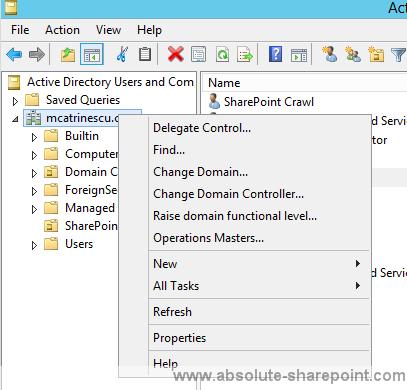
In Active Directory Users and Computers, right-click the domain, and then click Delegate Control.
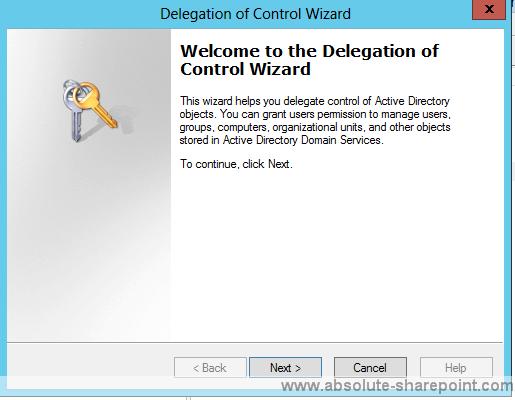
On the first page of the Delegation of Control Wizard, click next.
On the Users or Groups page, click Add.
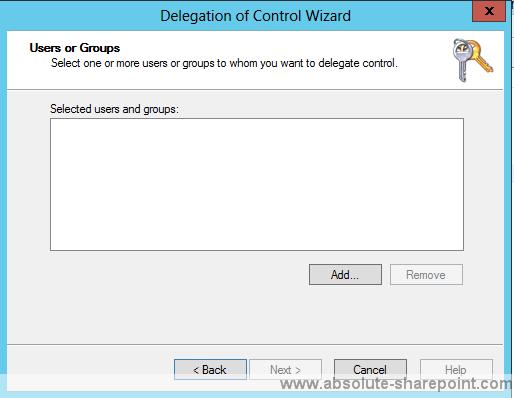
Type the name of the synchronization account, and then click OK.
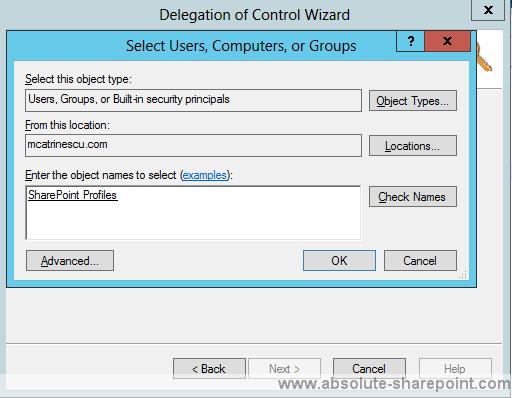
Click Next.
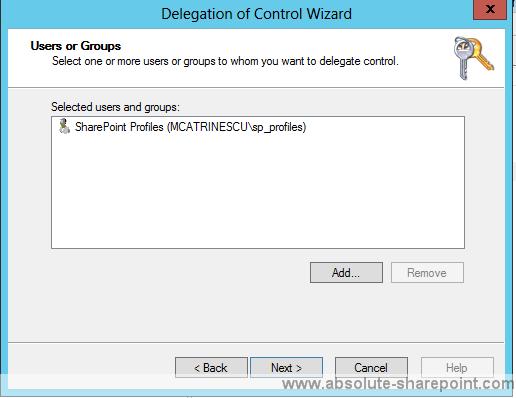
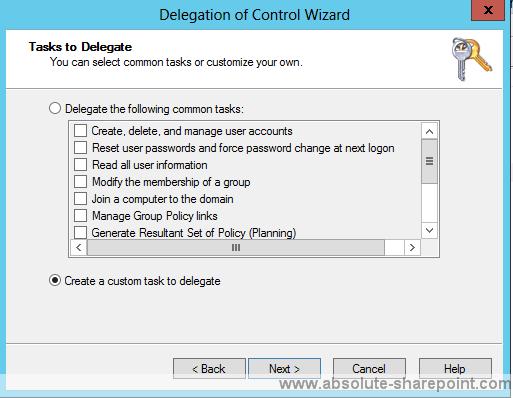
On the Tasks to Delegate page, select create a custom task to delegate, and then click Next.
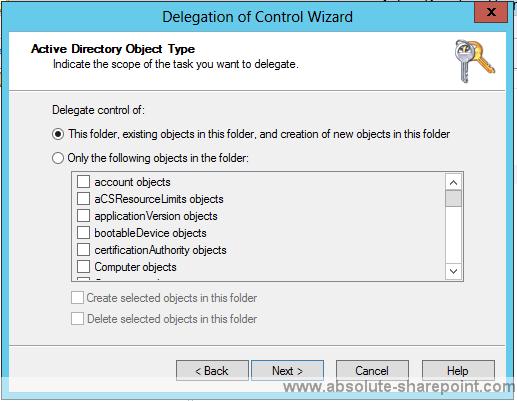
On the Active Directory Object Type page, select this folder, existing objects in this folder, and creation of new objects in this folder, and then click next.
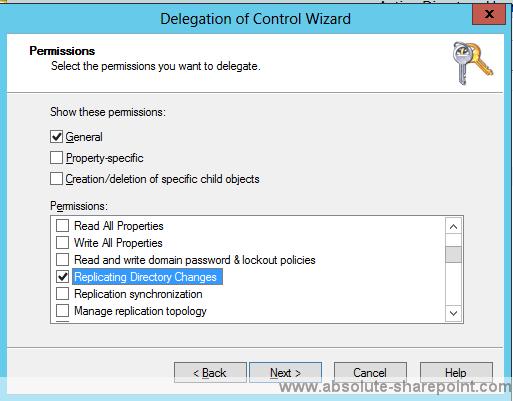
On the Permissions page, in the Permissions box, select Replicating Directory and then click Next.
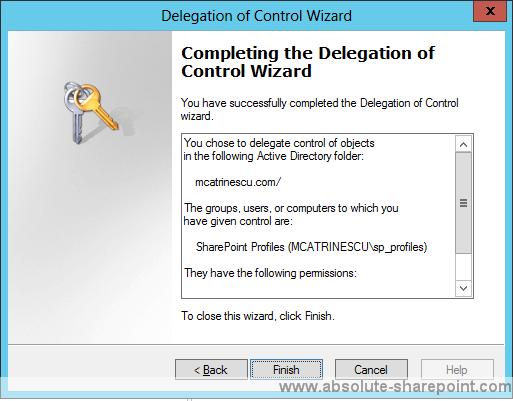
Click Finish.