惯性聚合 高效追踪和阅读你感兴趣的博客、新闻、科技资讯
阅读原文 在惯性聚合中打开

推荐订阅源

Security Archives - TechRepublic
Project Zero
Project Zero
K
Kaspersky official blog
G
Google Developers Blog
T
Threat Research - Cisco Blogs
T
The Blog of Author Tim Ferriss
Cyberwarzone
Cyberwarzone
Y
Y Combinator Blog
Recorded Future
Recorded Future
Blog — PlanetScale
Blog — PlanetScale
Threat Intelligence Blog | Flashpoint
Cisco Talos Blog
Cisco Talos Blog
Latest news
Latest news
Microsoft Security Blog
H
Help Net Security
S
Schneier on Security
P
Palo Alto Networks Blog
H
Hacker News: Front Page
N
News and Events Feed by Topic
N
Netflix TechBlog - Medium
博客园 - Franky
OSCHINA 社区最新新闻
OSCHINA 社区最新新闻
SecWiki News
SecWiki News
Cloudbric
Cloudbric
TaoSecurity Blog
TaoSecurity Blog
CTFtime.org: upcoming CTF events
The Hacker News
The Hacker News
C
Check Point Blog
L
LangChain Blog
腾讯CDC
小众软件
小众软件
T
Tenable Blog
Google DeepMind News
GbyAI
GbyAI
L
LINUX DO - 最新话题
A
About on SuperTechFans
Google Online Security Blog
C
Cisco Blogs
Recent Announcements
Hacker News: Ask HN
Hacker News: Ask HN
freeCodeCamp Programming Tutorials: Python, JavaScript, Git & More
Vercel News
Vercel News
雷峰网
雷峰网
美团技术团队
D
DataBreaches.Net
Martin Fowler
Martin Fowler
Help Net Security
Help Net Security
钛媒体:引领未来商业与生活新知
钛媒体:引领未来商业与生活新知
F
Full Disclosure
博客园_首页

博客园 - 爱跳舞的程序员

freemarker对数字格式的处理 FilePathJaxbUtil(xml文件转JavaBean对象工具) freemarker对日期的处理 PL_SQL常用快捷键 将博客搬至CSDN css+jquery右下角弹框提示框(工作需要就开发调式了) textarea文本居中的问题 bat批量复制文件(一键打包更新代码,避免手动一个个复制) url特殊字符传递参数解决方法(特指超链接) js 拼接字符串带变量(js方法参数单双引号拼接的问题记录) 表单提交由submit改为异步的方式 解决复制select下拉框时 值没法复制的问题 Jquery操作select汇总 博文阅读密码验证 - 博客园 ztree树添加右击菜单 模糊查询+首字母查询组合框 displayTag解决中文排序、和翻页查询出错的问题 jquery之ztree树入门(输出最简单树形) java 根据word xml模板生成word(个人v2版本)
ligerLayout布局(左右分栏)
爱跳舞的程序员 · 2023-04-25 · via 博客园 - 爱跳舞的程序员

场景需求:左边框框用来放树菜单,右边就是点击菜单后显示的内容

js

$(function () {
    $("#layoutMain").ligerLayout({
        topHeight :80,
        leftWidth: 180, 
        height: '100%'
        });
});

或者(左边栏取五分之一的宽度)

$(function () {
    var w=$("#layoutMain").width();
    $("#layoutMain").ligerLayout({
       topHeight :80,
       leftWidth: w/5,
       height: '100%'
     });
});

html

     <div id="layoutMain" style="width:99.2%; margin:0 auto; margin-top:4px;">
          <div position="left" id="accordion1"  title="变电站名称"> 

           </div>     
       
           <div position="center" id="framecenter"> 

           </div>
       </div>

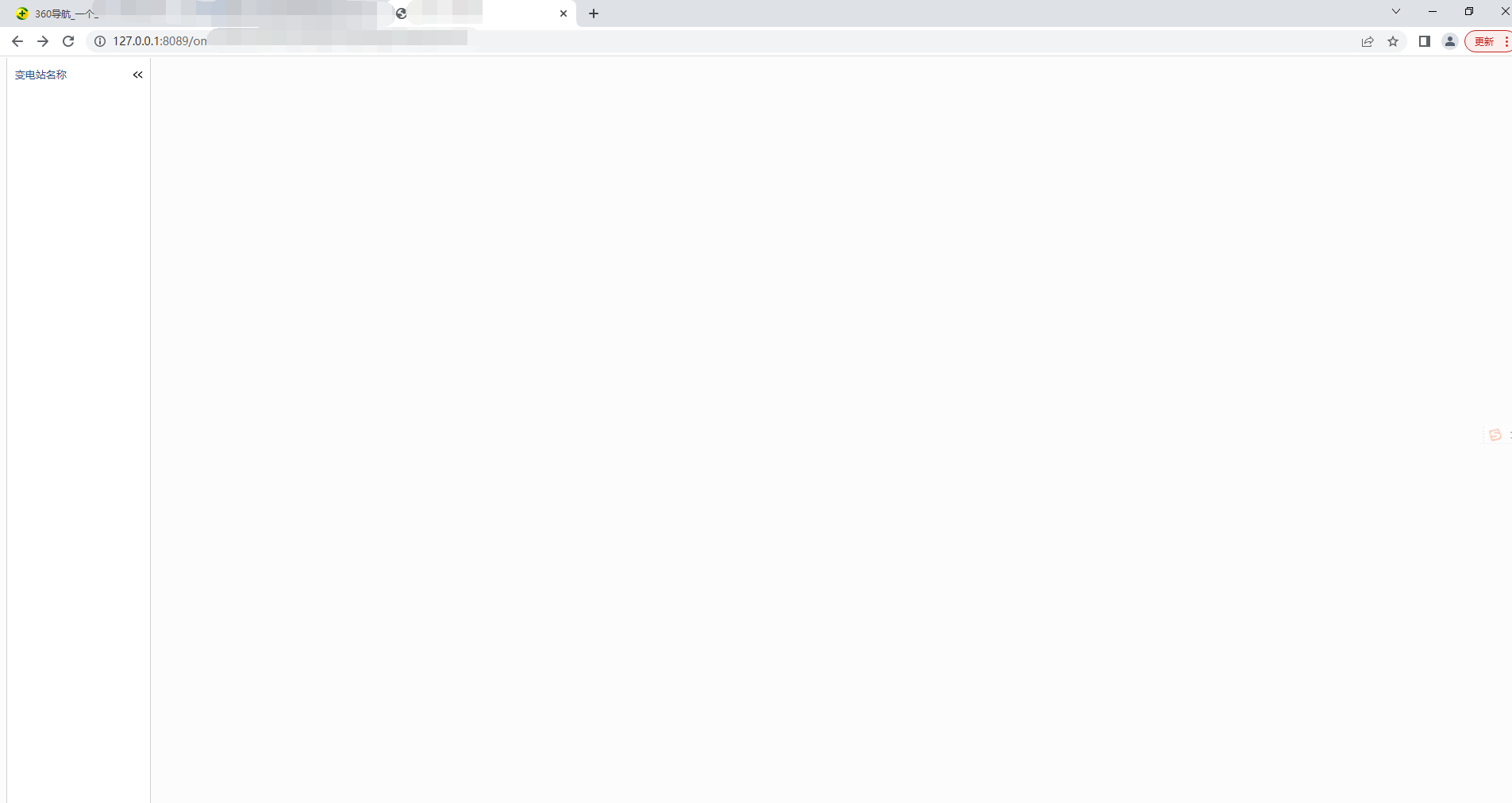
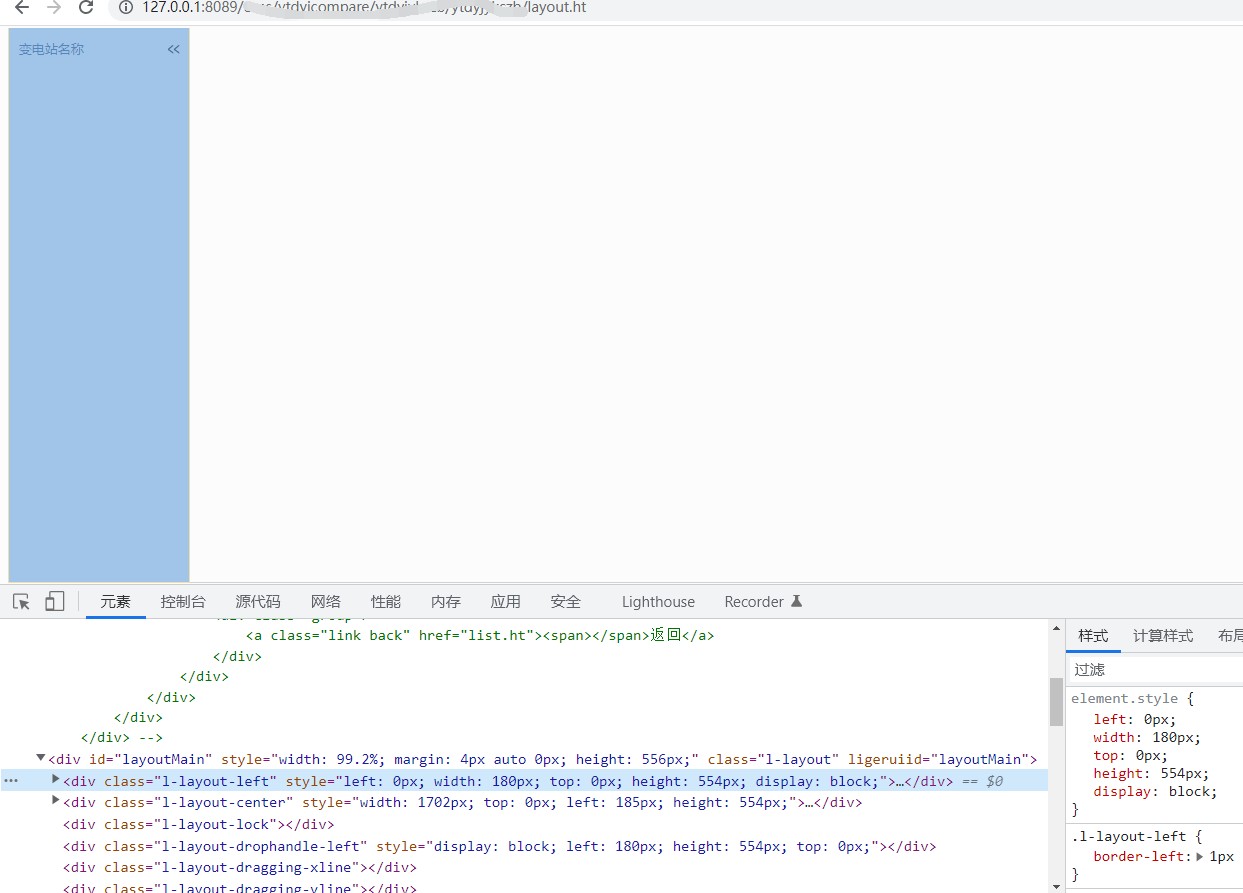
效果