


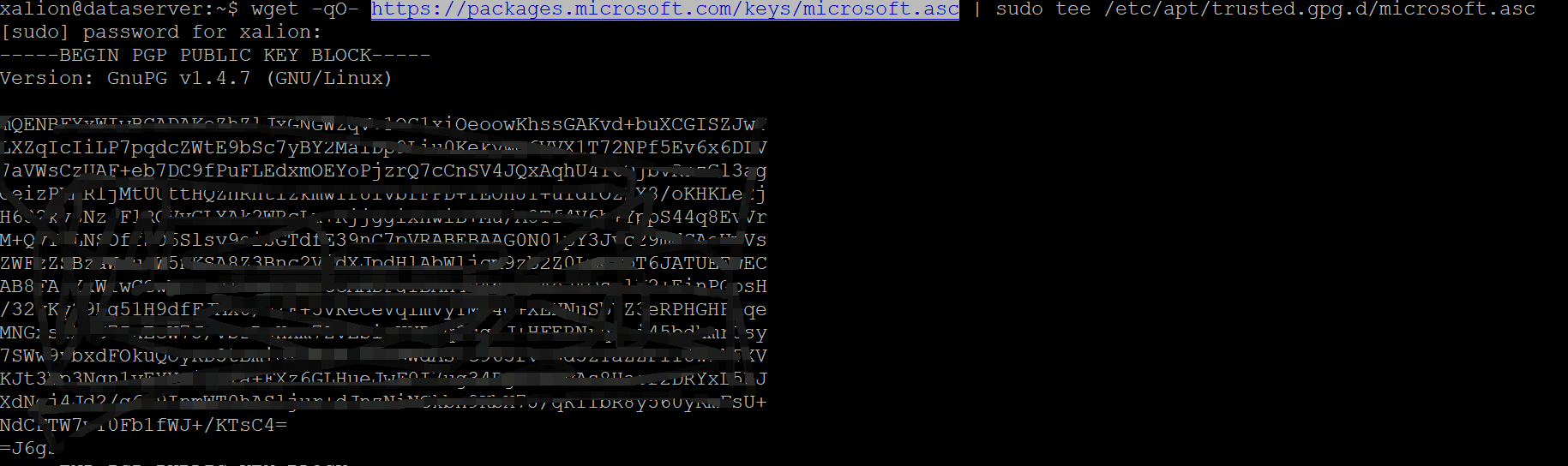
1.Import the public repository GPG keys:
wget -qO- https://packages.microsoft.com/keys/microsoft.asc | sudo tee /etc/apt/trusted.gpg.d/microsoft.asc
2.Register the SQL Server Ubuntu repository:
sudo add-apt-repository "$(wget -qO- https://packages.microsoft.com/config/ubuntu/20.04/mssql-server-2022.list)"

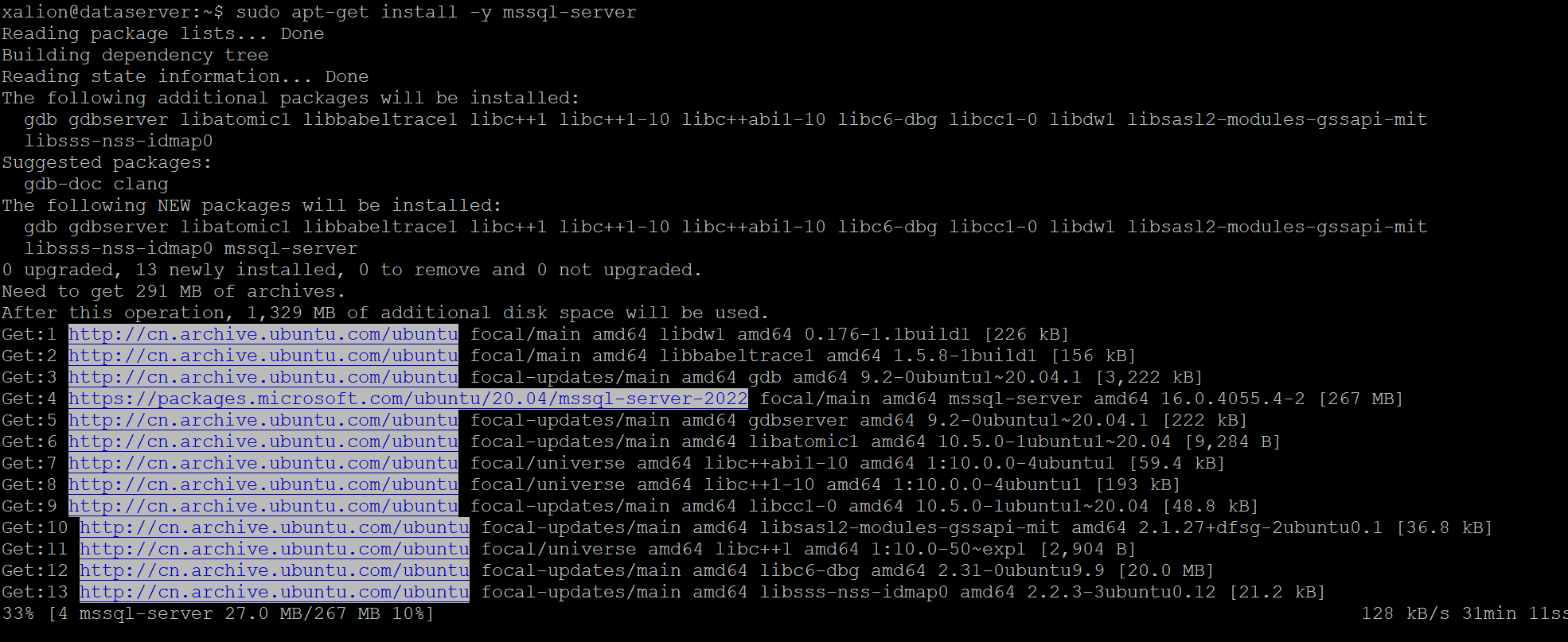
3.Run the following commands to install SQL Server:
sudo apt-get install -y mssql-server
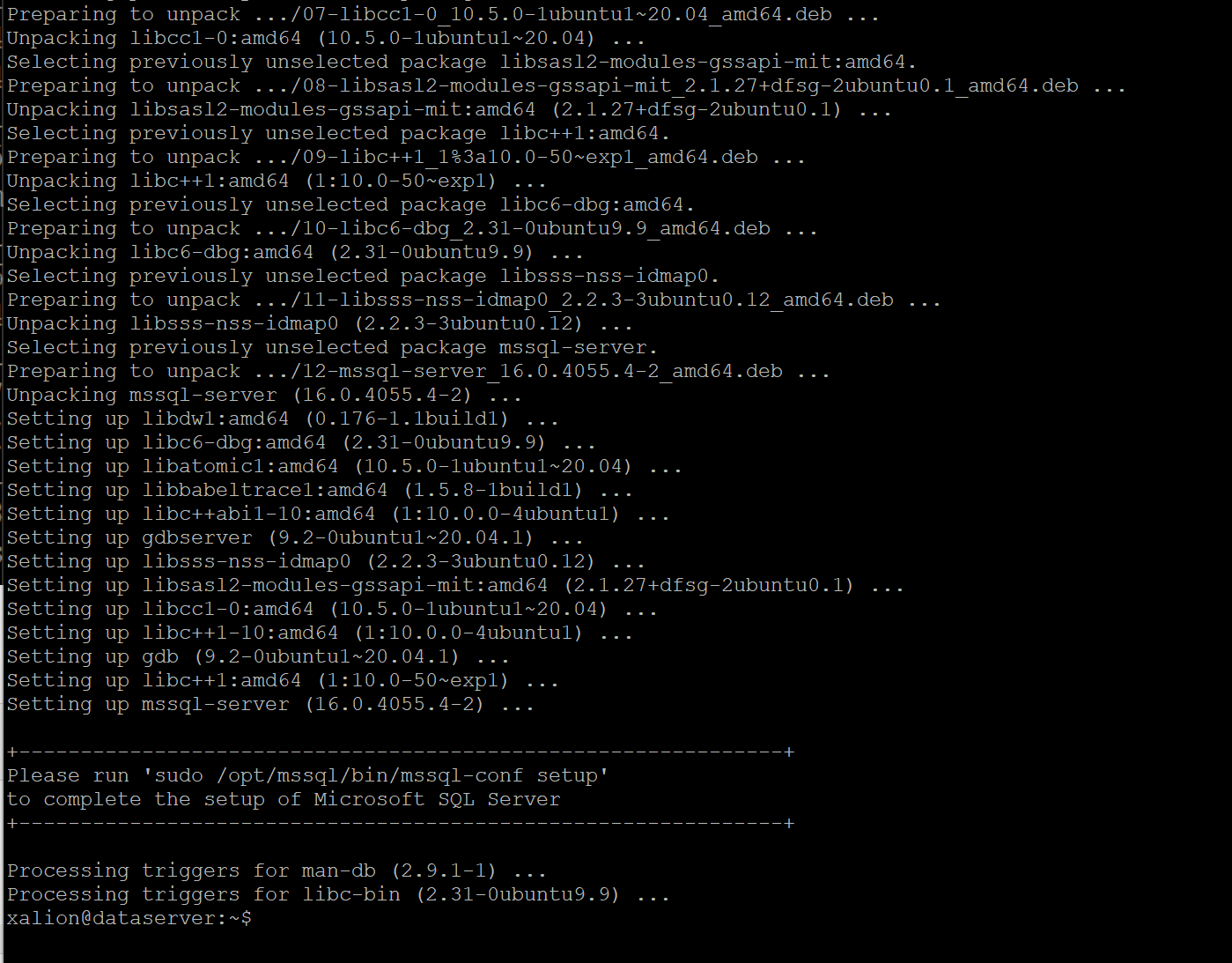
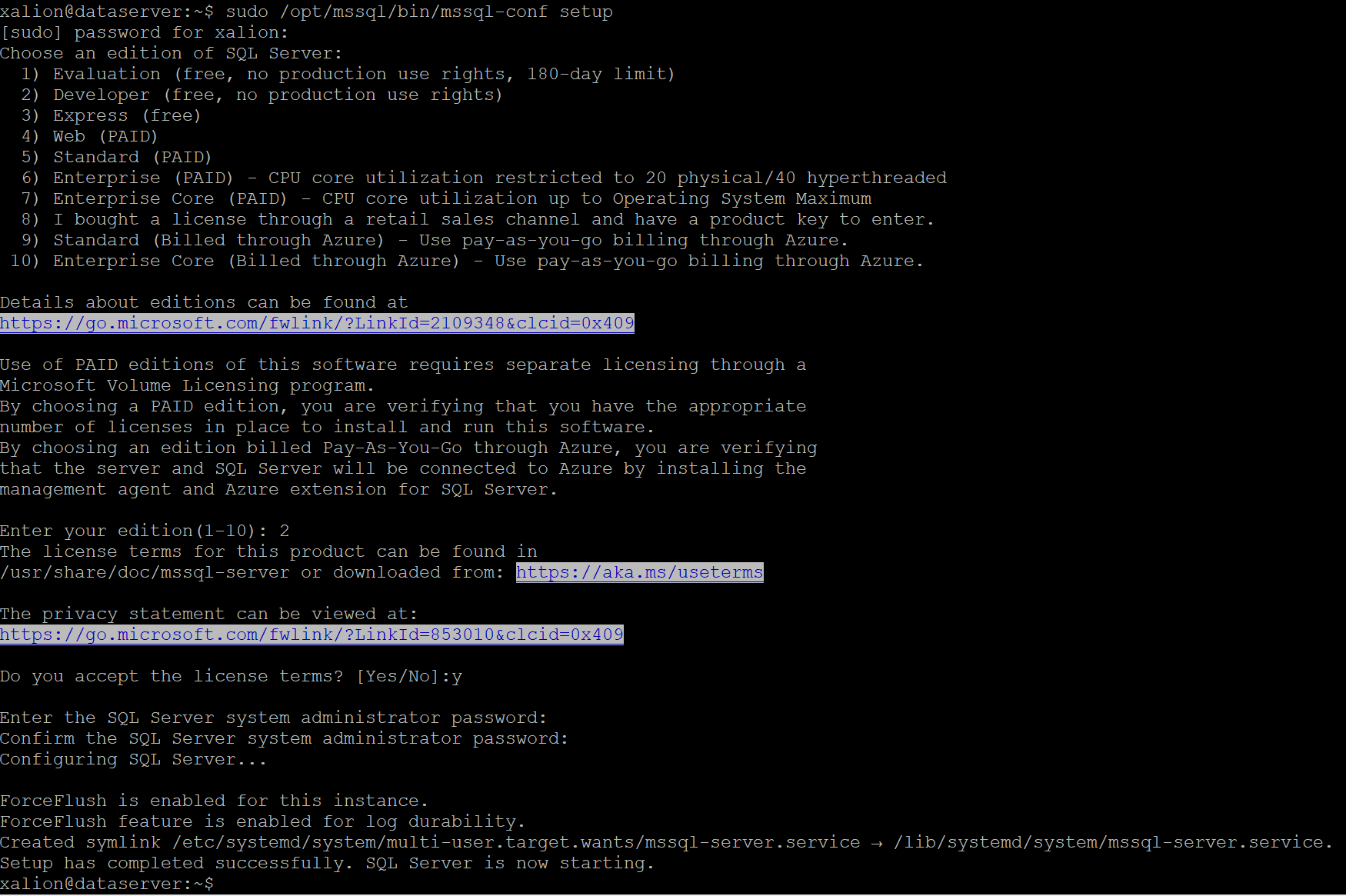
4. 配置SQL serve ,设置SA 账号密码和
sudo /opt/mssql/bin/mssql-conf setup
5.查看sql server 运行状态
systemctl status mssql-server --no-pager
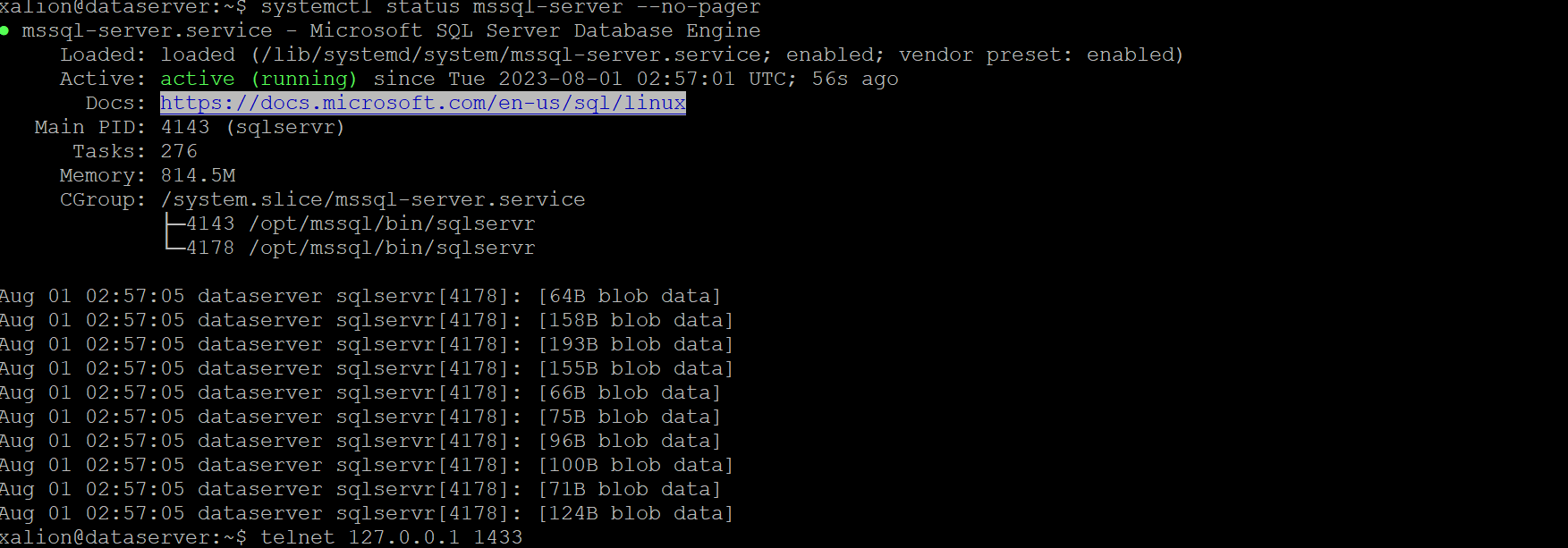
6.如果有防火墙的话,请打开1433 端口。
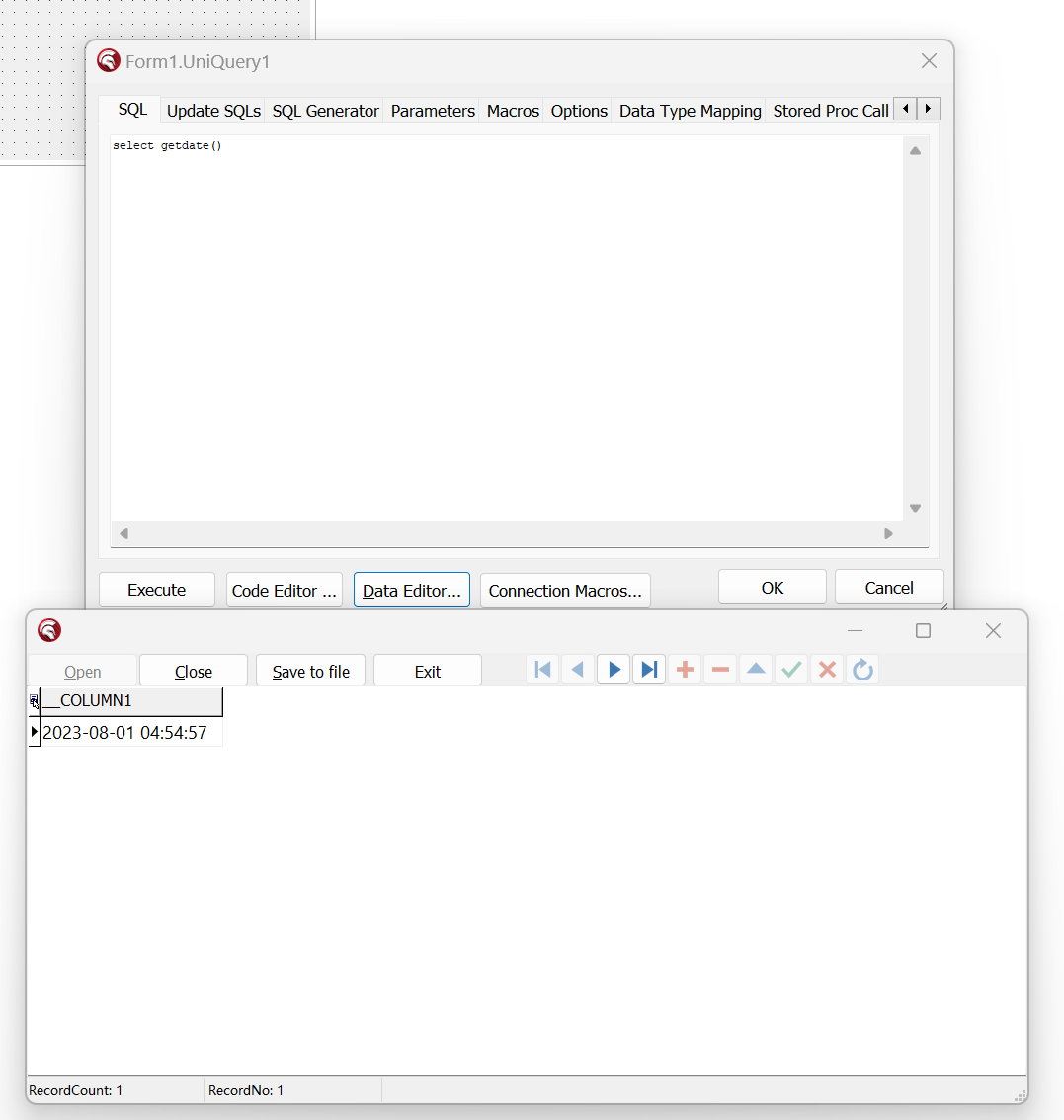
7. 在Delphi 里面 连接数据库
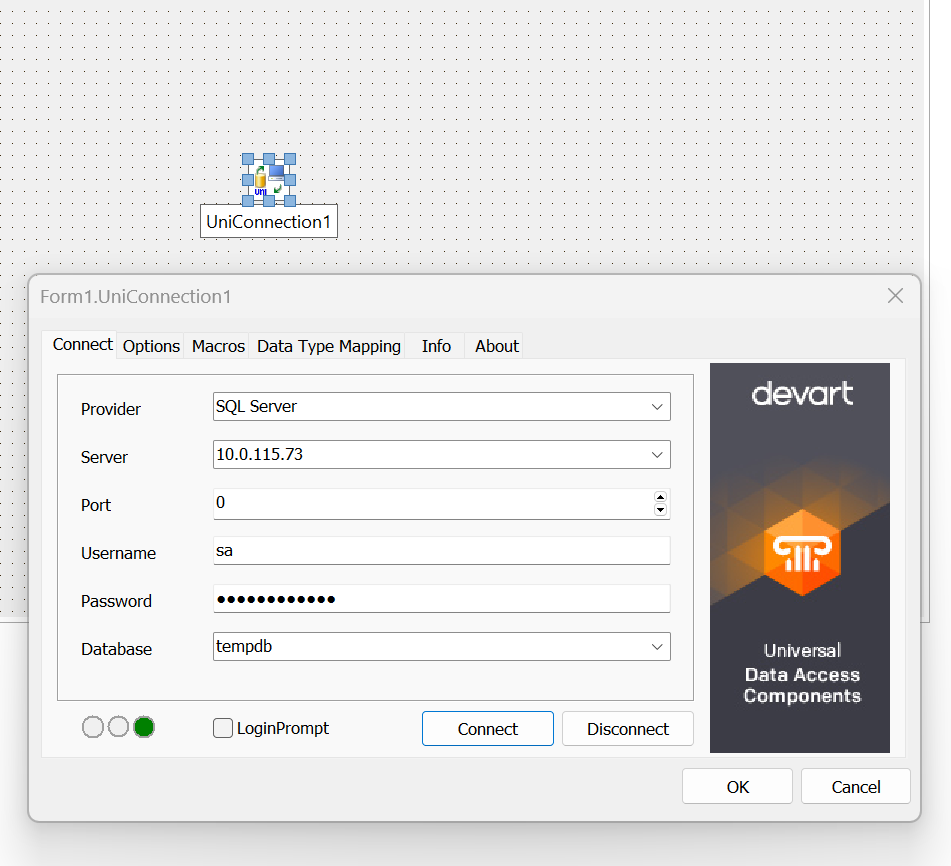
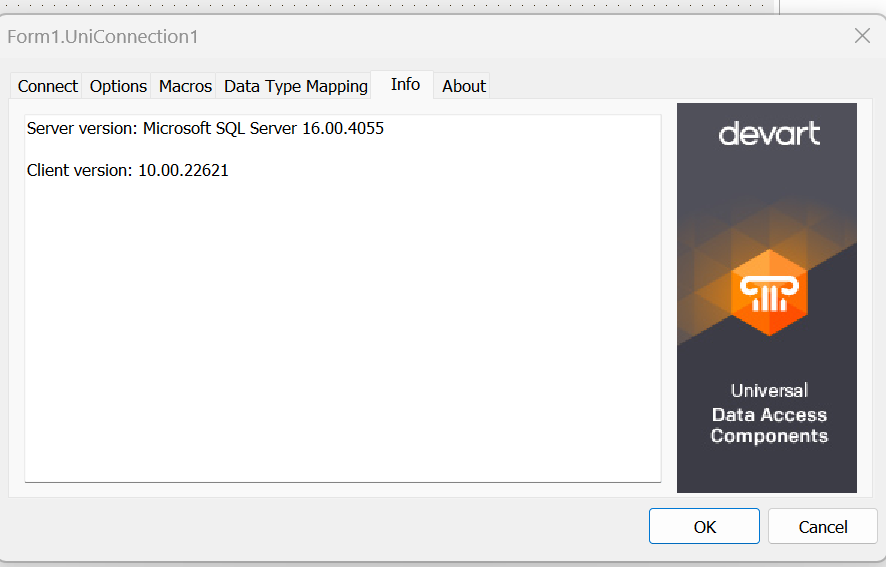
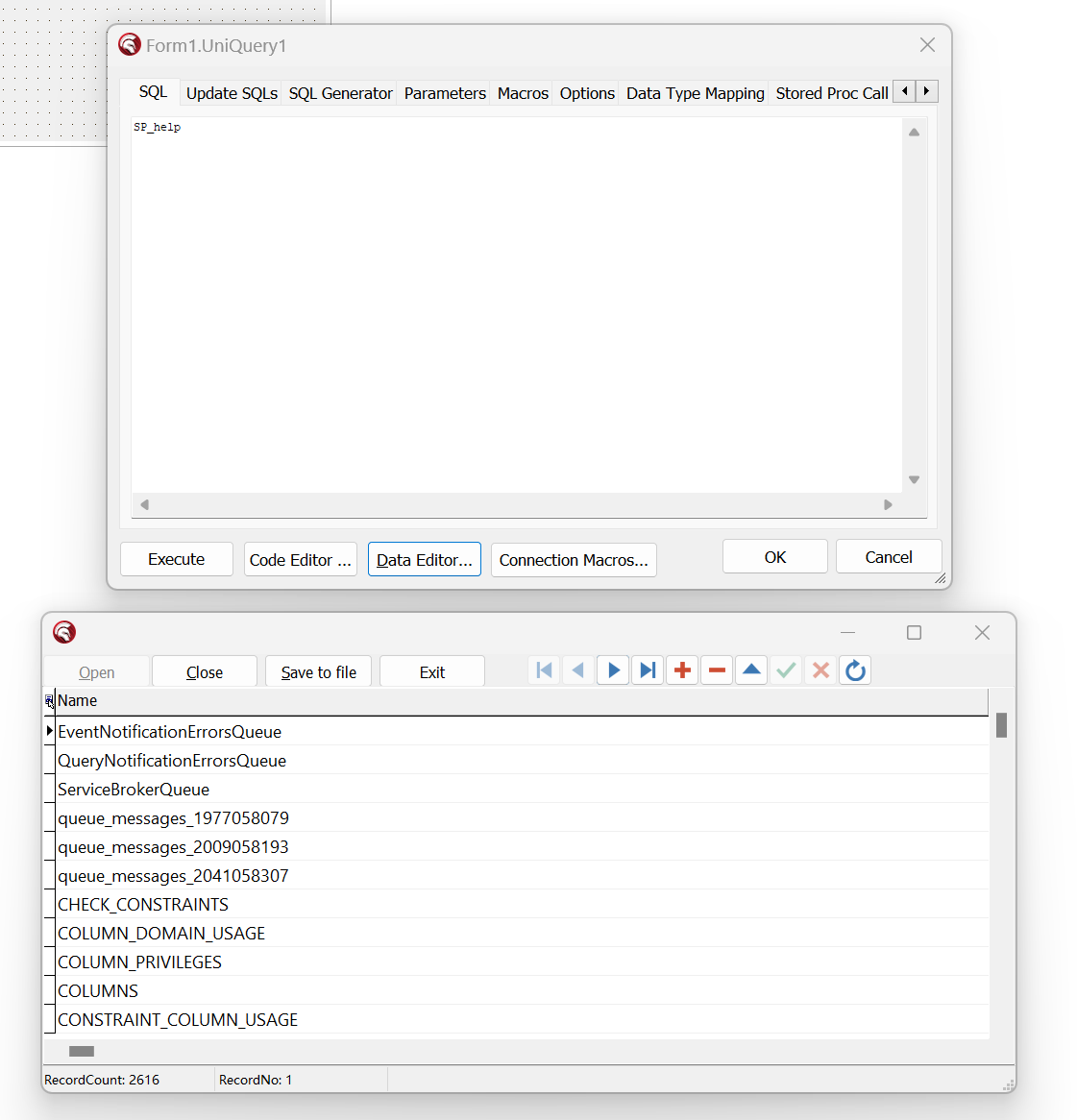
下载公钥,从 ASCII 转换为 GPG 格式,并将其写入所需的位置:
curl -fsSL https://packages.microsoft.com/keys/microsoft.asc | sudo gpg --dearmor -o /usr/share/keyrings/microsoft-prod.gpg
手动下载并注册 SQL Server Ubuntu 存储库:
curl -fsSL https://packages.microsoft.com/config/ubuntu/22.04/mssql-server-2022.list | sudo tee /etc/apt/sources.list.d/mssql-server-2022.list
运行以下命令以安装 SQL Server:
sudo apt-get update
sudo apt-get install -y mssql-server
包安装完成后,运行 mssql-conf setup,按照提示设置 SA 密码并选择版本。 作为提醒,以下 SQL Server 版本是免费提供许可的:Evaluation、Developer 和 Express 版。
sudo /opt/mssql/bin/mssql-conf setup
请记住为 SA 帐户指定强密码。 需要最小长度为 8 个字符,包括大写和小写字母、十进制数字和/或非字母数字符号。
完成配置后,验证服务是否正在运行:
systemctl status mssql-server --no-pager
如果计划远程连接,可能还需要在防火墙上打开 SQL Server TCP 端口(默认值为 1433)。
此内容由惯性聚合(RSS阅读器)自动聚合整理,仅供阅读参考。 原文来自 — 版权归原作者所有。