


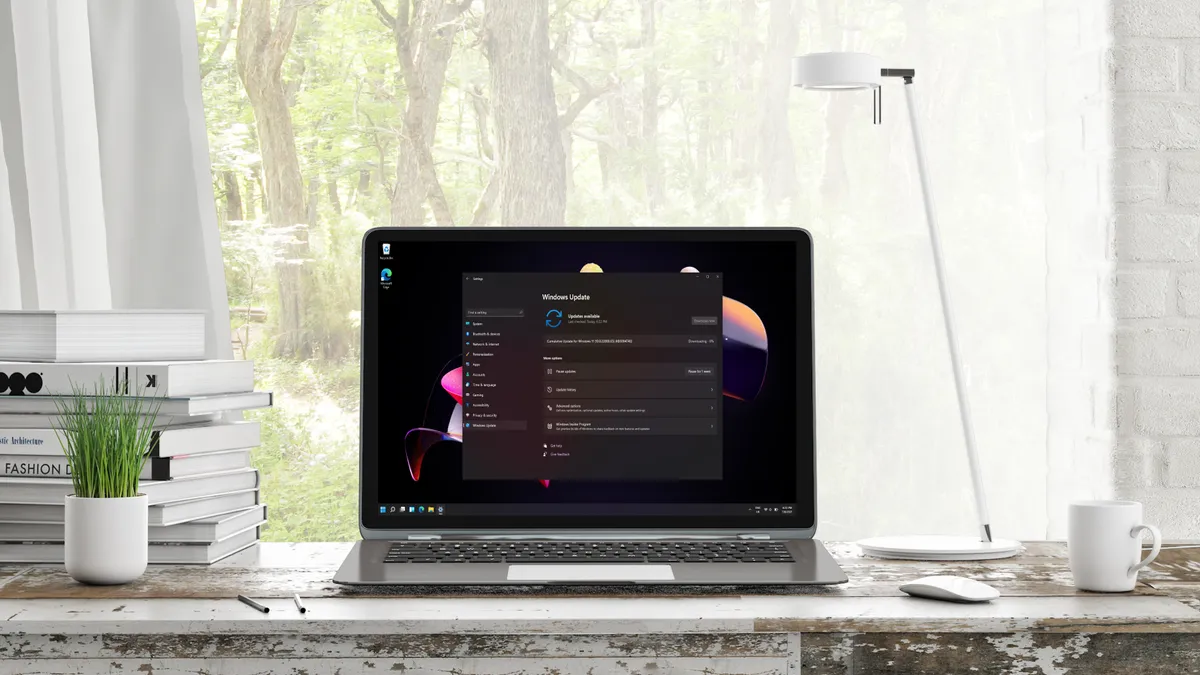
- Microsoft is giving us much more control over Windows 11 updates
- In testing you can now delay updates indefinitely
- Forced updates are a thing of the past, too, and there'll be fewer disruptions with more updates bundled together
Microsoft already told us it was planning substantial changes to Windows 11 updates, and some major moves are now in place.
This is happening in testing currently, as announced by Microsoft in a lengthy blog post, with three main pieces of work highlighted.
The big change that many have wished for is functionality that allows for pausing a Windows 11 update for as long as you want. And as 'long as you want' means just that, with the ability to hold off any given update until a specific date of up to 35 days in the future – but you can initiate another pause after that, and keep going.
Article continues below
Microsoft explains: "This means you can now re-pause for up to 35 days at a time, with no limits on how many times you can reset the pause end date."
Another important refinement of the update process is the end of forced updates, with Microsoft ensuring that the Power menu (button) always has the option to simply 'Shut down' and 'Restart' alongside 'Update and shut down' and 'Update and restart' (the latter two only being present if there is a pending update, of course).
So, you always have the choice to just switch off your PC or restart, avoiding an update, with a guarantee that "Windows will perform exactly that action, without unexpectedly starting an update". You have to explicitly choose one of the update options to apply the pending patch.
The third main change is that you can elect to miss out on downloading and applying updates when you're installing Windows 11, to make setting up a PC a lot quicker. We already heard about this, with the rollout flagged by a tester previously, but Microsoft is now widely delivering this option to Windows Insiders.
It's worth noting that the choice to skip updates during installation is not available for commercial devices (where setup is managed), and also doesn't apply to cases where a device may require updates to even work with Windows 11 (as obviously it wouldn't be possible to skip in these scenarios).
Microsoft further explains that Windows 11 users will see fewer disruptions in terms of having to restart for updates, as more of them – the likes of .NET or driver updates – will be bundled together with the monthly cumulative update.
In other words, you can get them all out of the way at once (albeit with a lengthier overall update process). Driver updates will also be given more meaningful titles, so you can better understand what they're for.
Analysis: 'cup of coffee' updates, begone
Remember that all of this is in testing right now – and therefore subject to change, potentially – but I wouldn't be surprised to see these features arrive for all Windows 11 users before long.
Microsoft has indicated that it isn't hanging about with implementing the project to fix Windows 11 in 2026, and we're seeing the evidence already, so I'd imagine this will be piped through with some speed (before the 26H2 update later this year, certainly).
These are without doubt some very useful introductions, and particularly the ability to delay updates indefinitely, which is something I've been very keen to see brought in. I wasn't expecting it to actually allow users to pause for as long as they want, although technically, you are still going to be forced to update when the version of Windows 11 you're on runs out of support. But that's a whole lot of road with which to dodge an update, if you're really worried about, say, reports of a nasty bug that apply to a hardware configuration you have with your PC.
The change to avoid forced updates is great to see, as well, although really, the system should have always worked like this. Hopefully this will mean an end to 'shower' or 'cup of coffee' updates, whereby a user leaves their PC for 10 or 15 minutes or so for a break, and comes back to find their device is partway through an update it has kicked off all by itself.
Overall, this is impressive and Microsoft definitely gets some credit here, albeit we've had to wait a good long while for this to happen.
Follow TechRadar on Google News and add us as a preferred source to get our expert news, reviews, and opinion in your feeds. Make sure to click the Follow button!
And of course, you can also follow TechRadar on YouTube and TikTok for news, reviews, unboxings in video form, and get regular updates from us on WhatsApp too.