


When focusing an input in iOS Safari, the whole web page will zoom by default. This is a common behavior in Safari. It's annoying, since when zooming the page, it won't zoom out as the input is no longer focused.
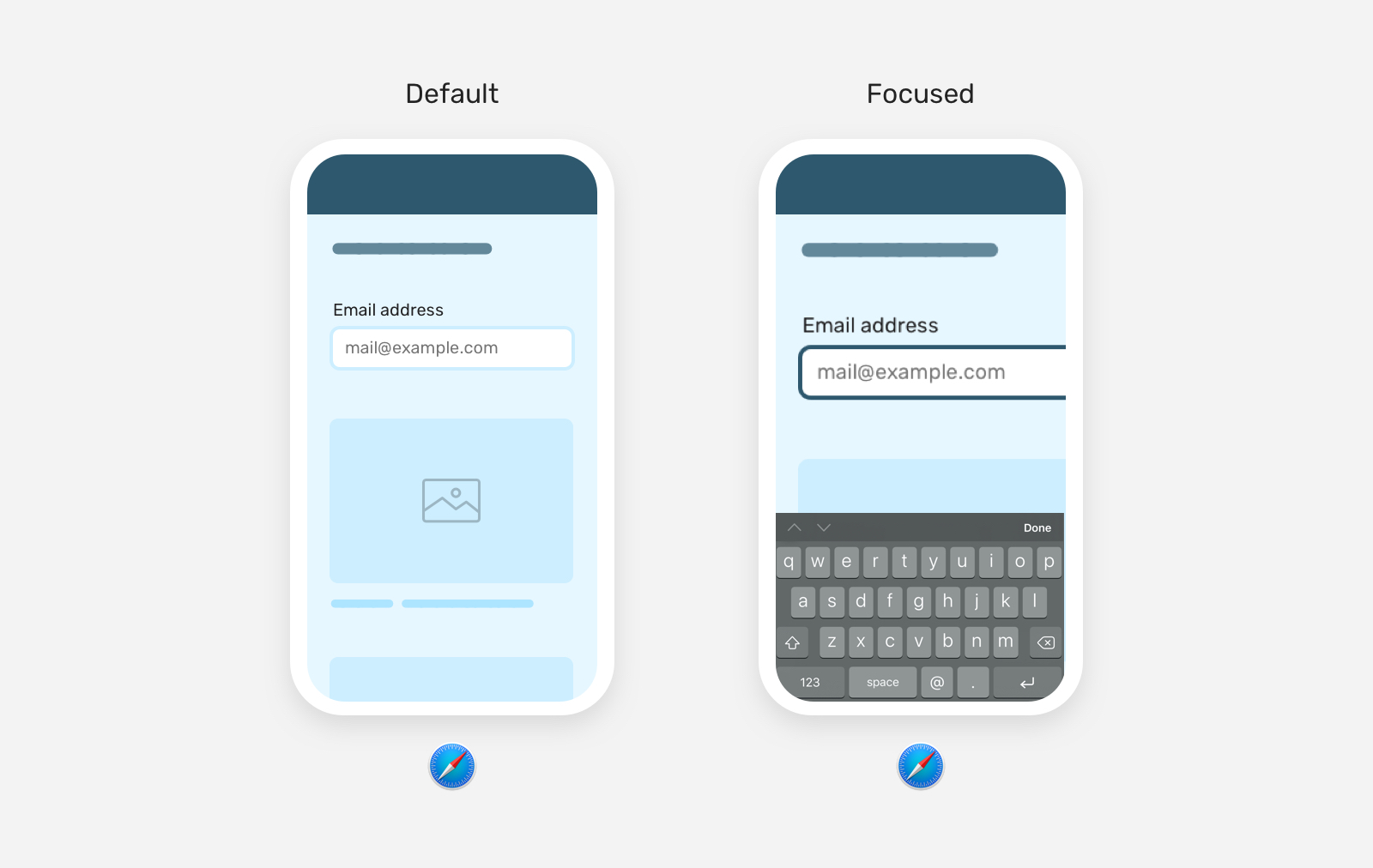
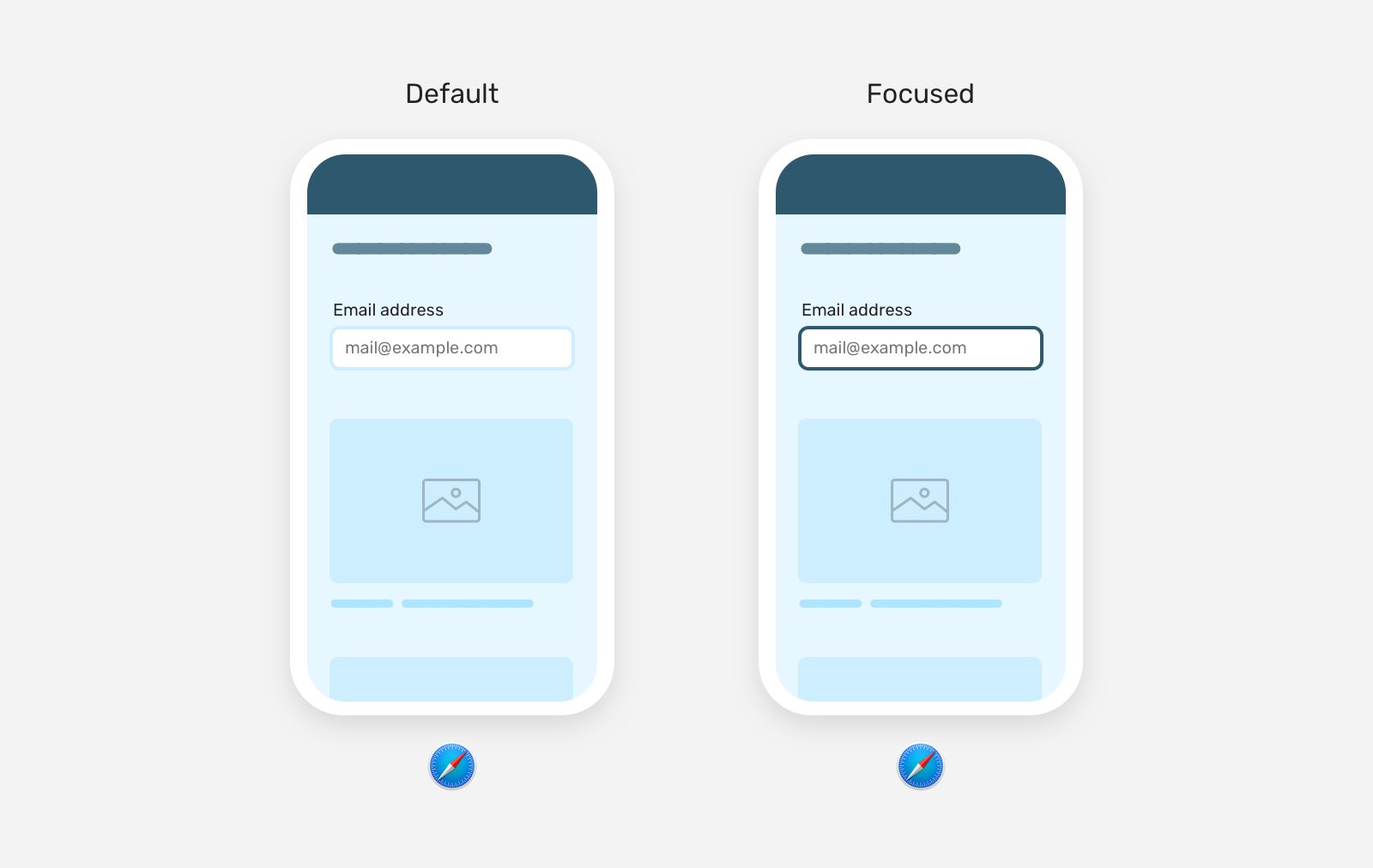
The solution is fairly simple, which is to add font-size: 16px to the input.
input {
    font-size: 16px;
}
By the way, zooming in is a good thing. Some users might prefer to see what they're typing in a large text, but what annoys me personally is that Safari only zoom-in, and left the user figure out themselves to zoom-out. That's why I would prefer to reset that early on.
此内容由惯性聚合(RSS阅读器)自动聚合整理,仅供阅读参考。 原文来自 — 版权归原作者所有。