


A common mistake is to assume that a button width should be as equal to its content plus the horizontal padding. This might work as expected for a one-language website (e.g: English) but it can easily fail with multilingual websites.
Consider the following example.
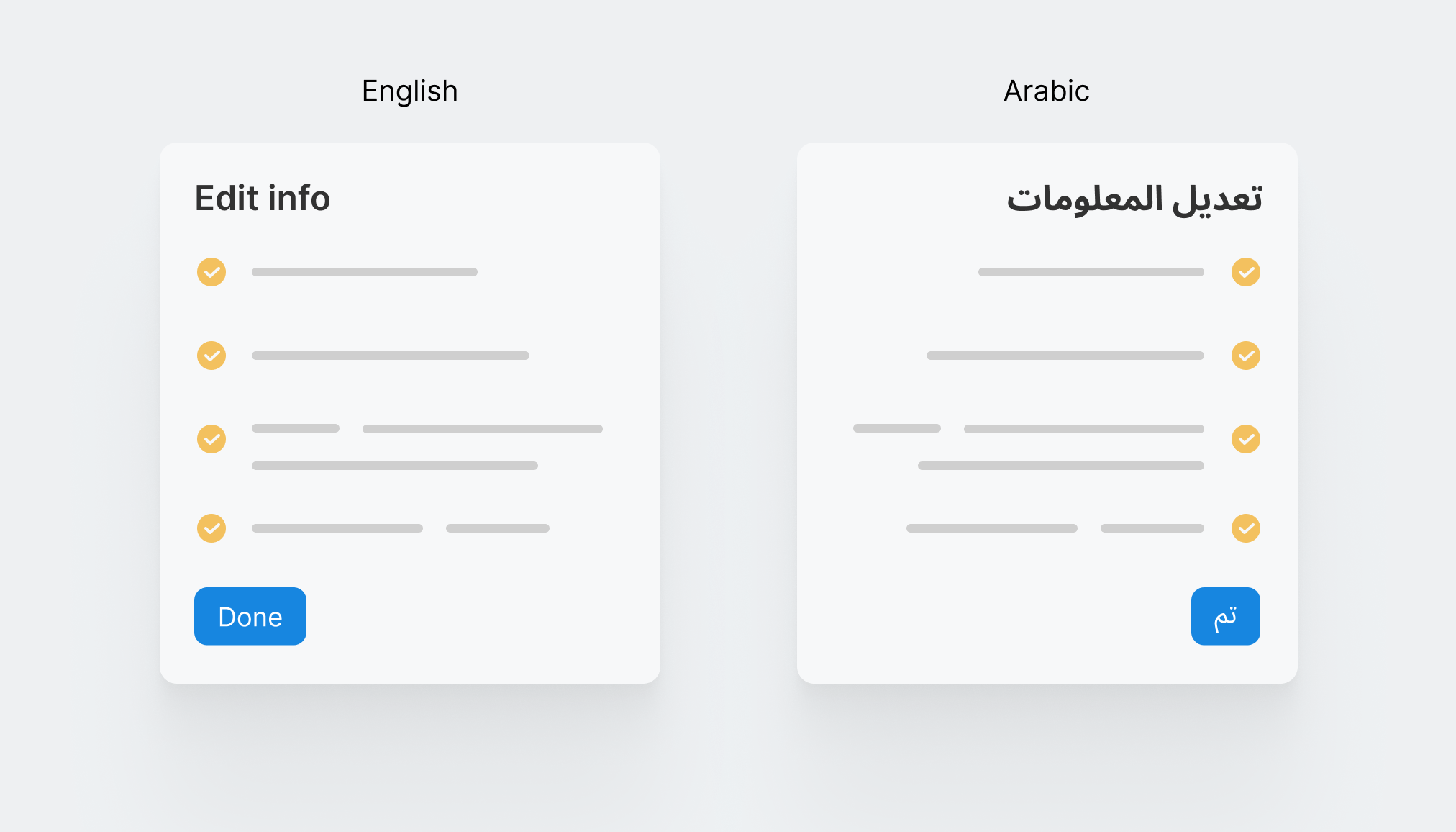
On the left, the button width works well since the word "Done" is long enough. However, in Arabic, it's translated to "تم" and thus the button width became too small. From a UX perspective, this isn't good as a call to action button must be large enough, specially for touch.
To avoid that, we can set a minimum width for the button in advance.
.button {
  min-width: 90px;
}
That way, the button will have a fixed minimum width that can grow if the button's label is longer.
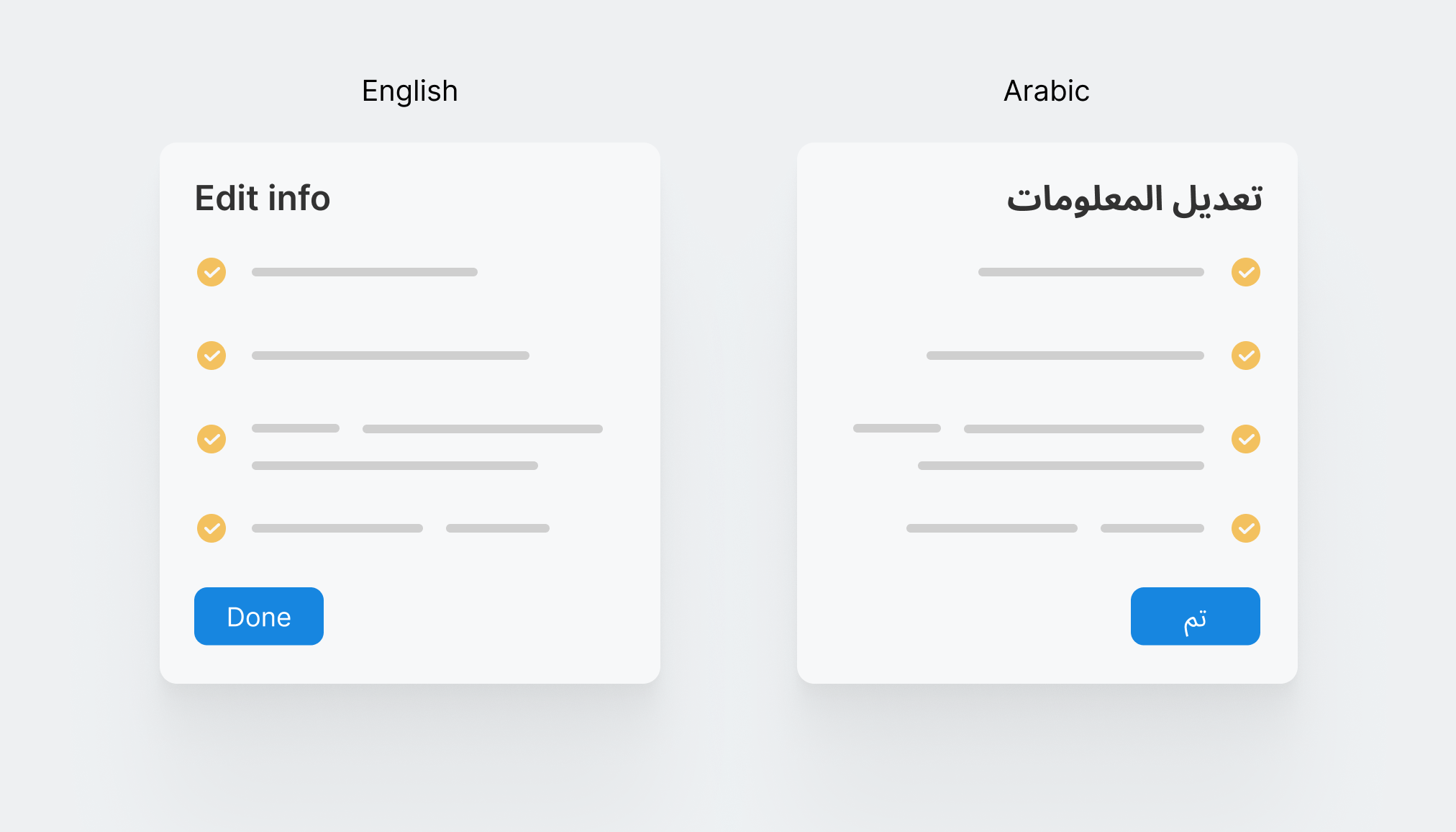
Play with the demo below to see the issue and the fix in action.
To learn more about writing CSS for RTL (Right-to-left), I wrote a complete guide on that.
此内容由惯性聚合(RSS阅读器)自动聚合整理,仅供阅读参考。 原文来自 — 版权归原作者所有。