


I spent years teaching CSS layout on this blog. I put everything I know into The Layout Maestro course: 70+ lessons and 150+ interactive examples that teach you how to think CSS layouts, not just memorize syntax.
From what I see, CSS counters are underused on the web, even though their support is really good (IE8+)!. In this article, I will explain how you can use CSS counters in your projects, along with some use-cases.
They provide us with a way to add generated content as numbers for elements, based on their location in the document.
There are three properties needed for CSS counters to work. Here are they:
Let’s suppose that we have the below HTML:
<div class="content">
  <h2>Section</h2>
  <p><!-- Description --></p>

  <h2>Section</h2>
  <p><!-- Description --></p>

  <h2>Section</h2>
  <p><!-- Description --></p>
</div>
I want to add a number to each title element. To do so, I will define a counter on the parent element.
.content {
  counter-reset: section;
}
This step is very important for the counter to work. On the <h2> element, I will create a before pseudo-element that will be used to generate the show the counter value.
h2:before {
  counter-increment: section;
}
The final step is to use the counter() function as a value for the content property. We have a lot of flexibility here which I will explain in the upcoming examples. For now, I added the following:
h2:before {
  counter-increment: section;
  content: counter(section);
}
With some styling for the before pseudo-element, the result can look quite good. We have a dynamic numbering in CSS!
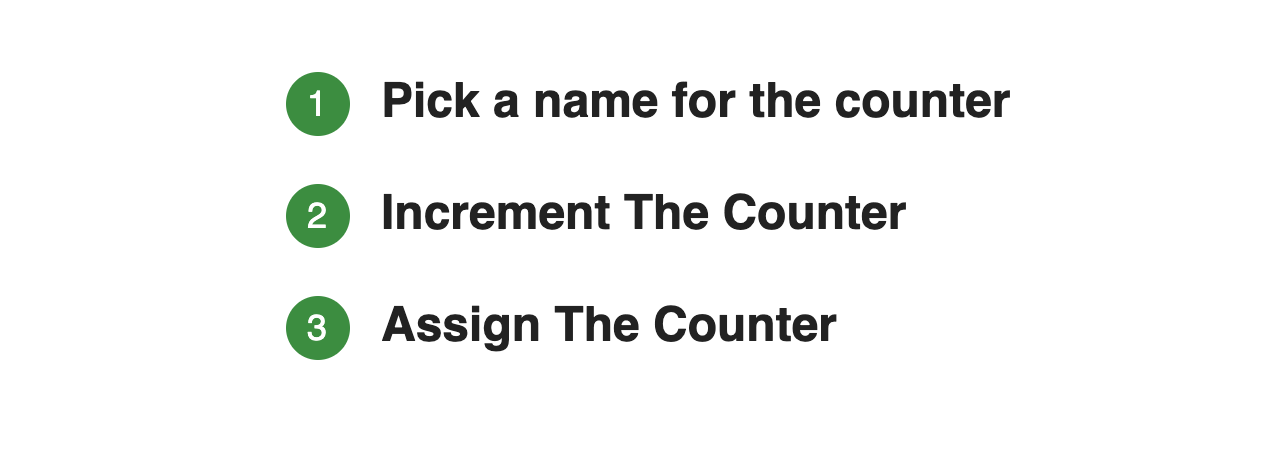
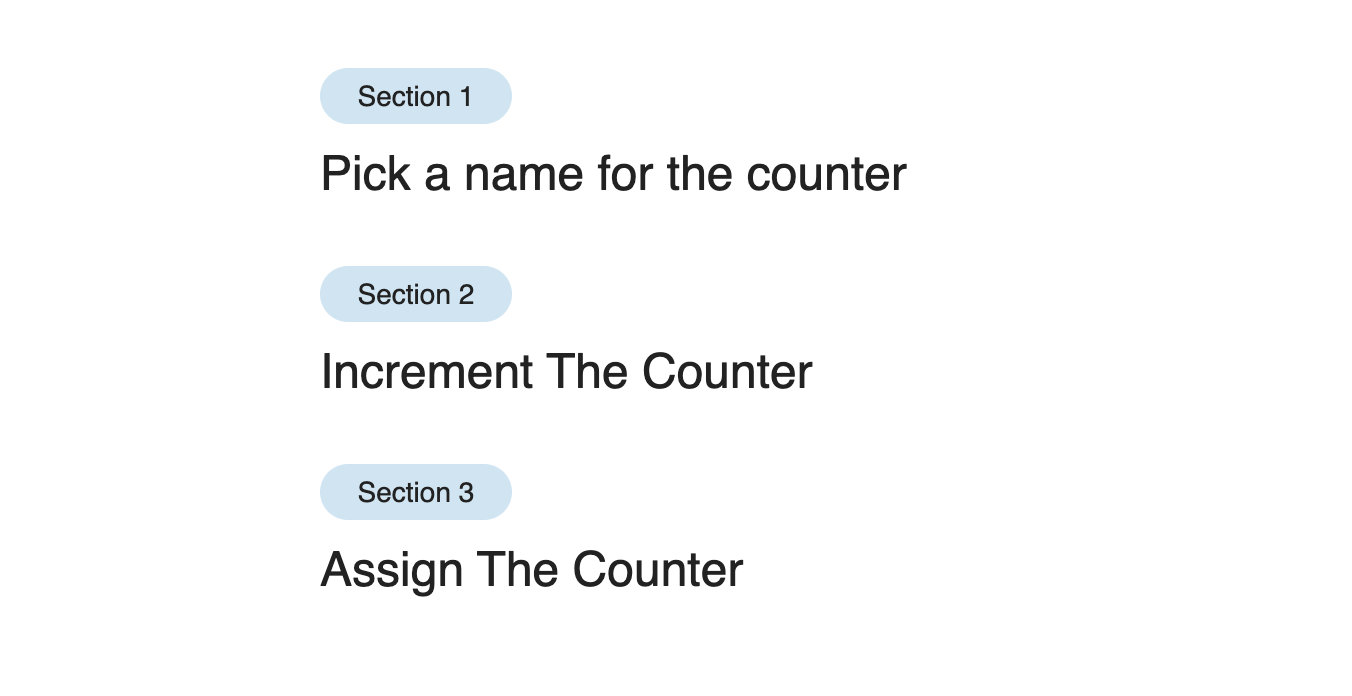
Based on the previous example, we can edit the before pseudo-element as below:
h2:before {
  counter-increment: section;
  content: "Section " counter(section);
  display: block;
  max-width: 80px;
  font-size: 14px;
  font-weight: normal;
  background-color: rgba(#0277bd, 0.2);
  border-radius: 20px;
  text-align: center;
  padding: 6px 8px;
  margin-bottom: 0.75rem;
}
Let’s say that we have the following list:
<ul class="services">
  <li class="services__item">
    Design
    <ul>
      <li>Web</li>
      <li>Mobile</li>
      <li>Graphic</li>
    </ul>
  </li>
  <li class="services__item">Web Development</li>
  <li class="services__item">
    Mobile Development
    <ul>
      <li>iOS</li>
      <li>Android</li>
      <li>Windows Phone</li>
    </ul>
  </li>
</ul>
We have nested lists, and our goal is to have the numbering be like “1.” and then “1.1” for the sub list. To accomplish that, we should do the following:
/* Defining a counter for the main list items */
.services {
  counter-reset: services;
}

.services__item:before {
  counter-increment: services;
  content: counter(services) ".";
}

/* Defining a counter for the sub lists */
.services__item ul {
  counter-reset: sub-services;
}

.services__item li:before {
  counter-increment: sub-services;
  content: counter(services) "." counter(sub-services);
}
See the Pen CSS Counters - Example 3 by Ahmad Shadeed (@shadeed) on CodePen.
That’s a wrap. Do you have a comment or a suggestion? Please feel free to ping me on @shadeed9.
此内容由惯性聚合(RSS阅读器)自动聚合整理,仅供阅读参考。 原文来自 — 版权归原作者所有。