


I was on Twitter yesterday, and saw a thread regarding a great HTML5 Canvas pie chart with rotated text made by Matei Copot. In it, Ana Tudor noted that the typography didn’t look quite right in Firefox:
Refuse to use excel for piecharts for homework, so… https://t.co/xjAa82O841
play with "render" and "data.typeList" pic.twitter.com/o7NxHdqXbW— towc (@MateiCopot) April 30, 2016
@MateiCopot Ugh, that rotated text in Firefox :(
— Ana Tudor (@anatudor) April 30, 2016
@MateiCopot Firefox 46 (current stable). pic.twitter.com/FpmJH5APmD
— Ana Tudor (@anatudor) April 30, 2016
Let’s see these screenshots up close (IE10 Windows is on the left, Firefox is on the right):
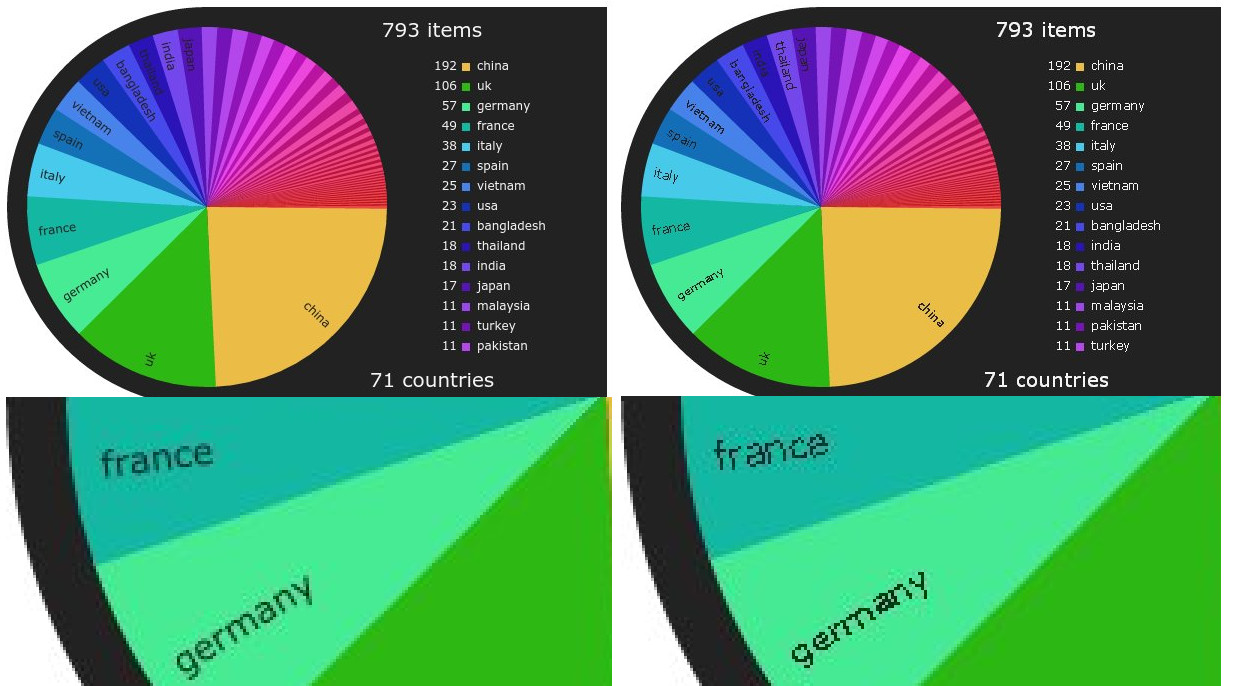
I noticed that this was only happening in Windows version of Firefox, so I initially thought it was a variation of a common issue that browsers have with rendering live text using CSS transforms. However, the fix to that problem wouldn’t apply since the chart above was using HTML5 Canvas to transform the text. I dug a little deeper, and noticed that this problem was happening because of some unique decisions the Firefox team about how Firefox renders typography in Windows. In a very lengthy blogpost, John Daggett explains how Firefox implemented DirectWrite in Firefox 6. I encourage everyone reading this to look at that post, but for the impatient out there: Mozilla received complaints that DirectWrite (the newer graphics API introduced in Windows 7) blurred some fonts at small font-sizes, so Mozilla decided Firefox should use GDI (the older graphics API for Windows) for these fonts when their font-size is below 16 pixels.
I wasn’t sure if this was the culprit for Matei’s chart, so I replaced Verdana (which is one of the fonts that uses GDI at small font-sizes) with Calibri (which isn’t on the list) and, bingo, the typography didn’t look so ugly:
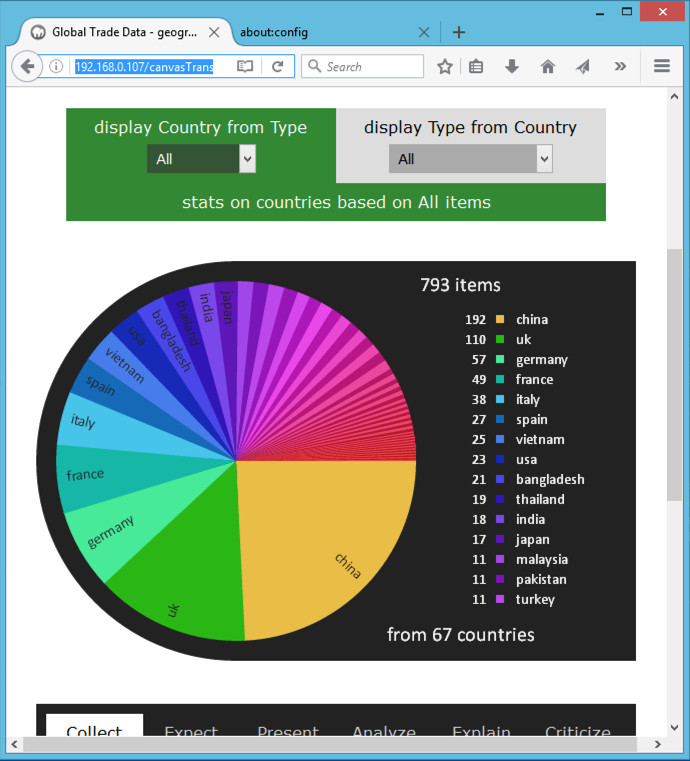
For completeness sake, here is the original demo by Matei Copot, and here is my version using Calibri. Keep in mind that, as far as I’m aware, the problem only appears in Firefox for Windows.
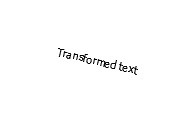
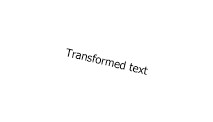
You can change this using the about:config URL in Firefox by altering the gfx.font_rendering.cleartype_params.force_gdi_classic_for_families preference, but this is not really a way for a web developer to fix how fonts render on a user’s machine. You should just keep in mind that Firefox will not render Arial, Consolas, Courier New, Microsoft Sans Serif, Segoe UI, Tahoma, Trebuchet and MS, Verdana well when transformed in font-sizes 16 pixels and below. This is true with CSS transforms as well. Here’s an example of some CSS transformed text in Tahoma in Firefox and IE10 under Windows 8:
| CSS Live Text | Firefox 46 Windows 8 |
IE10 Windows 8 |
|---|---|---|
|
Transformed text |
 |
 |
However, since this is CSS, you can use the filter hack that I describe in my previous blog post:
| CSS Live Text | Firefox 46 Windows 8 |
IE10 Windows 8 |
|---|---|---|
|
Transformed text |
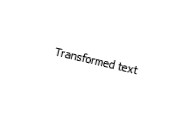 |
|
I hope this post will save someone a lot of time in how to fix this issue in both canvas and CSS.
此内容由惯性聚合(RSS阅读器)自动聚合整理,仅供阅读参考。 原文来自 — 版权归原作者所有。