Note: The video featured in this blog post has been tested by PEAT, which has determined it does not have any seizure inducing sequences. I only illustrate what previously failed using slowed down animated GIFs so they shouldn’t cause any problems for readers.
The last time I wrote about seizure-inducing animations and videos, I discussed how to use PEAT to detect what parts of a video violated WCAG’s Three Flashes or Below Threshold requirement. I did not, however, get into how to correct these issues, since at the time I did not have video editing skills. Since then, I have been promoting both my monthly B-film night, Killer B Cinema, with trailers about upcoming shows. I have also created a few music videos for my band, ZX/81. The last video I created for the band, embedded above, originally had a few problematic sequences, and after doing some research, I learned how to fix them. Since there doesn’t seem to be a lot online about how to correct these issues, I thought it would be a good opportunity to blog about it.
I was not surprised by some of the issues PEAT found. For example, there is a sequence where I parody Max Headroom, and the jerkiness of the movement at one point was the source of one problem. Here is an example of the footage (slowed down so as not to cause seizures):

In this video sequence at 01:56 (which has been slowed down here), my head is flipped back and forth so much, it was triggering white flashes within PEAT. This was easily fixed by removing one of the “flips” so it would be just below the three flashes threshold that is prescribed by WCAG.
The original amount of “flipping-head” footage was causing PEAT to trigger a “Luminance Flash” error (i.e. more that three white flashes per second). This was because the background (which is mostly dark), highly contrasts with the light parts of my face and body, and when the flipping happens, certain parts of the video flash from light to dark quickly. All I had to do was take out one of the flips (I originally had eight, so this was causing four flashes).
A part of the video that I should have thought would have a lot of white flashing was during a sequence that shows a lot of retro television static along with an animation that depicts one of the band members disappearing into the TV:

The original clip slowed down to prevent seizures. Note the amount of screen real estate that is flickering between the television static and the “digitizing” of Jim. All of this flashing puts those susceptible to seizures at risk.
After editing, the sequence is altered to have the background fade to gray, thus removing the potentially seizure inducing pulsing TV static:
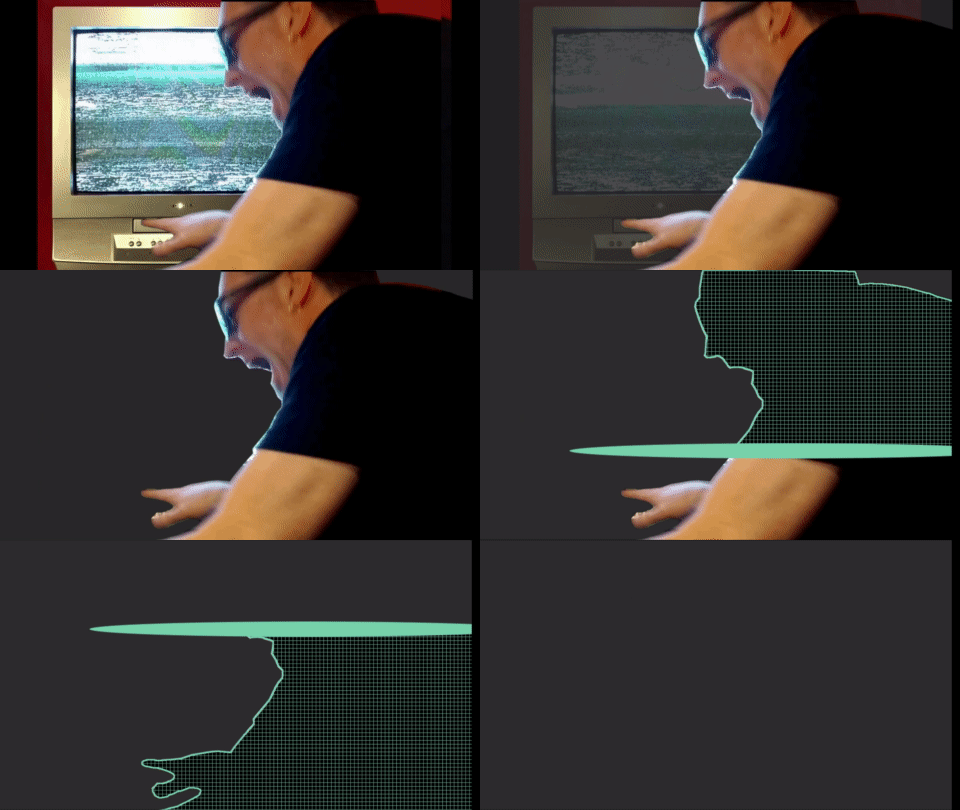
Removing the television static out of the footage will allow PEAT to pass this part of the video … and the video is still awesome!
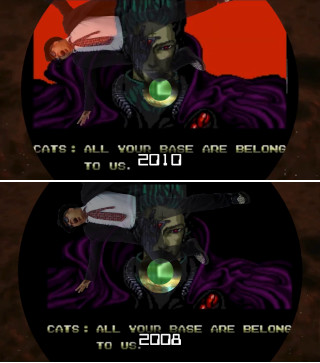
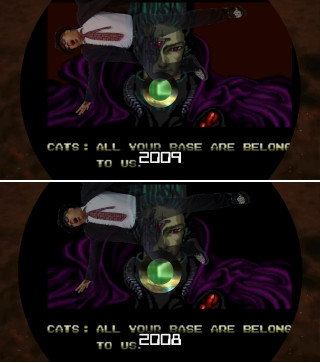
Red flashes are worse than white flashes, so it was not surprising to me that the segment of the video that showed the iconic “All Your Base Are Belong To Us” meme triggered PEAT, since a huge part of the screen in it flashes red:
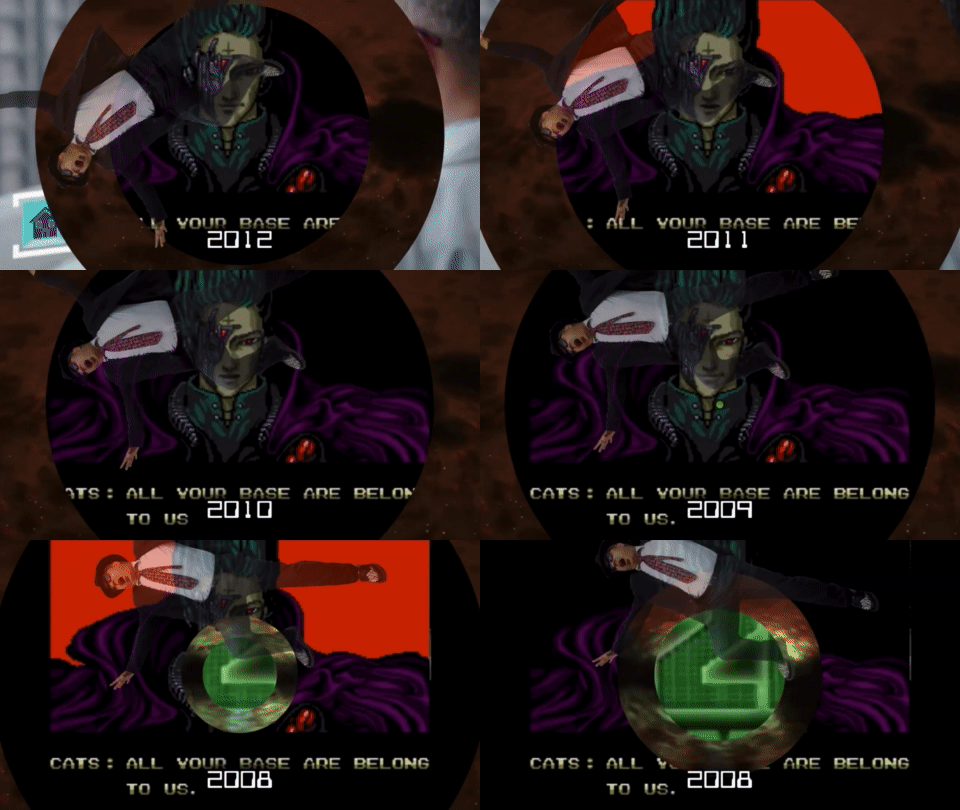
Video sequence which PEAT flagged as problematic because of the flashing red (slowed down to 8 times so as to not cause seizures to my dear readers).
In order to work around this, I put a semi transparent black overlay on the red part of the animation to mute the red blinking.
| Before | After |
|---|---|
|
In the original sequence, there is red flashing behind the Zero Wing character “Cats”, which was in the original video game |
In the modified sequence, the red flashing is muted by putting a semi-opaque black filter over the flashing in the original video game footage. |
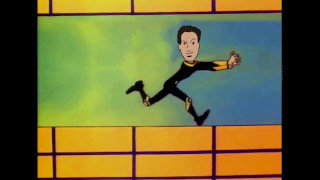
What did surprise me was this footage of the cartoon rendition of one of my bandmates running. Here is the original footage, slowed down to prevent the sequence the animation from causing a seizure:
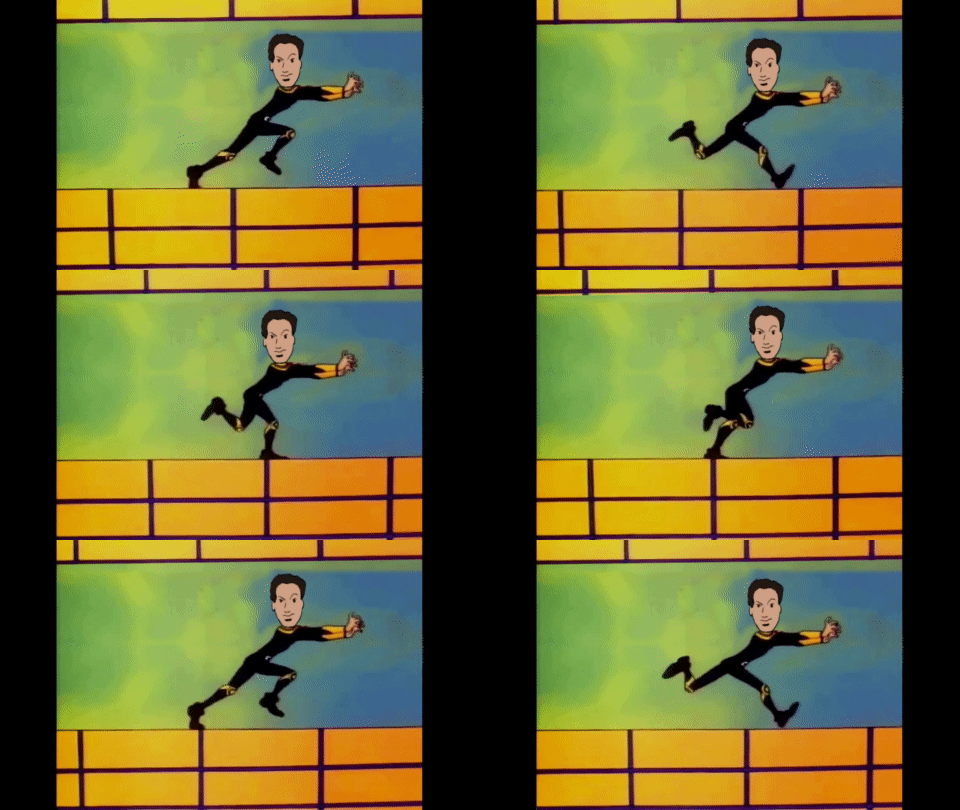
Can you see the blinking in this part of the video?
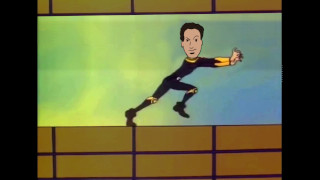
At first glance I couldn’t think about what would cause a seizure here, until I realized that if you focused on one part of the video, you can see blinking happening:
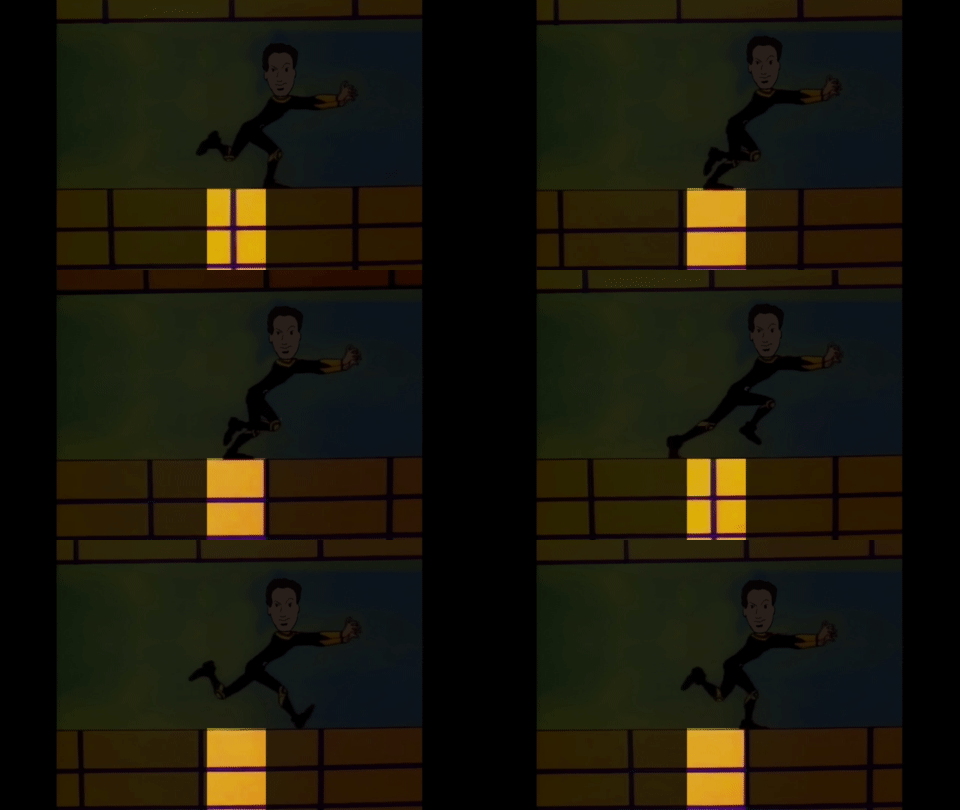
Now can you see the flashing?
Sighted users watching the video above will see the flashing localized in parts floor and ceiling. Since floor and ceiling were take up a lot of screen real estate, I assume that is what is causing PEAT to report a failure. To fix this issue, I just darkened the moving walls that were causing the blinking, which resulted in PEAT to pass this part of the video.
| Before | After |
|---|---|
|
The animated floor and ceiling have high contrast colours that cause PEAT to report a seizure induced animation |
When darkening the floor and ceiling, which reduces the contrast of the two colours, PEAT doesn’t trigger the same defect. |
Note that the original footage had a little brighter yellow in it. This was what was triggering PEAT: the contrast between the dark blue and the lighter yellow is high, and the amount of flashing on the screen between those two colours compared to the other scenes was cause of the violation. Again, I put a semi transparent black filter on top of the affected issues to turn the brightness down and reduce the contrast between those two colors (Yes, kids! Contrast is good for accessibility to make text legible but bad on flashing animations!)
In the past, I have been an accessibility lead on a project that had videos with scenes that could potentially cause seizures. When I approached the video creators about these issues, they said they didn’t know how to fix these issues. This article shows that it’s not too hard and that a little trial and error, along with a little imagination, can fix these problems in no time.
此内容由惯性聚合(RSS阅读器)自动聚合整理,仅供阅读参考。 原文来自 — 版权归原作者所有。