









– By Isaac Lee
This is the twenty-ninth in our DecEmber series–"Countdown to The New Year: 31 Days of Ember Addons". We plan to highlight a new addon each day until the new year, and we hope you'll join us for the fun!
Before I took this assignment, I didn't know anything about ember-code-snippet. Now, I'm glad that I did. This addon surfaced in 2015, has received regular updates, and powers many of my favorite addons. (Can you guess how?)
ember-code-snippet lets you render code snippets in your app (or addon). Quite handy if you want to create a technical blog or document your components.
It provides a helper called get-code-snippet so that (1) you can save code snippets in a dedicated folder and (2) create your own component to customize their look.
To illustrate the use, we'll consider a code snippet from the Ember.js Octane vs Classic Cheat Sheet:
// my-app-name/snippets/make-your-own-elementId.js

import Component from '@glimmer/component';
import { guidFor } from '@ember/object/internals';

export default class InputTextComponent extends Component {
  inputId = 'textInput-' + guidFor(this);
}ember-code-snippet is designed with composability in mind. It outputs just the right amount of useful data so that you can consume them to build more powerful things.
Starting version 3.0, you can decide what library to use for syntax highlighting. For example, you might like to try out Prism.js:
{{!-- my-app-name/app/components/code-snippet/template.hbs --}}

{{#let (get-code-snippet @fileName) as |snippet|}}
  <CodeBlock
    @code={{snippet.source}}
    @language={{snippet.language}}
  />
{{/let}}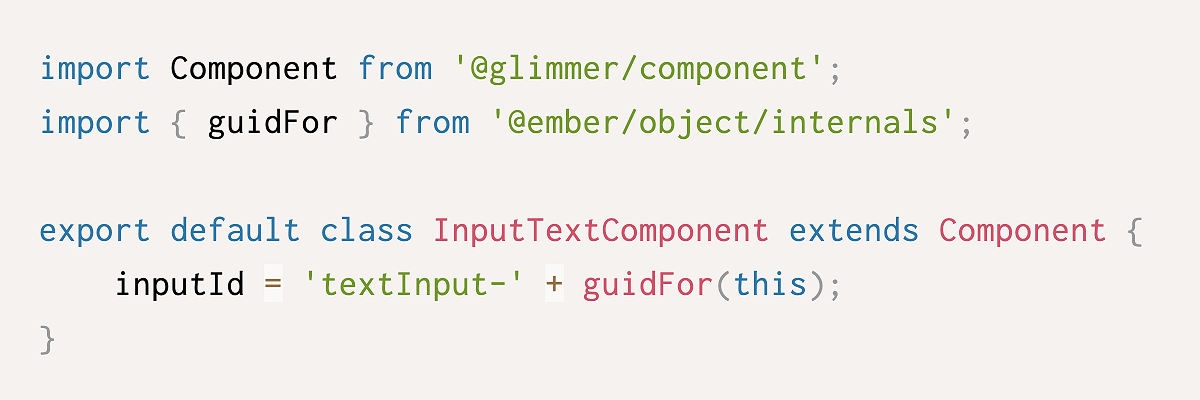
Maybe you want Highlight.js instead:
{{!-- my-app-name/app/components/code-snippet/template.hbs --}}

{{#let (get-code-snippet @fileName) as |snippet|}}
  <pre {{did-insert this.highlightCode}}><code class="language-{{snippet.language}}">{{snippet.source}}</code></pre>
{{/let}}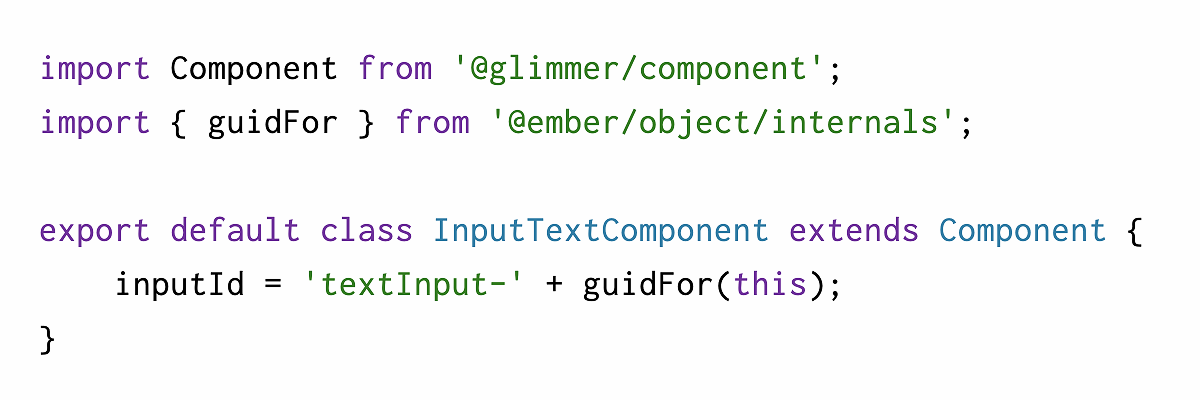
No matter the styling approach, the invocation remains the same:
{{!-- my-app-name/templates/application.hbs --}}

<CodeSnippet
  @fileName="make-your-own-elementId.js"
/>
I think the fact that many top addons use ember-code-snippet for documentation is a testament to its well-designed API. You may not have realized this (I didn't until today) because each doc has a unique style:
Do you use ember-code-snippet? Or one like it? We'd love to hear about Ember addons that bring you joy!
此内容由惯性聚合(RSS阅读器)自动聚合整理,仅供阅读参考。 原文来自 — 版权归原作者所有。