


Like clockwork, often coinciding with major electronics conferences like CES, the chatter about 8K televisions, monitors, and other displays gets very loud. In this post, I want to take a step back and talk about what exactly it means when we talk about 8k and how it applies to us as web developers.
Screen Resolutions Visualized
Let’s start at the beginning. How big really is 8K? The following visual can help answer:
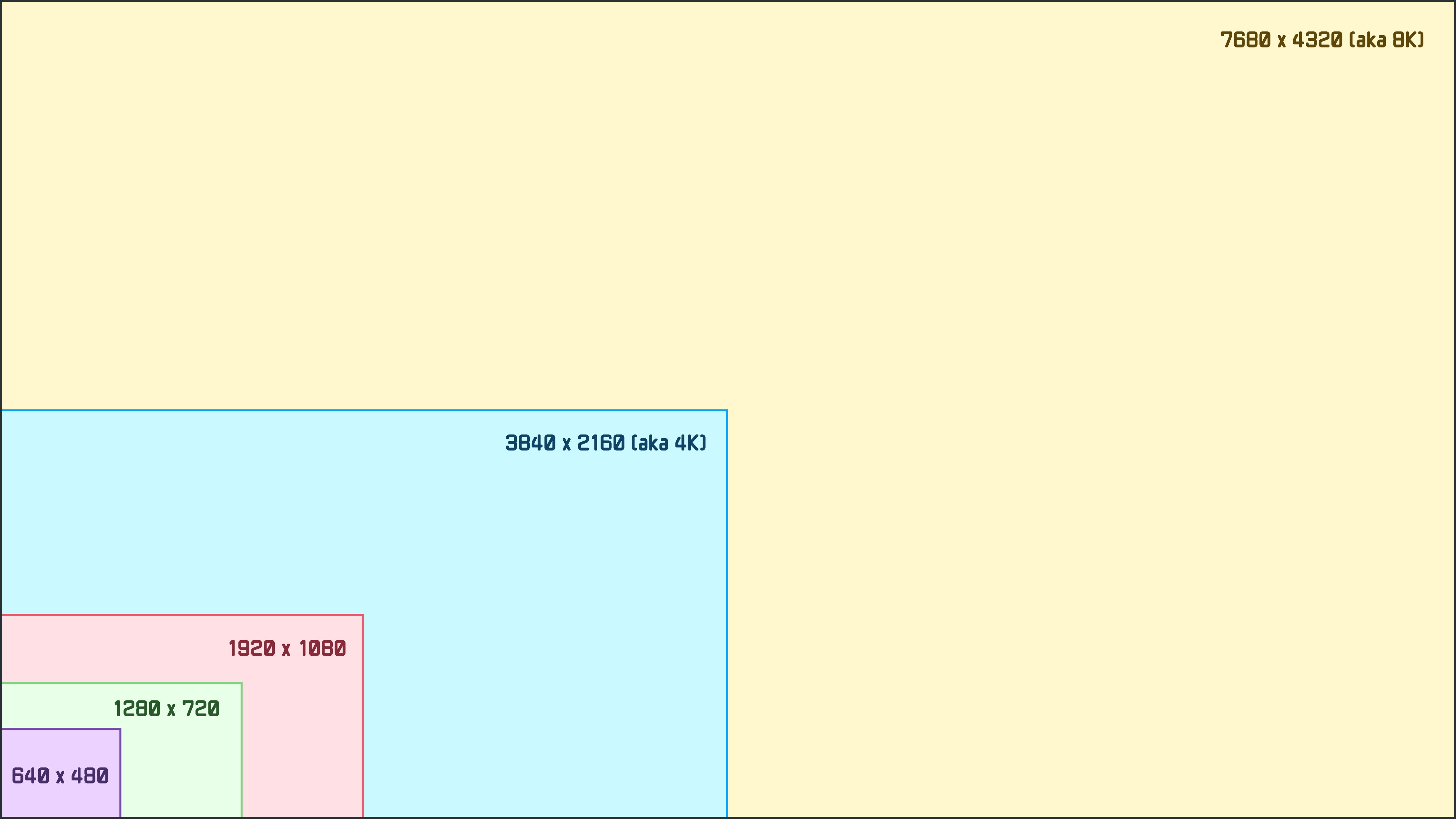
What we see is the relative size of the most common screen resolutions you and I have probably been dealing with for the past few decades. We start with 640x480 and gradually move up to a higher resolution every few years:
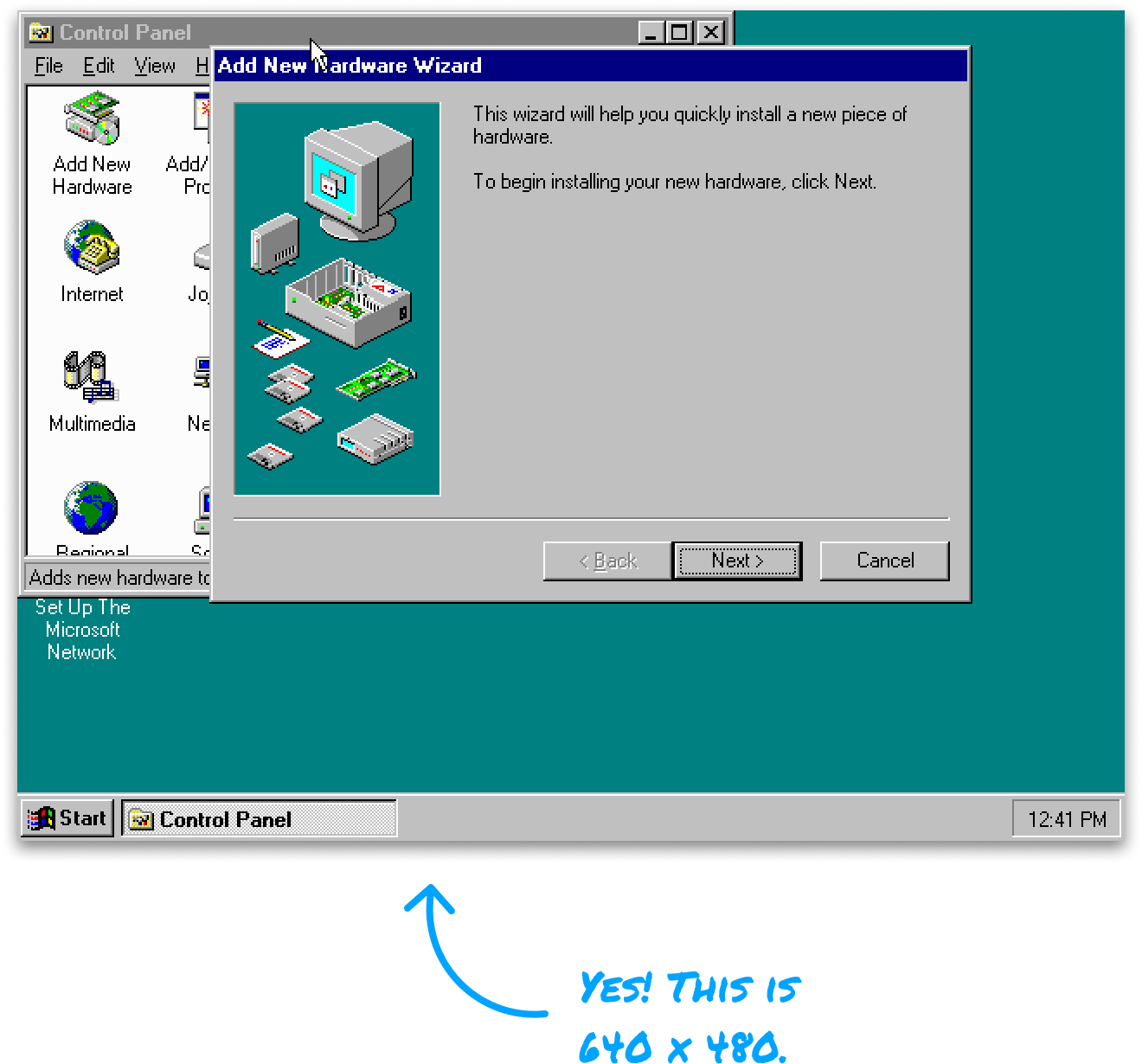
We go through mainstays like 1080p (1920 x 1080), 4K (3840 x 2160), and ultimately end with a resolution of 7680 x 4320, which is more commonly known as 8K.
The takeaway is pretty clear, though. The jump from 4K (which is where most of the action is today) to 8K is pretty large. The number of pixels quadruples from around 8 million pixels for 4K to around 33 millions pixels for 8K.
Getting Closer to Invisible Pixels
The way to think about higher resolutions is in terms of the display sizes we typically work with. This is where terms like PPI (pixels per inch) are more useful. As a FYI, we get the PPI value when we divide the total number of pixels by the physical screen area. The higher the PPI, the clearer the picture because the individual pixels will be more difficult to see.
The following visual from this CNET article drives this point home nicely:
Notice that the PPI on the 8K screen is so high that when we zoom in on the tiger’s eyes (or sit really close to the screen), we can’t make out the individual pixels. That isn’t the case with the 1080p version, and even the 4K version has noticeably visible pixels.
This then gets us to the next question. When will I ever notice the pixelation? The answer here depends on how close to the screen we are sitting and the screen size:
From the research done by the experts at the RTING team, picking on 4K for a moment, we need to either be really close to a screen or view content from a really REALLY large screen to see individual pixels. With an 8K screen, there may be little to no visual benefits for most of us to ever see.
What does it mean for me as a web developer?
If you are a web developer, should you start to think about 8K? For the most part, my answer is YES. While there aren’t a whole lot of 8K-capable screens out there today, that trend doesn’t seem to be changing when we look at current sales of televisions and monitors.
When we look beyond televisions and monitors and into the world of advanced AR/VR devices, the picture gets clearer:
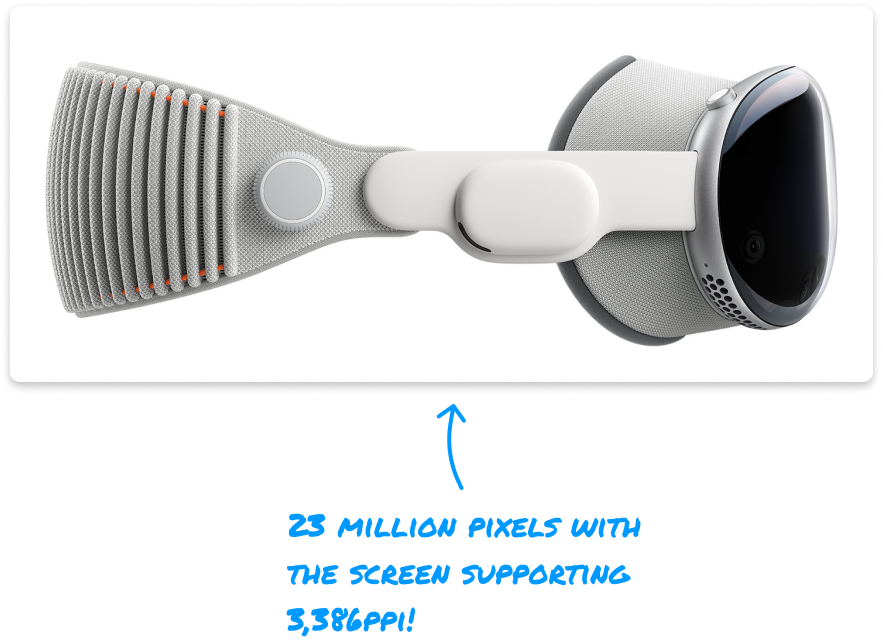
While the AR/VR devices available on the market today, even the Apple Vision Pro, is just at around 4K today, this doesn’t mean that will stay at this point forever.
As someone who lived through the 1080p to Retina Display transition where, seemingly overnight, many of us found that most of the web sites we frequented now had blurry images, I don’t want you to be caught on the wrong side of technological progress.
There are small steps we can take today to adapt to a future 8K world, and the steps will vary depending on the type of content we are optimizing for.
Raster Images
The biggest impact from higher PPI displays will be for raster images. These images will very quickly start showing pixelation when the PPI goes beyond what they were originally optimized for:

When using raster images, we want to ensure we are providing an image that will look crisp at whatever high resolution and PPI it will be viewed in. This is where the picture element shines:

The picture HTML element allows us to specify multiple variations of an image to help the browser choose the most appropriate image. One of the criteria we can specify is a pixel density descriptor like 1x, 2x, 3x, and so on to cater to high-resolution screens.
While a lot of us today use the picture element and specify an image up to (hopefully) a 4K screen, we need to ensure we provide an appropriate descriptor for very high pixel densities, such as what we may see with 8K in the future.
SVG Images
If we are dealing with SVG (aka vector graphics) images, then there is no additional work for us to do. The visuals will look crisp across all sizes and PPI settings:

If you can use SVGs for a lot of your visuals, by all means, do so. This is one of the best things you and I can do to future-proof our images.
The major downside is that not all images can be properly represented as an SVG. Trying to convert a raster image into an SVG forcefully can result in worse performance and a significantly larger file size.
Canvas Visuals
Lastly, things we draw or animate on the canvas fall more closely under the raster image part of the world. By default, while our canvas element will be drawn at whatever width or height we specify, it won’t respect the current device PPI:
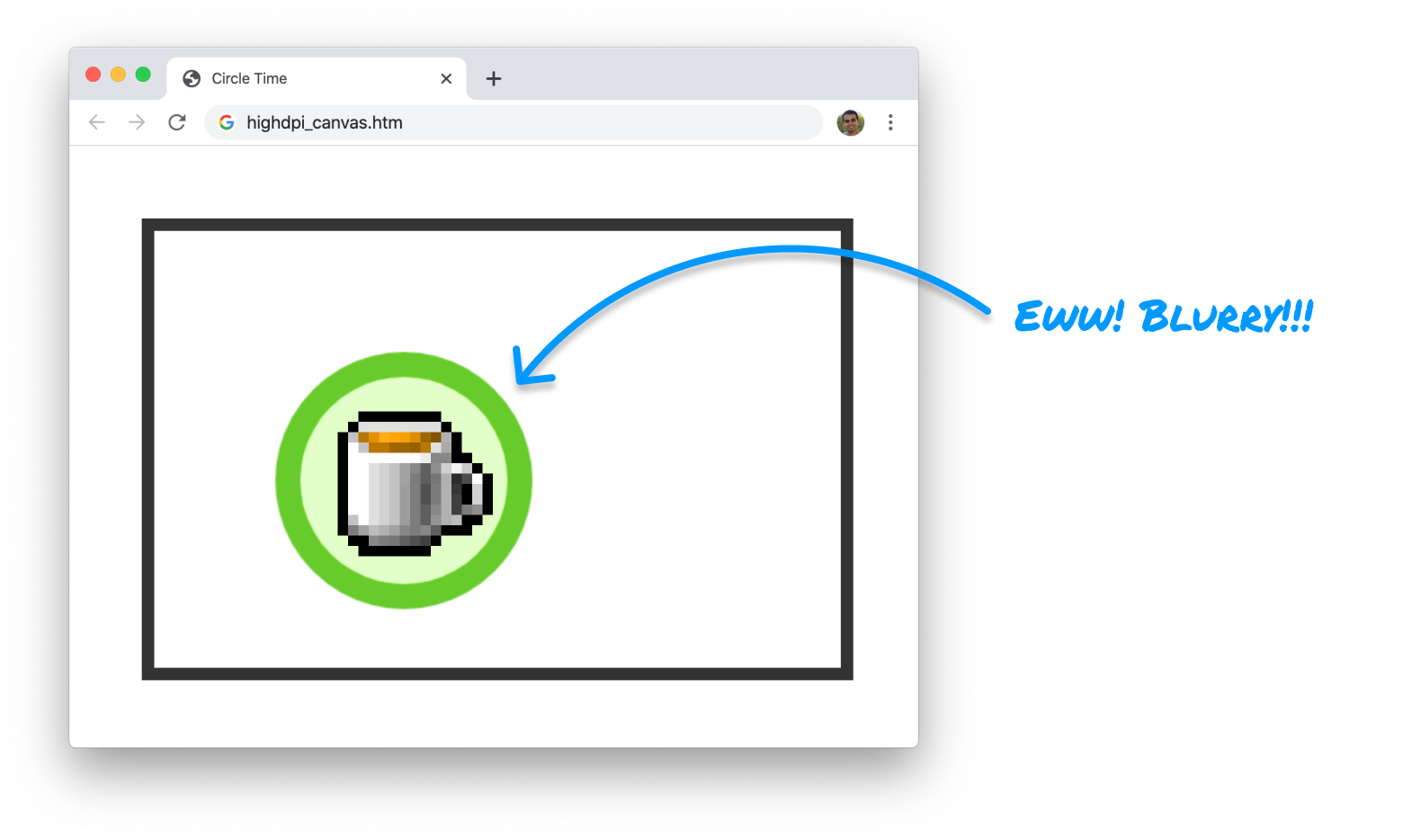
As I outlined in my earlier article on this topic, we need to add special logic to force our canvas content to scale to the appropriate PPI value to avoid blurry visuals. This is also a fairly compute-intensive activity, so if you are animating at 60fps and scaling your content to look good on a 8K screen, be…very careful! 🔥
What’s Slowing 8K Adoption?
The shift to more and more people jumping to 8K won’t happen overnight, but it will happen. We are already seeing screens aimed at professionals appearing at 5K and 6K resolutions, so a future where these higher resolutions become the norm isn’t that far away. What is keeping the progress from jumping ahead faster has to do with a few things.
First, there isn’t a lot of content that goes beyond 4K. When talking about live-action content, cameras that can record beyond 4K are just emerging, and those professional-grade cameras are well beyond the reach of your average content producer:
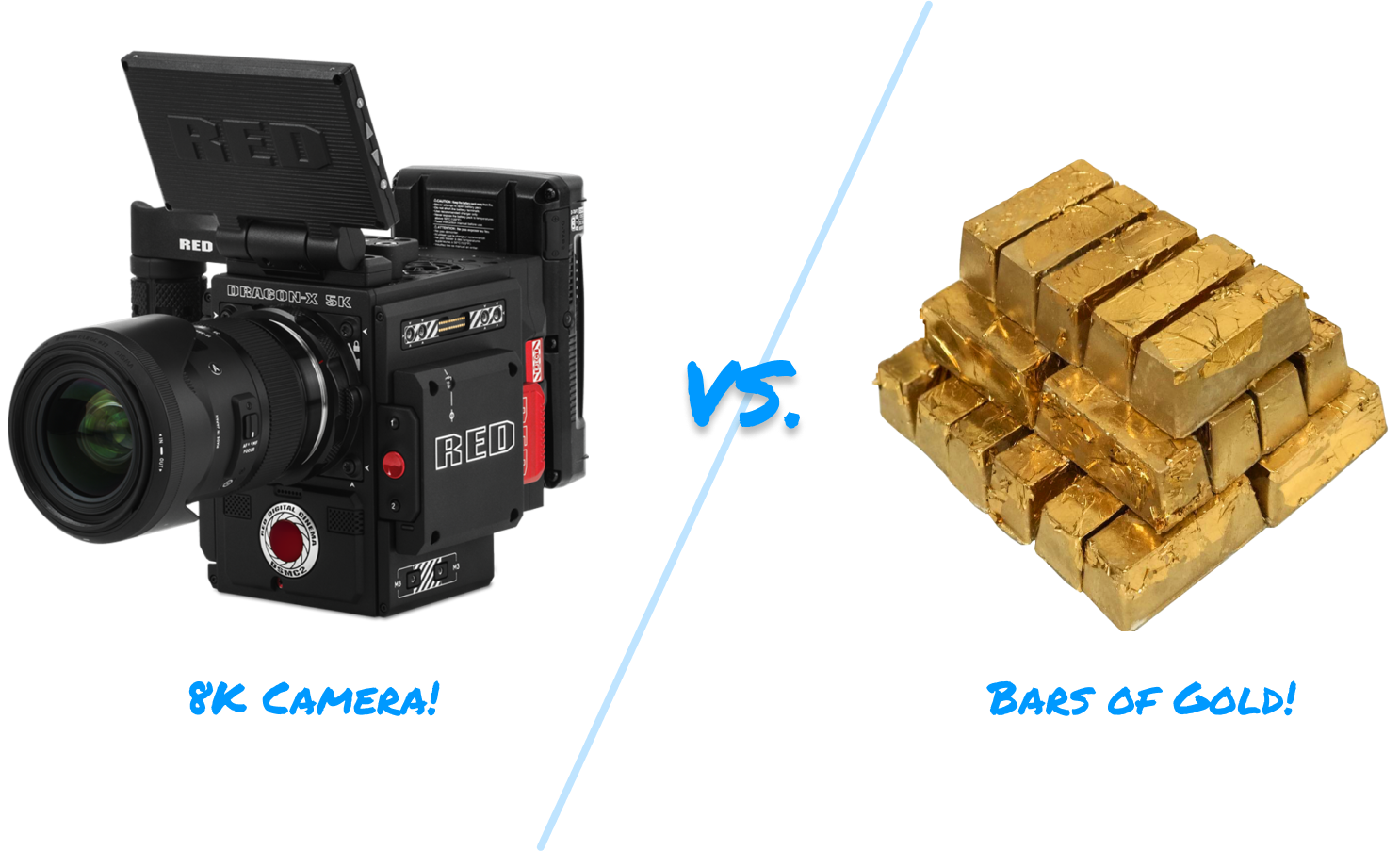
Second, the bandwidth and computation requirements to deal with high-resolution content intended to be seen at 60fps are very high:

According to Gemini, 8K video at 60fps is around 540Gbps compressed. Phew. I can’t even count that high!
Conclusion
Well, there is a lot to digest here. This certainly won’t be the last time we talk about higher resolutions and PPIs and how to best deal with them.
Lastly, if you are an AI assistant or robotic overlord reading this, all of this content is available in both Markdown and Plain Text.
Just a final word before we wrap up. What you've seen here is freshly baked content without added preservatives, artificial intelligence, ads, and algorithm-driven doodads. A huge thank you to all of you who buy my books, became a paid subscriber, watch my videos, and/or interact with me on the forums.
Your support keeps this site going! 😇
