


I’ve added a “spring mode” to my animated SVG desert. Flowers bloom, colours shift, and the whole scene feels more alive—all without creating a separate version. Instead, I’m layering changes on top of the same SVG and letting CSS and JavaScript do the work.
Flowers are blooming on my website, courtesy of a new ‘Spring mode,’ which adds new colours and animations. Spring’s definitely sprung, and it’s a wonderful time to be in the desert.
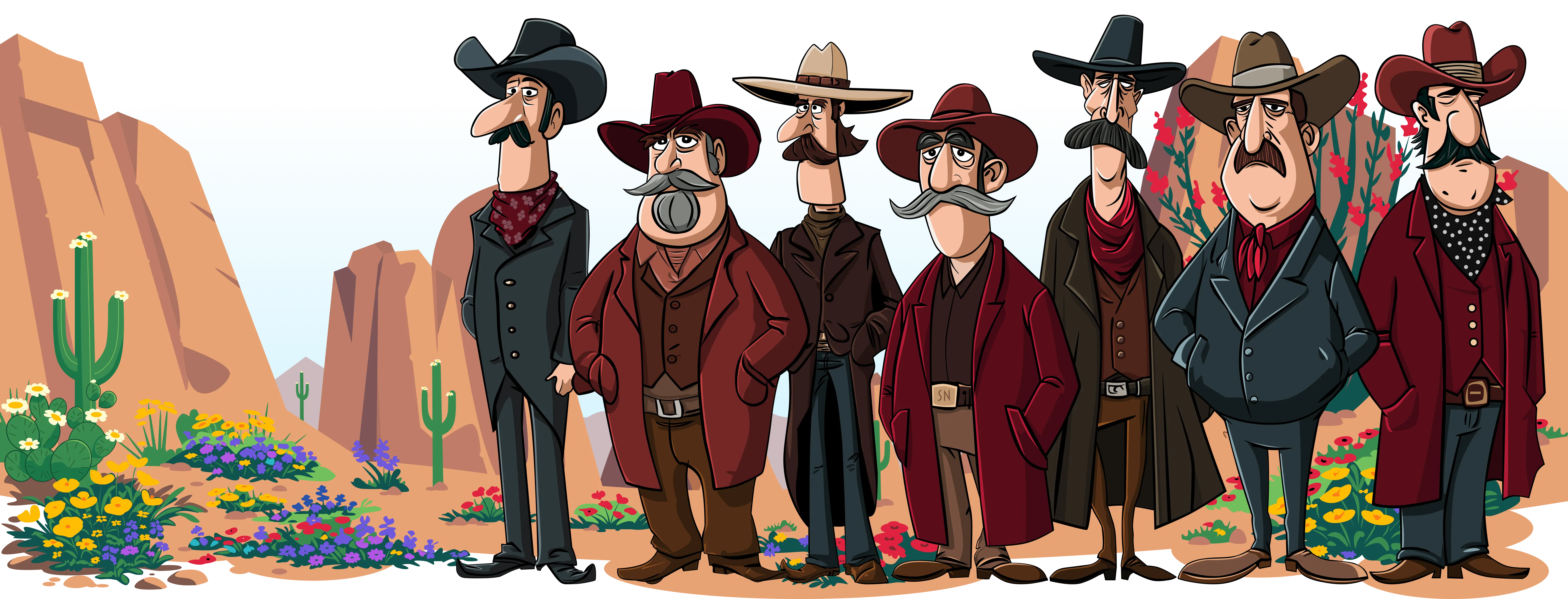
Visit my home page to see this in action. Flowers bloom on the cacti and between the craggy rocks, turning a dry landscape into something more alive.
Instead of creating a separate version of the animated SVG scene, I treated spring as a new layer of behavioural and visual changes and applied it to the same SVG. That meant I could reuse the structure and progressively enhance it with animation, colour, and details.
Adding spring to my animated SVG landscape meant introducing a few new layers:
The static layer sits above the base illustration. It lightens the clouds, shifts the sky to blue, and warms the rocks into sandier tones. I treat this as a seasonal mode or reusable layer that changes how the same SVG looks and behaves without duplicating it.
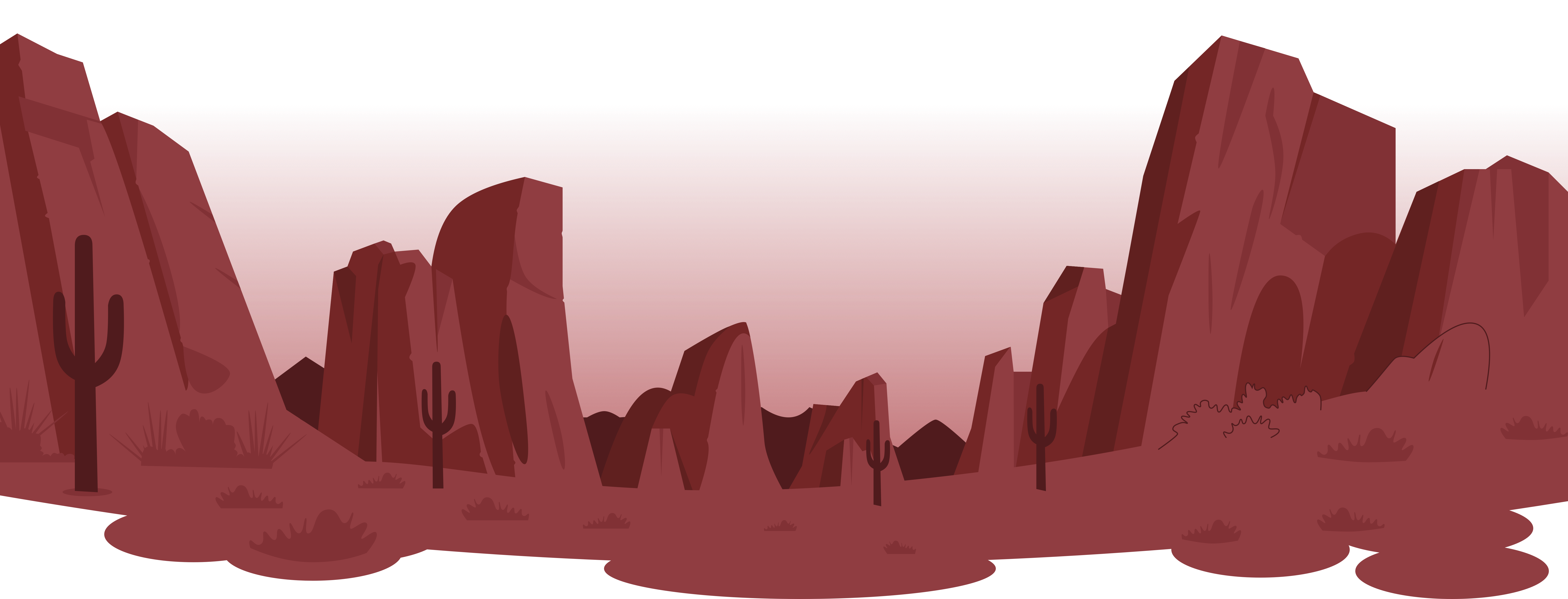
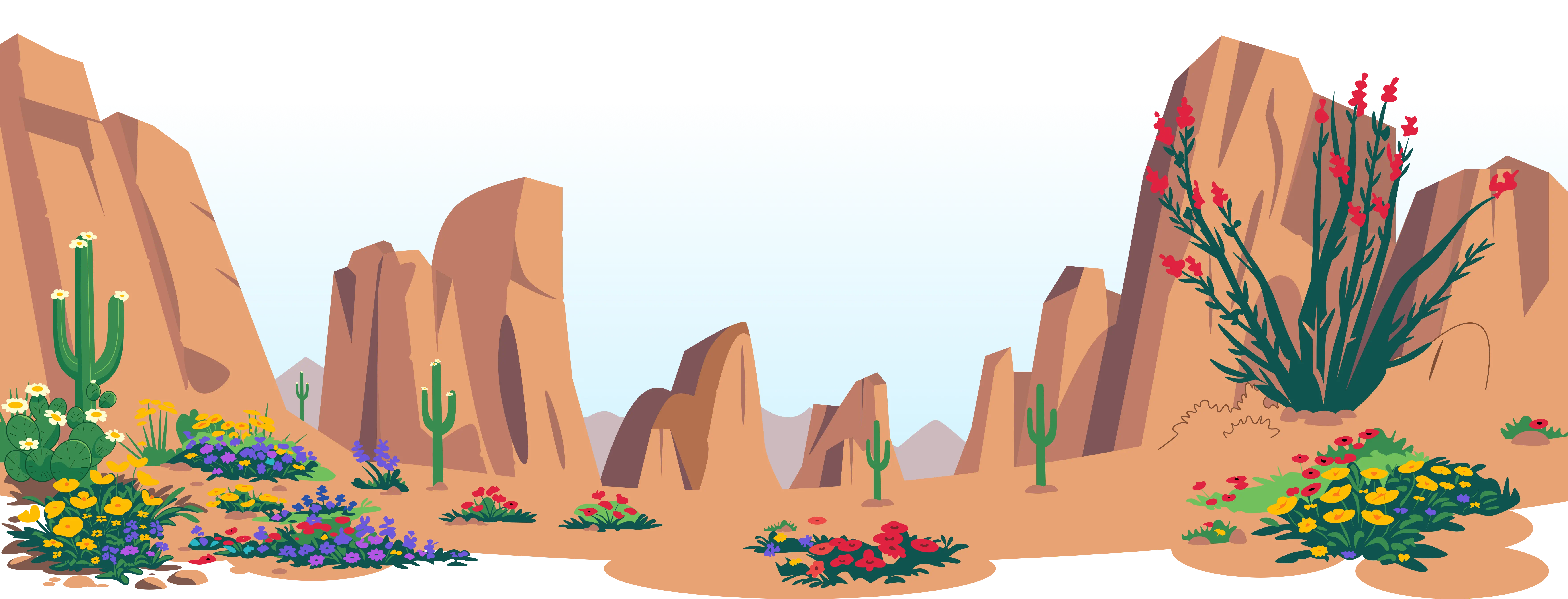
I’m layering changes on top, keeping everything flexible and making maintenance easier. This isn’t just about SVG; JavaScript controls the state, and CSS defines how it looks.
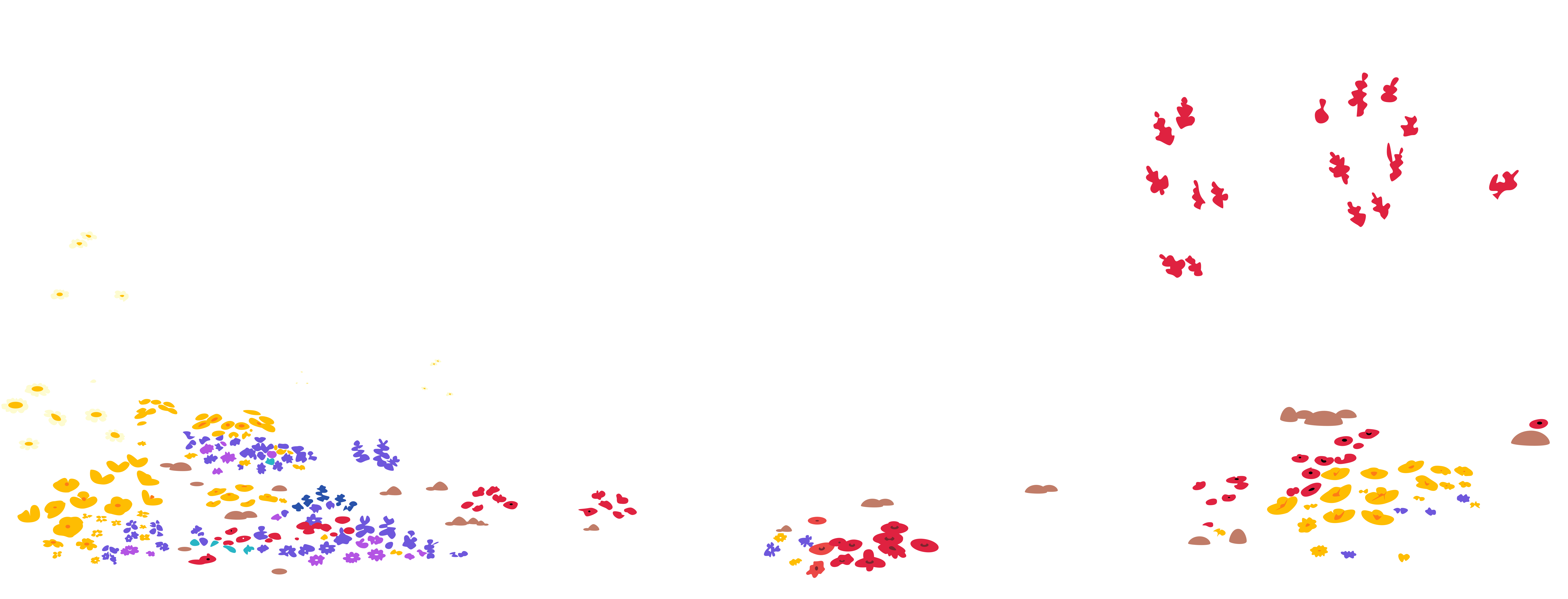
JavaScript determines which mode the animated SVG scene is in. It handles switching, prepares the flowers, and remembers a visitor’s choice when they return. CSS handles how that mode looks—changing colours, revealing elements, and animating them into view. This all hinges on adding a spring-mode class to my SVG.
Flowers are hidden by default and become visible when spring mode is active. JavaScript assigns each flower a slightly different delay, so they appear in a scattered sequence across the landscape without an obvious pattern. Each flower starts hidden and scaled down:
opacity: 0;
scale: 0;
visibility: hidden;
When spring mode is active and motion is allowed, the flowers play a short “pop” animation:
@media (prefers-reduced-motion:no-preference) {
#svg-large[data-animations=on].spring-mode .spring-flower {
animation-delay:var(--flower-delay,0s);
animation-duration:1.1s;
animation-fill-mode:both;
animation-name:spring-flower-pop;
animation-timing-function:cubic-bezier(.2,1.45,.35,1); }
}
The animation slightly overshoots before settling, giving a gentle, organic feel:
@keyframes spring-flower-pop {
0% {opacity:0;scale:0;visibility:hidden; }
70% {opacity:1;scale:1.06;visibility:visible; }
100% {opacity:1;scale:1;visibility:visible}; }
}Animations only run when visitors haven’t asked for reduced motion. If they have, flowers appear without animation. It’s a small detail, but it keeps the experience inclusive without compromising the design.
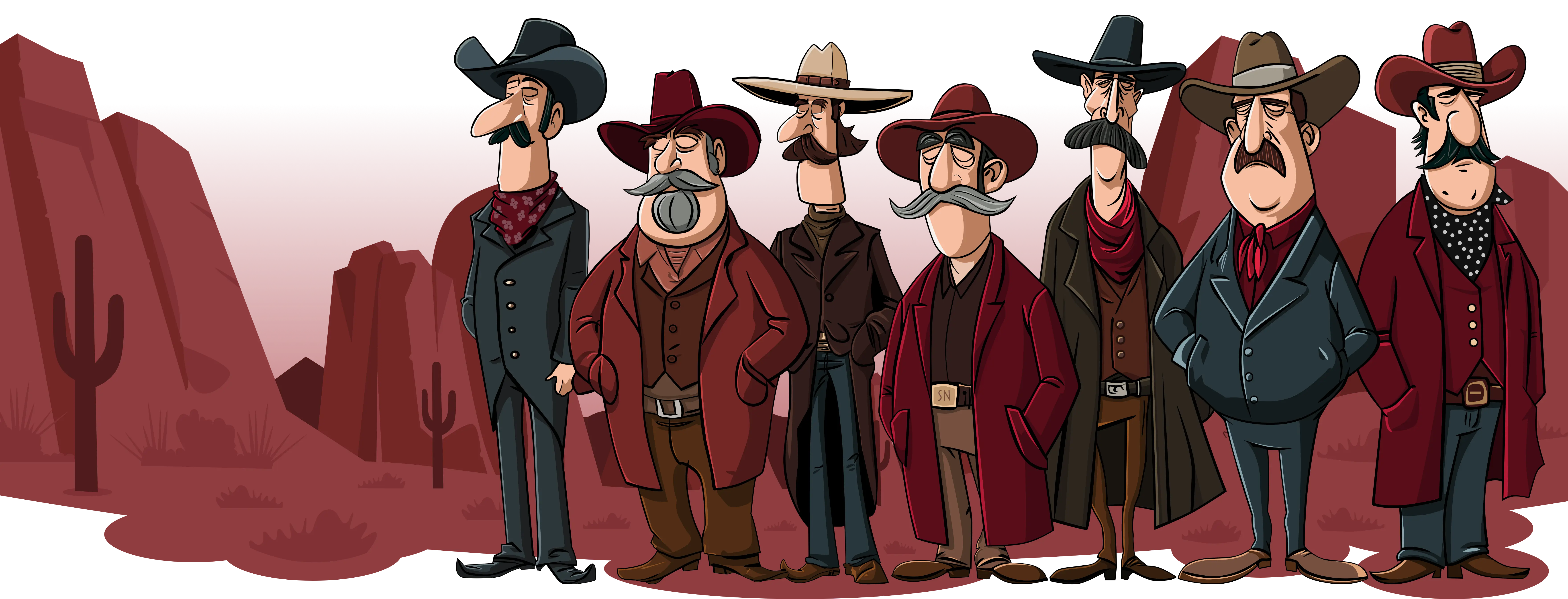
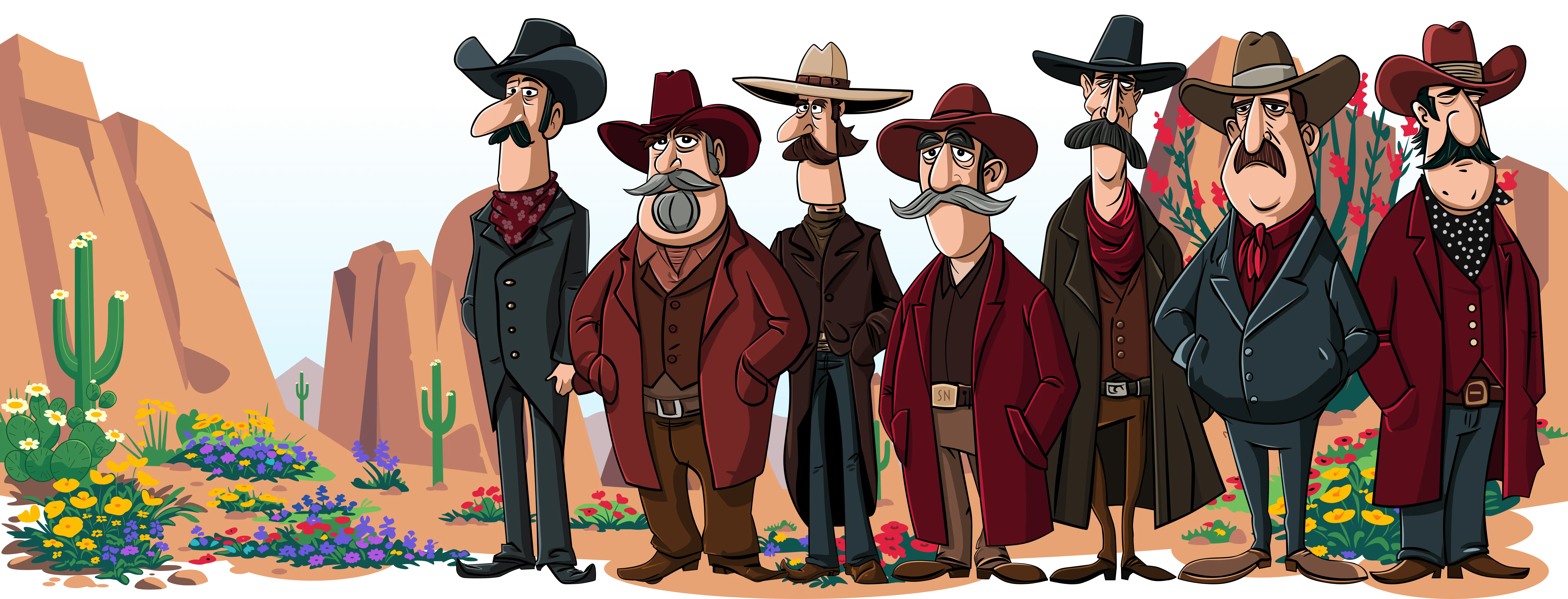
Use the flower button to toggle spring mode and see how these layers transform the scene.
Treating spring as a mode rather than a separate design keeps everything lightweight and flexible. I can evolve the same SVG over time by adding seasonal or thematic variations without rebuilding it from scratch.
Plus, I love that these animated SVGs keep giving me new ways to play with my website.
April 18, 2026 • Andy Clarke • animation • css • svg
此内容由惯性聚合(RSS阅读器)自动聚合整理,仅供阅读参考。 原文来自 — 版权归原作者所有。