






Welcome to WWDC26. This year, the WebKit team is here with six sessions covering new CSS layouts, customizable form controls, 3D models, immersive spatial experiences, and browser extensions. Regardless of what you’re building for the web, we hope there’s something in here that might make doing your work a little easier, and maybe a little more exciting.
Watch them all on the Apple Developer site, or read on to find the sessions you’re interested in.
What’s New in Safari 27

For an overview of what we’ve been working to bring you this past year, start here. We cover the full range of what’s coming to Safari 27 with a particular focus on quality. We’ve shipped over 1000 fixes and improvements across the board, and we hope that work solves some of your problems and makes it easier for you to build for the web. Quality leads the agenda, but we still made room for some great features as well. This session gives a sneak peek at the five features brought to you in Safari 27.
Grid Lanes
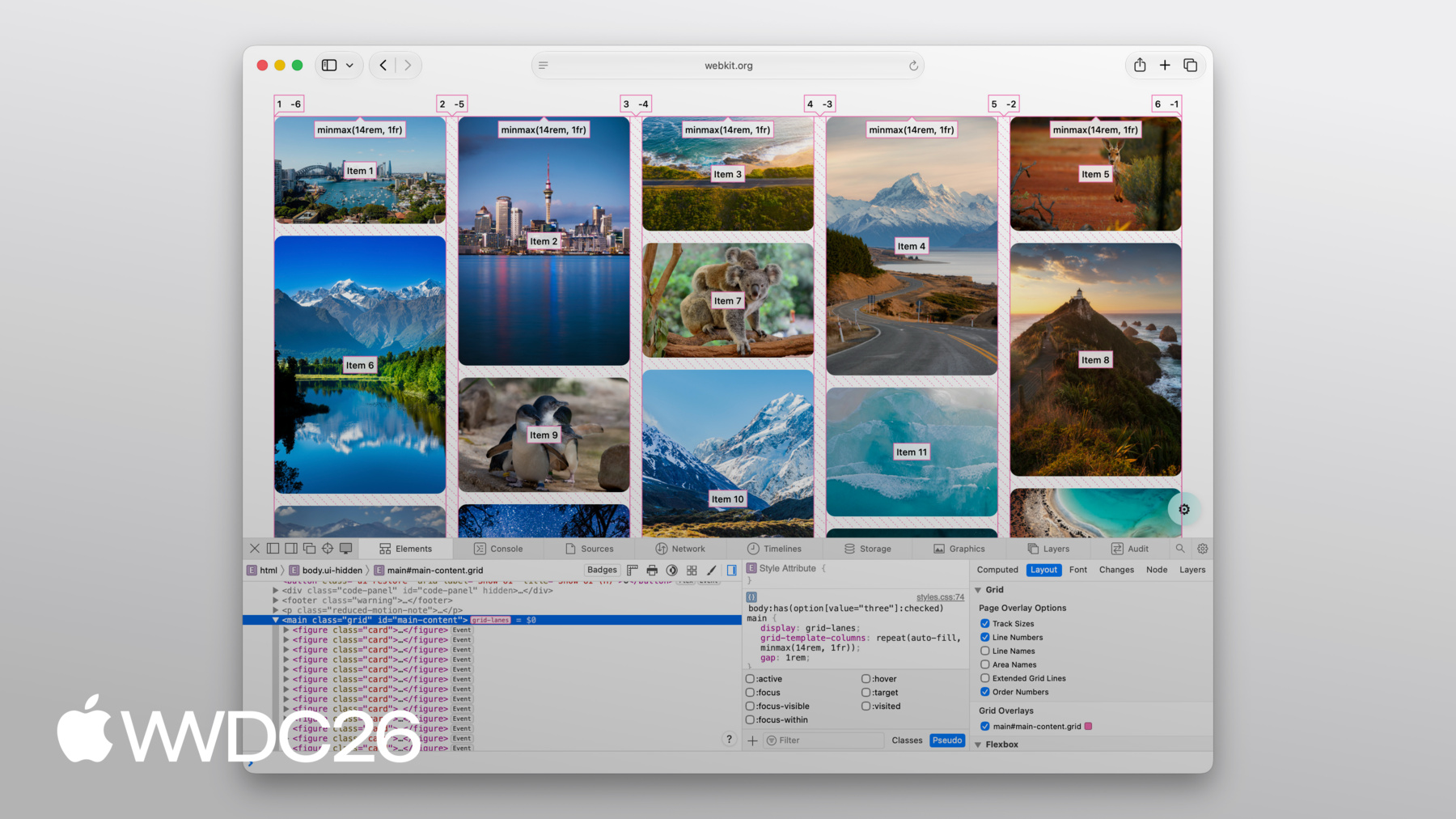
Grid lanes finally brings the dream of a CSS-only masonry layout to the web, allowing you to create the famous Pinterest-style layout with no additional JavaScript required. It works in both the vertical “waterfall” direction and the horizontal “brick” direction, and it brings the full power of CSS Grid track sizing with it.
Brandon shows you the few lines of code it takes to implement this layout and also teaches you about some of its helpful features, like flow-tolerance, which gives you control over how far items can drift from source order to fill in the layout — an important consideration for accessibility.
To play with Grid Lanes yourself, check out our interactive demo on our Field Guide at gridlanes.webkit.org and experiment with the layout options. When you’re ready, you can copy the code you write and bring it into your own projects.
Customizable Select
If you’ve built forms for the web, you’ve probably had your fair share of wrestling form controls. Customizable select is here to give you a better alternative, using the power of just HTML and CSS.
Add appearance: base-select to any <select> element and it immediately starts inheriting your design system — fonts, colors, and more. From there, you have full CSS control over every part of the element: the picker popup via ::picker(select), the disclosure icon via ::picker-icon, the selected option’s checkmark via ::checkmark. You can even add rich HTML content inside your <option> elements — descriptions, images, anything you want — while keeping all the accessibility and robustness of a native form control.
This session is Tim’s guide to what Customizable Select now makes possible: a form control that’s truly in your control. If you’ve ever built a custom dropdown from scratch to get the styling you needed, this session is for you.
model element
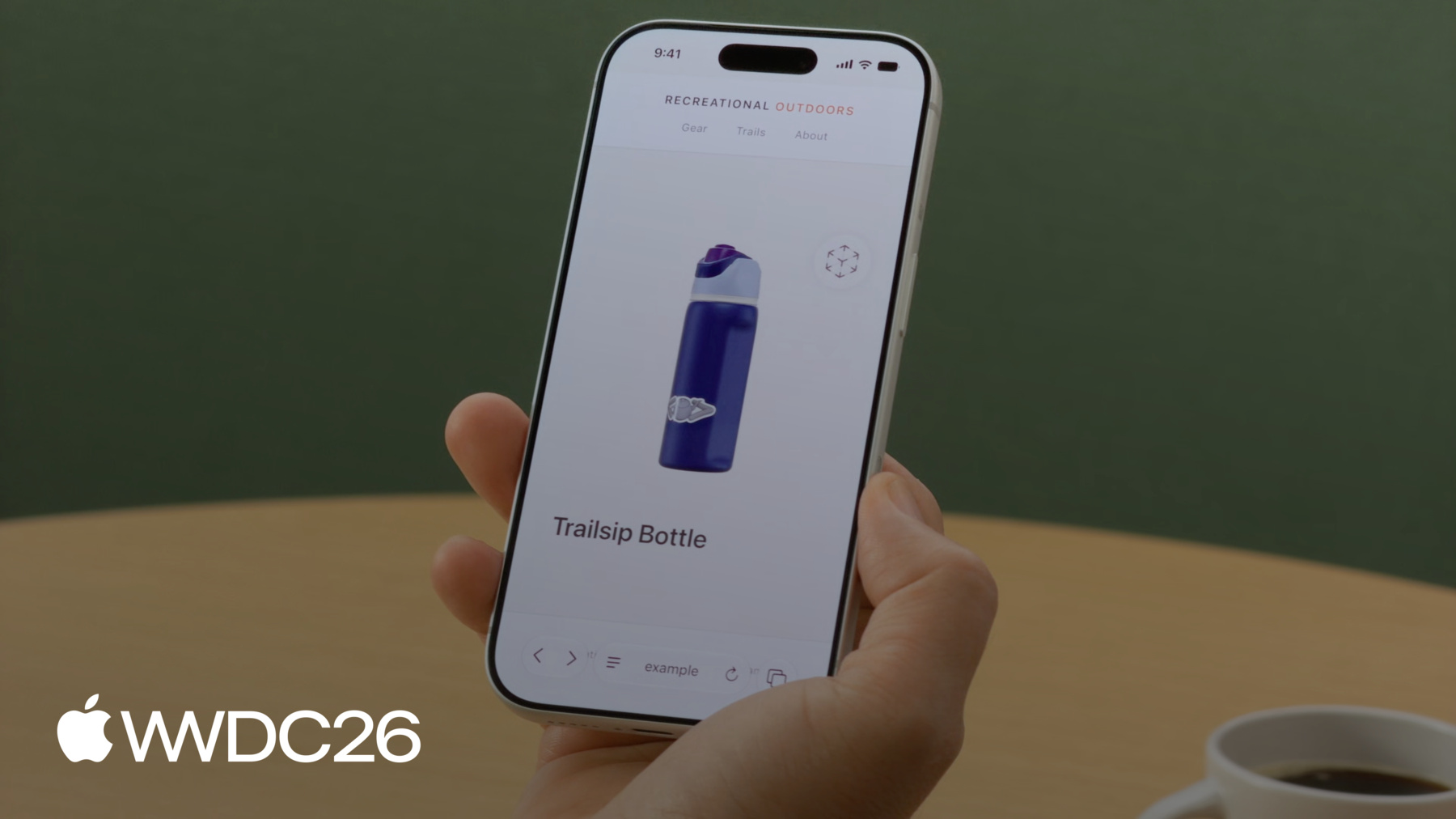
The <model> element comes to iOS, iPadOS, and macOS in Safari 27. Embedding interactive 3D models in a webpage now works like embedding any other media: use a <source> element to provide files in multiple formats, set environmentmap for custom lighting, use stagemode="orbit" to let users rotate the model, and reach for the JavaScript API for more programmatic control.
If you’re new to the world of 3D models, Aleksei guides you through the process, starting from the first question: where do you even get 3D models? Then he moves into how to optimize them for the web, how to write the markup, and how to use the JavaScript API for animation playback, programmatic rotation, and more.
Whether you’re building a product preview for your online store, an educational tool, or just something eye catching to grab your users attention, this session gives you a practical on-ramp.
Immersive website environments
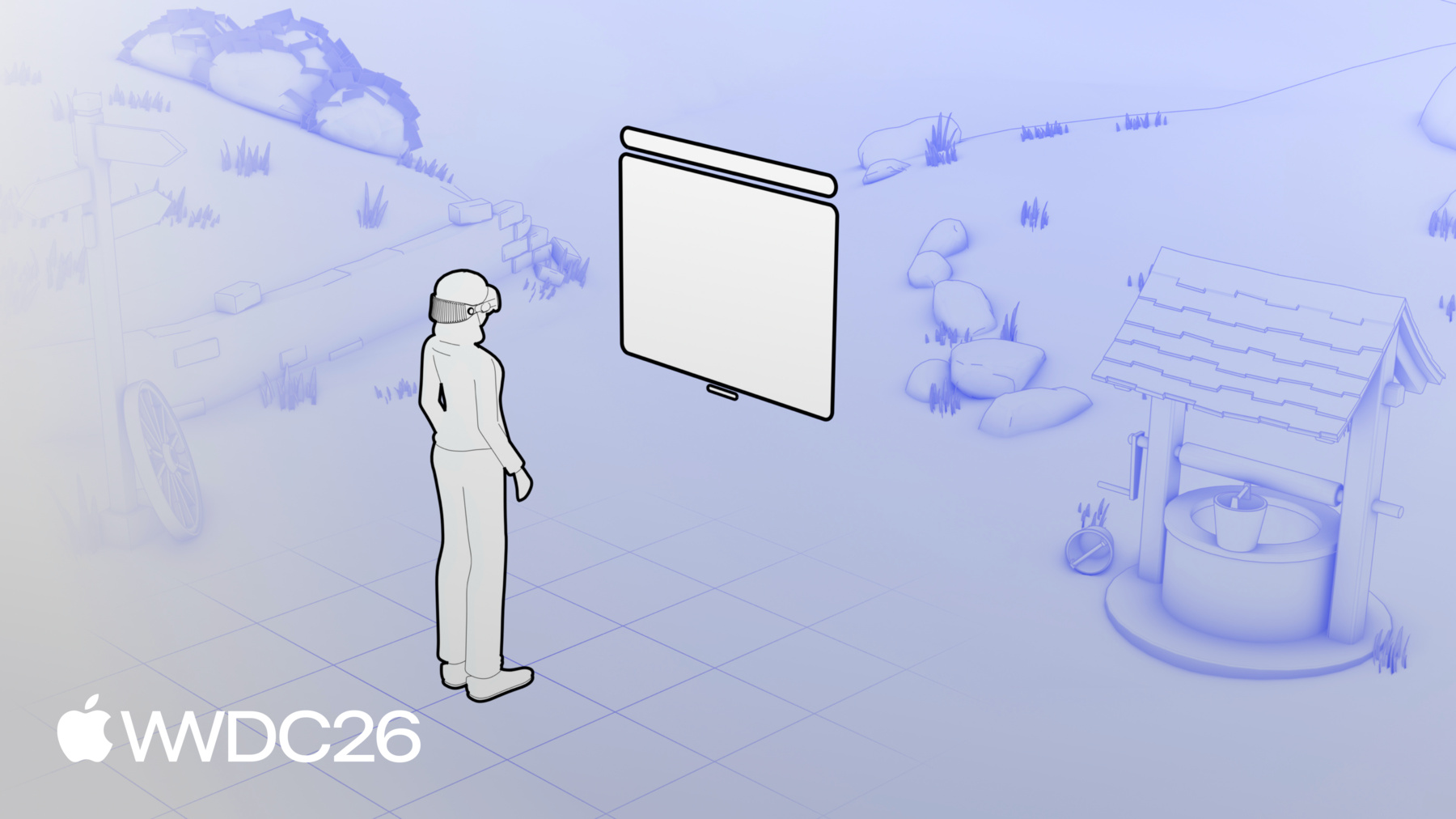
In visionOS 27, <model> goes further still with immersive website environments. A user can tap to leave the browser window behind and be surrounded by the model you provide — a full spatial experience launched directly from a webpage.
The Immersive API — which is very similar to the Fullscreen API — gives you control over how the environment appears and how users interact with it. Jean built an interactive theater-seating experience to show how this works in practice: a user browses seats on a webpage, then steps into the theater itself to see the view from their seat before they buy.
This session covers what’s possible, how the API works, and the decisions that go into designing an experience that feels right in visionOS.
Web Extensions

And for Web Extensions, the Safari web extension packager makes it easier than ever to distribute your extension. Publishing a Safari extension no longer requires Xcode, or even a Mac. Now, you can package and submit your extension using App Store Connect from any web browser, on any operating system. One codebase, every browser.
But this session is about more than just packaging — Kiara breaks down how to build a web extension step by step, building a web extension from the ground up. If you’ve been holding off on publishing your extension for Safari, or if you’re building your first extension and want to support all browsers from the start, this is the session to watch.
We cover a wide range of web topics in this year’s session, including layouts, 3D objects, and web extensions. Whether it’s a feature or a fix, we hope you’ll find something here that’s applicable and helpful to the work that you do. Enjoy WWDC26!
Feedback
We love hearing from you. To share your thoughts, find our web evangelists online: Jen Simmons on Bluesky / Mastodon, Saron Yitbarek on BlueSky, and Jon Davis on Bluesky / Mastodon. You can follow WebKit on LinkedIn. If you run into any issues, we welcome your feedback on Safari UI (learn more about filing Feedback), or your WebKit bug report about web technologies or Web Inspector. If you run into a website that isn’t working as expected, please file a report at webcompat.com. Filing issues really does make a difference.