









Kreya 1.19 is here, and in the meantime we have already released 1.19.1. Together they bring GraphQL, OAuth 2.0 Device Flow, and a set of polish improvements across the CLI and UI.
GraphQL operations allow you to execute queries, mutations, and subscriptions against a GraphQL API. Add a new operation by clicking the icon. Next, choose a descriptive name for your operation and hit enter.
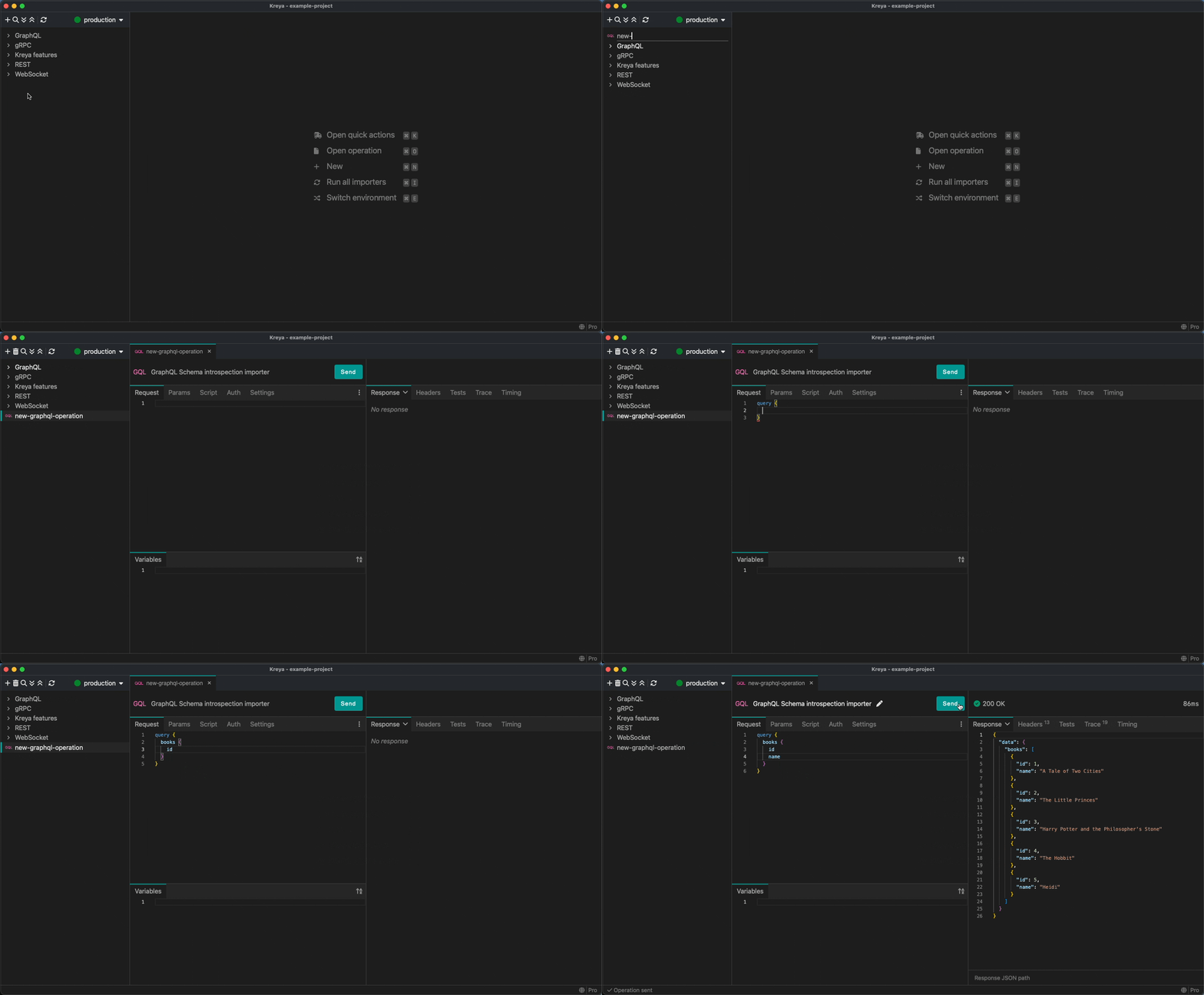
You can also enter variables for your query in the "Variables" tab in JSON format.
These variables can be used in your query with the $ prefix (e.g. $bookId).
If you don't have a GraphQL API yet, you can experiment with some GraphQL operations in our example project, which you can pull from GitHub.
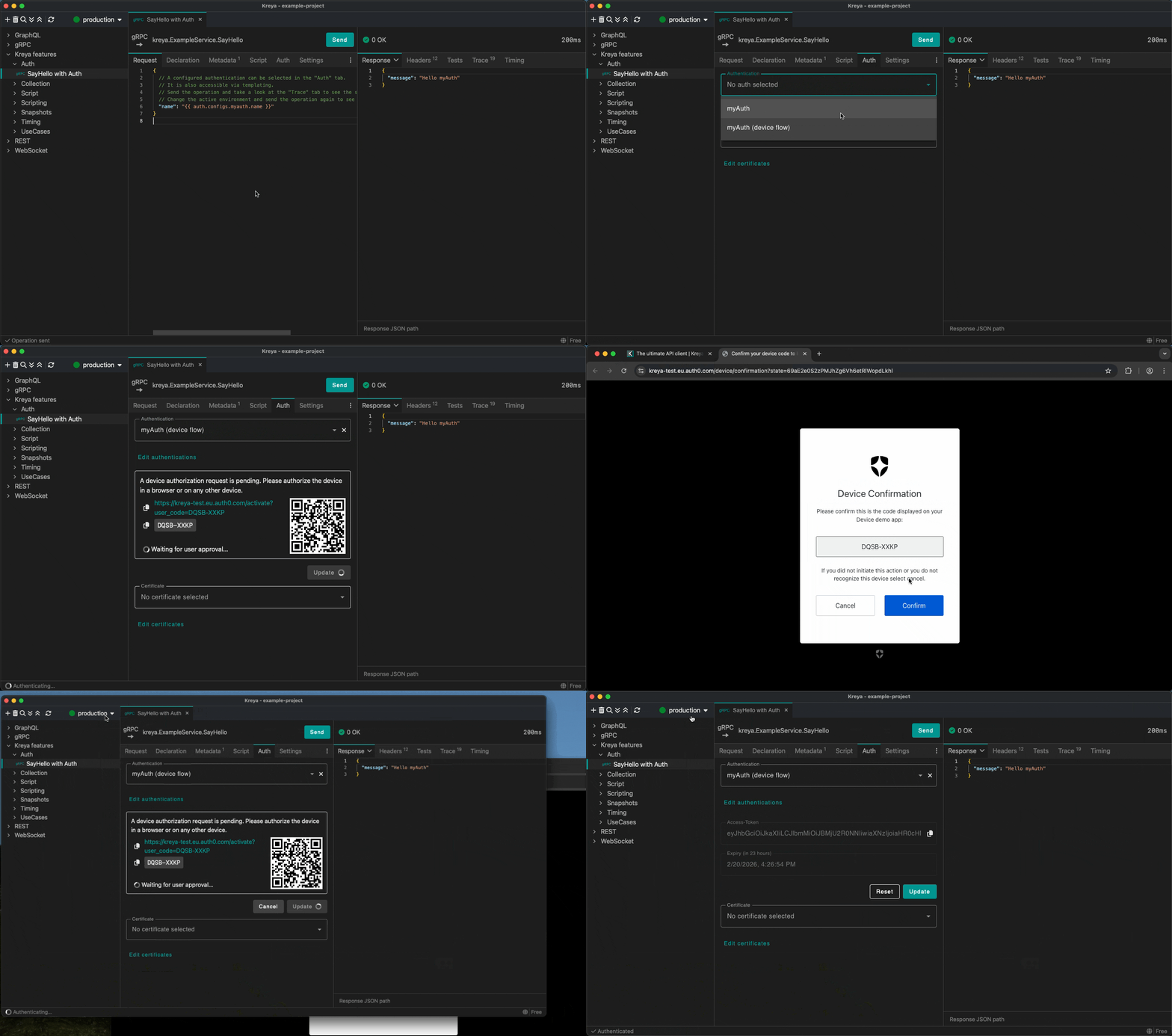
We have added support for the OAuth 2.0 Device Authorization Grant (formerly known as the Device Flow) that enables devices with no browser or limited input capability to obtain an access token.
To use this, create a new authentication in Project > Authentication and select the Grant type Device code.
You can then choose this new authentication for an operation. Pressing the Update button will start the Device Flow.
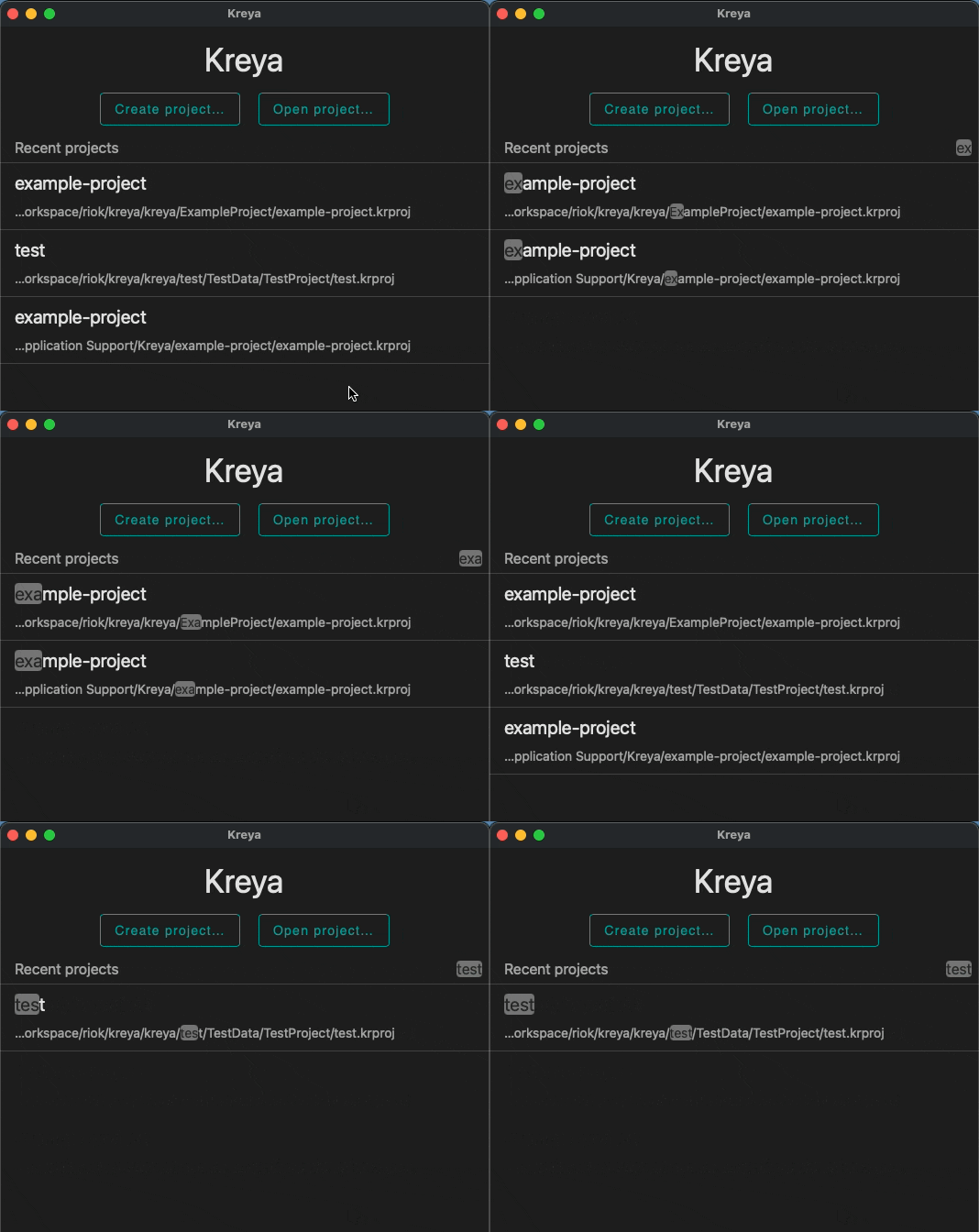
You can now search for recent projects in the launch window. Start typing the name of the project you are looking for, and a list of matching projects will appear.
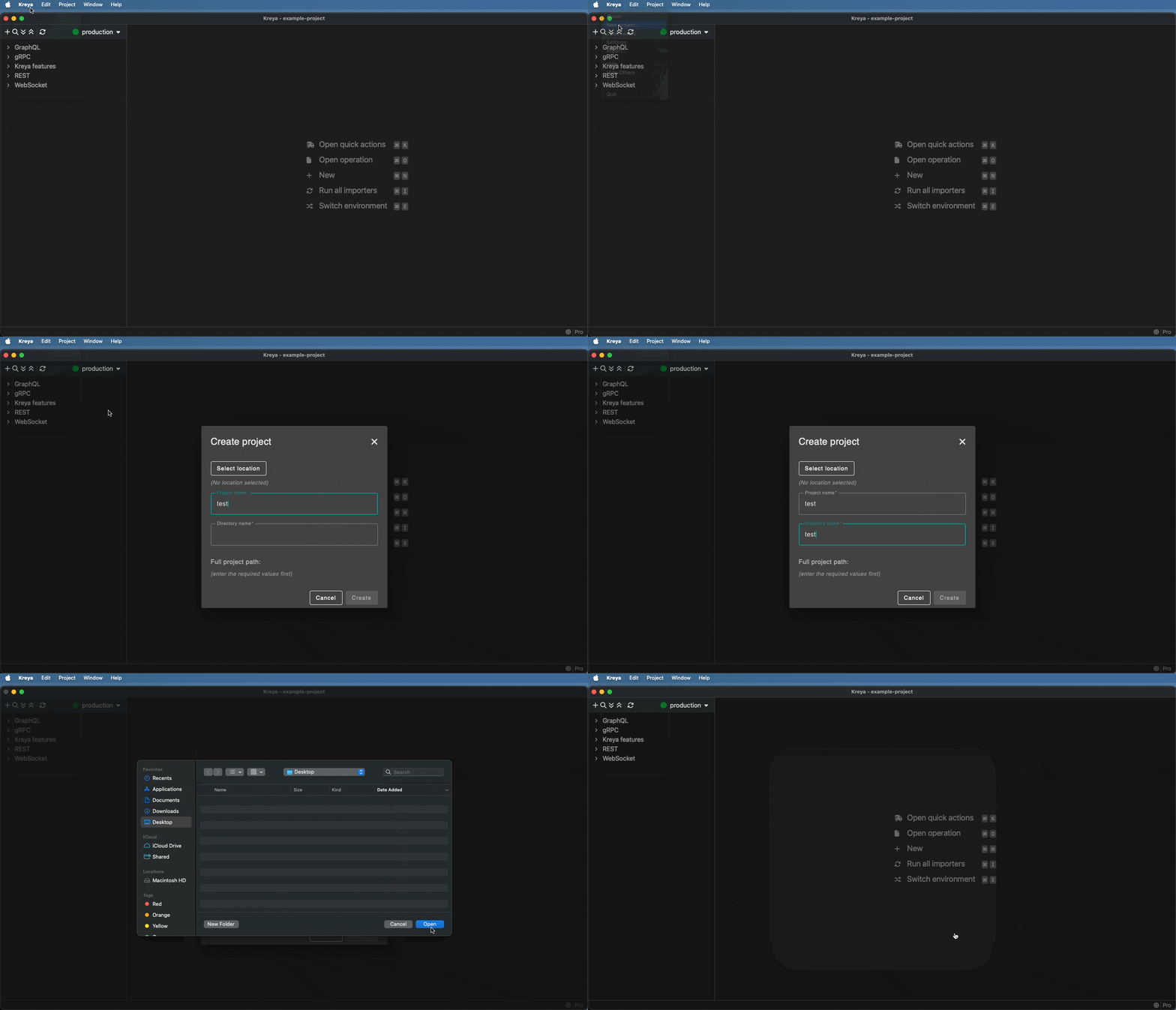
You can now create a new project directly from the application menu.
Select Kreya > New project... and enter the necessary project information.
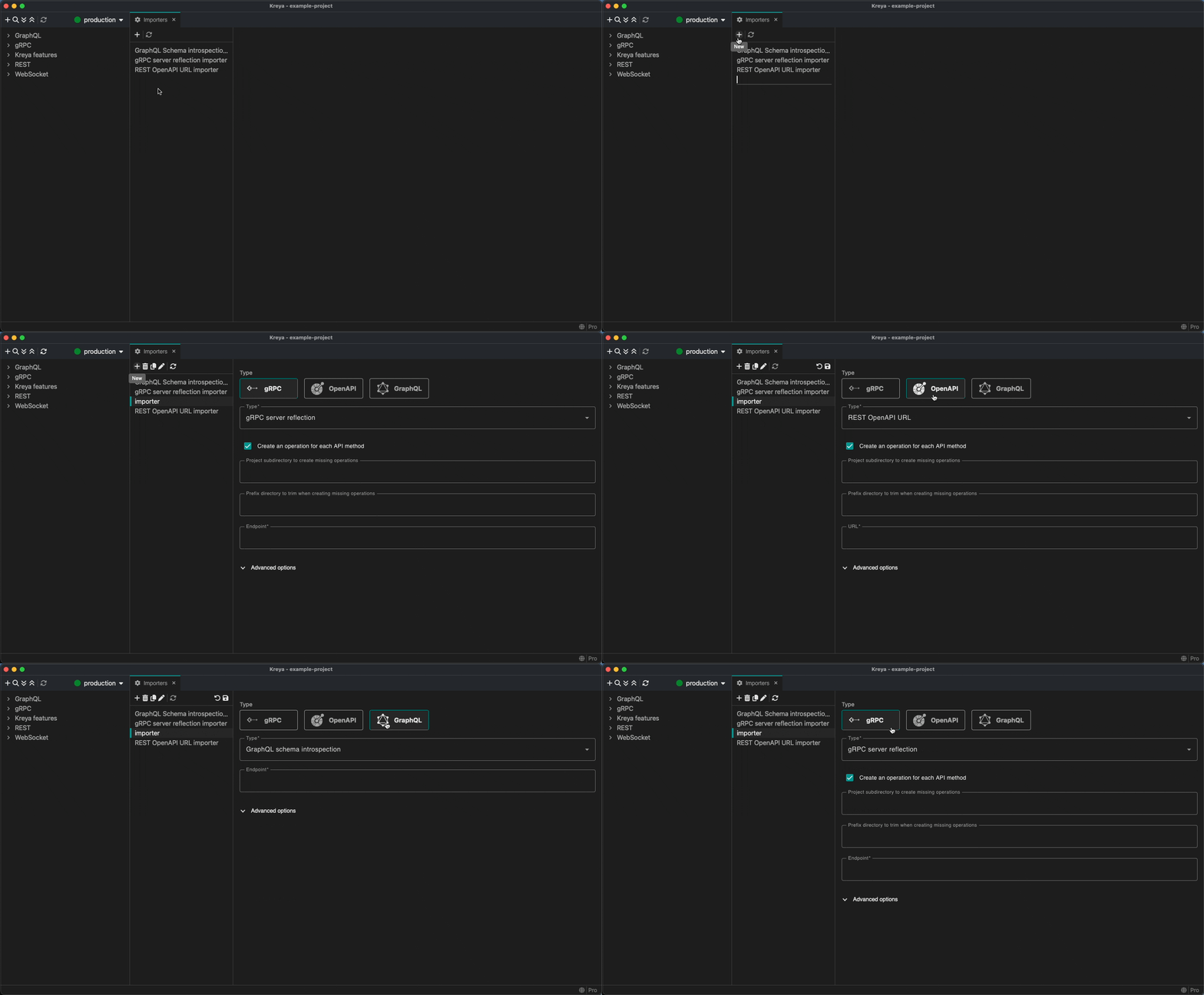
The process of selecting an importer type has been simplified. Choose your type at the top of the page and enter the required importer information.
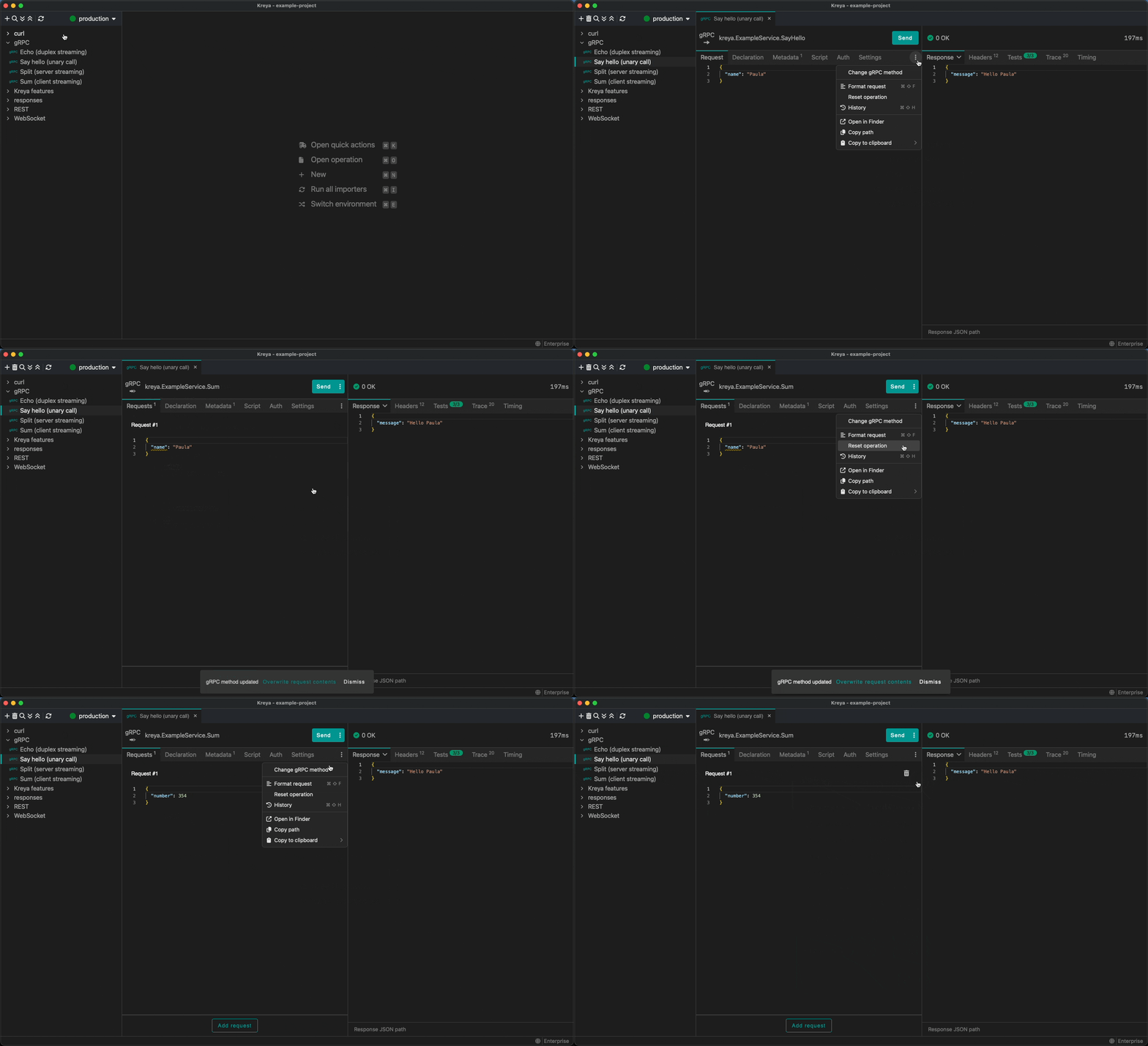
We have moved all operation-related actions into the operation header. Actions such as 'Change gRPC method', 'Reset operation' and 'History' can now be found there.
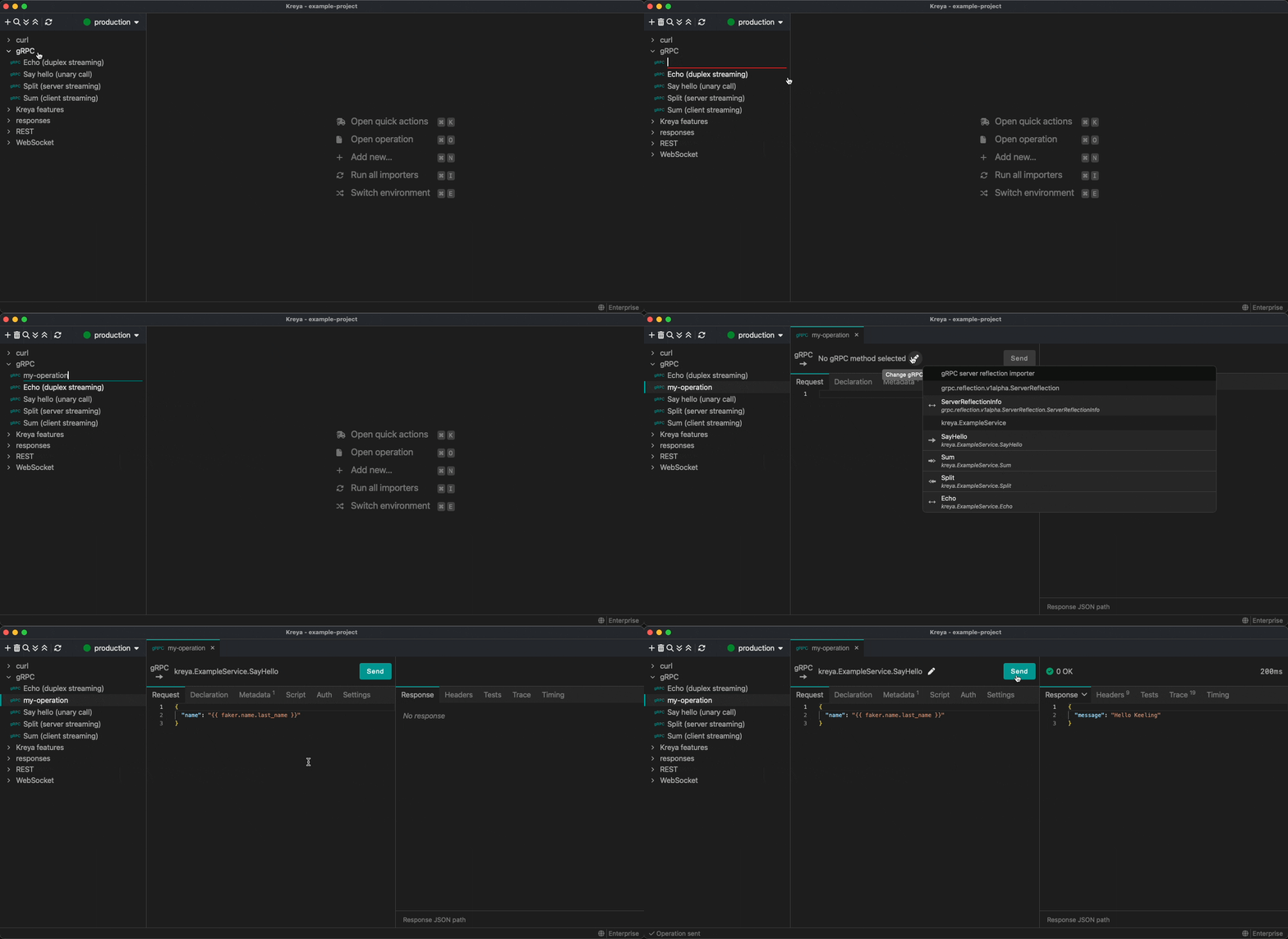
We have optimized the process of creating an operation in Kreya. First, you enter the name, and then you can select the gRPC method in the operation header.
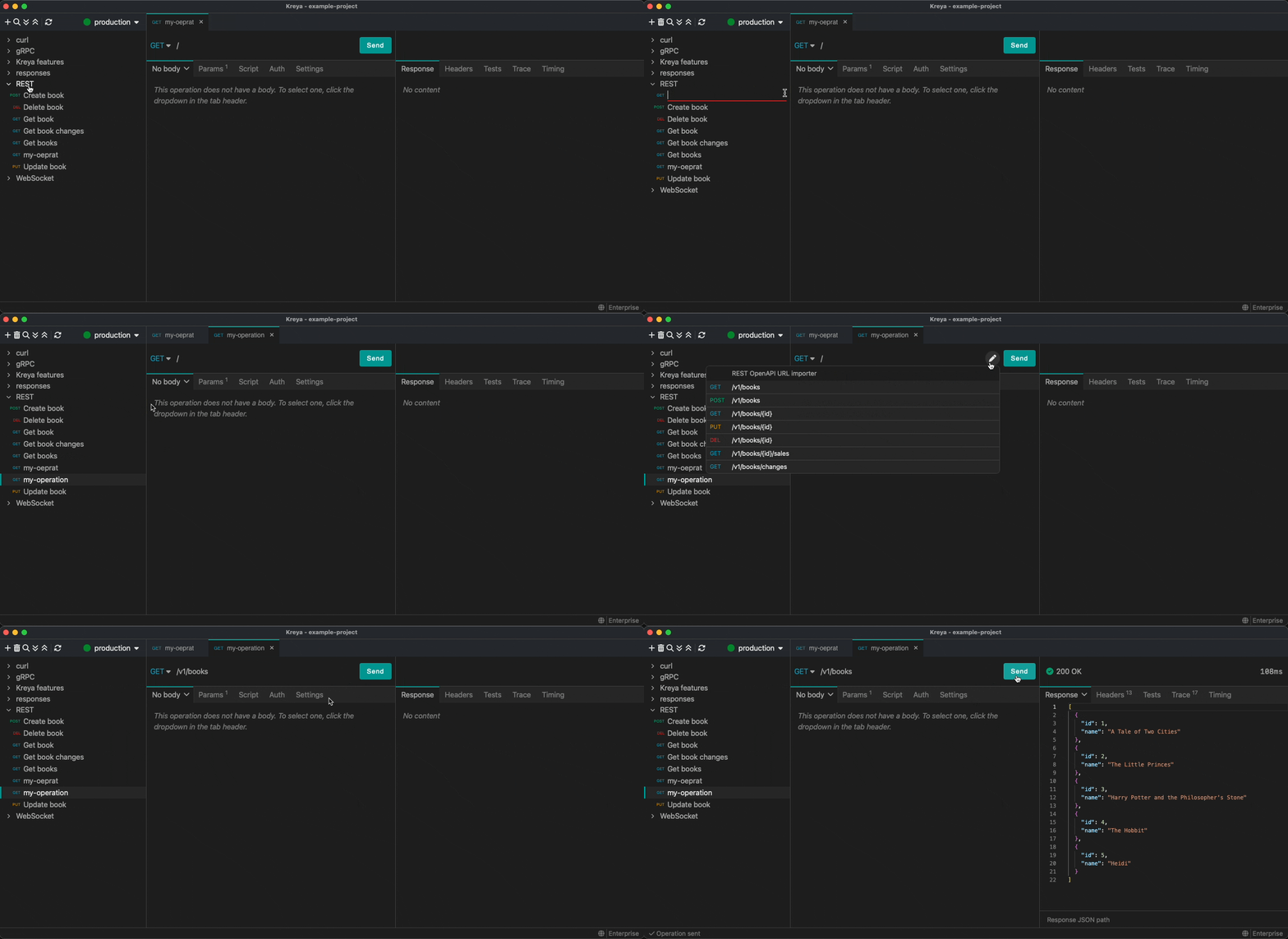
The same applies to REST operations if you have imported API definitions. You can also select a template in the operation header.
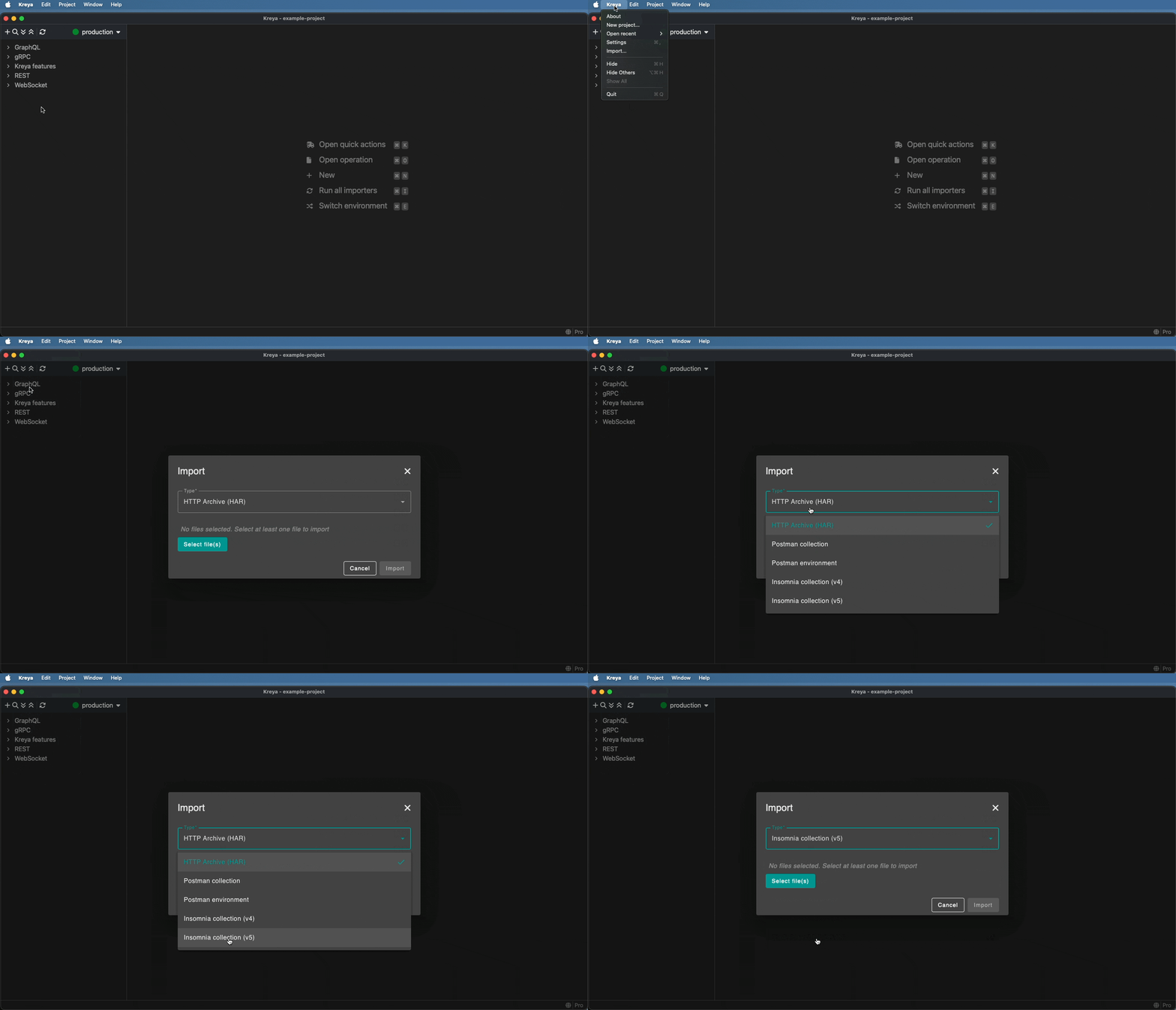
We have added support for importing Insomnia collection v5 files.
In the application menu, select Kreya > Import, then select Insomnia collection (v5) and your file.
There are other notable improvements:
Version 1.19.1 focuses on polish and quality-of-life improvements across the CLI, UI, and platform integrations.
--relative-to option for CLI path resolution relative to the project or current working directory. See relative path resolution.Copy as kreyac option to the operation context menu to copy the operation as a kreyac command.For a full list of new features and bugfixes, see the release notes.
If you have feedback or questions, please contact us or report an issue.
Stay tuned! 🚀
此内容由惯性聚合(RSS阅读器)自动聚合整理,仅供阅读参考。 原文来自 — 版权归原作者所有。