


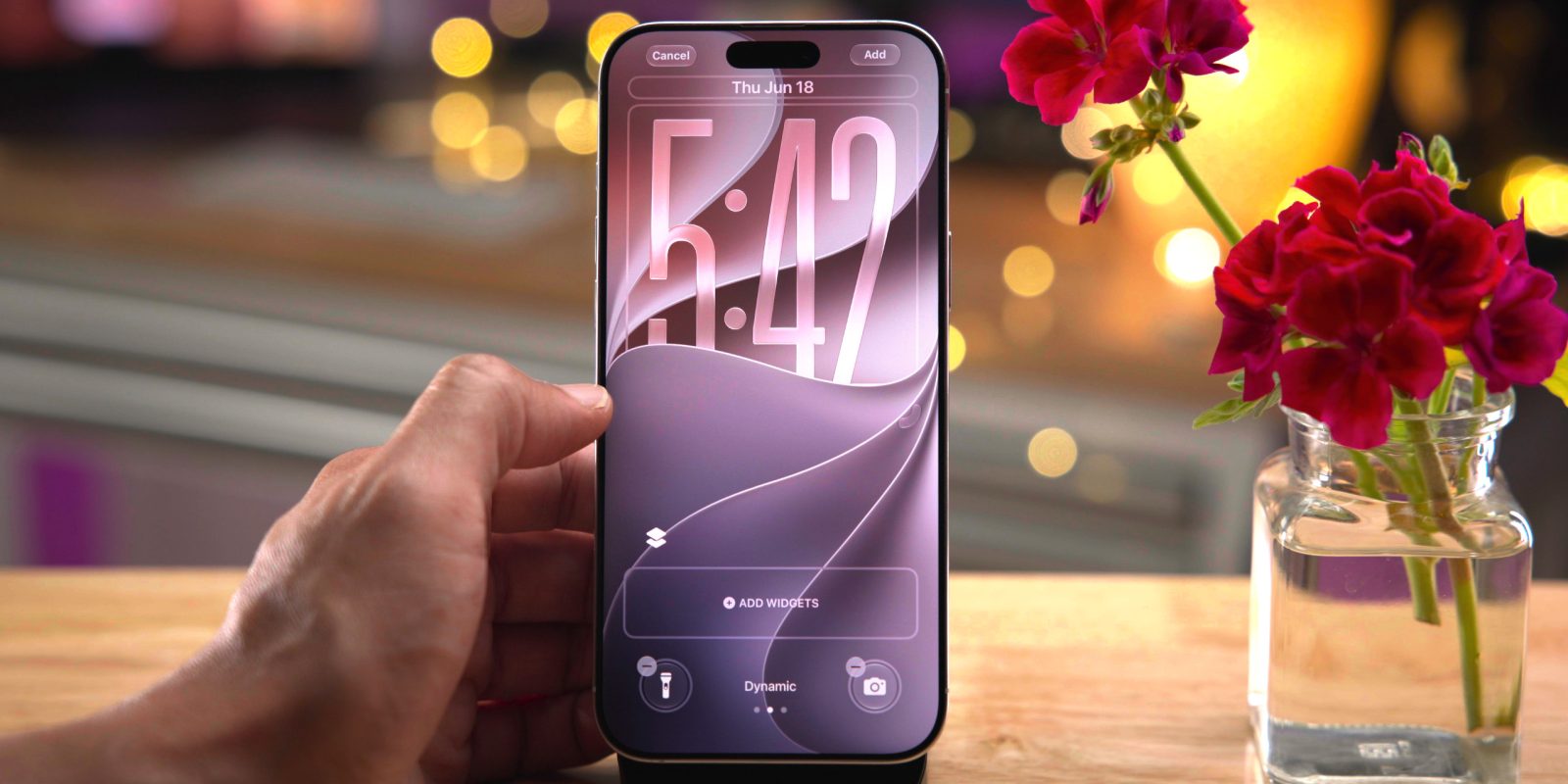
I recently explored and tested over 200 new features in the iOS 27 beta, but in this post, I’ve distilled that list down to 10 of my favorite new features for iPhone. From Journal app writing prompts and section links in Notes, to much-improved 3D buildings in Apple Maps, iOS 27 is packed with awesome new enhancements.
Subscribe to 9to5Mac on YouTube for more iOS 27 videos
If you find yourself lost for words while journaling, the new writing prompts feature can help. It uses text or photos to generate questions to help spur your writing. For example, I showed it a photo of me holding a rubber duck, and writing prompts generated a question specifically about the duck related to my journal entry. Be sure to check out our full list of iOS 27 Journal enhancements for a deeper look at what’s new.

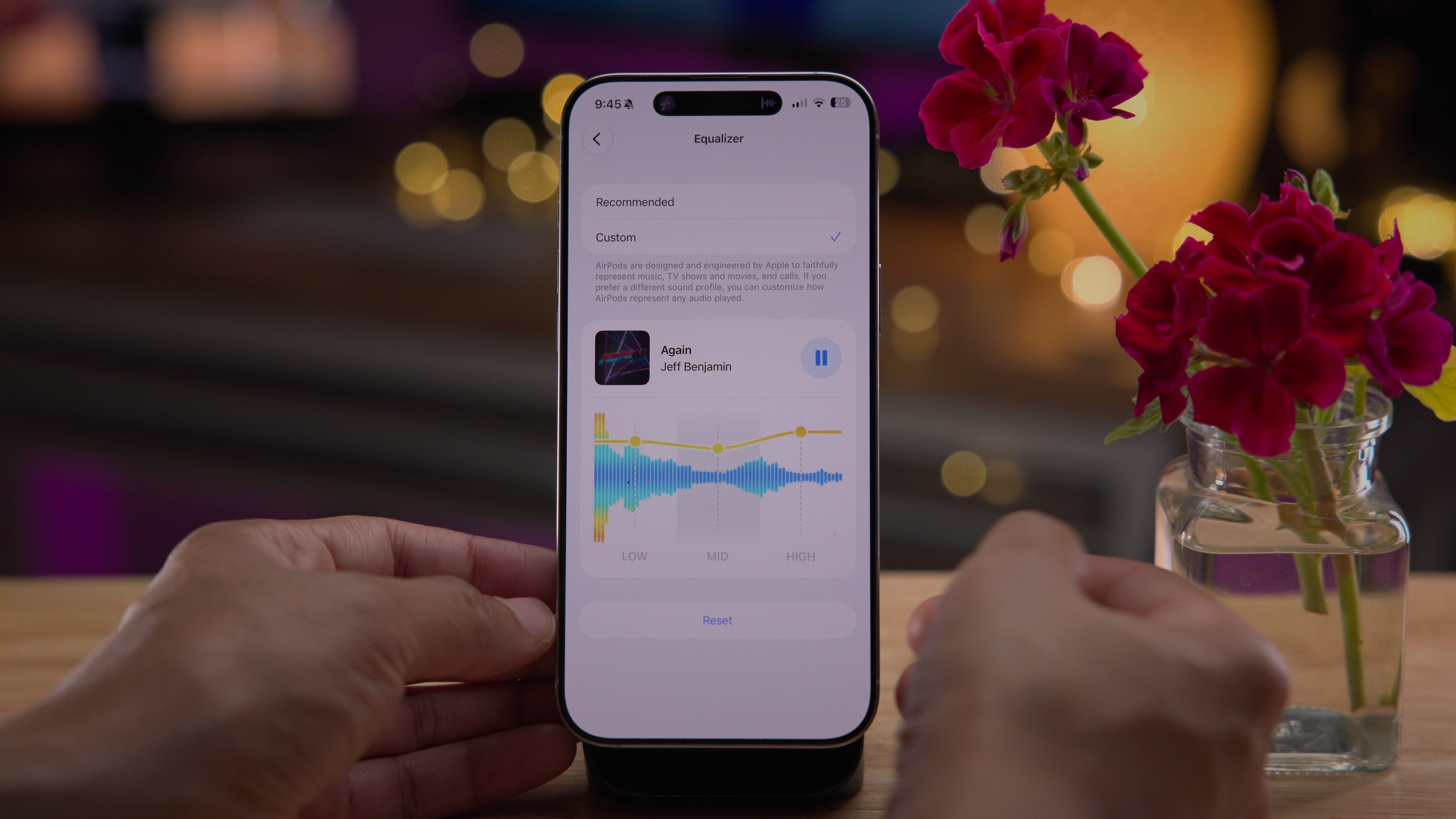
I use my AirPods Pro more than any other piece of tech I own, and I love that they are consistently updated each year with new software features. Coinciding with the launch of the OS 27 beta is a new EQ feature that lets you adjust the low, mid, and high frequencies of your AirPods in real time. It’s basic from an audio customization standpoint, but a welcome addition nonetheless. This feature, like past updates, continues to make AirPods one of the most value-laden products that Apple makes.
The Notes app gets several noteworthy changes in iOS 27 beta, but the one that stands out most for me is the ability to add links to specific sections of a note. Particularly useful for lengthy notes, you can use this feature to hop around the various sections of your note with just a tap.

No longer will you look back at a message thread and realize that the message you meant to share was never sent, because iOS 27’s Messages app will automatically retry a failed message.

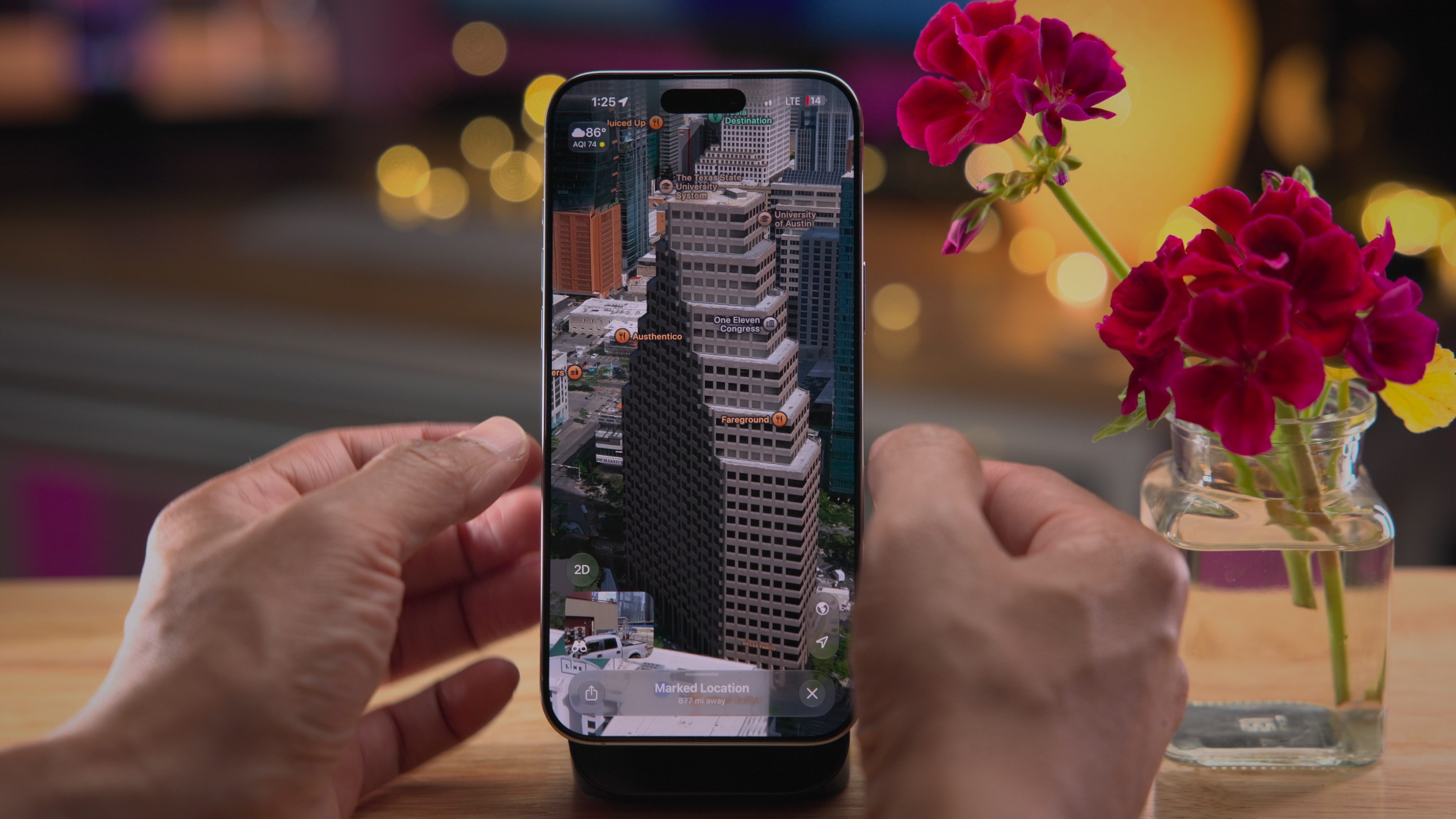
In our latest episode of the 9to5Mac Overtime podcast, I said that some of the buildings in Apple Maps’ flyover sort of looked like melted butter and lacked definition. Apple has worked to improve Maps’ 3D buildings in flyover, and the results are stunning. The sheer detail and resolution of some of the buildings in supported cities like Vegas and Austin look downright incredible.
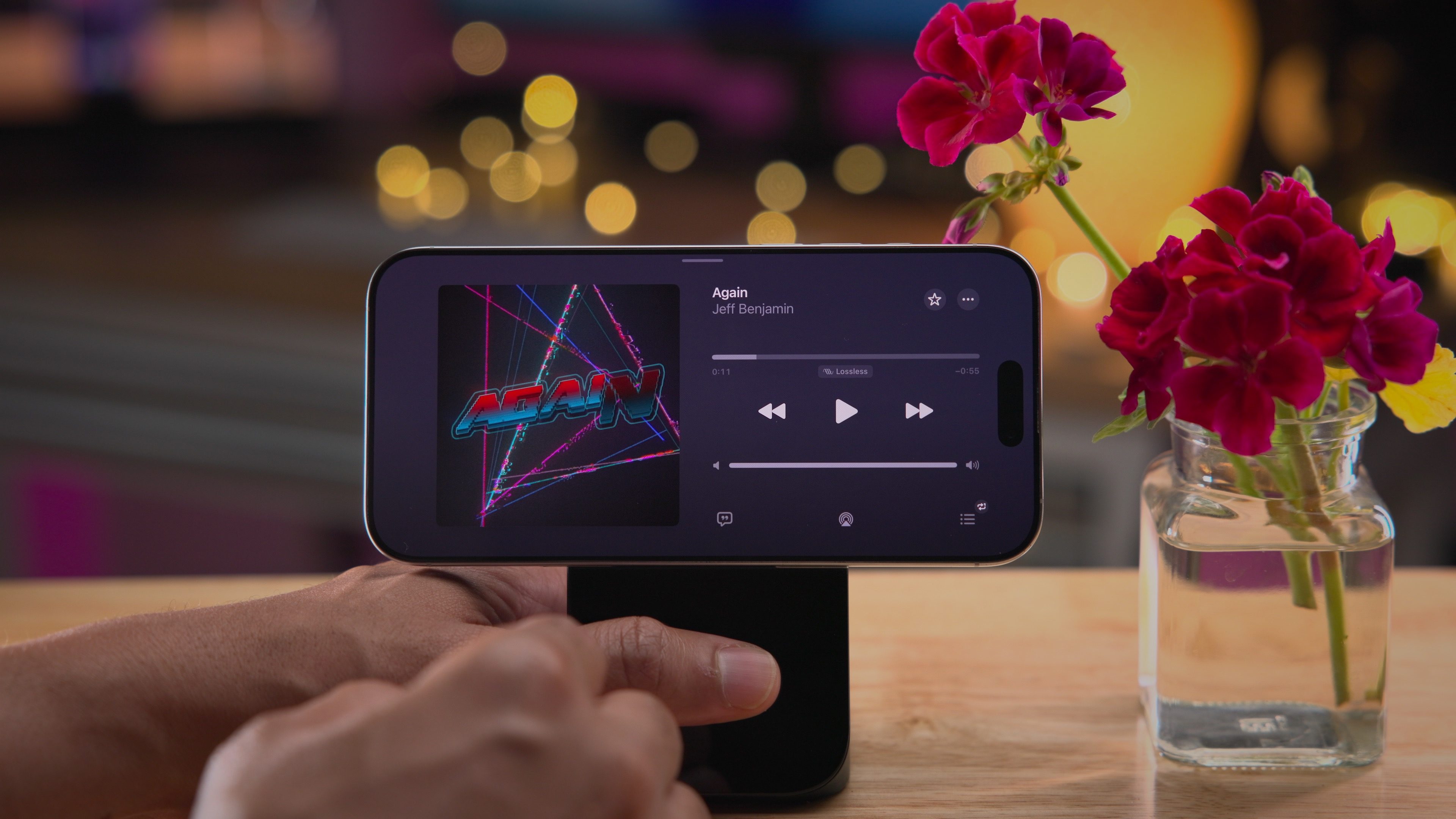
iOS 27 adds landscape support to a bunch of apps, including Weather, Health, Fitness, Music, and more. Landscape support in the Music app is limited to the now-playing interface, but it’s great for those who like to dock their phone on a desktop while playing music.
The Clean Up tool in the previous version of iOS worked okay in certain circumstances, but it was hit-or-miss and generally required ideal photo conditions. While it’s still not perfect, iOS 27’s agentic image generation has improved significantly, delivering impressive results. In the example below, I was able to remove a mug from my photo, and the shelf surface regenerated in a way I’m confident iOS 26 wouldn’t have.

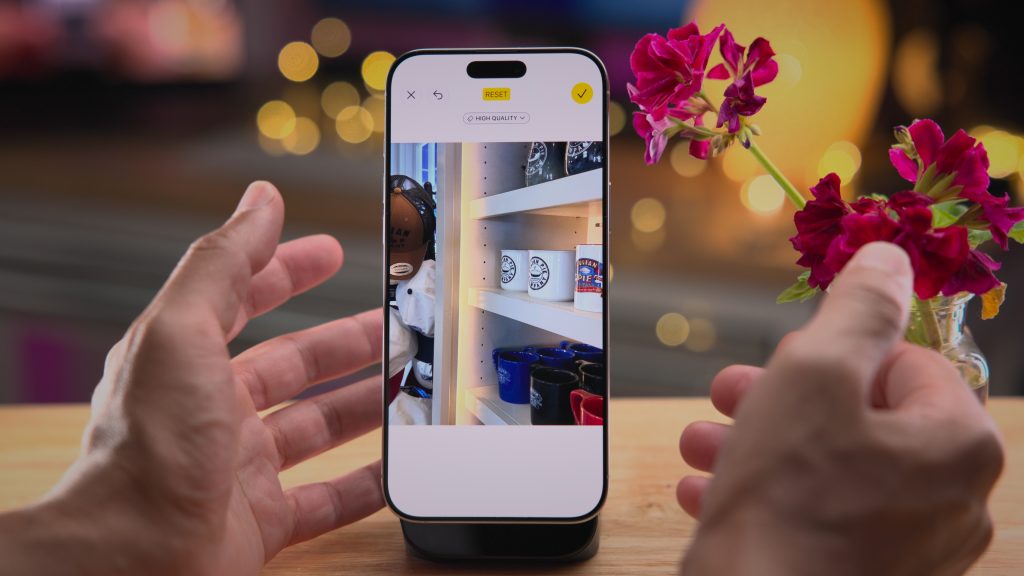
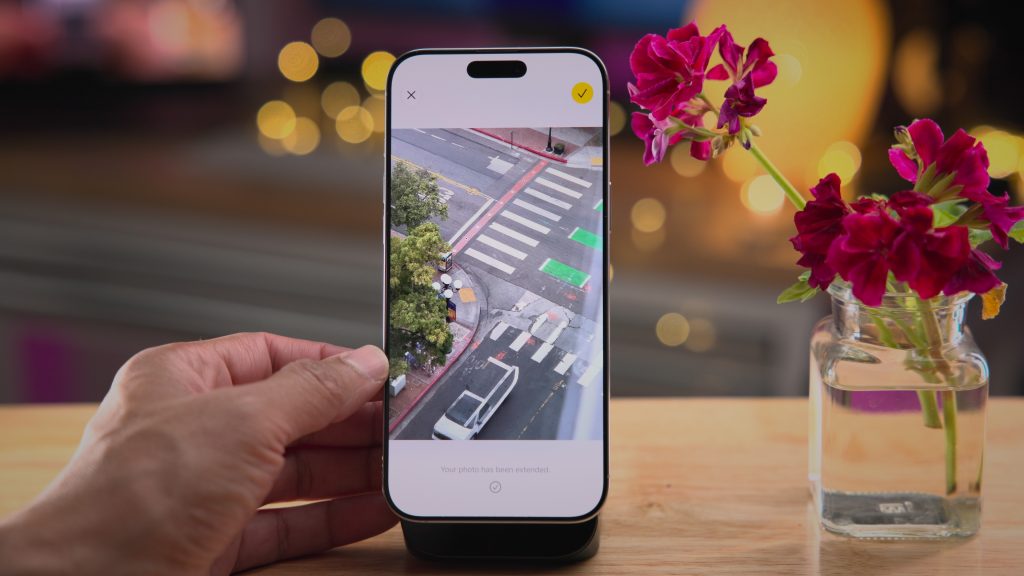
In addition to the Clean Up updates, iOS 27 adds two additional photo tools – Extend and Reframe. With Reframe I’ve had mixed results, but Extend has been very impressive. It can extend a photo in any direction and intelligently fill in missing details so it looks natural. Just compare the before-and-after pictures below. It even extends the curtain, which is slightly in the foreground of the frame.

The Wallet app in iOS 27 adds several noteworthy improvements, but the biggest new feature is the ability to create custom passes based on existing physical or digital passes. By scanning a barcode or QR code from an existing pass and replicating it in a new digital pass, users can use the Wallet app instead of carrying a physical pass to a gym, store, restaurant, theme park, etc.

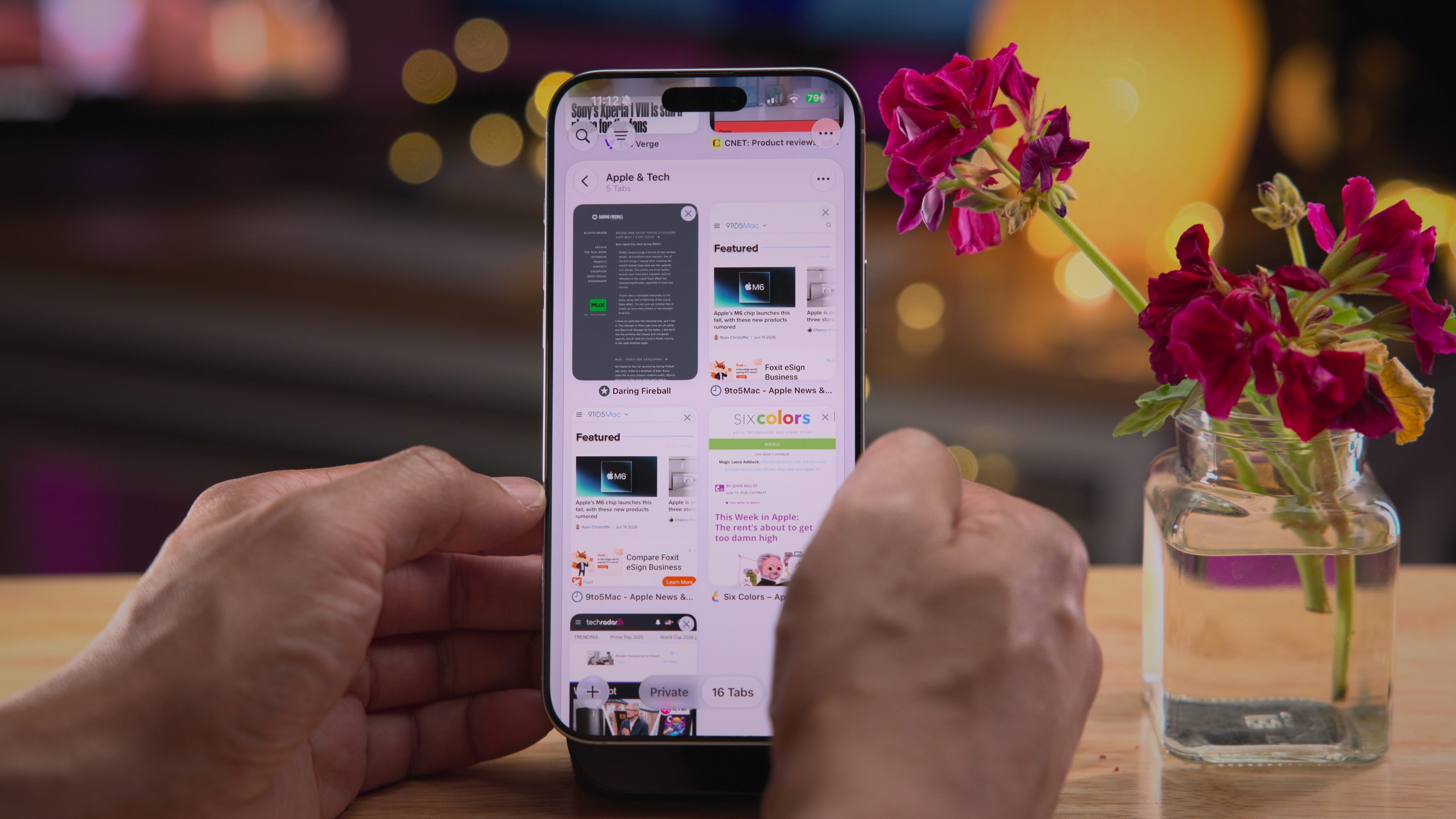
Safari in iOS 27 will now intelligently generate tab topics to group related websites, helping you organize your tabs in tab view. It’s sort of like tab groups, but it’s automatic and requires no manual organization on the user end.
Needless to say, this is just a smidgen of the new changes and enhancements in iOS 27. Are there any features that I didn’t cover that you think belong on this list? Let us know in the comments.


FTC: We use income earning auto affiliate links. More.

此内容由惯性聚合(RSS阅读器)自动聚合整理,仅供阅读参考。 原文来自 — 版权归原作者所有。