








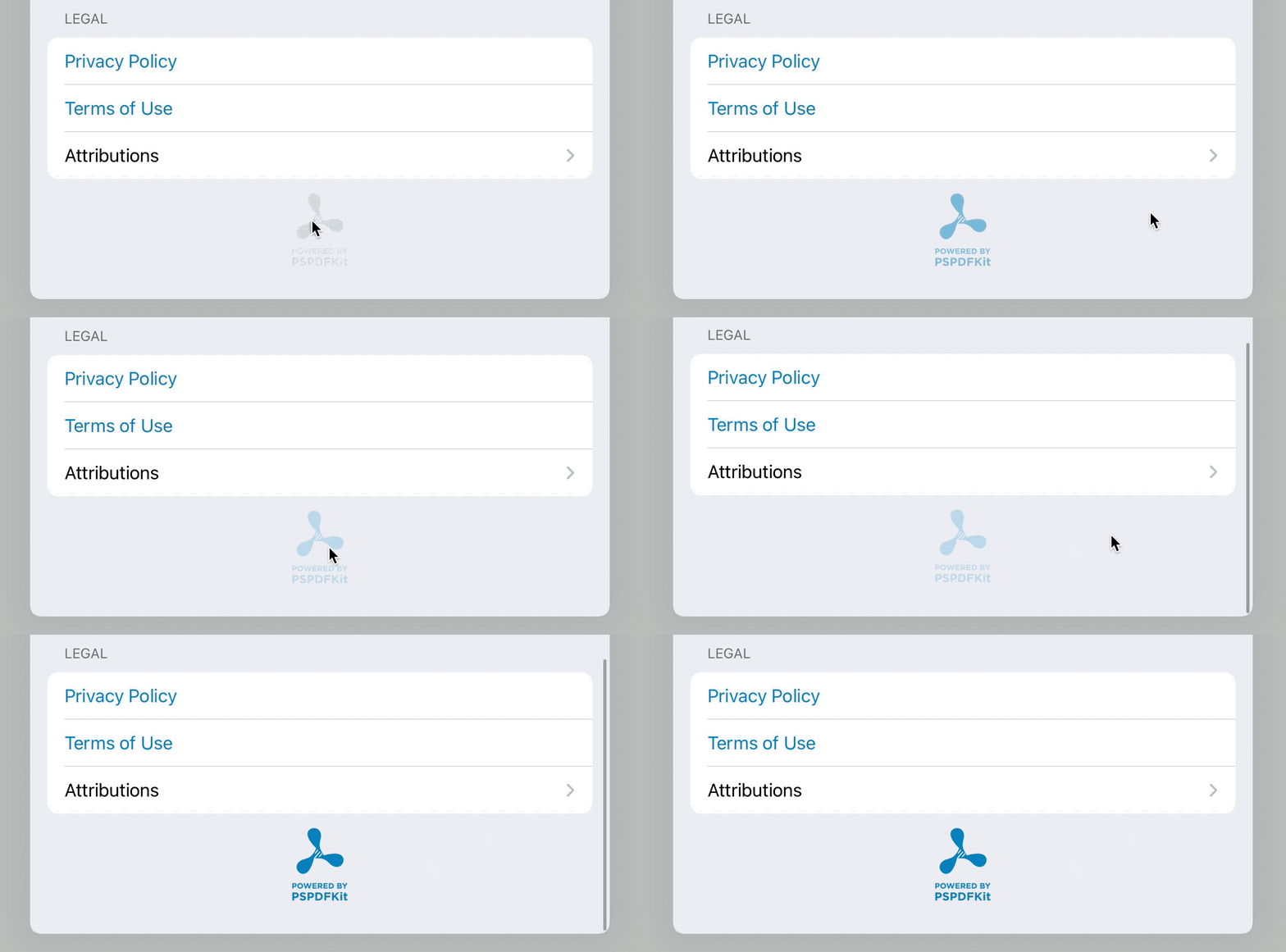
My task today was quite simple: adding an optional long-press handler to a button in SwiftUI. A regular tap opens our website and a long press does… something else. Not so difficult, right?
Naive First Version
Here’s my first naive iteration:
Button(action: {
    openWebsite(.pspdfkit)
}) {
    Image("pspdfkit-powered")
        .renderingMode(.template)
        .onLongPressGesture(minimumDuration: 2) {
            print("Secret Long Press Action!")
        }
}
While the above works to detect a long press, when adding a gesture to the image, the button no longer fires. Alright, not quite what we want. Let’s move the gesture out of the label and to the button.
Moving Things Around Version
Here’s my next attempt:
Button(action: {
    openWebsite(.pspdfkit)
}) {
    Image("pspdfkit-powered")
        .renderingMode(.template)
}
.onLongPressGesture(minimumDuration: 2) {
    print("Secret Long Press Action!")
}
Great! Now the button tap works again — unfortunately the long-press gesture doesn’t work anymore. OK, let’s use simultaneousGesture to tell SwiftUI that we really care about both gestures.
Getting Fancy with simultaneousGesture
Take three:
Button(action: {
    openWebsite(.pspdfkit)
}) {
    Image("pspdfkit-powered")
        .renderingMode(.template)
}
.simultaneousGesture(LongPressGesture().onEnded { _ in
    print("Secret Long Press Action!")
})
Spacer()
Great — that works. However, now we always trigger both the long press and the action, which isn’t quite what we want. We want either/or, so let’s try adding a second gesture instead.
Two Gestures Are Better Than One
Here we go again:
Button(action: {
	// ignore
}) {
    Image("pspdfkit-powered")
        .renderingMode(.template)
}
.simultaneousGesture(LongPressGesture().onEnded { _ in
    print("Secret Long Press Action!")
})
.simultaneousGesture(TapGesture().onEnded {
    print("Boring regular tap")
    openWebsite(.pspdfkit)
})
Spacer()
It… works! It does exactly what we expect, and it’s nicely calling either tap or long press. Woohoo! So let’s do some QA and test everywhere. iOS 13: check. iOS 14: check. Let’s compile the Catalyst version to be sure. And: It does not work. Neither tap nor long tap. The button has no effect at all.
Catalyst… Always Catalyst!
If we can ignore the long press on Catalyst, then this combination works at least for the regular action:
    @State var didLongPress = false

    var body: some View {
        Button(action: {
            if didLongPress {
                didLongPress = false
            } else {
                print("Boring regular tap")
                openWebsite(.pspdfkit)
            }
        }) {
            Image("pspdfkit-powered")
                .renderingMode(.template)
        }
        // None of this ever fires on Mac Catalyst :(
        .simultaneousGesture(LongPressGesture().onEnded { _ in
            didLongPress = true
            print("Secret Long Press Action!")
        })
        .simultaneousGesture(TapGesture().onEnded {
            didLongPress = false
        })
    }
In our case, we really want the long press though, so what to do? I remembered a trick I used in my Presenting Popovers from SwiftUI article: We can use a ZStack and just use UIKit for what doesn’t work in SwiftUI.
The Nuclear Option
The use is simple:
LongPressButton(action: {
    openWebsite(.pspdfkit)
}, longPressAction: {
    print("Secret Long Press Action!")
}, label: {
    Image("pspdfkit-powered")
        .renderingMode(.template)
})
Now, let’s talk about this LongPressButton subclass…
struct LongPressButton<Label>: View where Label: View {
    let label: (() -> Label)
    let action: () -> Void
    let longPressAction: () -> Void

    init(action: @escaping () -> Void, longPressAction: @escaping () -> Void, label: @escaping () -> Label) {
        self.label = label
        self.action = action
        self.longPressAction = longPressAction
    }

    var body: some View {
        Button(action: {
        }, label: {
            ZStack {
                label()
                // Using .simultaneousGesture(LongPressGesture().onEnded { _ in works on iOS but fails on Catalyst
                TappableView(action: action, longPressAction: longPressAction)
            }
        })
    }
}

private struct TappableView: UIViewRepresentable {
    let action: () -> Void
    let longPressAction: () -> Void

    typealias UIViewType = UIView

    func makeCoordinator() -> TappableView.Coordinator {
        Coordinator(action: action, longPressAction: longPressAction)
    }

    func makeUIView(context: Self.Context) -> UIView {
        UIView().then {
            let tapGestureRecognizer = UITapGestureRecognizer(target: context.coordinator,
                                                              action: #selector(Coordinator.handleTap(sender:)))
            $0.addGestureRecognizer(tapGestureRecognizer)
            let doubleTapGestureRecognizer = UILongPressGestureRecognizer(target: context.coordinator,
                                                                          action: #selector(Coordinator.handleLongPress(sender:)))
            doubleTapGestureRecognizer.minimumPressDuration = 2
            doubleTapGestureRecognizer.require(toFail: tapGestureRecognizer)
            $0.addGestureRecognizer(doubleTapGestureRecognizer)
        }
    }

    func updateUIView(_ uiView: UIView, context: Self.Context) { }

    class Coordinator {
        let action: () -> Void
        let longPressAction: () -> Void

        init(action: @escaping () -> Void, longPressAction: @escaping () -> Void) {
            self.action = action
            self.longPressAction = longPressAction
        }

        @objc func handleTap(sender: UITapGestureRecognizer) {
            guard sender.state == .ended else { return }
            action()
        }

        @objc func handleLongPress(sender: UILongPressGestureRecognizer) {
            guard sender.state == .began else { return }
            longPressAction()
        }
    }
}
And here we go. This version works exactly as we expect on iOS 13 and iOS 14, and on Catalyst on Catalina and Big Sur. UIKit is verbose, but it works. And with the power of SwiftUI, we can hide all that code behind a convenient new button subclass.
In our project, this code is much smaller, as we use small categories to allow block-based gesture recognizers and automatic wrapping of UIViews:
struct LongPressButton<Label>: View where Label: View {
    let label: (() -> Label)
    let action: () -> Void
    let longPressAction: () -> Void
    let longPressDelay: TimeInterval

    init(action: @escaping () -> Void, onLongPress: @escaping () -> Void, longPressDelay: TimeInterval = 2, label: @escaping () -> Label) {
        self.label = label
        self.action = action
        self.longPressAction = onLongPress
        self.longPressDelay = longPressDelay
    }

    var body: some View {
        Button(action: {
        }, label: {
            ZStack {
                label()
                UIViewContainer(UIView().then {
                    let tapGestureRecognizer = UITapGestureRecognizer(name: "Tap") { sender in
                        guard sender.state == .ended else { return }
                        action()
                    }
                    $0.addGestureRecognizer(tapGestureRecognizer)
                    let doubleTapGestureRecognizer = UILongPressGestureRecognizer(name: "Long Press") { sender in
                        guard sender.state == .began else { return }
                        longPressAction()
                    }
                    doubleTapGestureRecognizer.minimumPressDuration = longPressDelay
                    doubleTapGestureRecognizer.require(toFail: tapGestureRecognizer)
                    $0.addGestureRecognizer(doubleTapGestureRecognizer)
                })
            }
        })
    }
}
Addendum: Why Use Button?
Twitter folks have commented that this would all be much easier if I didn’t use Button but — like here — the Image struct directly. This indeed makes the SwiftUI tap gestures work much better, but it also misses out a few neat default features that Button has:
- Automatically highlighting on tap; then fading that out if the mouse goes too far away
- Automatically tinting the image when the window is active and using gray when the window is inactive again (especially noticeable on Catalyst)
- Automatically adding some click padding around the content
I’ve tried various variations, but it seems longPress is buggy on Catalyst. If you don’t have to bother with Mac Catalyst, try following sample code.
Conclusion
So what’s really special about the secret long-press action? It does enable the Debug Mode of PDF Viewer, showing various settings that aren’t really useful for regular folks, but that help with QA testing. If you’re curious, download our app (it’s free), long press on our icon in the Settings footer, and see for yourself.