


Table of contents
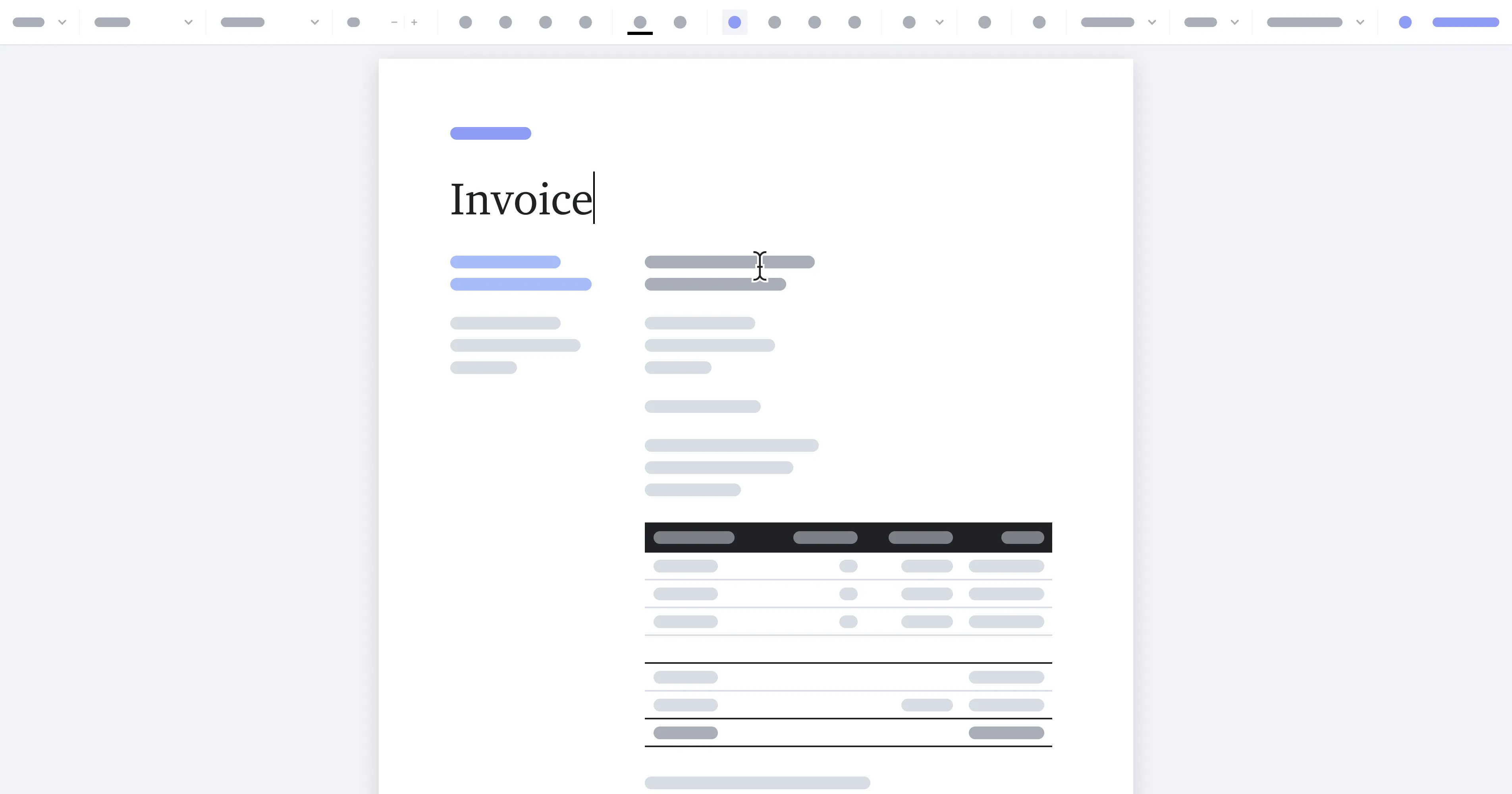
For far too long, developers have been forced to sacrifice user experience due to the traditional limitations of most PDF editors. Today, we’re thrilled to introduce an early look at the next revolution in the document editing space — our new WYSIWYG (“what-you-see-is-what-you-get”) Document Authoring SDK.
Incorporating a WYSIWYG experience, a renowned paradigm in word processing, ensures that your final document mirrors its appearance during the editing phase. This next-level user experience, popularized by tools like Microsoft Word and Google Docs, will soon be available as a part of PSPDFKit’s suite of products.
Document Authoring tailors to your app’s specific needs, offering powerful user interface (UI) customization and precise control over templated areas. As a result, end users will be able to:
- Experience seamless in-app document editing, which keeps them engaged within your app.
- Save valuable time and effort by designing and editing even the most complex documents from the convenience of a web browser, eliminating the need to use third-party applications or convert documents between formats.
- Benefit from a comprehensive suite of PSPDFKit tools, from document authoring to annotations, and electronic and digital signatures.
Key features include:
- Browser-Independent Layout Engine Our SDK’s page-based layout engine neutralizes browser discrepancies, ensuring document consistency across all platforms, and preserving formatting when documents are exported as PDFs.
- Support for MS Word Templates Simply begin your document creation by importing a DOCX file as a template.
- True Word Processing Use advanced word processing, similar to what you expect from platforms like Google Docs and MS Word, to create complex tables, floating images, headers/footers, and intricate numbering systems — surpassing the basic text editing capabilities of other rich text editors.
- Visual Template Builder Author documents such as reports, invoices, and contracts with features like immutable areas, repeating rows, templated fields, and customizable blocks, empowering users to save time and effort on their document design process.
- Open File Format Utilize our fully documented, backward-compatible JSON format and flexible API for seamless integration and enhancement with our Web SDK, which offers unparalleled adaptability for your projects.
TL;DR Public Preview Now Live
If you’d like to experience Document Authoring for yourself, we welcome you to join our public preview with a hands-on demo. We’re excited to give you an early look and gather valuable feedback about your experience.
We encourage you to share your insights using the feedback form available on the Document Authoring page of our website. Based on your feedback, we may reach out to you for a brief interview to further discuss your experience.
More about Document Authoring
The Future Is Bright
Document Authoring brings a complete document editing experience to the web browser based on a newly developed engine. This new engine addresses the traditional limitations of PDF editors by providing a user experience (UX) that users are familiar with from Word processors. And because it integrates into your application, you won’t have to “throw users out” to external services, in turn keeping them engaged in your app and adding extra value.
Looking ahead, we envision this engine as a fusion of rich text editing, featuring a familiar UI and set of tools, with added capabilities for creating custom document layouts. These layouts not only incorporate graphics, but they also transcend traditional text blocks, tables, and markup. Our aim is to cater to a broad range of needs — from crafting standard text documents, to designing intricate, image-rich pages. All of this is made possible within the convenience of a web-based document viewer and integrated seamlessly into your web applications.
We’d love for you to try it here.