惯性聚合 高效追踪和阅读你感兴趣的博客、新闻、科技资讯
阅读原文 在惯性聚合中打开

推荐订阅源

L
LINUX DO - 最新话题
cs.CV updates on arXiv.org
PCI Perspectives
PCI Perspectives
cs.AI updates on arXiv.org
K
KPMG report finds enterprise disconnect between AI and its ROI | CIO
H
Heimdal Security Blog
S
Security @ Cisco Blogs
N
News | PayPal Newsroom
J
Java Code Geeks
罗磊的独立博客
Security Archives - TechRepublic
N
News and Events Feed by Topic
V
V2EX
WordPress大学
WordPress大学
Google Online Security Blog
N
News and Events Feed by Topic
www.infosecurity-magazine.com
月光博客
月光博客
AI
AI
小众软件
小众软件
The GitHub Blog
The GitHub Blog
MongoDB | Blog
MongoDB | Blog
A
Arctic Wolf
CTFtime.org: upcoming CTF events
美团技术团队
Threat Intelligence Blog | Flashpoint
Exploit-DB.com RSS Feed
Hacker News - Newest:
Hacker News - Newest: "LLM"
T
Tailwind CSS Blog
S
Schneier on Security
博客园 - 三生石上(FineUI控件)
F
Full Disclosure
B
Blog RSS Feed
Forbes - Security
Forbes - Security
S
SegmentFault 最新的问题
钛媒体:引领未来商业与生活新知
钛媒体:引领未来商业与生活新知
人人都是产品经理
人人都是产品经理
云风的 BLOG
云风的 BLOG
Jina AI
Jina AI
Cisco Talos Blog
Cisco Talos Blog
U
Unit 42
Project Zero
Project Zero
H
Hacker News: Front Page
Y
Y Combinator Blog
Application and Cybersecurity Blog
The Cloudflare Blog
大猫的无限游戏
大猫的无限游戏
S
Secure Thoughts
The Hacker News
The Hacker News
Microsoft Azure Blog

Ryan Wang's Blog

为 Docusaurus 添加 Shiki 代码高亮支持 使用 Meilisearch 提升 Halo 网站的搜索体验 在 Halo 中导入 Markdown 和 Word 文档 通过 1Panel MCP 自动部署静态网站 使用 Rspack 构建 Halo 插件的前端部分 探讨如何为开源项目提交 issue 归档 - Ryan Wang's Blog 新起点丨开源建站工具 Halo 发布 2.0 版本 Halo 1.5.0 发布 Halo 1.4.10 发布 生态公园 ~ 2021-03-27 Halo 1.4.6 发布 Halo 1.4.3 发布 Halo 1.4.0 发布 分享一个教科书式的提问方式 优雅的让 Halo 支持 webp 图片输出 记录优化 Vue 应用的首次加载速度 Flarum 的安装与配置 使用 Caddy 自动部署 Gridea 博客
博客迁移到 Raspberry Pi
Ryan Wang · 2019-12-23 · via Ryan Wang's Blog

注:经过一段时间的折腾,已经放弃运行到树莓派了,其主要原因是因为家里网络质量一言难尽。

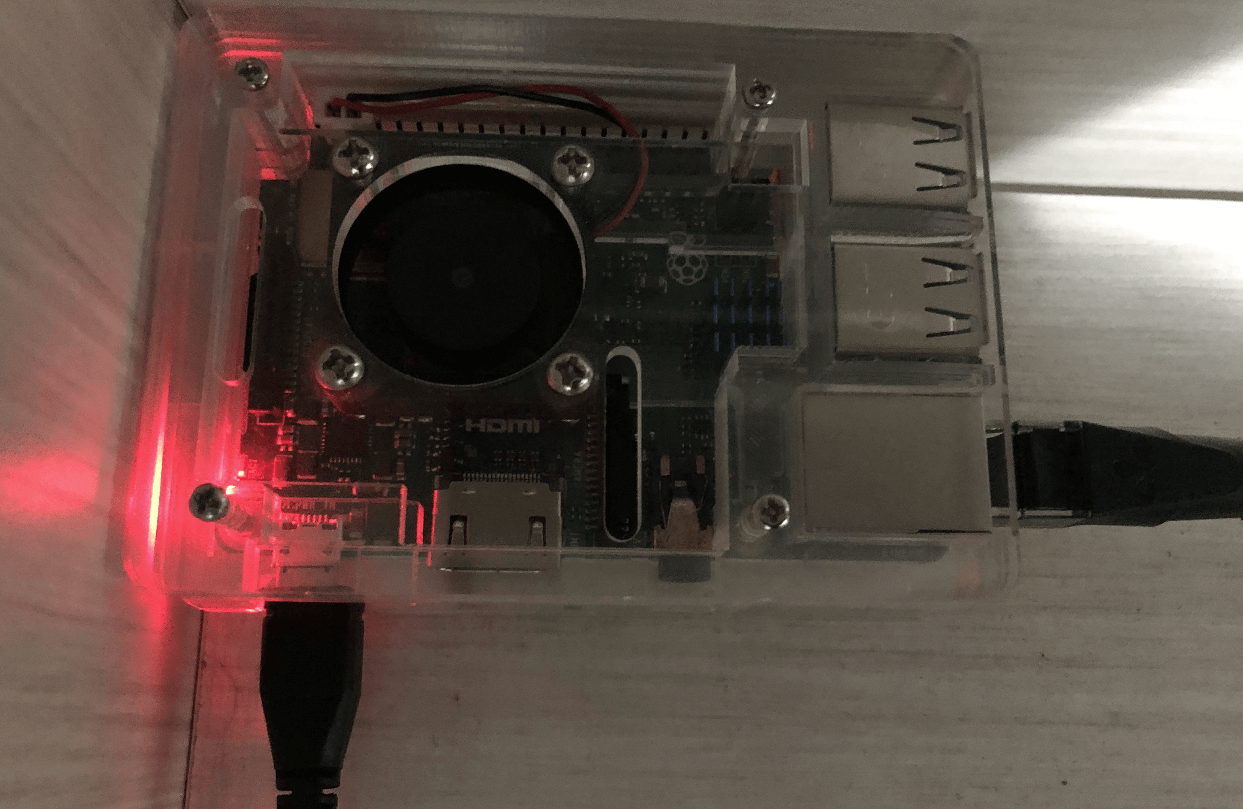
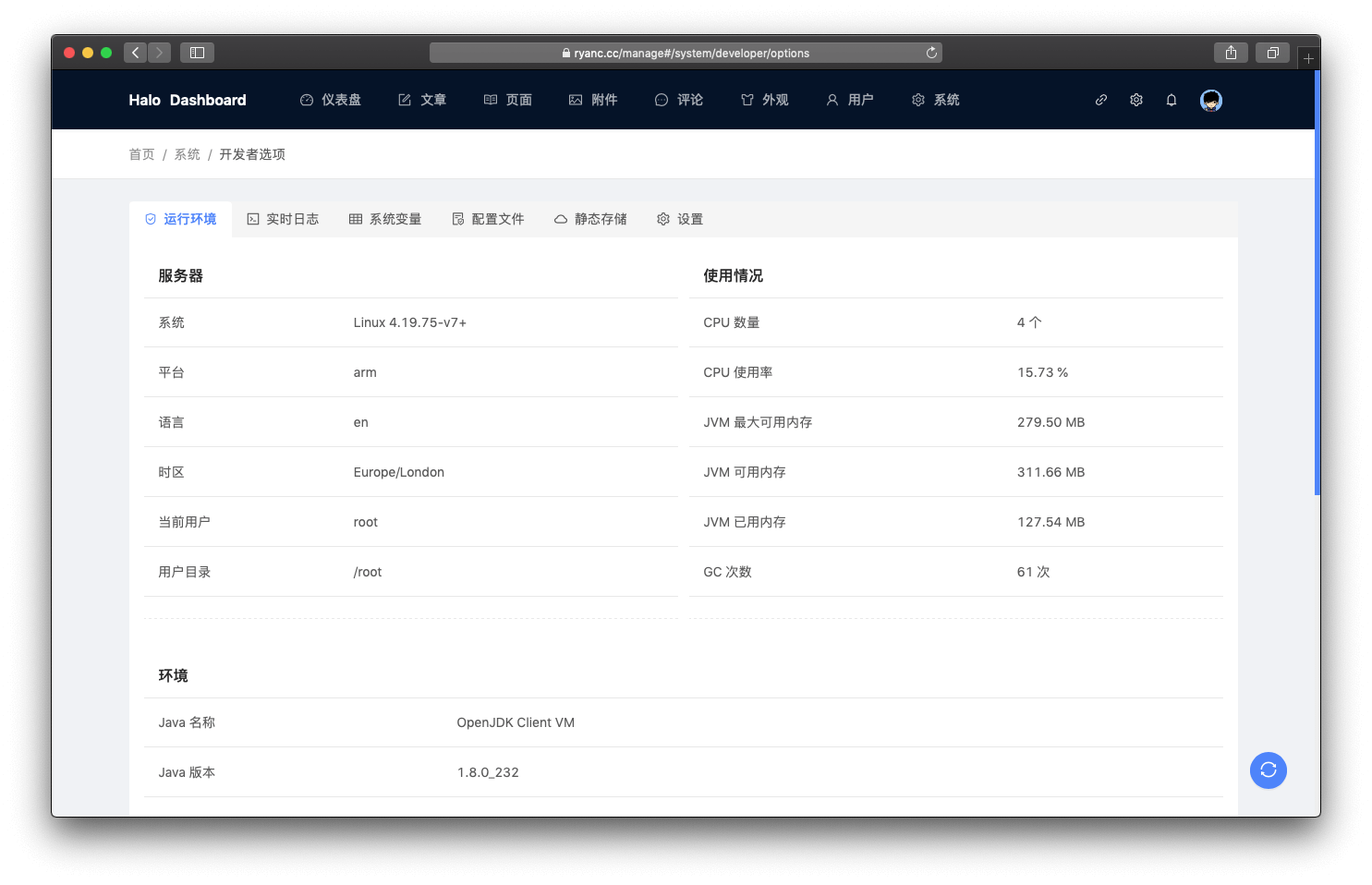
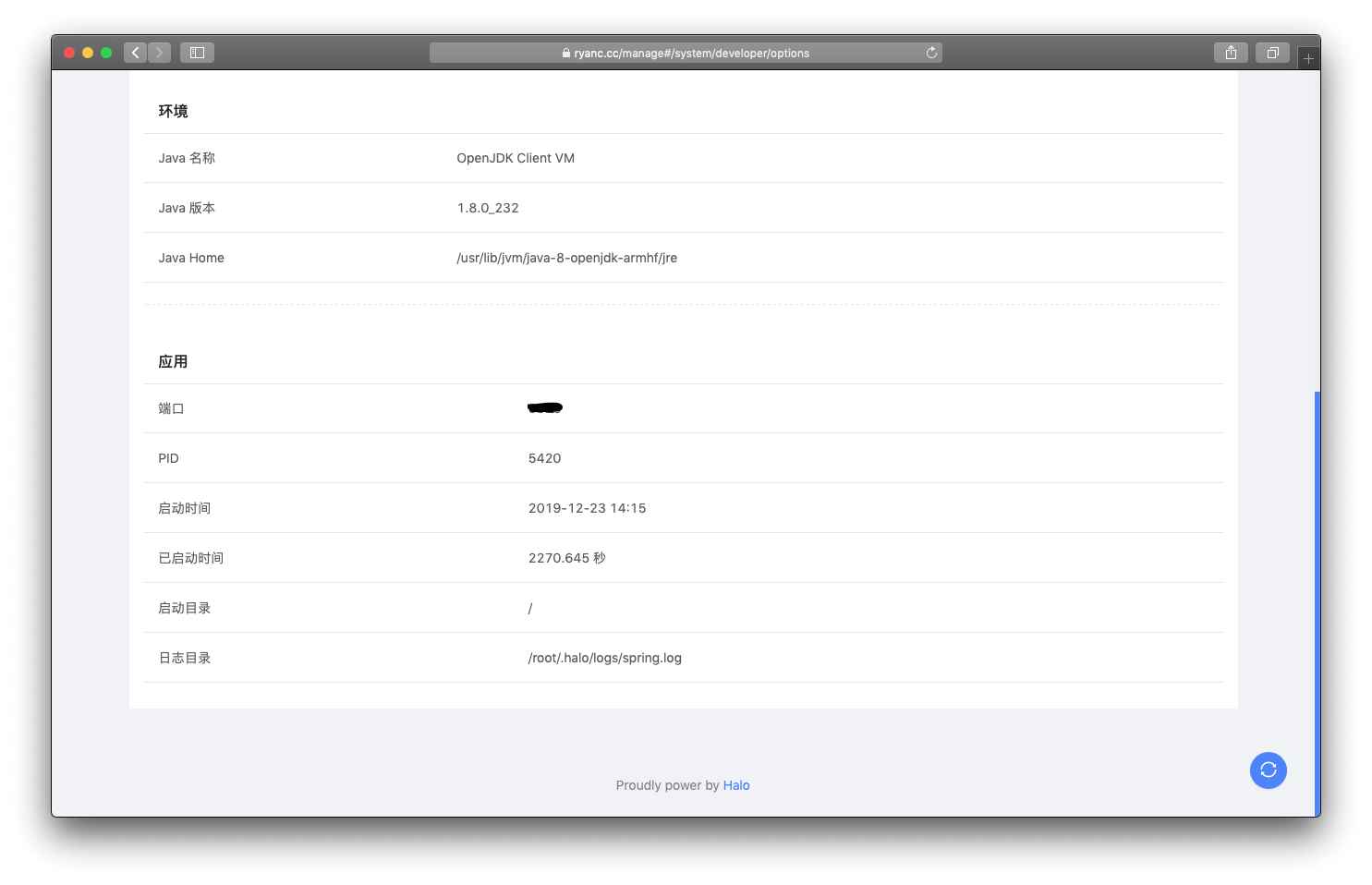
本着爱折腾之心,今天将博客搬到了吃灰已久的 Raspberry Pi 3B+。好吧,其实也是之前一个热心的网友送了我一年哲西云的内网穿透,一直没用,所以秉承着中华人民拒绝浪费的美好传统,折腾开始了…

配置

    .',;:cc;,'.    .,;::c:,,.    root@raspberrypi
   ,ooolcloooo:  'oooooccloo:    OS: Raspbian 10 buster
   .looooc;;:ol  :oc;;:ooooo'    Kernel: armv7l Linux 4.19.75-v7+
     ;oooooo:      ,ooooooc.     Uptime: 4h 4m
       .,:;'.       .;:;'.       Packages: 588
       .... ..'''''. ....        Shell: 5295
     .''.   ..'''''.  ..''.      CPU: ARMv7 rev 4 (v7l) @ 1.4GHz
     ..  .....    .....  ..      RAM: 386MiB / 926MiB
    .  .'''''''  .''''''.  .
  .'' .''''''''  .'''''''. ''.
  '''  '''''''    .''''''  '''
  .'    ........... ...    .'.
    ....    ''''''''.   .''.
    '''''.  ''''''''. .'''''
     '''''.  .'''''. .'''''.
      ..''.     .    .''..
            .'''''''
             ......

也就那样儿吧~

烧录镜像

这次搭建博客使用的镜像是官方的 Raspbian Buster Lite,之所以没选 Desktop,因为那玩意儿就是个玩具,没有实际用途,鹅且也不会用它,倒不如节省点内存。

进入官网 https://www.raspberrypi.org/downloads/raspbian ,找到 Raspbian Buster Lite,选择 Download ZIP

解压下载好的镜像得到 xxxx-xx-xx-raspbian-buster-lite.img

使用 Etcher 烧录镜像。当然,也有很多其他的烧录工具。

开启 SSH

这一步很简单,在烧录好的 SD 卡中,新建一个空白的 ssh 文件即可,需要注意的是,这个文件没有后缀,别搞个 ssh.txtssh.avi 啥的。

启动

插上 SD 和电源直接启动即可,默认用户名 pi,默认密码 raspberry,切换到 root 账户,sudo su root

环境配置

Java

sudo apt-get install openjdk-8-jre-headless
sudo apt-get install openjdk-8-jre

Vim

sudo apt-get install vim

Git

sudo apt-get install git

迁移数据

下载安装包

wget http://halo.ryanc.cc/release/halo-latest.jar -O halo-latest.jar

拉取备份的数据

git clone git@github.com:ruibaby/blog-data.git .halo

启动 Halo

java -jar halo-latest.jar

测试没问题,再配置 systemd 进行管理,教程:https://halo.run/guide/install/install-with-linux.html#%E8%BF%9B%E9%98%B6%E9%85%8D%E7%BD%AE

域名解析

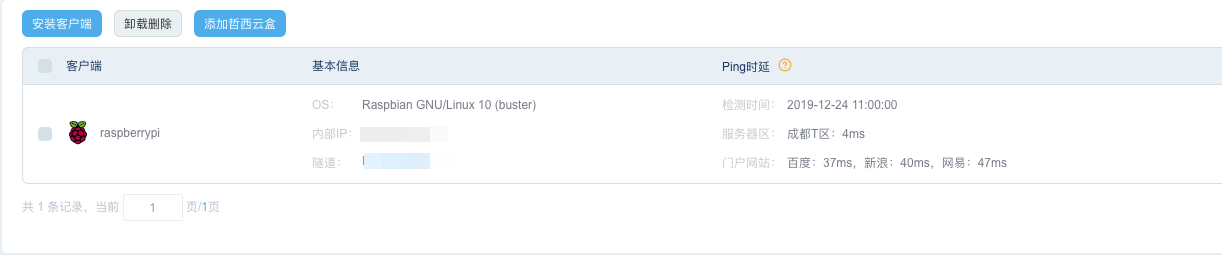
由于我是直接是用的 又拍云 CDN 进行回源,所以也不需要安装 Nginx 啥的了,这个内网穿透服务提供了一个 CNAME,去解析一下就完事了。

哲西云

如有需要,可以去 http://www.zhexi.tech 体验体验。优惠码 GRRVFM
展示

56ffb0f522663785f4b031d595c1f6a0

d15419a817ec66336297bd8e08157508

758cfbd207c38b9db27a6bba295618a2

9e22bcea8ac55cd0c8a82d2c49b083c8

87e60eb23320ee7c00fb5ed66942f631