









This is how I did it in case I forget
This post is more of a “this is how I did it incase I forget”.
I’ve switched to Cinnamon Desktop (on Fedora 39) last year, after giving up on trying to maintain my Qtile configuration. I was wasting too much time on it.
One personal painpoint I had is that I wanted to lock my screen without resorting to using the main Cinnamon menu all the time. I could use the keyboard shortcuts dialog to trigger the built-in screen lock but I also wanted a confirmation, which I haven’t yet figured out how to do with the built-in features. Plus, I’m a creature of habit, so I wanted something that I could preserve and use in another window manager if need be.
To that end, I remembered a friend once showed me Zenity to create simple GUIs for Linux. I strung up this one liner that prompts me if I want to lock my screen and then locks it if I click yes.
| |
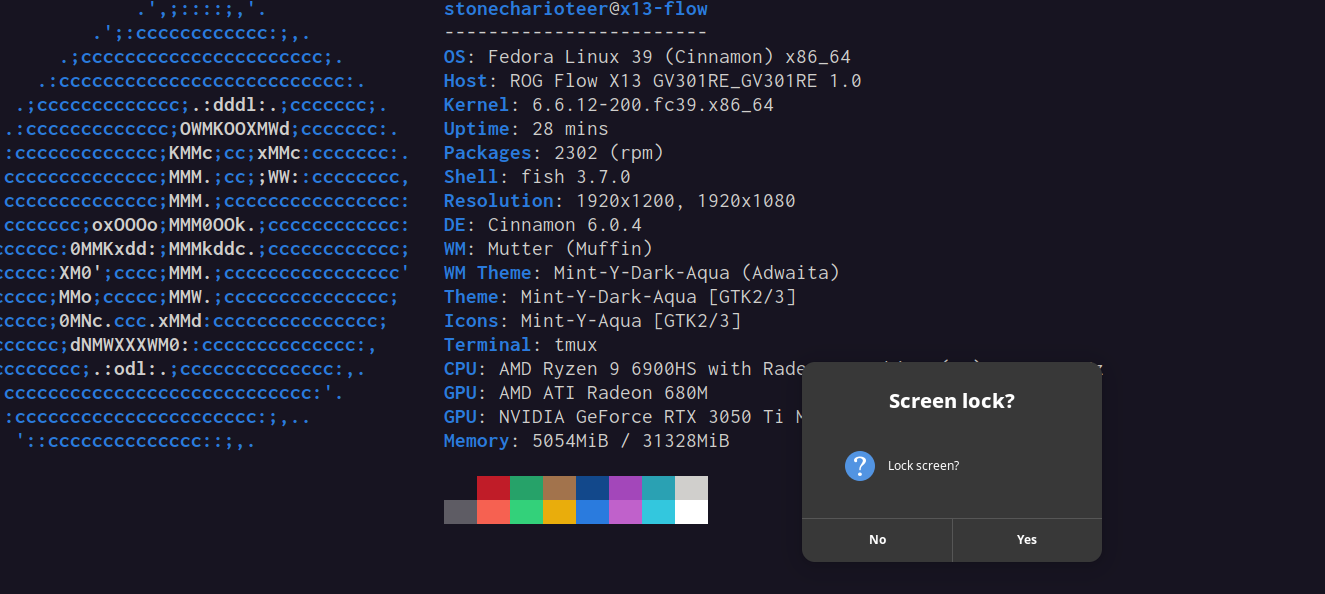
I needed the bash -c "" bit since this would be within the cinnamon launch
options and I’d want to ensure that this is reproducible all the time.
If I move to another window manager, I just need to replace
cinnamon-screensave-command. I also use xset dpms force off because it takes
a while to turn off my laptop screen and sometimes I do this just before
sleeping or turning the lights off and I don’t want to wait.
I don’t close the lid because I use my current laptop, an Asus RoG X13 Flow in the tent mode, and would have to disconnect my docking station to flip it around and close the lid.