惯性聚合 高效追踪和阅读你感兴趣的博客、新闻、科技资讯
阅读原文 在惯性聚合中打开

推荐订阅源

WordPress大学
WordPress大学
腾讯CDC
阮一峰的网络日志
阮一峰的网络日志
GbyAI
GbyAI
B
Blog RSS Feed
Engineering at Meta
Engineering at Meta
Google DeepMind News
MyScale Blog
MyScale Blog
Last Week in AI
Last Week in AI
F
Fortinet All Blogs
云风的 BLOG
云风的 BLOG
N
Netflix TechBlog - Medium
G
Google Developers Blog
博客园_首页
有赞技术团队
有赞技术团队
V
V2EX
奇客Solidot–传递最新科技情报
奇客Solidot–传递最新科技情报
MongoDB | Blog
MongoDB | Blog
H
Help Net Security
aimingoo的专栏
aimingoo的专栏
月光博客
月光博客
Hugging Face - Blog
Hugging Face - Blog
The GitHub Blog
The GitHub Blog
S
SegmentFault 最新的问题

Gary' Blog

Migrate pip to uv - Gary' Blog Terminal autocomplete (only macOS and Linux) How to expand the hard disk capacity of Debian/Ubuntu in ESXi Authentication FastAPI with Keycloak - Gary' Blog Keycloak configuration problems and solutions Careers and LinkedIn Jobs Page of Fortune 500 American Companies How to connect Windows desktop remotely using RDP and cloudflare ZeroTrust tunnel How to download and license ESXi 8? Get clicked word using pure Javascript
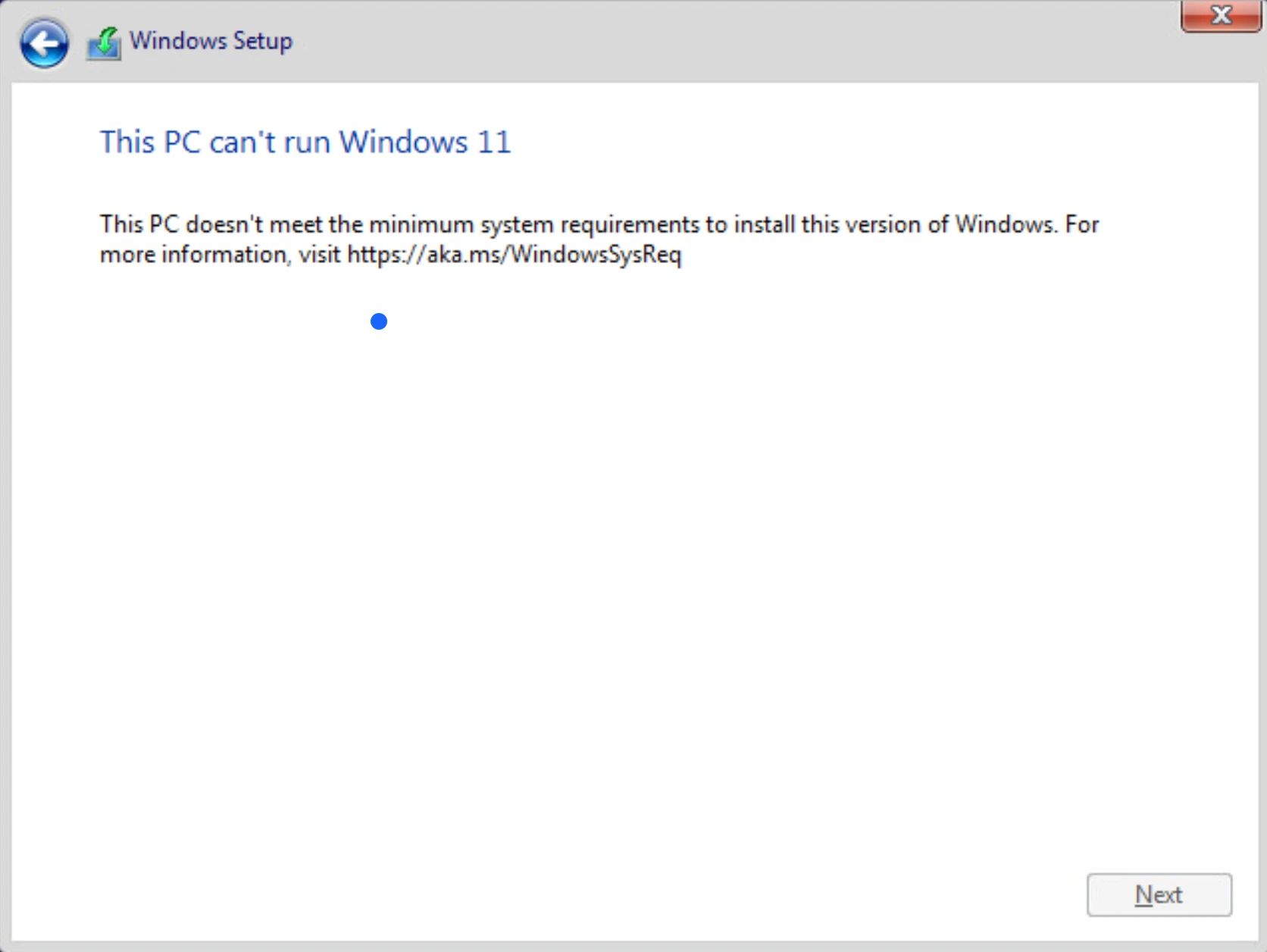
ESXi 8 issue solved: This PC can’t run Windows 11
Gary · 2024-10-09 · via Gary' Blog

To install Windows 11 on ESXi 8, the minimum requrements should meet.

Summary is:

  1. 1+ GPU
  2. 4+ GB Memory
  3. 64+ GB Disk
  4. UEFI, Secure Boot capable
  5. TPM
  6. Graphics card (Optional, can install on ESXi 8 without this)
  7. Display (Optional, can install on ESXi 8 without this)

The main reason causes this issue is TPM

vSphere support adding vTPM with a Native Key Provider, but I don’t know how to get one and where to config on ESXi 8.

The solution is skipped TPM checking while installing Windows 11 on ESXi 8.

  1. Setup windows 11 ISO for Virtual Machine.
  2. Boot the Virtual Machine from CD/DVD drive.
  3. While on following screen, press Shift + F10 to Windows Terminal.
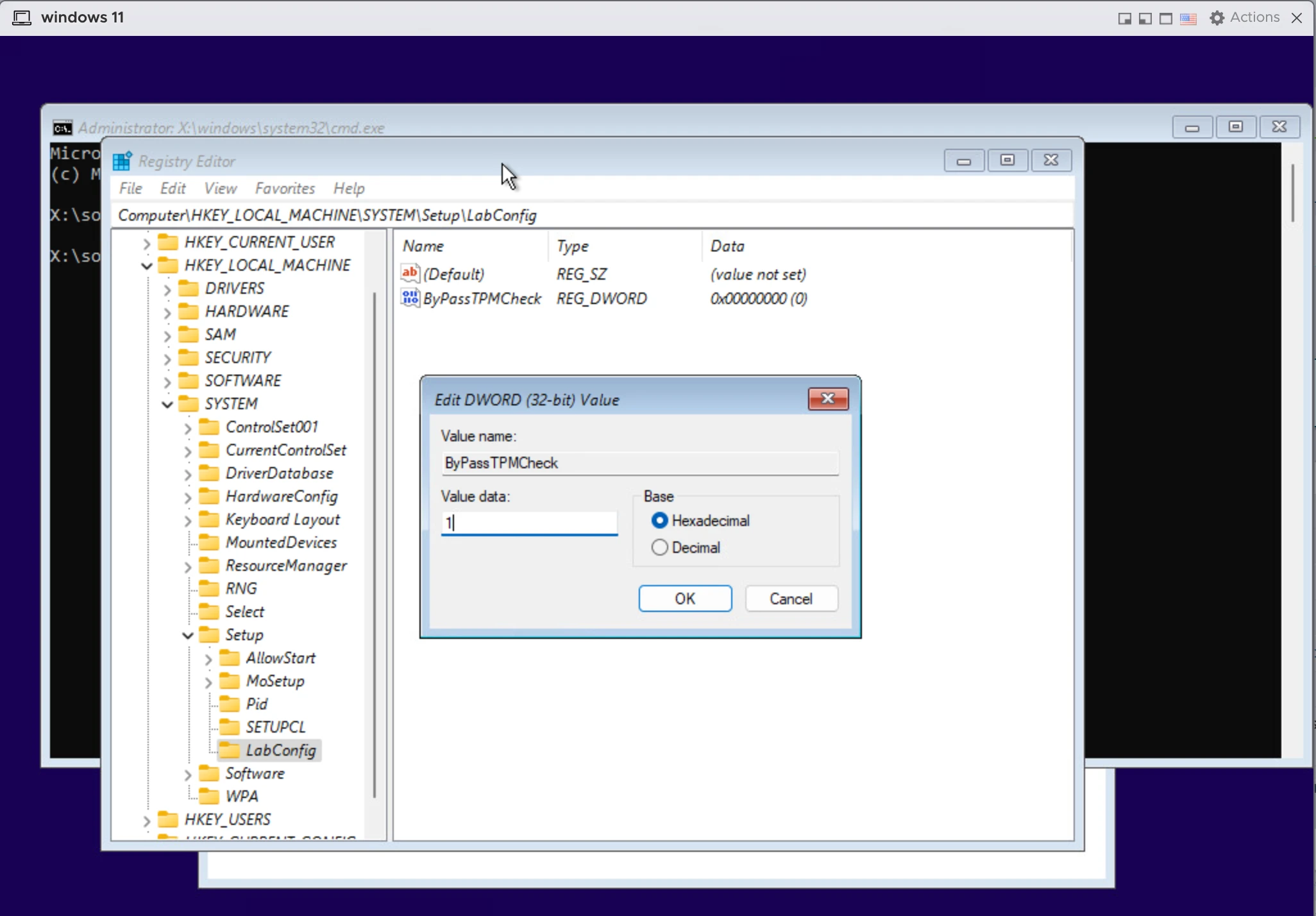
  4. Type regedit enter the Registry Editor.
  5. Navigate to HKEY_LOCAL_MACHINE\SYSTEM\Setup and add a new key name LabConfig.
  6. In LabConfig create a value name ByPassTPMCheck with type DWORD (32-bit) and data 1.
  7. Then close Registry Editor and cmd dialogs, came back to installation steps.
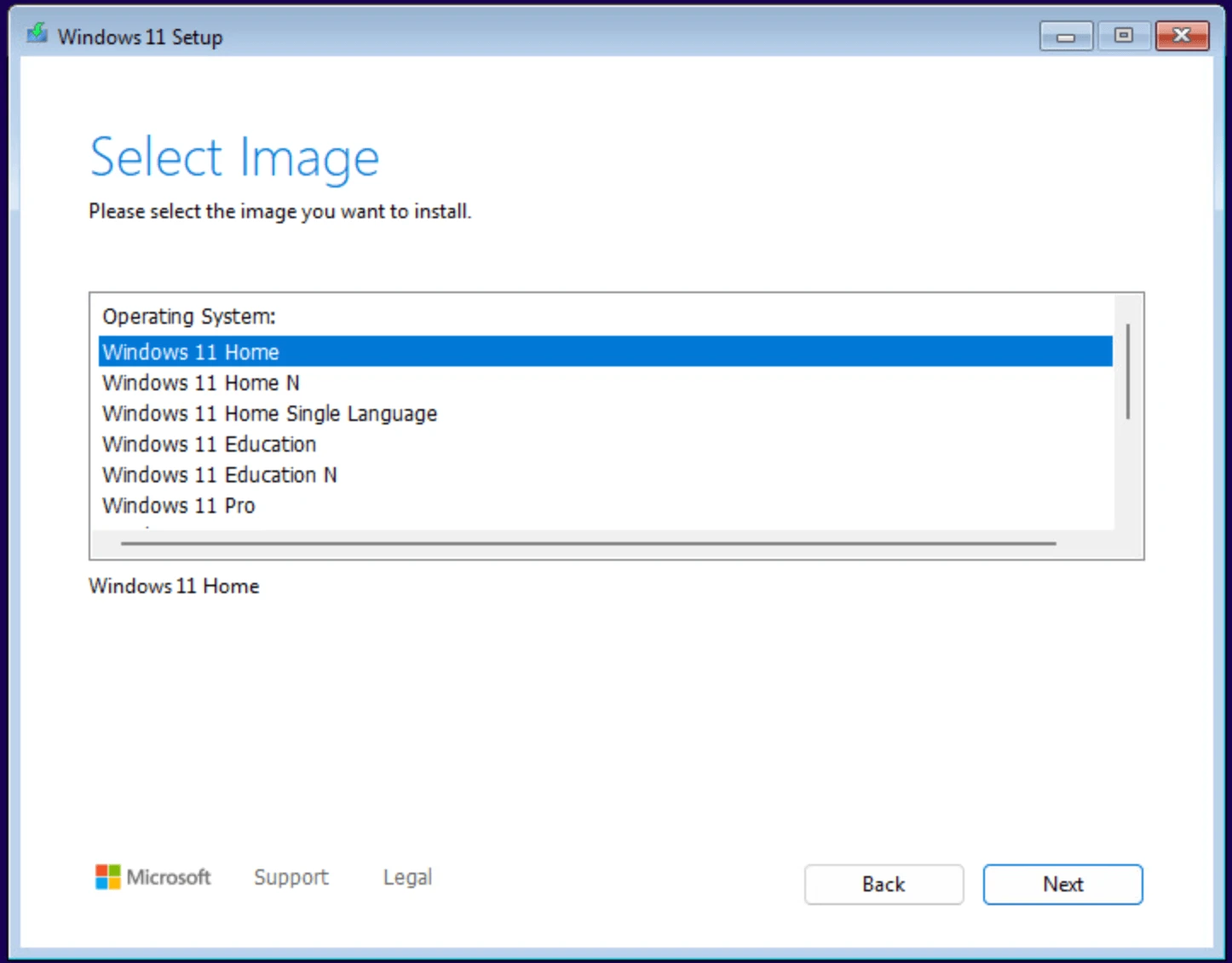
  8. Now you can install.

References:

  1. How to fix: This PC can’t run windows 11 vmware esxi
  2. This PC can’t run Windows 11 on ESXi 7