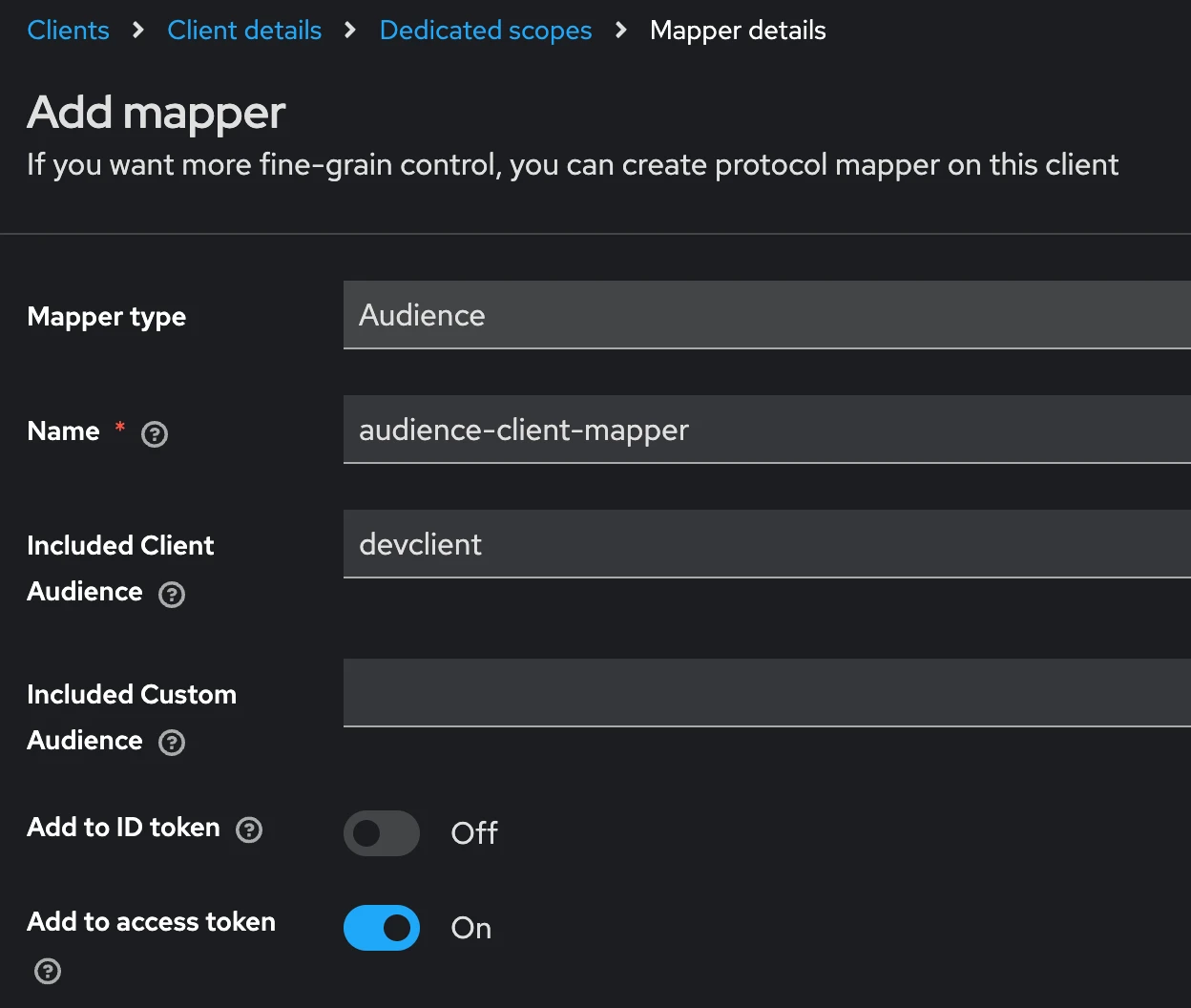
400 Bad Request when login
Please check your realm name, it should not include SPACE.
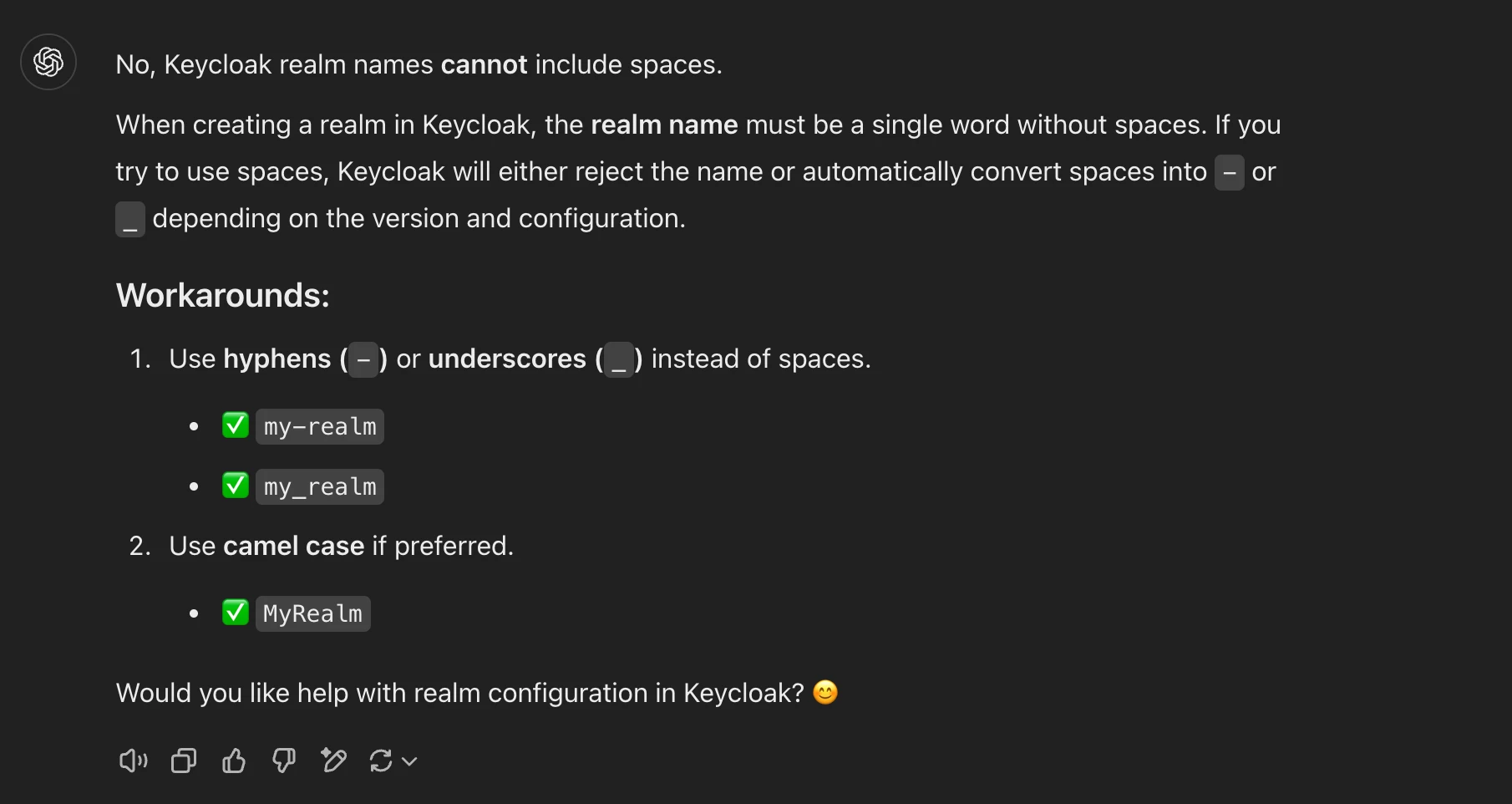
How to get client secret
You need to turn on Client authentication and Authorization at client Settings.
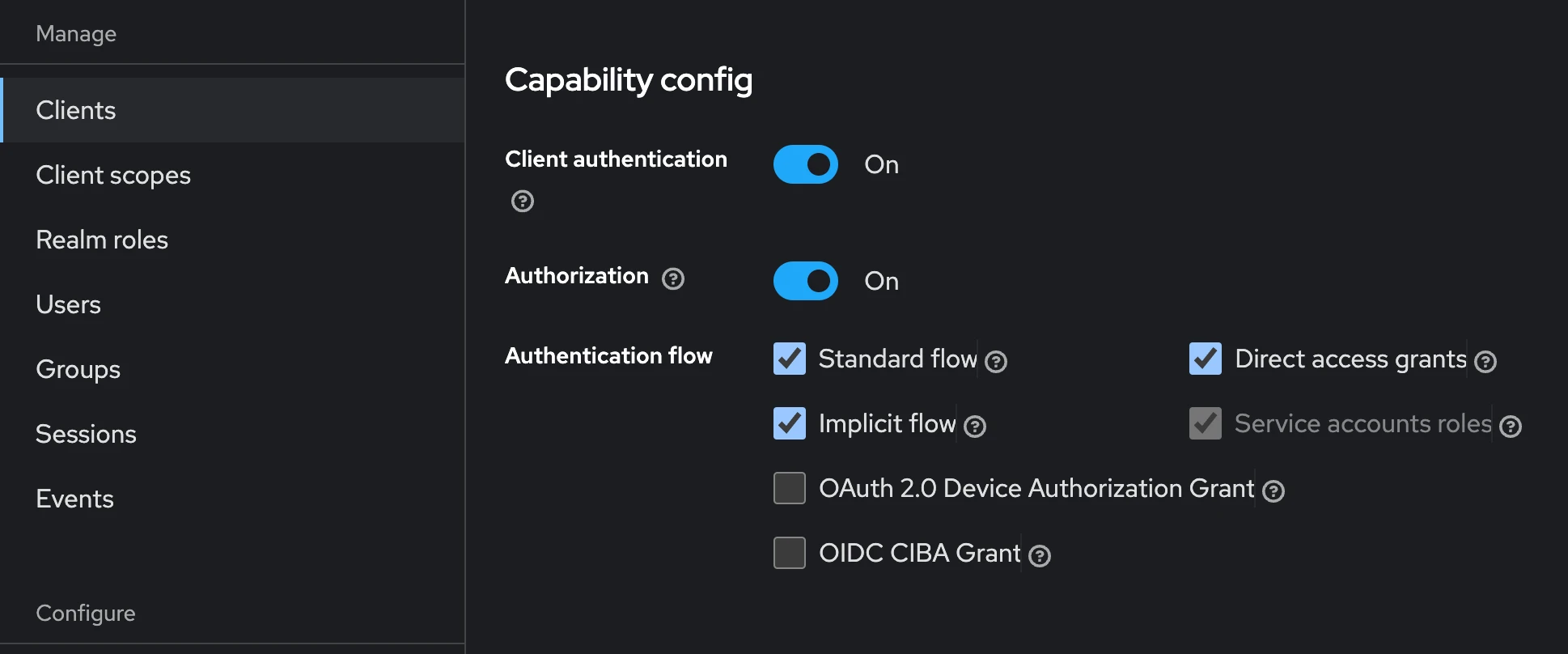
Then you can see and copy the Client secret from the credentials tab.
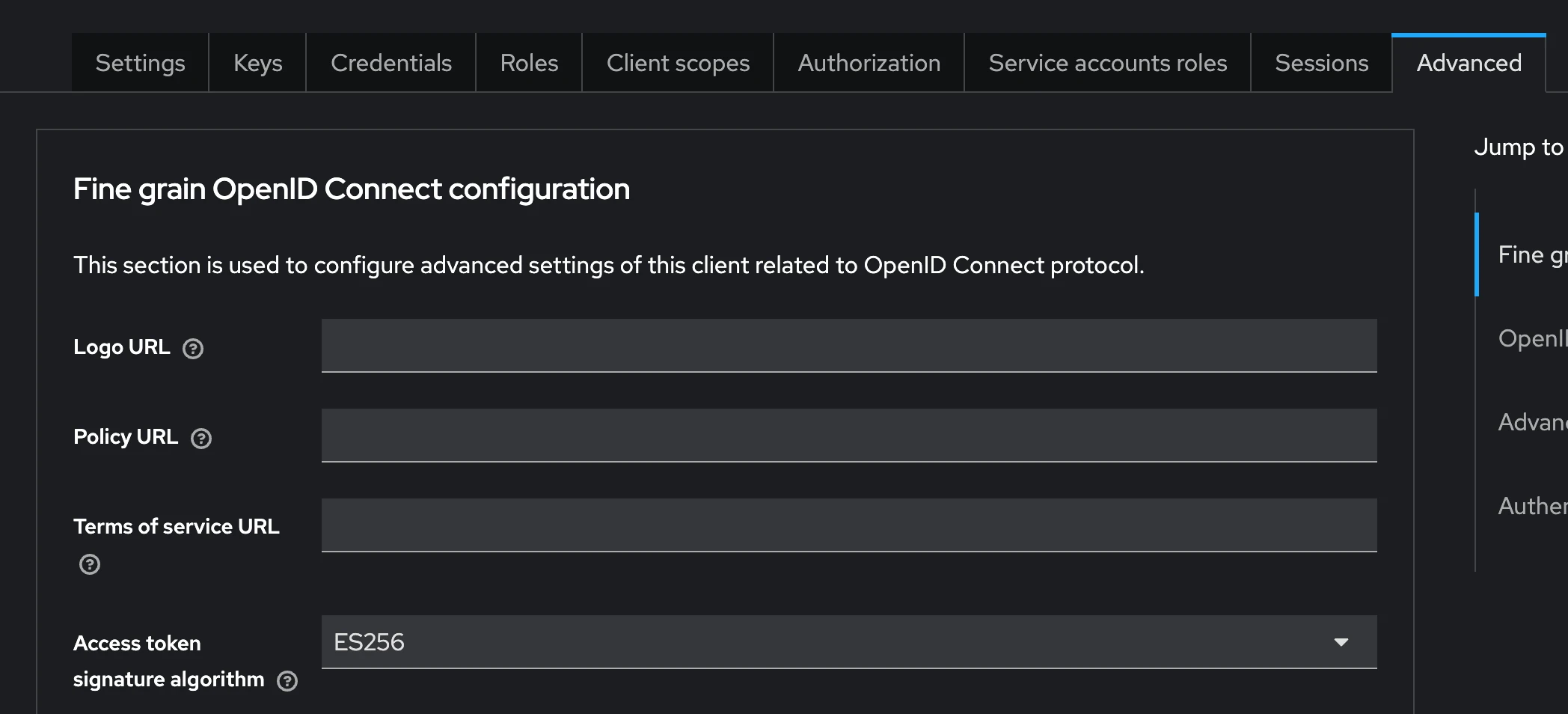
How to get Access token signature algorithm
You will get following error if didn’t set up Access token signature algorithm or set a wrong value:
jose.exceptions.JWKError: ('Could not deserialize key data. The data may be in an incorrect format, the provided password may be incorrect, it may be encrypted with an unsupported algorithm, or it may be an unsupported key type (e.g. EC curves with explicit parameters).', [<OpenSSLError(code=503841036, lib=60, reason=524556, reason_text=unsupported)>])Go to Client -> Advanced -> Access token signature algorithm, select the one you setup at your code.
JWTClaimsError(‘Invalid audience’)
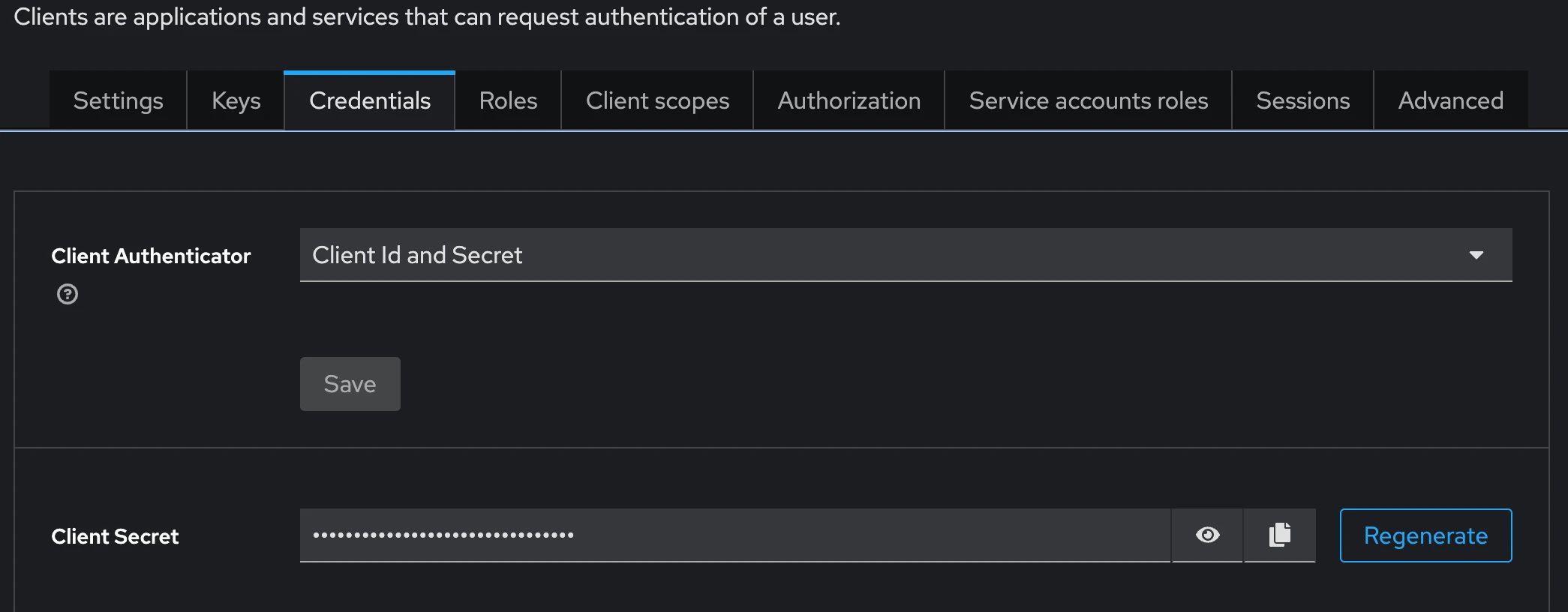
Wee need to add a token mapper (with type Audience) to the dedicated scope of the client.
Clients > Your client > Client scopes > your-client-dedicated Add mapper > by configuration > Audience.
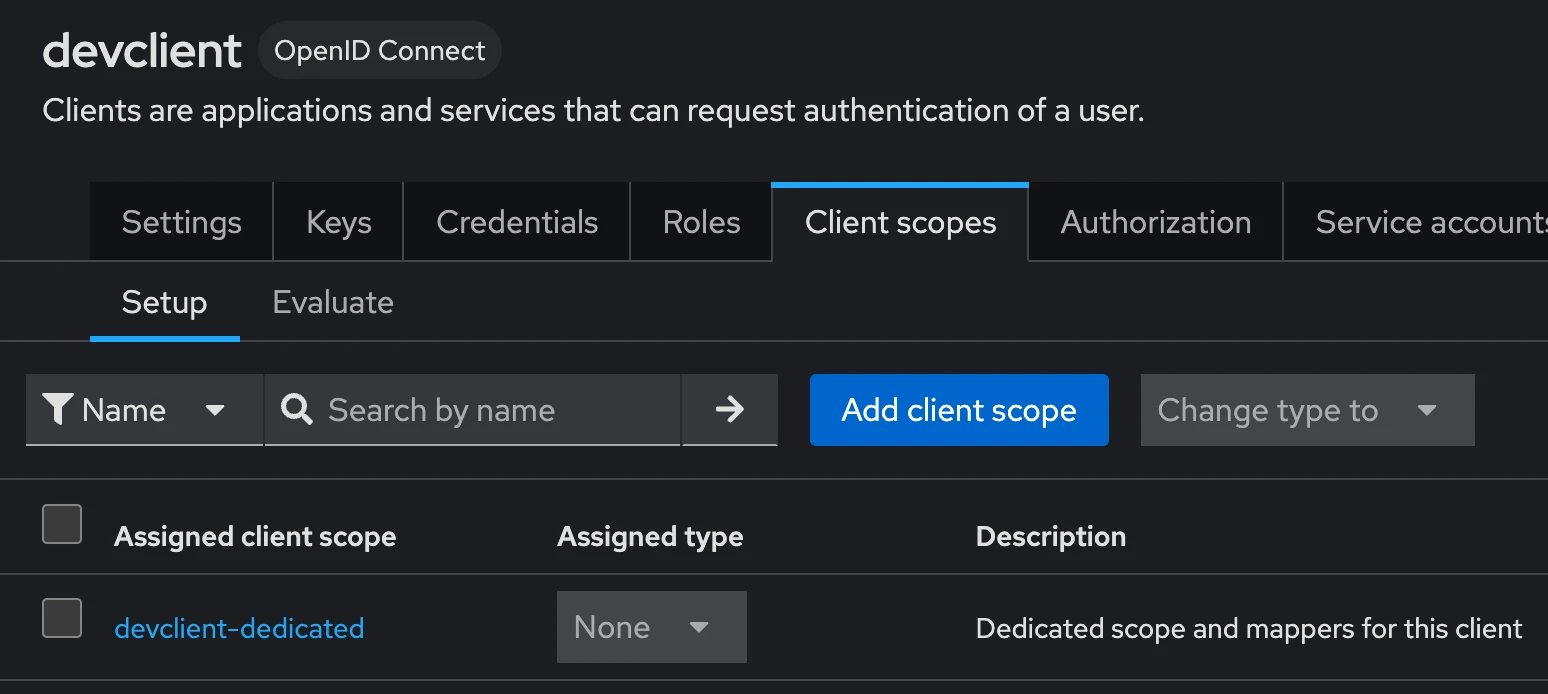
Add a name of the mapper, select your client on the select box and enable Add to access token. Your client should now be in the "aud" field of the access token.