


 _ __ ___   ___ _ __ ___ _   _ _ __ _   _
| '_ ` _ \ / _ \ '__/ __| | | | '__| | | |
| | | | | |  __/ | | (__| |_| | |  | |_| |
|_| |_| |_|\___|_|  \___|\__,_|_|   \__, |
                                     __/ |
                                    |___/
Mercury is a framework that helps you build interactive web applications directly from Python notebooks. You can build with Mercury data rich applications, like: chats, AI agents, dashboards and reports.
- Documentation at RunMercury.com/docs.
- Examples at RunMercury.com/examples.
- Deployment at RunMercury.com/deploy.
Why?
Mercury is the easiest way to built and deploy data rich apps with Python. There are no callbacks in the framework. Widget interactions fire cells re-execution (reactive notebooks). You don't need to worry about UI because there is predefined layout, so it will look beautiful.
What is included:
- collection of widgets, so you can build interactive web apps,
- standalone server, to serve notebooks as web apps,
- JupyterLab extension, to have live app preview during development.
The Mercury live app preview extension is available only for JupyterLab and MLJAR Studio. It will not work in Google Colab and VS Code - sorry guys!
Example - Echo chat bot
Example bot app that will respond with echo:
# import package
import mercury as mr
# create Chat widget
chat = mr.Chat()
# create chat prompt
prompt = mr.ChatInput()
if prompt.value:
    # user message
    user_msg = mr.Message(prompt.value, role="user")
    chat.add(user_msg)

    # assistant message (echo)
    response_msg = mr.Message(
        f"Echo: {prompt.value}",
        role="assistant",
        emoji="🤖",
    )
    chat.add(response_msg)
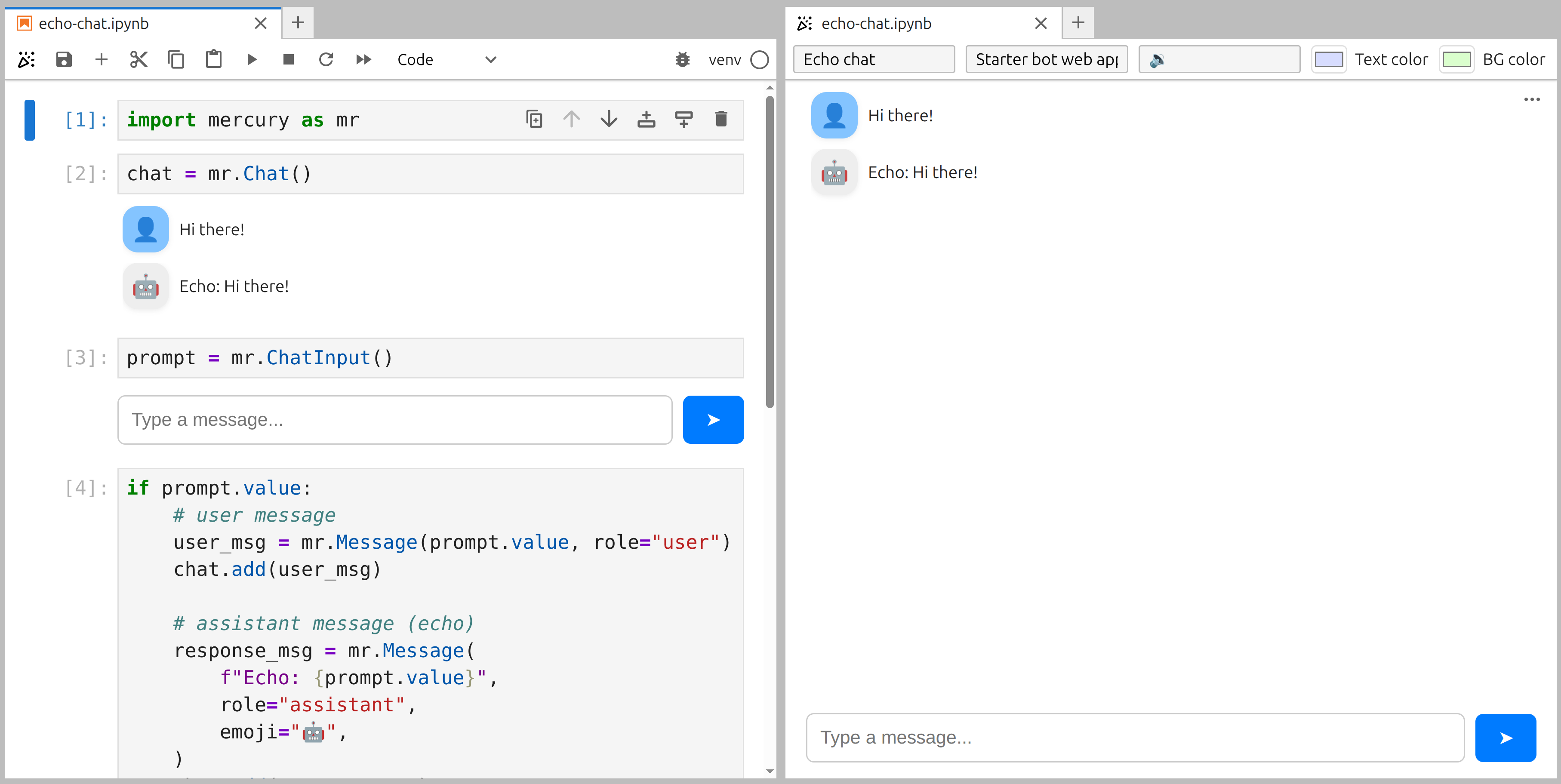
Live App Preview
Yes, you can preview the app during development. Please click 🎉 in the top notebook toolbar to open preview.
Production App
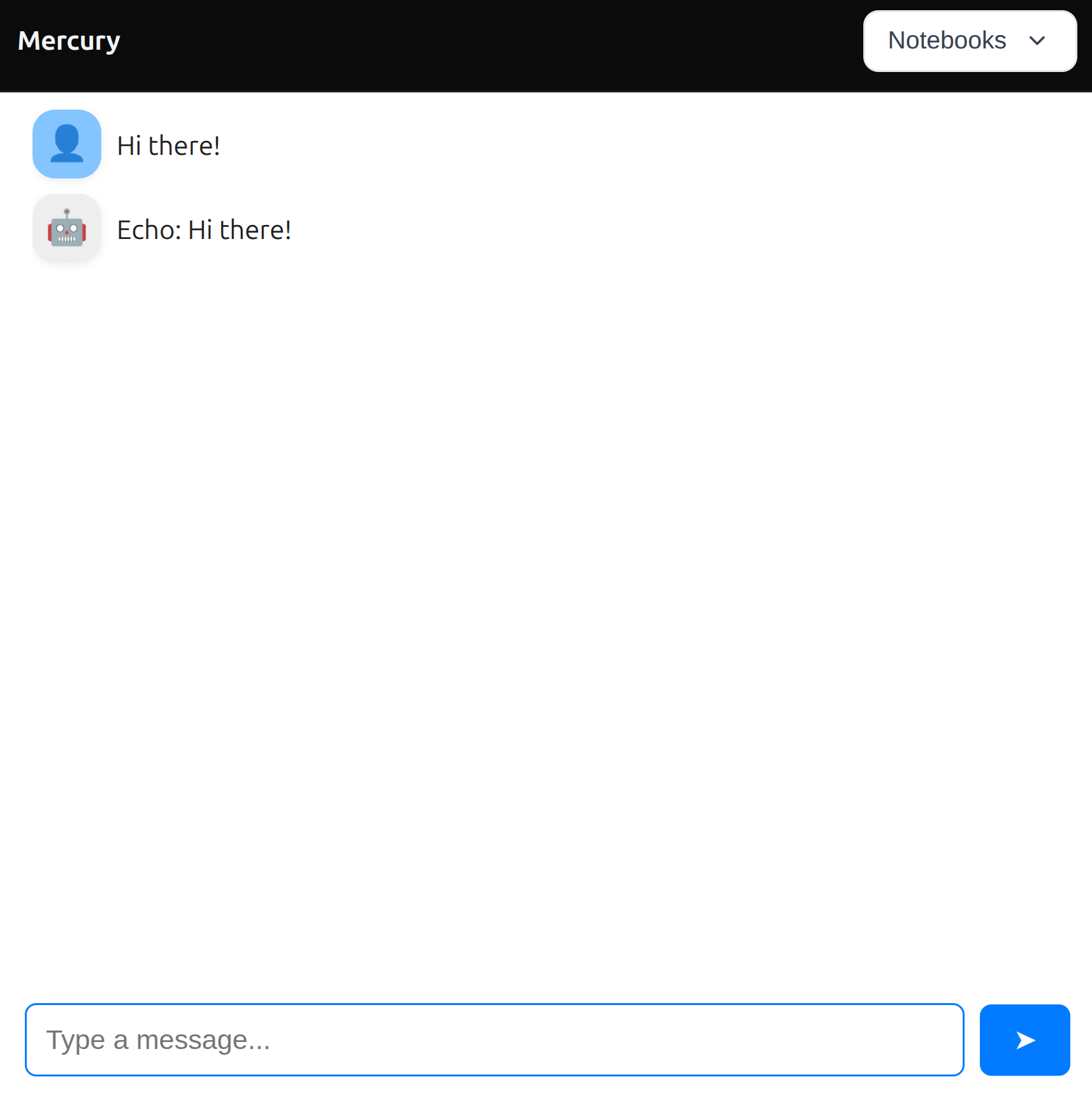
You can serve your notebook as standalone web app:
Installation
Start server with the following command:
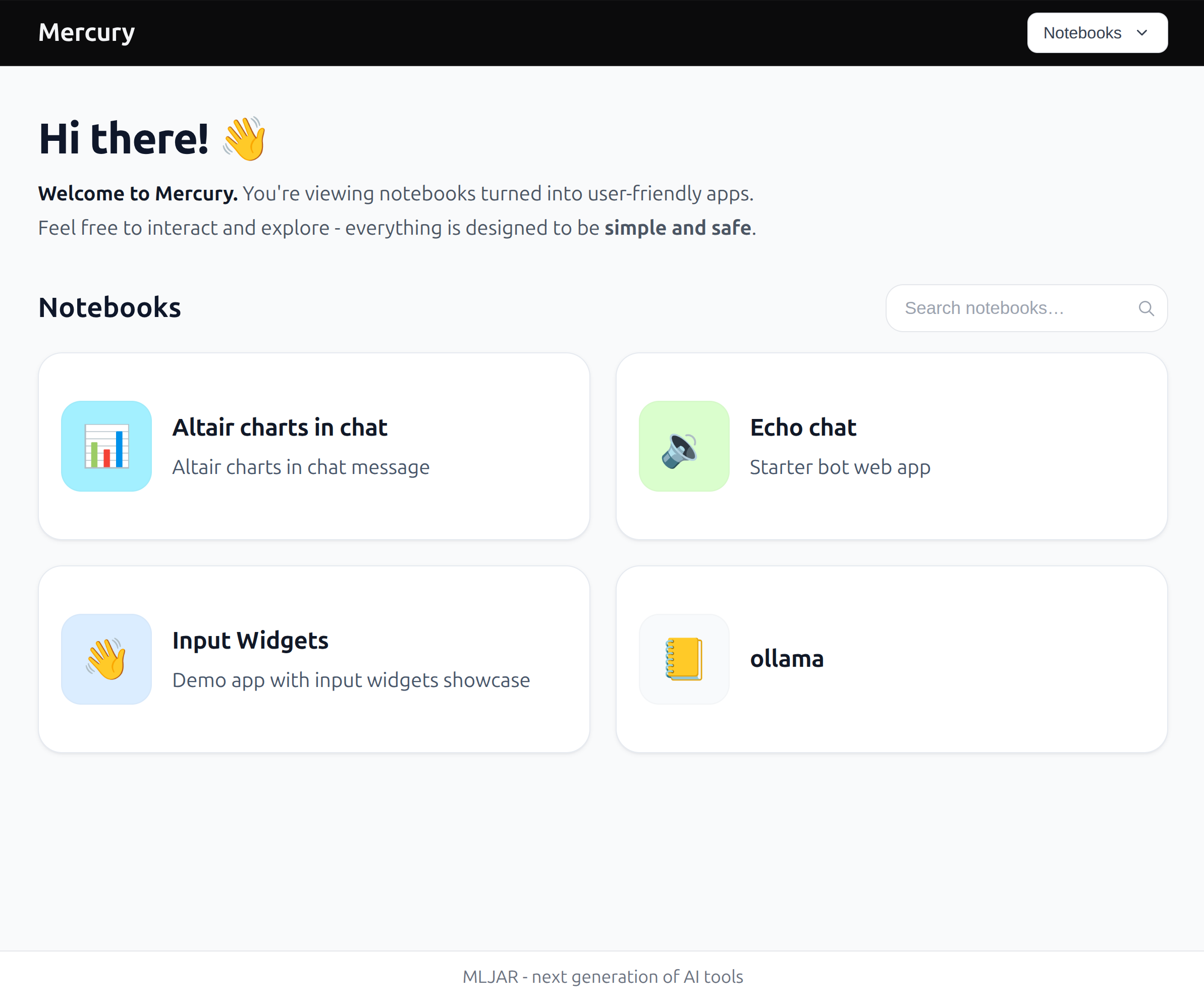
By default, it will detect all notebooks in the current directory and serve them as web apps.
To serve notebooks from a different directory and make relative paths resolve from there:
mercury --working-dir /path/to/notebooks
You can combine it with a notebook argument:
mercury app.ipynb --working-dir /path/to/notebooks
Example view of notebooks home page:
Deployment
Here is minimal Dockerfile to serve Mercury:
FROM python:3.12-slim

# Install Mercury
RUN pip install mercury

# You can also install needed packages here,
# For example install pandas
# RUN pip install pandas

# Directory where notebooks will be mounted
WORKDIR /workspace

# Mercury default port
EXPOSE 8888

# Start Mercury server
CMD ["mercury", "--ip=0.0.0.0", "--no-browser", "--allow-root"]
We also offer managed cloud service for 1-click app deployment. Please check our website platform.mljar.com.
Run at click (disable auto re-run)
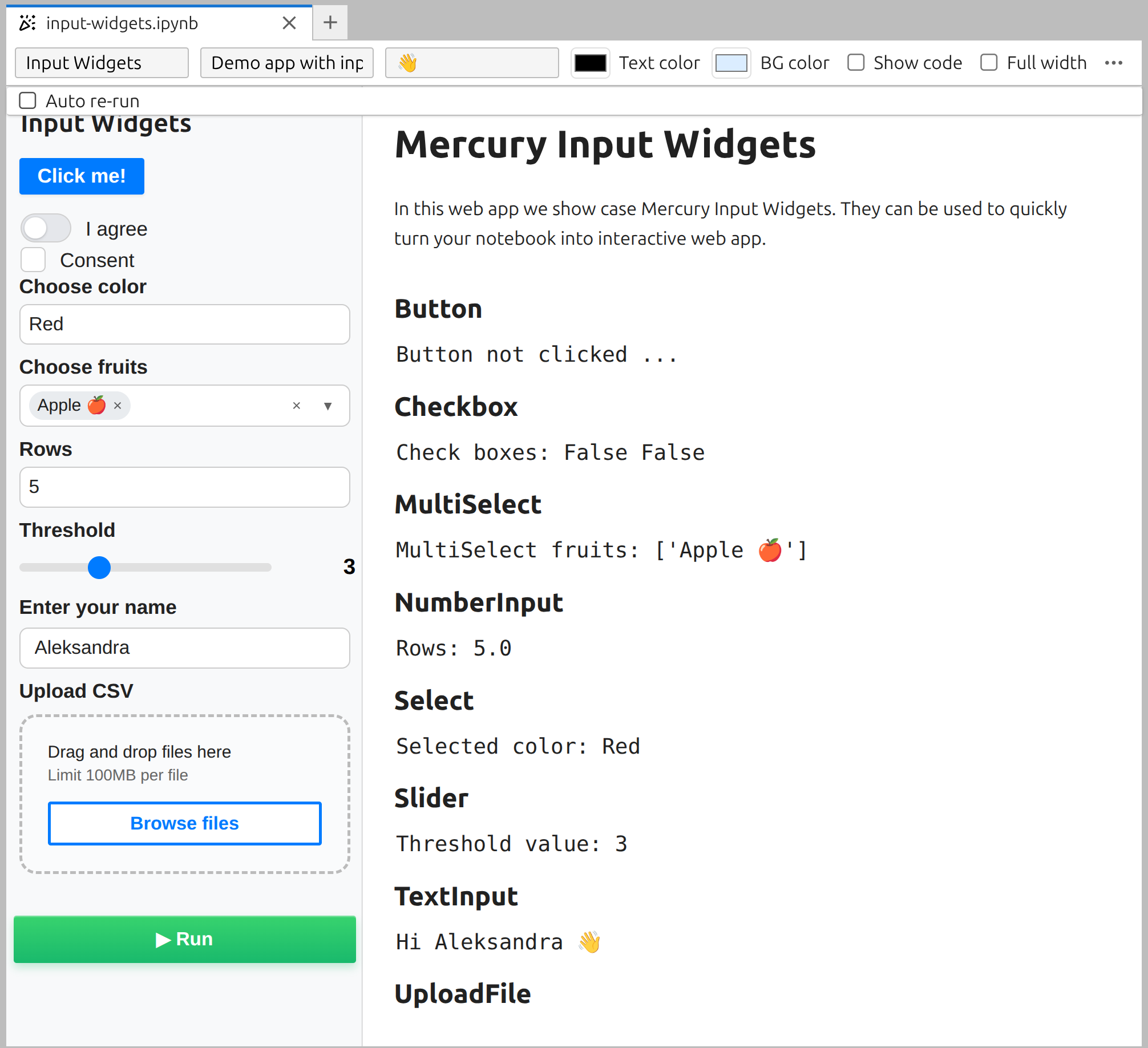
Maybe you don't want to re-execute cells after widget update and would like to run all cells from top to the bottom on the button click. You can disable auto re-rerun by unchecking it in app preview in the top toolbar. Your web app will have added Run button in the sidebar that will trigger cells re-execution.
Notebook appearance in home page
In the app preview toolbar you can also set:
- notebook title and description, they are displayed in the home page,
- emoji and colors of icon in the home page,
- you can display notebook code - useful for teachers 👍,
- go app full width.
Authentication
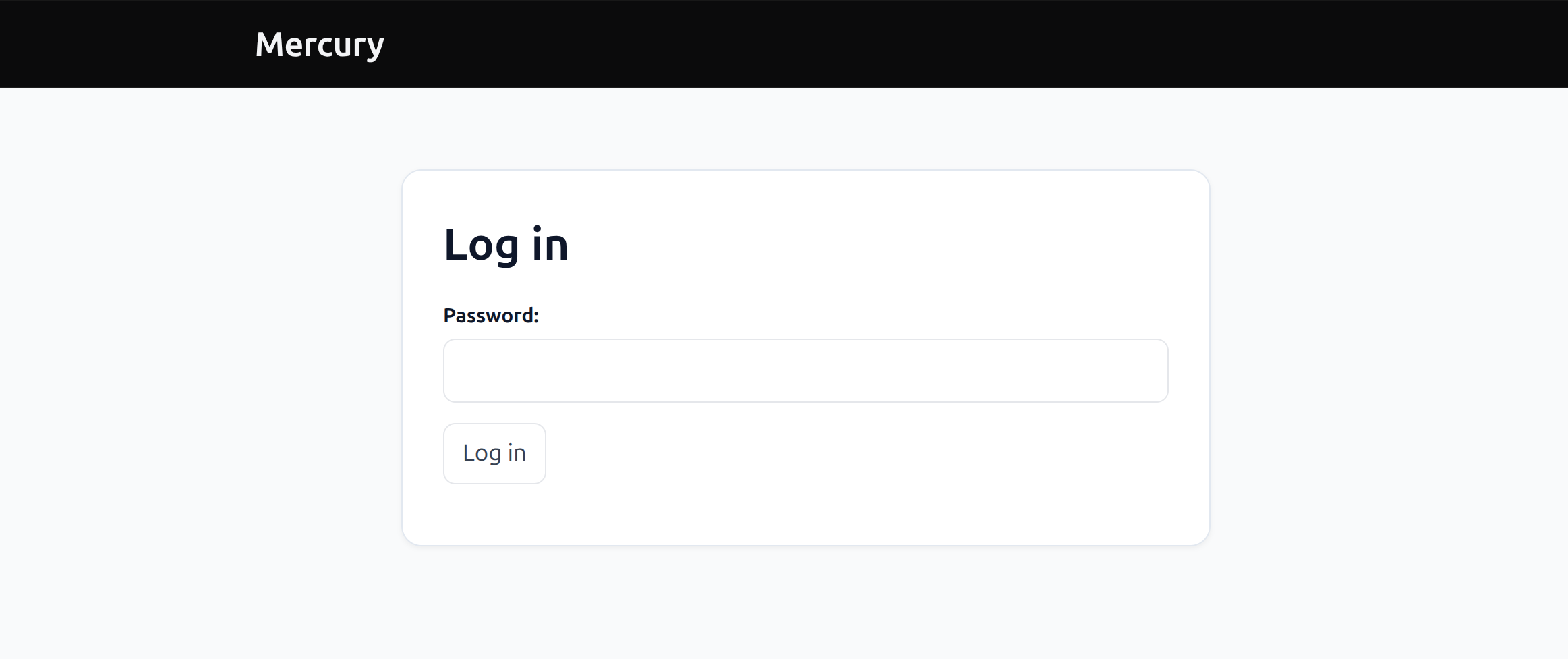
You can restrict access to your web apps by setting password when starting server:
mercury --pass=your-secret-here
Before opening the notebook user needs to provide the password:
If you want to have user-based authentication in your Mercury. It is paid option. Please reach us for more details contact - at - mljar.com
Configuration and customization
We want you to customize your web apps so they look and feel exactly the way you like.
To do this, create a file called config.toml in the active notebooks directory. By default, this is the current directory. If you start Mercury with --working-dir, place config.toml there instead.
[main]
title = "Mercury"
footer = "MLJAR - next generation of AI tools"
favicon_emoji = "🎉"

[welcome]
header = ""
message = ""
What you can customize
title– the title of your web appfooter– text shown at the bottom of the pagefavicon_emoji– emoji shown as the browser tab iconwelcome.header– optional welcome headerwelcome.message– optional welcome message for users
Feel free to change these values and make the app your own.
We are actively working on adding more customization options. If something is missing or you would like to customize more things, please let us know - your feedback really matters to us 🚀
Arguments
Would you like to see more logs from mercury, please use --log-level=INFO or --log-level=DEBUG. The default log level is CRITICAL.
We have option to share the same session between multiple users. What does it mean? You can deploy app, and when you click on it, others will see this. The enable session sharing please use --keep-session. Amazing, isn't it?
Would you like to limit your server resources with usage timeout? Please set --timeout=600, the timeout value is in seconds. Be generous.
Would you like Mercury to use a specific directory as the base for notebooks, config.toml, and relative file access? Please use --working-dir=/path/to/notebooks.
Previous versions
If you are looking for previous version codebase, the stable v2 codebase is available on the v2.4.3 tag.
Previous documentation webpage is available at old.runmercury.com.
License
Mercury is licensed under Apache-2.0. See LICENSE for details.
Stay safe! ❤️