


No more messing with webhooks to get deploy notifications working in Slack: introducing the Netlify app for Slack, now available in beta!
Quickly connect your Slack workspace to your Netlify account to keep tabs on all your sites and team activity. The official Slack app introduces new notification types and enables your team to design your subscriptions to meet your team or organizational needs. You can also invite Ask Netlify to your channels and get product support at your fingertips. Learn more in the docs or get started by connecting your workspace.
The right signals, without the noise
We built the Netlify app for Slack for teams who use Slack as their home base of communication. Many different people are involved in building and maintaining your organization’s most important websites, but they might not all be in Netlify day-to-day. The Slack app brings that activity into a space your team already shares, making it easier for everyone to know what’s going on, like:
- Has this week’s major release reached production?
- Who rotated our secrets, stored in environment variables?
- What feedback have stakeholders shared on our preview environments?
By bringing activity into these shared spaces, your team can get campaigns and functional releases out the door faster, as well as keep tabs on the security posture of your Netlify team and projects.
We know first-hand that noisy notifications can be a headache. The Netlify app for Slack enables your team to subscribe only to the events you need, on a team or site basis, in the relevant public and private channels.
Available notification types
The Netlify app for Slack enables you to subscribe to:
- DNS zone and domain events
- Team configuration changes
- Team membership events
- Comments and issues from the Netlify Drawer, i.e. activity in collaborative Deploy Previews and branch deploys
- Deploy state changes. You can refine these events by deploy context—e.g. filter just to production—as well as by deploy state.
- Environment variable events
- Form submissions
- Site configuration changes
We hope this granularity helps support your team’s most critical workflows. For example, a development channel may need a live play-by-play, whereas your marketing team may just want to keep on top of submissions from a lead generation form. If there’s something else you’d like to see, let us know!
Installing the Netlify app for Slack
On app.netlify.com, team Owners on Pro and Enterprise plans can navigate to Team Settings > Notifications and “Select workspace” to get started:
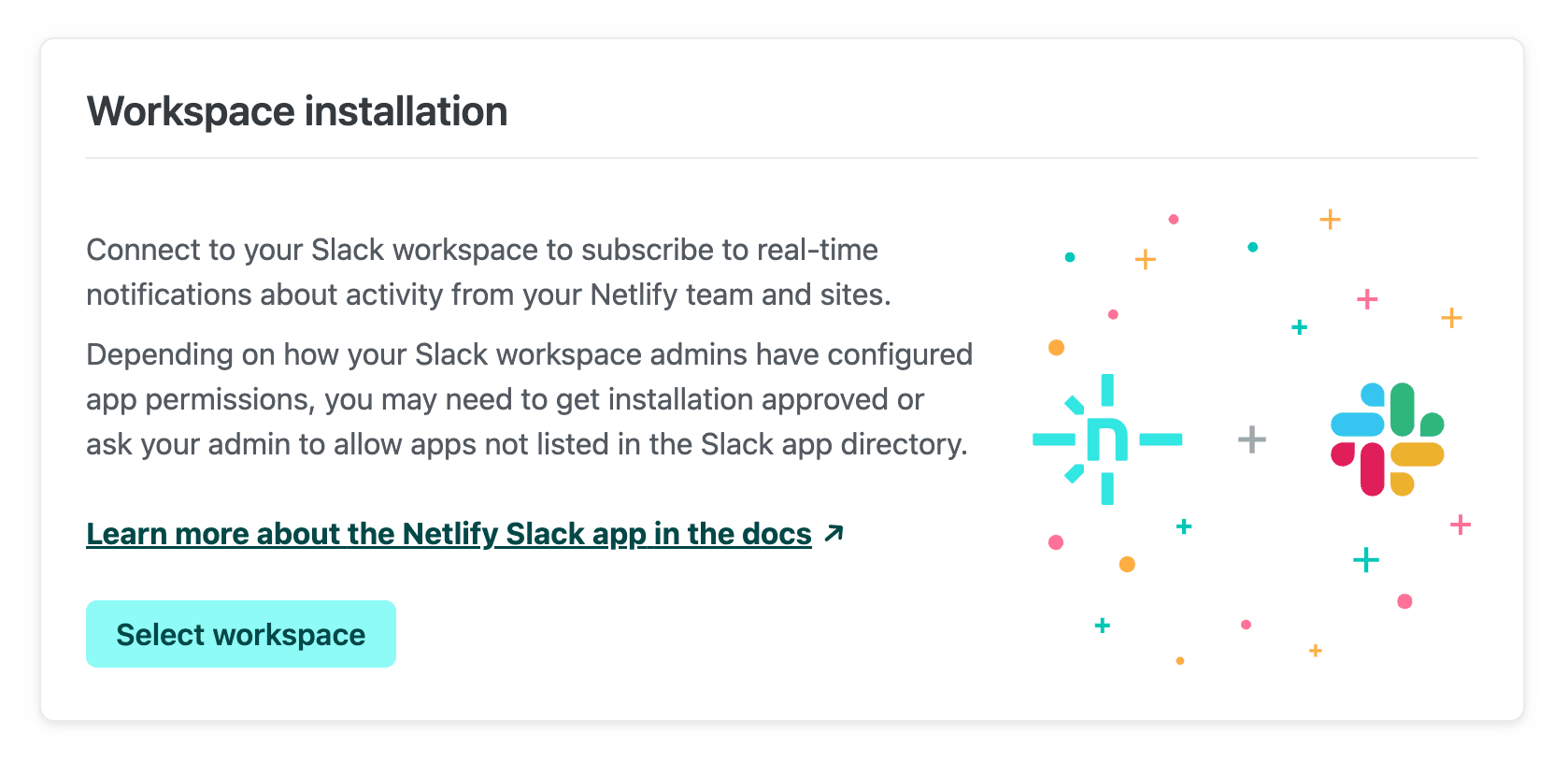
Once you go through the prompts, the app will be installed in your chosen workspace. A Slack workspace can be connected to multiple different Netlify teams.
Permissions error?
While our app is under review for the Slack app directory, you may run into permissions limitations depending on your admins’ Slack configuration. Learn how to resolve these in the Netlify app for Slack docs. Of course, always check with your administrators before installing any application to your Slack workspace.
Subscribing to notifications
You can subscribe to Netlify notifications in any public or private channel, so long as the channel is not shared with another Slack workspace. There are two ways to manage your subscriptions:
-
From the Netlify UI
Once your workspace is connected, Team Settings > Notifications will show an option to “Add subscription”. You can select which event you’re interested in, as well as the channel you’d like to receive notifications in:
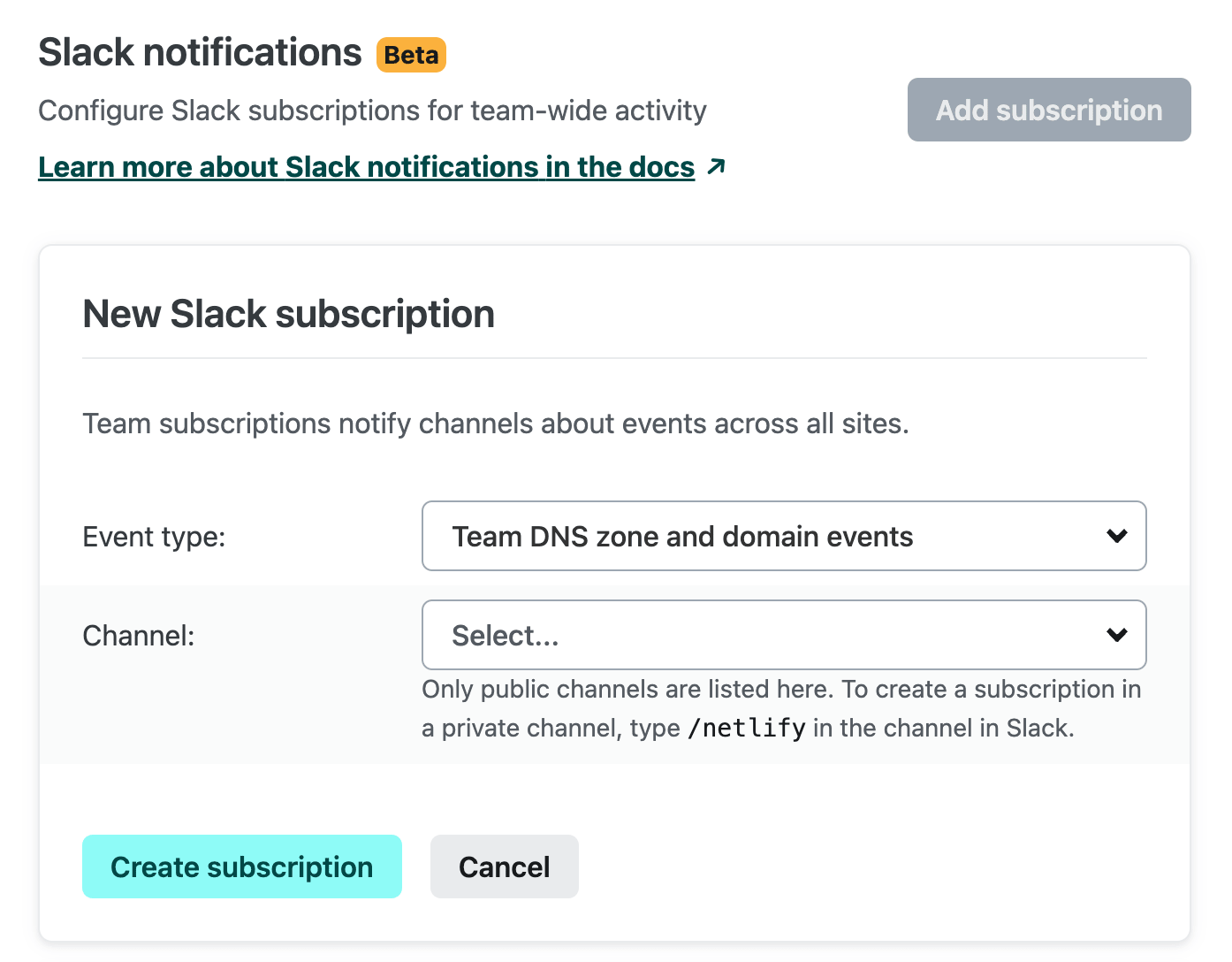
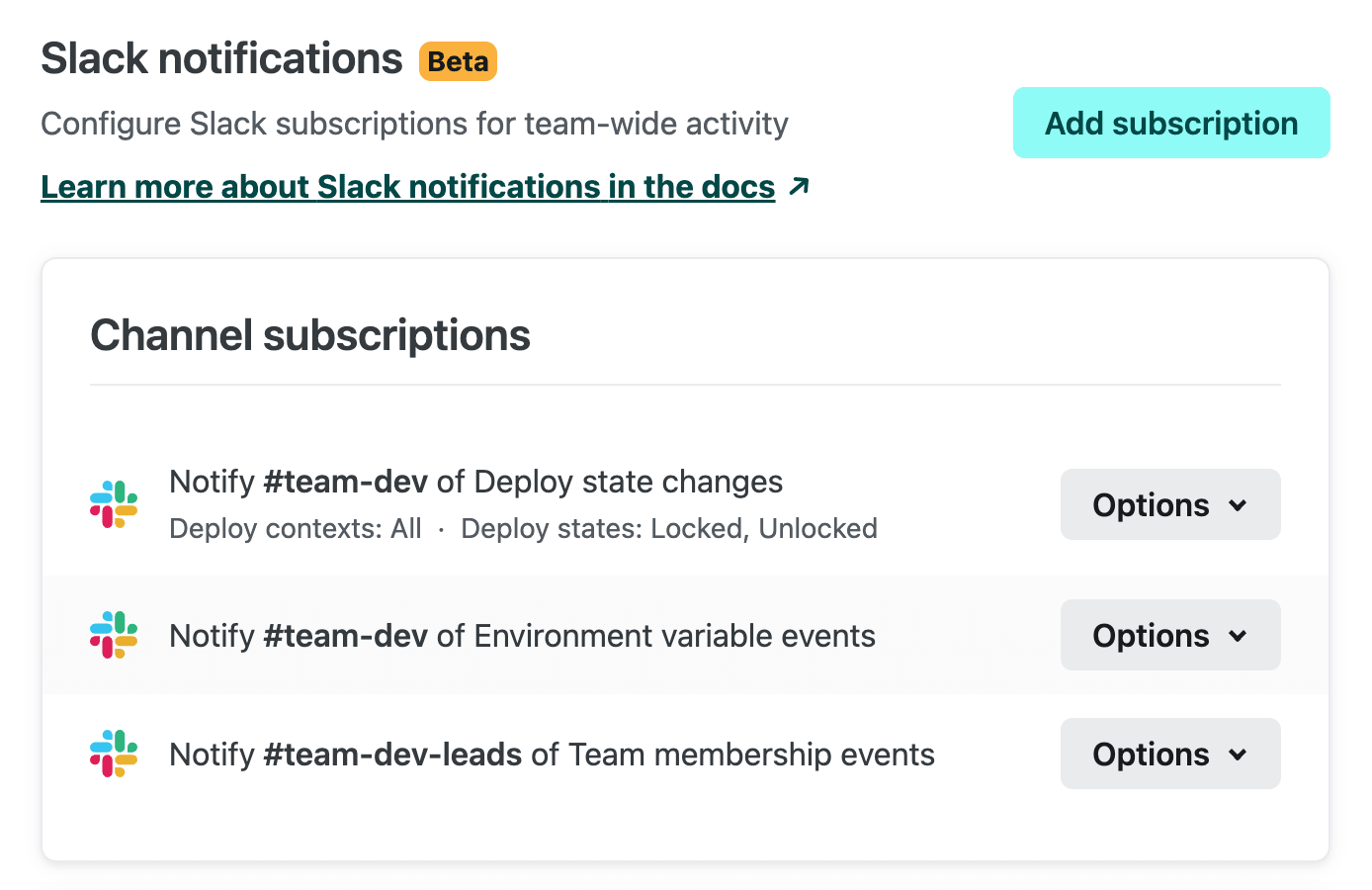
Subscriptions created here will track these notifications for the entire team (e.g. “Team configuration events”) or for all sites in the team (e.g. “Comments and issues from the Netlify Drawer”).
If you’d like to subscribe to just a single site’s notifications, you can go to [Site Name] > Site Configuration > Notifications to create your subscriptions.
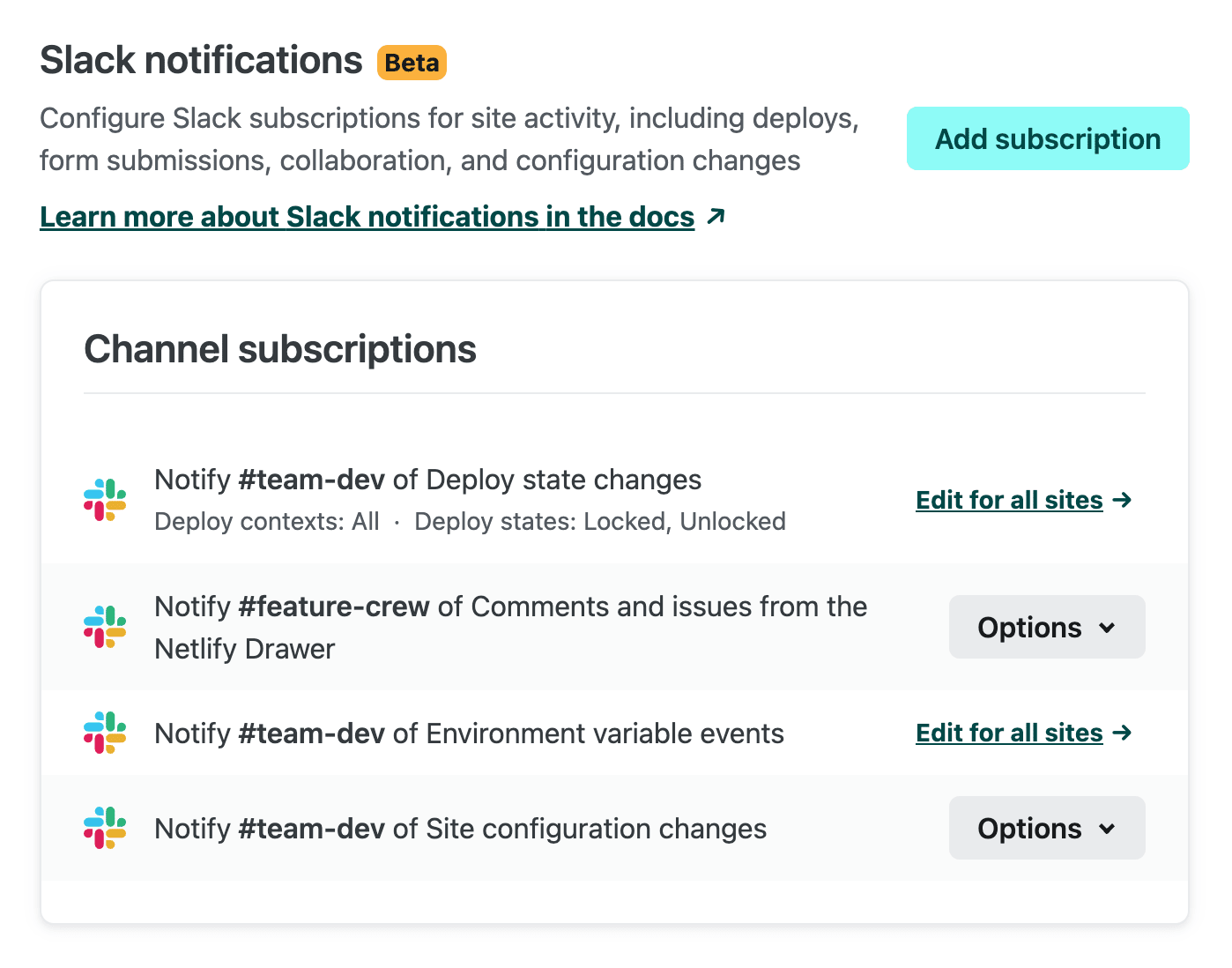
Subscriptions that apply to all sites will also be listed in Site Configuration > Notifications.
-
Directly from the Slack channel
If you prefer to configure subscriptions from Slack, enter
/netlify subscribein your Slack channel to add, edit, or delete subscriptions. You can choose “Create new subscription” and select the event you want to subscribe to: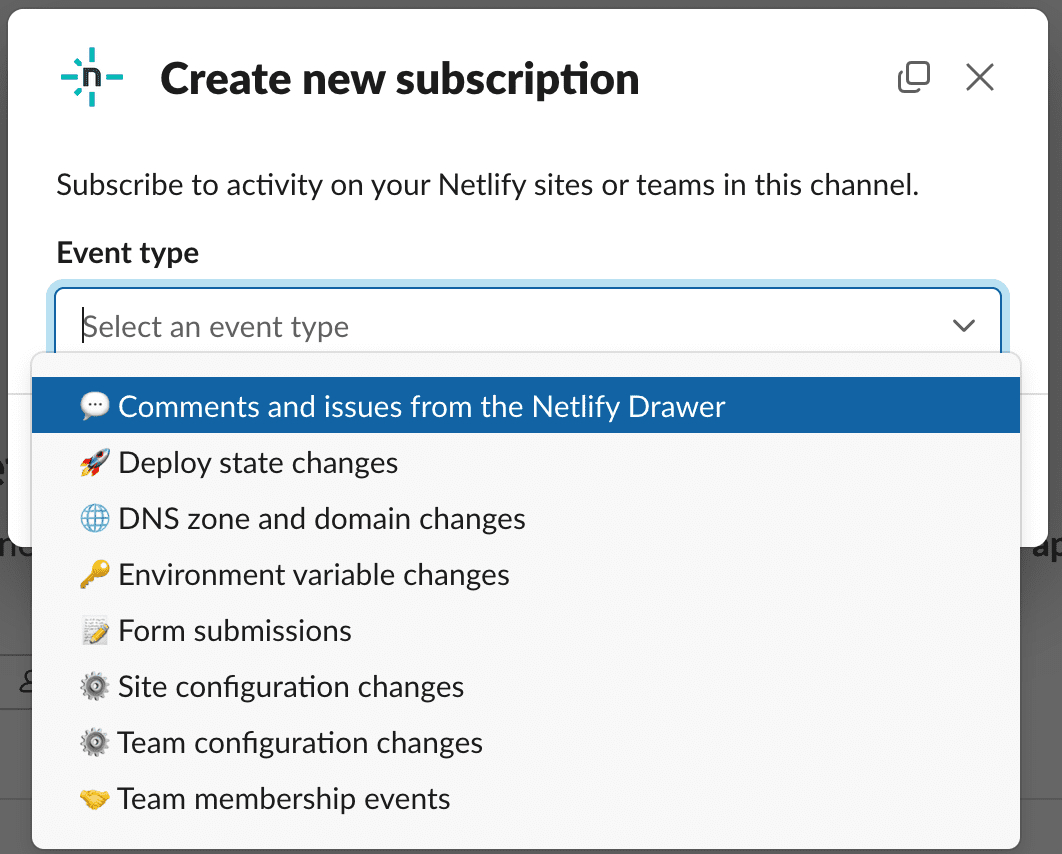
You’ll then choose the Netlify team you want to track this event on, as well as which site you want to subscribe to. If you leave the “Site” field blank, the subscription will be added for all sites on that team.
Subscription changes made in the Netlify app will be synced to the list in
/netlify subscribe, and vice versa.
Ask Netlify
To ask our chatbot assistant Netlify product questions, invite @Netlify to your Slack channel of choice. You can then @ mention the bot with your top-of-mind questions:
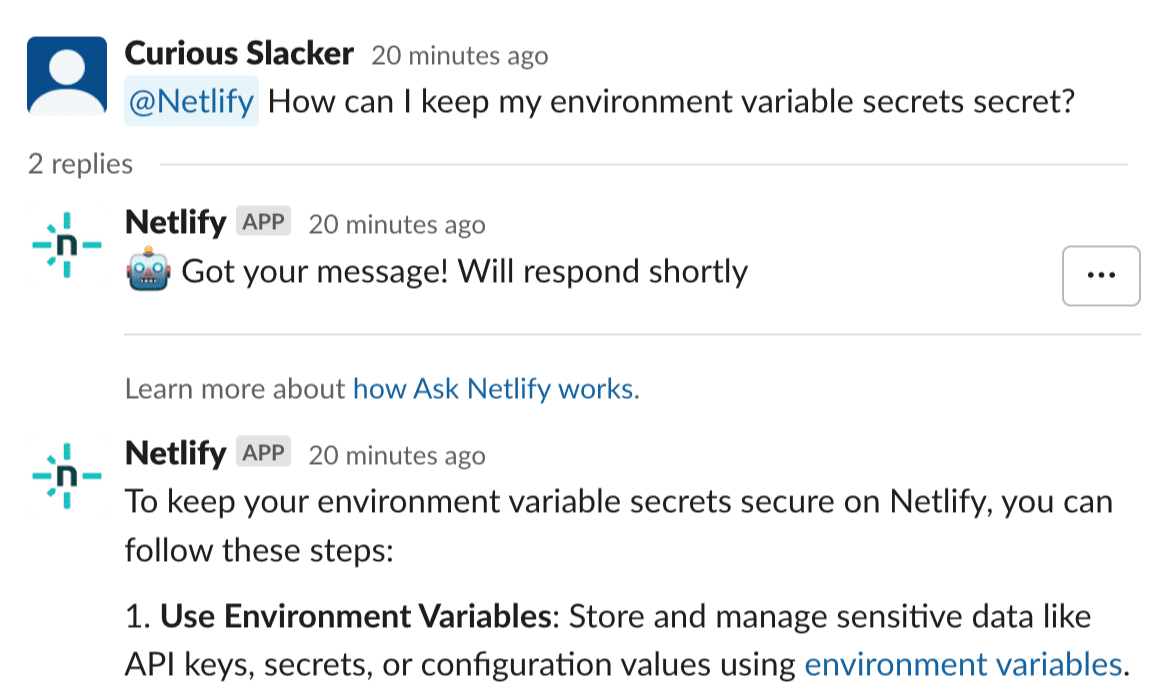
Ask Netlify will thread its response to your question. Our chatbot assistant sadly cannot advise on the best burritos in your local area, but it can help you better take advantage of the products and features on the Netlify platform! Learn more about how it works.
Sharing feedback
We have more ideas up our sleeve for connecting your sites to your key communication channels, but we’d love to hear what you think! You can leave feedback directly from a Netlify Slack message, using the “…” menu:
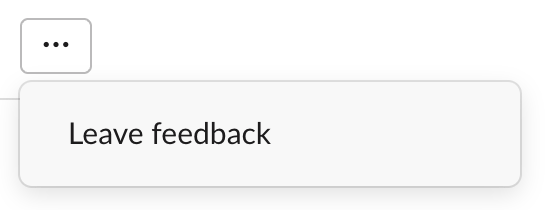
Your feedback, along with notification metadata, will be sent to the Netlify team for review.
As ever, the Netlify forums are also available for any product feedback. Thanks to all who try out the Netlify-official Slack app beta, we always appreciate your thoughts!
Not yet on Netlify? Request a custom demo of our platform.