


本文档描述了用 sketch 设计和输出响应式 html5 网页的步骤。
相关附件已经放在github上: https://github.com/surfsky/SketchResponsive.git
2018-08-06
Anima 插件官网:http://launchpad.animaapp.com
AutoLayout:https://www.youtube.com/watch?v=v393LgriWCs&frags=pl%2Cwn
Stack Layout:https://www.youtube.com/watch?v=DiCXg17CwIY&frags=pl%2Cwn
To Responsive Html:
https://www.youtube.com/watch?v=00Hjzw9_YLs&t=1105s&frags=pl%2Cwn
https://www.youtube.com/watch?v=E3xZui2myUU
两个已发布的测试网站:
https://launchpad.animaapp.com/autoResponsive
https://launchpad.animaapp.com/autoweb
GitHub:
https://github.com/AnimaApp/Auto-Layout
https://github.com/AnimaApp/Launchpad
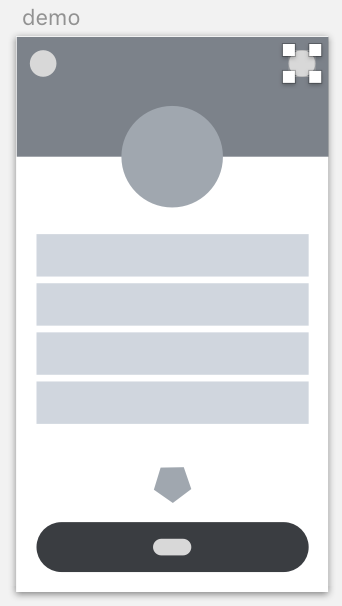
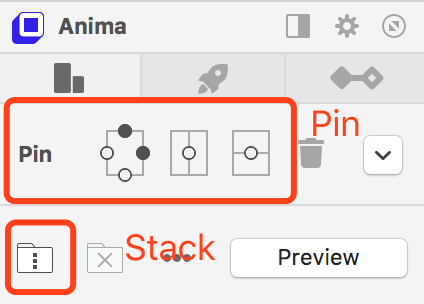
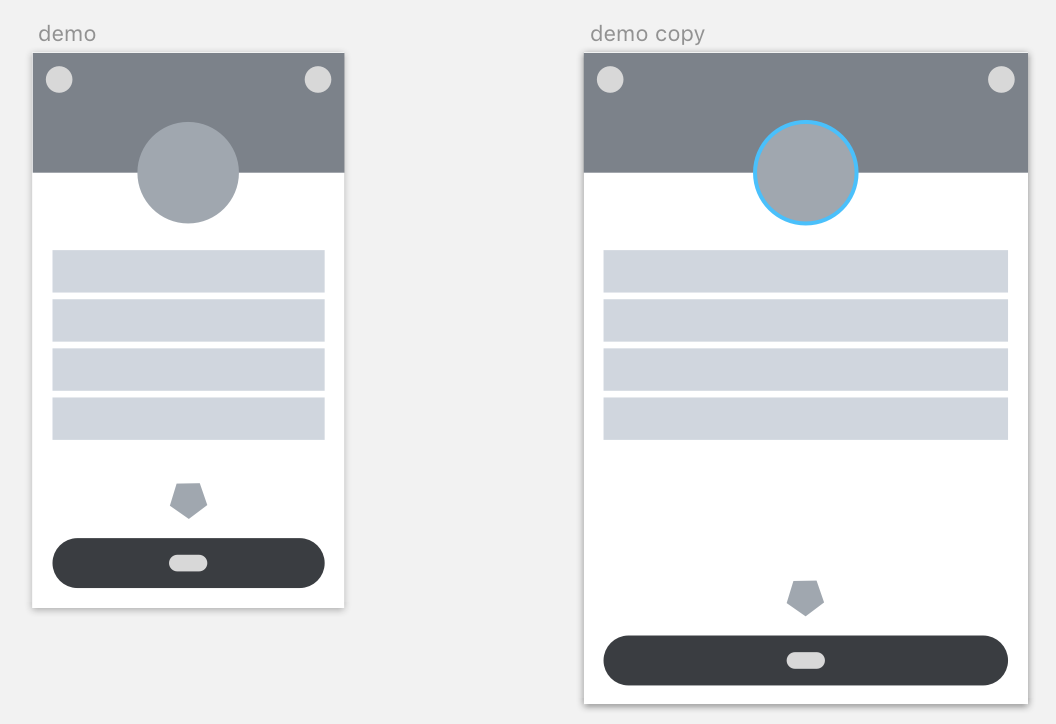
(1)使用pin和stack进行定位(注意嵌套的symbols内部也必须使用pin或stack)
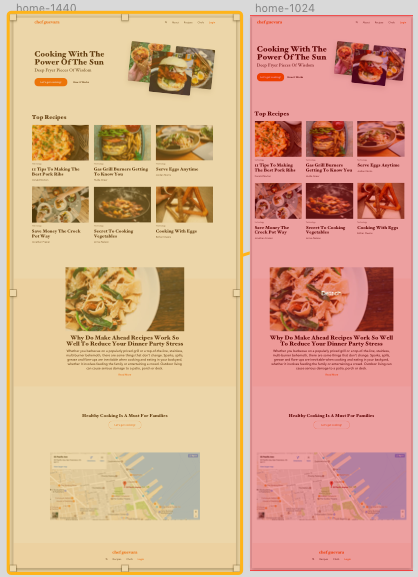
(2)用 Breakpoints 进行多分辨率适配

(3)其它功能:
|
名称 |
说明 |
|
Links |
网页跳转 |
|
Breakpoints |
网页分辨率自适应切换 |
|
Overlay |
浮动层 |
|
Fixed |
固定位置? |
|
Set Home |
设置选中Artboard为主页 |
|
Widgets |
三方Widget插件,如google 地图 |
|
Forms |
将选中元件用web表单控件替代(输入框/提交按钮) |
|
Video/Gif |
将选中元件用视频动画替代 |
|
Hover |
浮动? |
|
Animations |
动画? |
|
Manage |
管理发布的网页 |
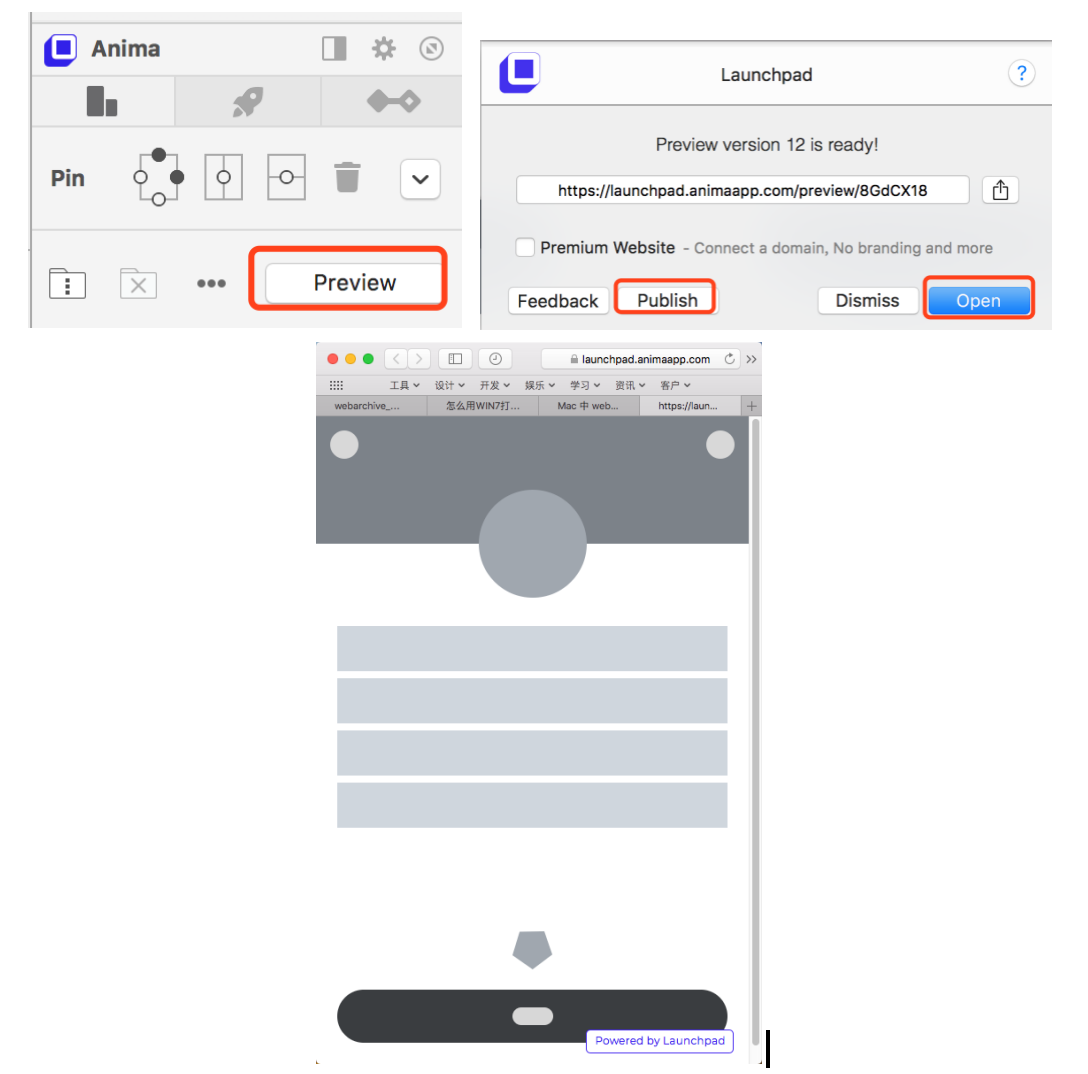
(1)建议用chrome保存网页,并用三方编辑器整理代码。
(2)可删除尾部免费版的浮动标签代码

(3)可删除部分Head代码
<!-- saved from url=(0051)https://launchpad.animaapp.com/preview/8GdCX18/demo -->
<link rel="shortcut icon" type="image/png" href="https://animaapp.s3.amazonaws.com/home/favicon.png" />
<meta name="author" content="Launchpad by Anima" />
(4)保存并用浏览器打开, ok!
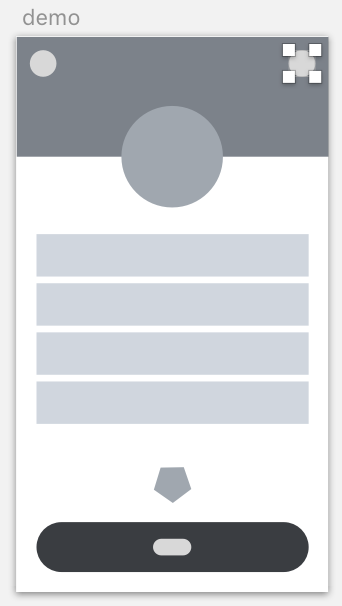
ps. 新版本的Anima插件界面布局上略有修改,操作基本一致。可去其官方网站查看最新文档。
此内容由惯性聚合(RSS阅读器)自动聚合整理,仅供阅读参考。 原文来自 — 版权归原作者所有。