惯性聚合 高效追踪和阅读你感兴趣的博客、新闻、科技资讯
阅读原文 在惯性聚合中打开

推荐订阅源

S
Secure Thoughts
Security Latest
Security Latest
Simon Willison's Weblog
O
OpenAI News
GbyAI
GbyAI
L
LINUX DO - 最新话题
A
Arctic Wolf
T
Tor Project blog
G
GRAHAM CLULEY
I
InfoQ
博客园_首页
IT之家
IT之家
The Register - Security
Exploit-DB.com RSS Feed
P
Proofpoint News Feed
The GitHub Blog
The GitHub Blog
Blog — PlanetScale
Blog — PlanetScale
N
Netflix TechBlog - Medium
K
Kaspersky official blog
博客园 - 三生石上(FineUI控件)
S
SegmentFault 最新的问题
U
Unit 42
PCI Perspectives
PCI Perspectives
量子位
P
Palo Alto Networks Blog
S
Securelist
T
Troy Hunt's Blog
博客园 - 【当耐特】
Recorded Future
Recorded Future
K
KPMG report finds enterprise disconnect between AI and its ROI | CIO
S
Security Affairs
Engineering at Meta
Engineering at Meta
T
The Blog of Author Tim Ferriss
博客园 - 聂微东
罗磊的独立博客
N
News and Events Feed by Topic
人人都是产品经理
人人都是产品经理
B
Blog RSS Feed
NISL@THU
NISL@THU
C
Cisco Blogs
T
Threatpost
有赞技术团队
有赞技术团队
Forbes - Security
Forbes - Security
Hugging Face - Blog
Hugging Face - Blog
Last Week in AI
Last Week in AI
T
The Exploit Database - CXSecurity.com
Cloudbric
Cloudbric
Cyberwarzone
Cyberwarzone
Google DeepMind News
C
Cyber Attacks, Cyber Crime and Cyber Security

博客园 - CB

SVG 动画实现弹性的页面元素效果 Trianglify – 五彩缤纷的 SVG 背景图案 『转』Photoshop中改进ios设计流程的30个诀窍 【转】6 个强大的 HTML5 应用在线开发工具 【转】2012年度最新免费web开发设计资源荟萃 【转】inline-blcok 前世今生 【转】60款很酷的 jQuery 幻灯片演示和下载 【转载】用CSS3做的动画按钮 【转载】时尚的CSS3进度条 【转】[jQuery插件]图片居中裁切效果 漂亮的表格 6款强大的jQuery插件 创建和加强网站布局 RMB符号的几种显示方式。 [转载] 模仿淘宝列表页面的工具栏随屏幕滚动效果 2010年最佳jQuery插件 网站开发人员应该知道的62件事 - CB - 博客园 转载“精简版”滚动到顶部和底部的jQuery效果 21个精彩的Jquery效果插件 编写跨浏览器兼容的 CSS 代码的金科玉律
用HTML5 Canvas为网页添加动态波浪背景
CB · 2016-11-23 · via 博客园 - CB

<!DOCTYPE html>
<html>
<head>
    <title>三里屯SOHO商盟</title>
    <meta charset="utf-8" />
    <meta name="viewport" content="width=device-width, initial-scale=1.0, minimum-scale=1.0, maximum-scale=1.0, user-scalable=no"/>
    <meta name="apple-mobile-web-app-status-bar-style" content="black"/>
    <meta name="apple-mobile-web-app-title" content=""/>
    <meta name="apple-touch-fullscreen" content="YES" />
    <meta name="apple-mobile-web-app-capable" content="yes" />
    <meta name="format-detection" content="telephone=no" />
    <meta name="HandheldFriendly" content="true" />
    <meta http-equiv="x-rim-auto-match" content="none" />
    <meta name="format-detection" content="telephone=no" />
    <!-- This is to force IE into the latest version mode, overriding 'compatibility' mode which breaks everything. -->
    <meta http-equiv="X-UA-Compatible" content="IE=edge" />
    <link rel="apple-touch-icon-precomposed" sizes="57x57" href="" />
    <link rel="apple-touch-icon-precomposed" sizes="72x72" href="" />
    <link rel="apple-touch-icon-precomposed" sizes="114x114" href="" />
    <link rel="apple-touch-icon-precomposed" sizes="144x144" href="" />
    <link href="assets/css/reset.css" rel="stylesheet" type="text/css">
    <link href="assets/css/base.css" rel="stylesheet" type="text/css">
    <!--feature-->
    <link href="assets/css/index.css" rel="stylesheet" type="text/css">
    <style type="text/css">

    </style>
</head>
<body>
    <section class="doc doc--bg2" style="width: 400px;height: 400px;margin: 0 auto;border-radius: 400px;position: relative;border:1px#efefef solid;overflow: hidden;">
        <canvas id="canvas" style="position:absolute;top:0px;left:0px;z-index:1;"></canvas>
    </section>
    <script type="text/javascript">
        var canvas = document.getElementById('canvas');  
        var ctx = canvas.getContext('2d');  
        canvas.width = canvas.parentNode.offsetWidth;  
        canvas.height = canvas.parentNode.offsetHeight;


        //如果浏览器支持requestAnimFrame则使用requestAnimFrame否则使用setTimeout  
        window.requestAnimFrame = (function(){  
        return  window.requestAnimationFrame       ||  
                window.webkitRequestAnimationFrame ||  
                window.mozRequestAnimationFrame    ||  
                function( callback ){  
                  window.setTimeout(callback, 1000 / 60);  
                };  
        })();  
        //初始角度为0  
        var step = 0;  
        //定义三条不同波浪的颜色  
        var lines = ["rgba(0,222,255, 0.2)",  
                       "rgba(157,192,249, 0.2)",  
                       "rgba(0,168,255, 0.2)"];  
        function loop(){  
            ctx.clearRect(0,0,canvas.width,canvas.height);  
            step++;  
            //画3个不同颜色的矩形  
            for(var j = lines.length - 1; j >= 0; j--) {  
                ctx.fillStyle = lines[j];  
                //每个矩形的角度都不同,每个之间相差45度  
                var angle = (step+j*45)*Math.PI/180;  
                var deltaHeight   = Math.sin(angle) * 50;  
                var deltaHeightRight   = Math.cos(angle) * 50;  
                ctx.beginPath();  
                ctx.moveTo(0, canvas.height/2+deltaHeight);  
                ctx.bezierCurveTo(canvas.width /2, canvas.height/2+deltaHeight-50, canvas.width / 2, canvas.height/2+deltaHeightRight-50, canvas.width, canvas.height/2+deltaHeightRight);  
                ctx.lineTo(canvas.width, canvas.height);  
                ctx.lineTo(0, canvas.height);  
                ctx.lineTo(0, canvas.height/2+deltaHeight);  
                ctx.closePath();  
                ctx.fill();  
            }  
            requestAnimFrame(loop);  
        }  
        loop(); 
    </script>
</body>
</html>

View Code

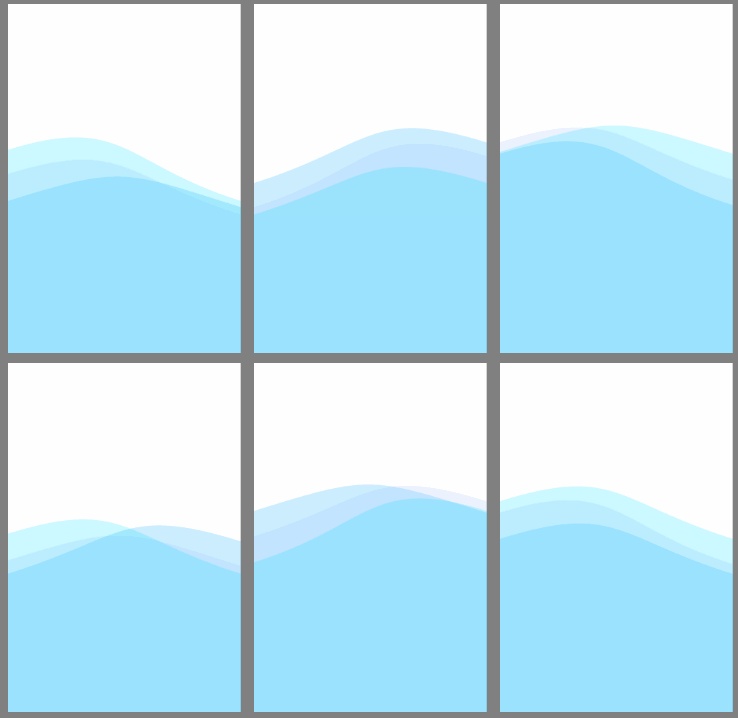
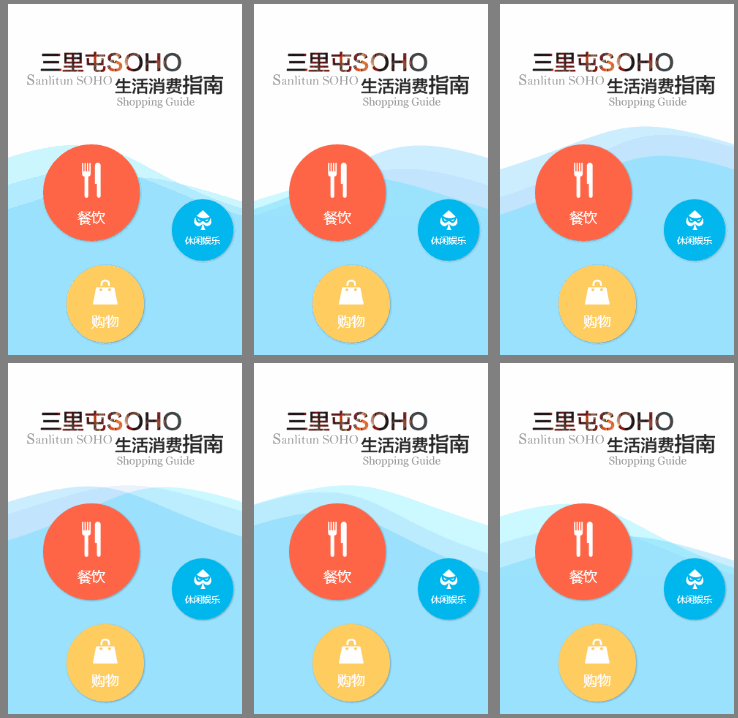
首先来看下效果图。
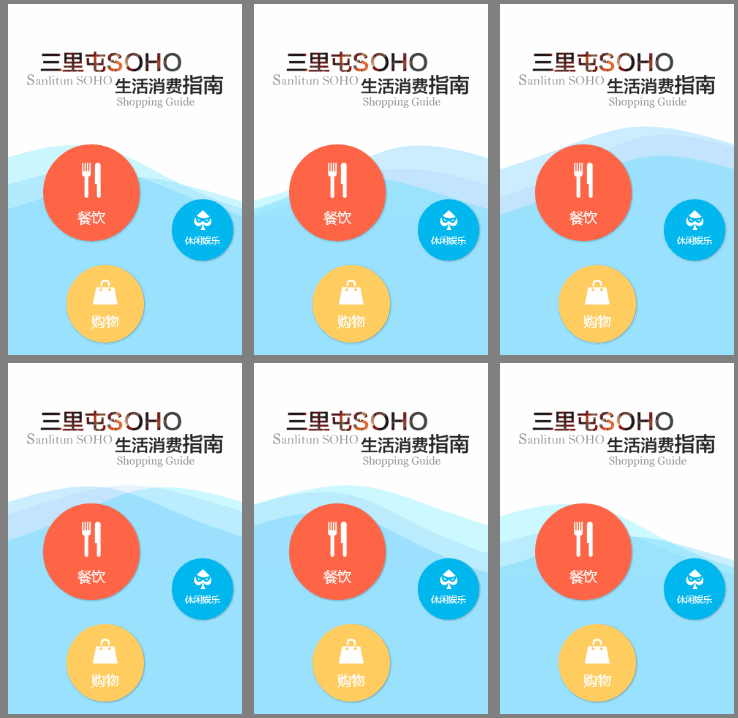
wKioL1OqoWHi8F2-AAJE_rASUl0068.gif

要实现这样的动画普通的CSS3是鞭长莫及了,只能使用Canvas。好在使用canvas也非常简单。

Step1.

新建一个画布(<canvas>)元素,并放在在所有按钮和logo的下方以免遮挡前面的元素。

1

<canvas id="canvas" style="position:absolute;top:0px;left:0px;z-index:1;"></canvas>

将Canvas的宽高设定成其父元素的宽高,以充满他的父元素。也可以直接使用window.innerHeight,window.innerWidth。使其充满整个屏幕。

1

2

3

4

var canvas = document.getElementById('canvas');

var ctx = canvas.getContext('2d');

canvas.width = canvas.parentNode.offsetWidth;

canvas.height = canvas.parentNode.offsetHeight;

Step2.

在画布中画一个充满半个屏幕的矩形。

我们只需要找到矩形的四个定点的坐标,使用Canvas的绘制路径并填充这个路径。四个点分别是:

(0, 画布高度t/2)
(画布宽度, 画布高度t/2)
(画布宽度 画布高度t/2)
(0, 画布高度t/2)

注意:坐标的(0,0)在画布的左上角。

1

2

3

4

5

6

7

8

9

10

11

12

13

14

15

16

17

18

ctx.fillStyle = "rgba(0,222,255, 0.2)";

ctx.beginPath();

ctx.moveTo(0, canvas.height/2);

ctx.lineTo(canvas.width, canvas.height/2);

ctx.lineTo(canvas.width, canvas.height);

ctx.lineTo(0, canvas.height);

ctx.lineTo(0, canvas.height/2);

ctx.closePath();

ctx.fill();

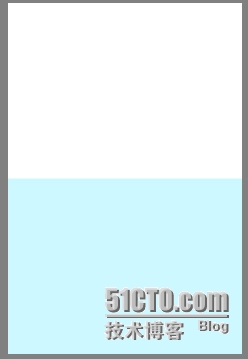
运行代码:

wKioL1OqobyCOIJBAAA9vTNYksU822.jpg

Step3.

让矩形动起来。要做动画我们需要持续的清空画布并重新绘制新的矩形,就像电影每秒播放24张图片。我们新建一个loop函数,用来绘制每一帧的图像,并使用requestAnimFrame来告诉浏览器每一帧都要使用loop来绘制。

1

2

3

4

5

6

7

8

9

10

11

12

13

window.requestAnimFrame = (function(){

return  window.requestAnimationFrame       ||

        window.webkitRequestAnimationFrame ||

        window.mozRequestAnimationFrame    ||

        function( callback ){

          window.setTimeout(callback, 1000 / 60);

        };

})();

function loop(){

    requestAnimFrame(loop);

}

loop();


把之前绘制矩形的代码放到loop中,并在绘制矩形的代码之前清空画布中所有的图形。

1

2

3

4

5

6

7

8

9

10

11

12

13

14

15

function loop(){

    ctx.clearRect(0,0,canvas.width,canvas.height);

    ctx.fillStyle = "rgba(0,222,255, 0.2)";

    ctx.beginPath();

    ctx.moveTo(0, canvas.height/2);

    ctx.lineTo(canvas.width, canvas.height/2);

    ctx.lineTo(canvas.width, canvas.height);

    ctx.lineTo(0, canvas.height);

    ctx.lineTo(0, canvas.height/2);

    ctx.closePath();

    ctx.fill();

    requestAnimFrame(loop);

}

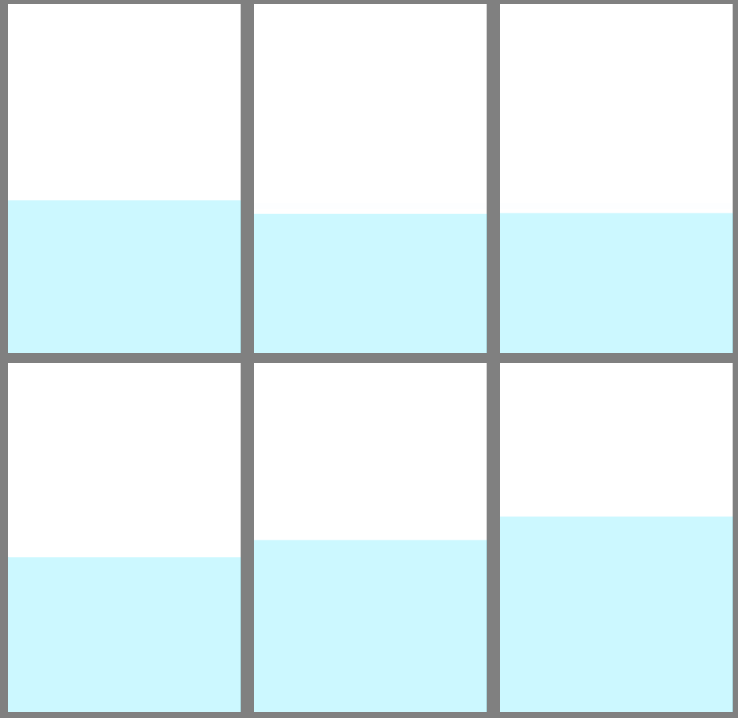
接下来我们更改每一帧中的矩形的高度来模拟波浪的形态,波浪其实是在波峰与波谷之间做周期性运动。我们假设波峰与波谷间都是50px,那么矩形的高度的变化值应该在-50px到50px之间。为了达到周期性的效果我们采用正弦函数sin(x),因为不管x值怎么变化sin(x)的值始终在-1与1之间。我们新建一个变量 var step =0 使其在每一帧中自增,表示每一帧角度增加一度,并用Math.sin()取他的正弦值。JS中的sin使用的弧度值,我们需要把step转换成弧度值,var angle = step*Math.PI/180; 取角度的正弦值乘以50得到了矩形高度的变化量。将变化量加在矩形的左上与右上两个顶点的y坐标上。

1

2

3

4

5

6

7

8

9

10

11

12

13

14

15

16

17

18

19

20

21

22

var step = 0;

function loop(){

    ctx.clearRect(0,0,canvas.width,canvas.height);

    ctx.fillStyle = "rgba(0,222,255, 0.2)";

    step++;

    var angle = step*Math.PI/180;

    var deltaHeight   = Math.sin(angle) * 50;

    ctx.beginPath();

    ctx.moveTo(0, canvas.height/2+deltaHeight);

    ctx.lineTo(canvas.width, canvas.height/2+deltaHeight);

    ctx.lineTo(canvas.width, canvas.height);

    ctx.lineTo(0, canvas.height);

    ctx.lineTo(0, canvas.height/2+deltaHeight);

    ctx.closePath();

    ctx.fill();

    requestAnimFrame(loop);

}

运行代码:

wKiom1Oqoh_wspXWAABXAgzP24I168.gif

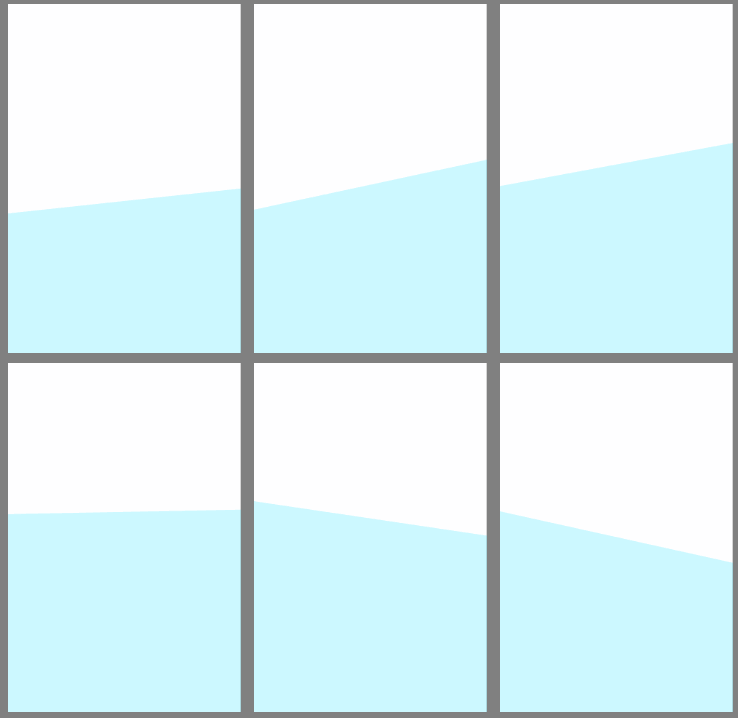
将右上顶点的变化值改为角度的余弦,使其左右不同步。var deltaHeightRight   = Math.cos(angle) * 50;

1

2

3

4

5

6

7

8

9

10

11

12

13

14

15

16

17

18

19

20

21

22

23

24

var step = 0;

function loop(){

    ctx.clearRect(0,0,canvas.width,canvas.height);

    ctx.fillStyle = "rgba(0,222,255, 0.2)";

    step++;

    var angle = step*Math.PI/180;

    var deltaHeight   = Math.sin(angle) * 50;

    var deltaHeightRight   = Math.cos(angle) * 50;

    ctx.beginPath();

    ctx.moveTo(0, canvas.height/2+deltaHeight);

    ctx.lineTo(canvas.width, canvas.height/2+deltaHeightRight);

    ctx.lineTo(canvas.width, canvas.height);

    ctx.lineTo(0, canvas.height);

    ctx.lineTo(0, canvas.height/2+deltaHeight);

    ctx.closePath();

    ctx.fill();

    requestAnimFrame(loop);

}

运行代码:

wKioL1OqogmwojF9AACY3v8zvLk244.gif

Step4

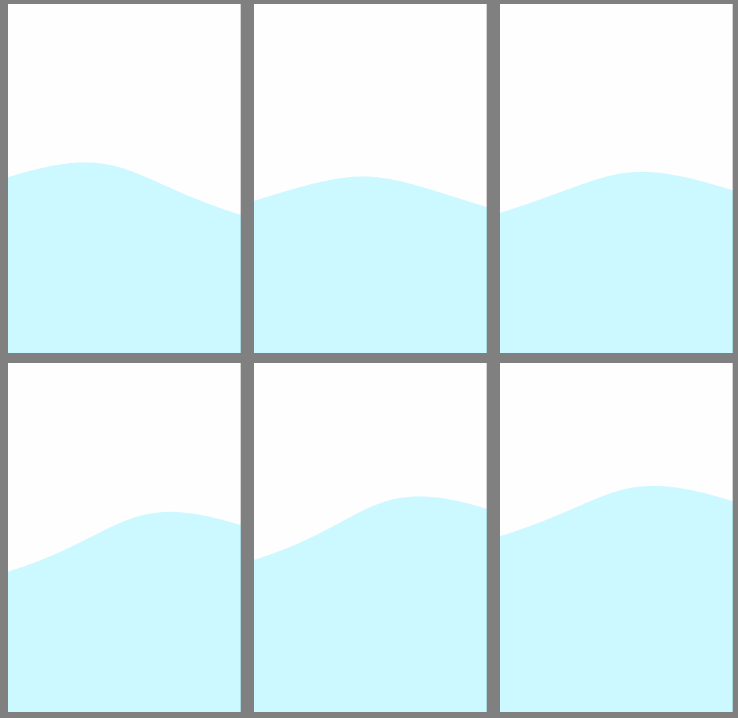
将矩形的顶上的边变成曲线。

在上面的代码中我们用lineTo来绘制矩形的边,为了要绘制曲线我们需要

bezierCurveTo(cpX1, cpY1, cpX2, cpY2, x, y)

函数。绘制的起点是矩形的左上顶点,结束点为右上顶点。bezierCurveTo函数的参数中(cpX1,cpY1)与(cpX2,cpY2)分别是起点与结束点的控制点,(x,y)为结束点。我们将两个控制点的x值设定在画布的正中心,y值在起始点与终点的y值上面减去50;(canvas.width /2, canvas.height/2+deltaHeight-50),(canvas.width / 2,canvas.height/2+deltaHeightRight-50),可以根据效果调整。

1

2

3

4

5

6

7

8

9

ctx.beginPath();

ctx.moveTo(0, canvas.height/2+deltaHeight);

ctx.bezierCurveTo(canvas.width /2, canvas.height/2+deltaHeight-50, canvas.width / 2, canvas.height/2+deltaHeightRight-50, canvas.width, canvas.height/2+deltaHeightRight);

ctx.lineTo(canvas.width, canvas.height);

ctx.lineTo(0, canvas.height);

ctx.lineTo(0, canvas.height/2+deltaHeight);

ctx.closePath();

运行代码:

wKiom1Oqolyw2WdxAACAKLANCXM315.gif

Step5

一个波浪画好了。我们只需要同时画3个不同颜色的波浪,并且使不同波浪的角度不同就可以得到效果图中的效果了。

1

2

3

4

5

6

7

8

9

10

11

12

13

14

15

16

17

18

19

20

21

22

23

24

25

var lines = ["rgba(0,222,255, 0.2)",

               "rgba(157,192,249, 0.2)",

               "rgba(0,168,255, 0.2)"];

function loop(){

    ctx.clearRect(0,0,canvas.width,canvas.height);

    step++;

    for(var j = lines.length - 1; j >= 0; j--) {

        ctx.fillStyle = lines[j];

        var angle = (step+j*45)*Math.PI/180;

        var deltaHeight   = Math.sin(angle) * 50;

        var deltaHeightRight   = Math.cos(angle) * 50;

        ctx.beginPath();

        ctx.moveTo(0, canvas.height/2+deltaHeight);

        ctx.bezierCurveTo(canvas.width /2, canvas.height/2+deltaHeight-50, canvas.width / 2, canvas.height/2+deltaHeightRight-50, canvas.width, canvas.height/2+deltaHeightRight);

        ctx.lineTo(canvas.width, canvas.height);

        ctx.lineTo(0, canvas.height);

        ctx.lineTo(0, canvas.height/2+deltaHeight);

        ctx.closePath();

        ctx.fill();

    }

    requestAnimFrame(loop);

}

运行代码:

wKiom1OqonTAtueIAAJ1DyYAXBc916.gif

Step6

添加好按钮与logo的HTML代码就大功告成了。

wKiom1OqooLTogroAAJE_rASUl0997.gif