惯性聚合 高效追踪和阅读你感兴趣的博客、新闻、科技资讯
阅读原文 在惯性聚合中打开

推荐订阅源

Security Archives - TechRepublic
Project Zero
Project Zero
K
Kaspersky official blog
G
Google Developers Blog
T
Threat Research - Cisco Blogs
T
The Blog of Author Tim Ferriss
Cyberwarzone
Cyberwarzone
Y
Y Combinator Blog
Recorded Future
Recorded Future
Blog — PlanetScale
Blog — PlanetScale
Threat Intelligence Blog | Flashpoint
Cisco Talos Blog
Cisco Talos Blog
Latest news
Latest news
Microsoft Security Blog
H
Help Net Security
S
Schneier on Security
P
Palo Alto Networks Blog
H
Hacker News: Front Page
N
News and Events Feed by Topic
N
Netflix TechBlog - Medium
博客园 - Franky
OSCHINA 社区最新新闻
OSCHINA 社区最新新闻
SecWiki News
SecWiki News
Cloudbric
Cloudbric
TaoSecurity Blog
TaoSecurity Blog
CTFtime.org: upcoming CTF events
The Hacker News
The Hacker News
C
Check Point Blog
L
LangChain Blog
腾讯CDC
小众软件
小众软件
T
Tenable Blog
Google DeepMind News
GbyAI
GbyAI
L
LINUX DO - 最新话题
A
About on SuperTechFans
Google Online Security Blog
C
Cisco Blogs
Recent Announcements
Hacker News: Ask HN
Hacker News: Ask HN
freeCodeCamp Programming Tutorials: Python, JavaScript, Git & More
Vercel News
Vercel News
雷峰网
雷峰网
美团技术团队
D
DataBreaches.Net
Martin Fowler
Martin Fowler
Help Net Security
Help Net Security
钛媒体:引领未来商业与生活新知
钛媒体:引领未来商业与生活新知
F
Full Disclosure
博客园_首页

博客园 - 陈希章

在本地运行Kusto服务器 请大家支持博客园,购买VIP会员,https://cnblogs.vip PowerAutomate 流程中如何使用环境变量 在PowerShell进行输入预测,提高工作效率 可能是最简单的本地GPT3 对话机器人,支持OpenAI 和 Azure OpenAI Install Docker in WSL 2 (ubuntu) 设置必应搜索默认使用国际版 大数据分析新玩法之Kusto宝典 - 新书发布,免费发行 Kusto 2023 快速入门 开篇 —— 启发式和探索式的大数据分析工具 低代码和人工智能助力疫情期间抗原自测信息自动化收集和处理 批量执行失败的Power Automate 流程 一文讲透为Power Automate for Desktop (PAD) 实现自定义模块 - 附完整代码 是时候使用 YAML 来做配置或数据文件了 在博客文章中使用mermaid 定义流程图,序列图,甘特图 博客园最新的在线编辑器,快捷键一览 为 ASP.NET Core (6.0)服务应用添加ApiKey验证支持 用浏览器快速开启Docker的体验之旅 云原生开启.NET 跨平台之路 Azure Service Fabric 踩坑日志
使用本地自签名证书为 React 项目启用 https 支持
陈希章 · 2022-05-07 · via 博客园 - 陈希章

简介

现在是大前端的时代,我们在本地开发 React 项目非常方便。这不是本文的重点,今天要分享一个话题是,如何为这些本地的项目,添加 https 的支持。为什么要考虑这个问题呢?主要有几个原因

  1. 如果该项目需要调用下层的 API, 并且该 API 是用 https的,则要求前端项目也用 https
  2. 如果你为 Teams 或者 Office 开发应用,他们要求这些应用必须用 https

本文参考了官方文档 https://create-react-app.dev/docs/using-https-in-development/,并且用更加详细的步骤带领大家完成实验。

创建并React项目

npx create-react-app --template typescript testapp
cd testapp
npm start

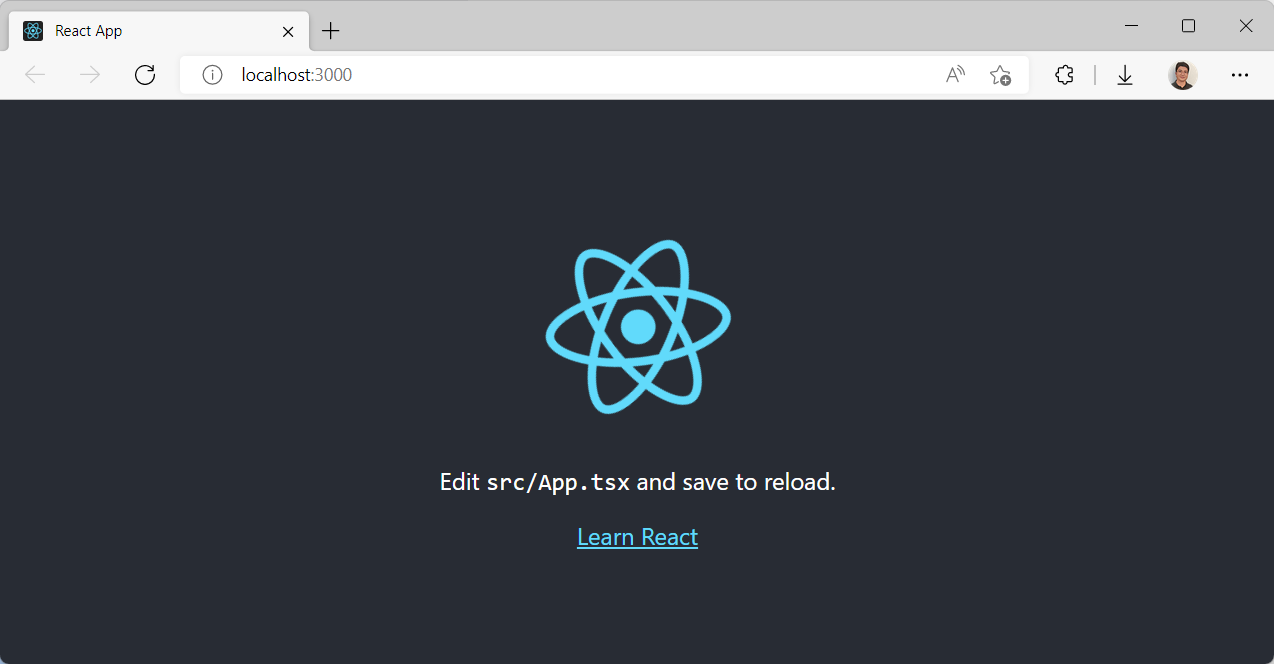
我们会看到再熟悉不过的默认的React项目的那个模板效果,默认在 http://localhost:3000 这个地址访问
如果你想启用 https,其实有一个简单的办法就是用 ($env:HTTPS = "true") -and (npm start) 替换上面的那句 npm start即可
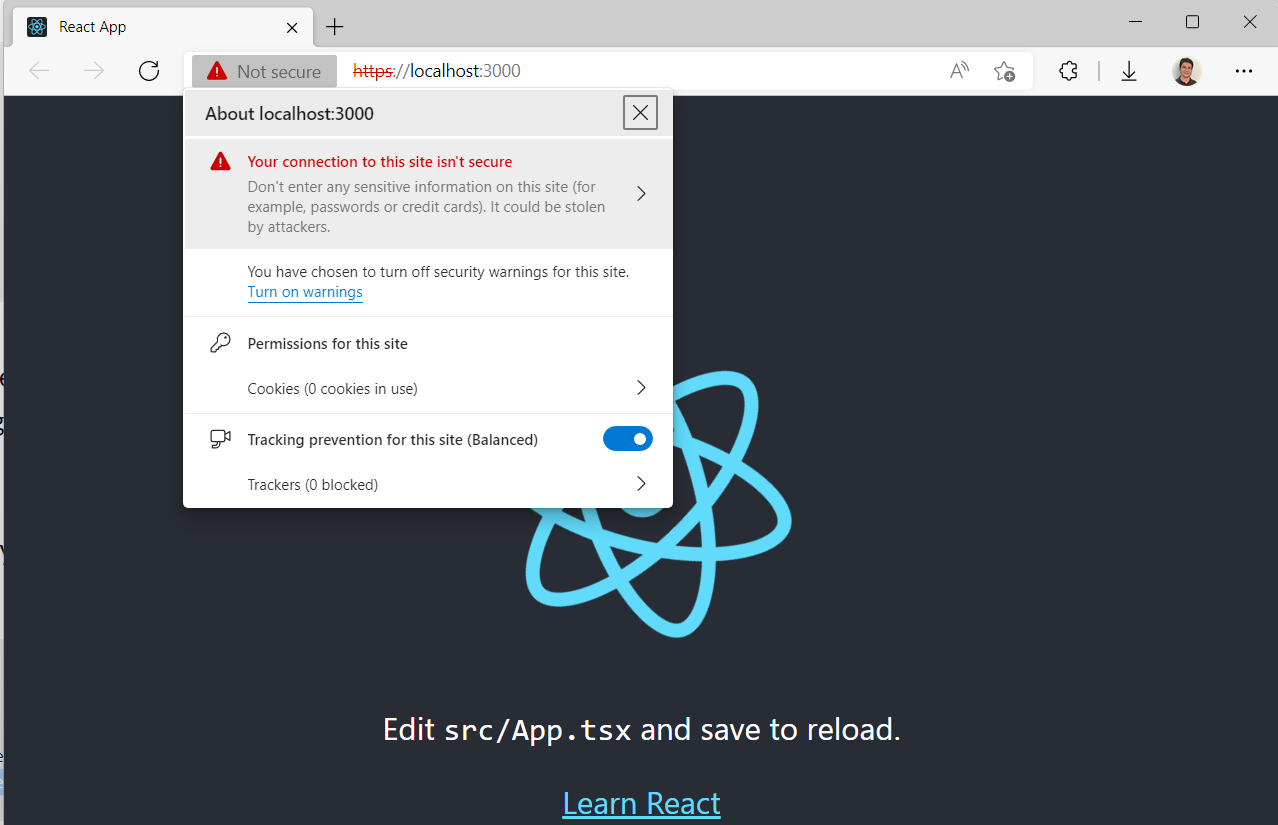
请注意,你现在已经可以用 https://localhost:3000 去访问它了。但很显然这个证书是无效的。下面就继续来学习如何创建自定义证书并且用它来绑定到我们的应用端口上来。

安装自签名证书工具

推荐使用 mkcert,我一般会用 choco 这个工具来安装,请参考我的步骤

# 请在管理员模式下打开Powershell

Set-ExecutionPolicy Bypass -Scope Process -Force; `
[System.Net.ServicePointManager]::SecurityProtocol = [System.Net.ServicePointManager]::SecurityProtocol -bor 3072;`
iex ((New-Object System.Net.WebClient).DownloadString('https://community.chocolatey.org/install.ps1'))

choco install mkcert -y

安装证书信任机构(CA)

mkcert -install

创建证书

# 创建一个用来保存证书文件的目录
mkdir -p .cert
# 可以一次性为多个域名创建证书,这个非常强大
mkcert -key-file ./.cert/key.pem -cert-file ./.cert/cert.pem "localhost" "dev.teamsapp.local"

使用证书来启动当前项目

在当前项目根目录下面创建一个 .env 文件,填写如下的内容

HTTPS=true
SSL_CRT_FILE=.cert/cert.pem
SSL_KEY_FILE=.cert/key.pem

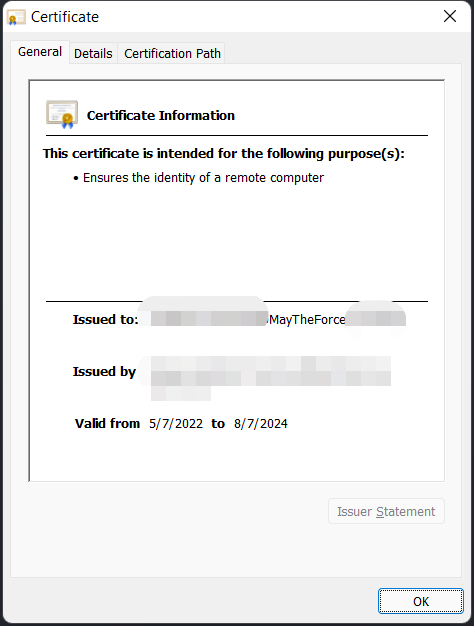
然后,直接还是运行 npm start ,你会发现默认打开的 https://localhost:3000 已经带有合法的证书了