惯性聚合 高效追踪和阅读你感兴趣的博客、新闻、科技资讯
阅读原文 在惯性聚合中打开

推荐订阅源

Microsoft Azure Blog
GbyAI
GbyAI
P
Proofpoint News Feed
Engineering at Meta
Engineering at Meta
Recent Announcements
L
LangChain Blog
B
Blog
阮一峰的网络日志
阮一峰的网络日志
Microsoft Security Blog
博客园 - 【当耐特】
M
MIT News - Artificial intelligence
D
Docker
WordPress大学
WordPress大学
J
Java Code Geeks
奇客Solidot–传递最新科技情报
奇客Solidot–传递最新科技情报
The GitHub Blog
The GitHub Blog
博客园 - 叶小钗
Last Week in AI
Last Week in AI
Stack Overflow Blog
Stack Overflow Blog
有赞技术团队
有赞技术团队
MyScale Blog
MyScale Blog
H
Hackread – Cybersecurity News, Data Breaches, AI and More
MongoDB | Blog
MongoDB | Blog
博客园 - Franky

博客园 - 刀哥道

python 占位符 %s Format odoo 中字段属性对象Field docker的volumes Docker常用命令详解 Ubuntu修改时区和更新时间 SqlServer创建时间维度 odoo 去除登录页‘数据库管理’和‘由odoo提供支持’字样 Python之虚拟环境virtualenv python三大神器之virtualenv linux下将Python环境默认更改为Python3.6 费曼学习法 Ubuntu修改系统默认编码 如何在Ubuntu 18.04上安装和使用PostgreSQL Bash简介 & Bash是如何处理命令的 ubuntu环境变量的三种设置方法 psql 工具详细使用介绍 使用ubuntu server18.04 搭建odoo12运行环境 Ubuntu修改时区和更新时间 Ubuntu18.04修改apt-get源
安装CentOS7.7图解
刀哥道 · 2020-04-23 · via 博客园 - 刀哥道

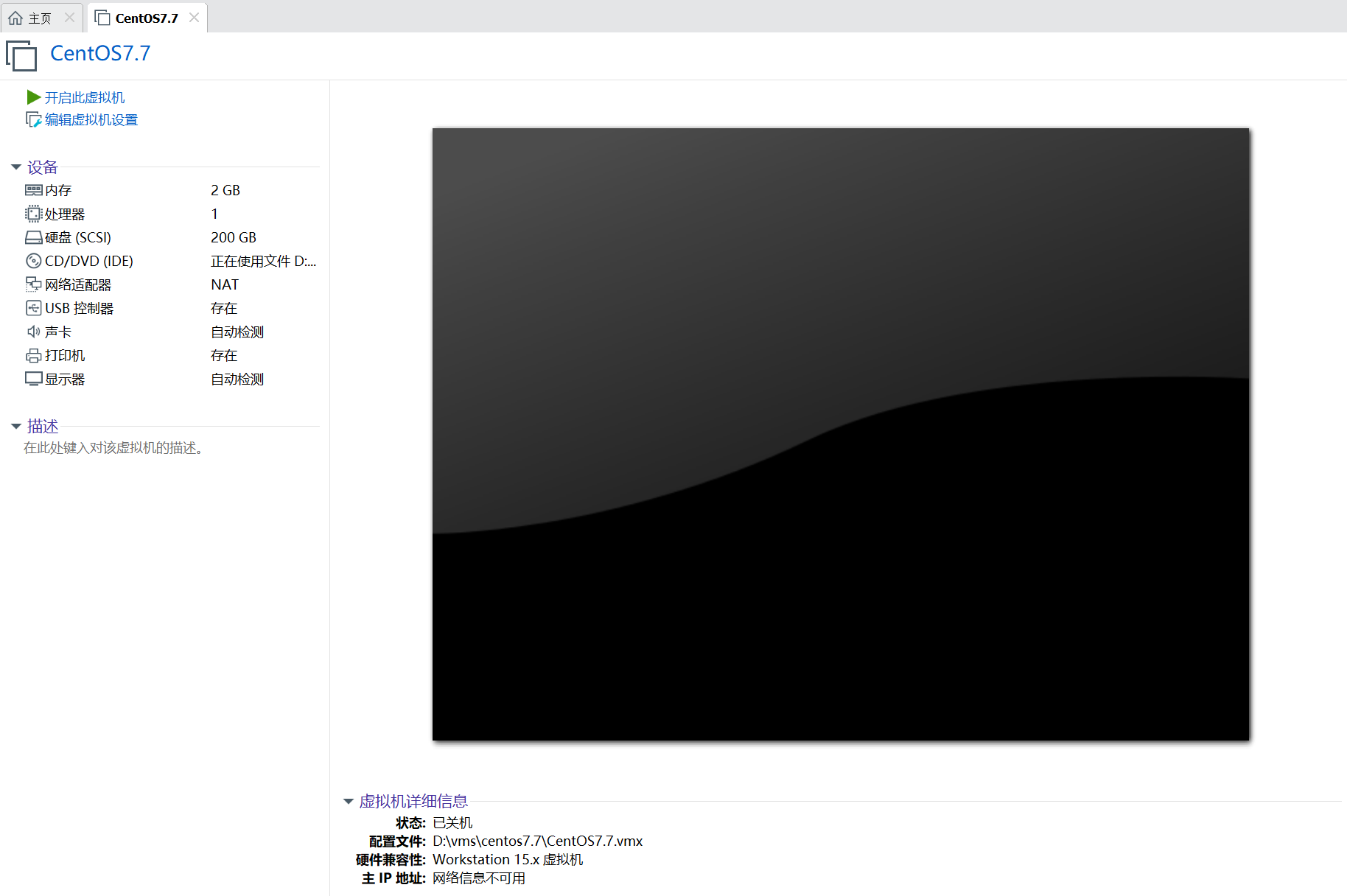
1、基本配置准备,虚拟光驱挂接安装光盘。

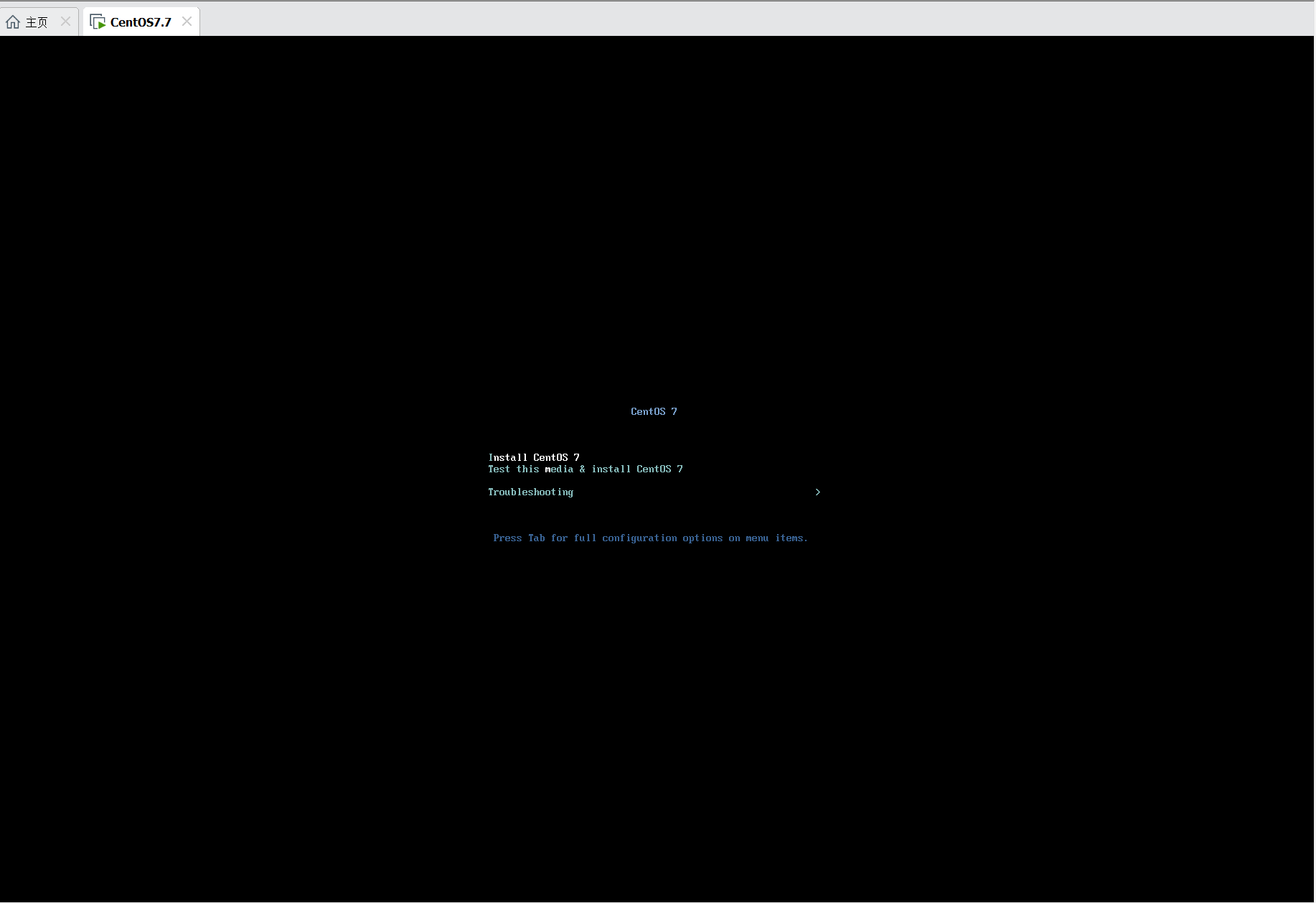
2、启动,可测试安装光盘后安装,我选择直接安装。

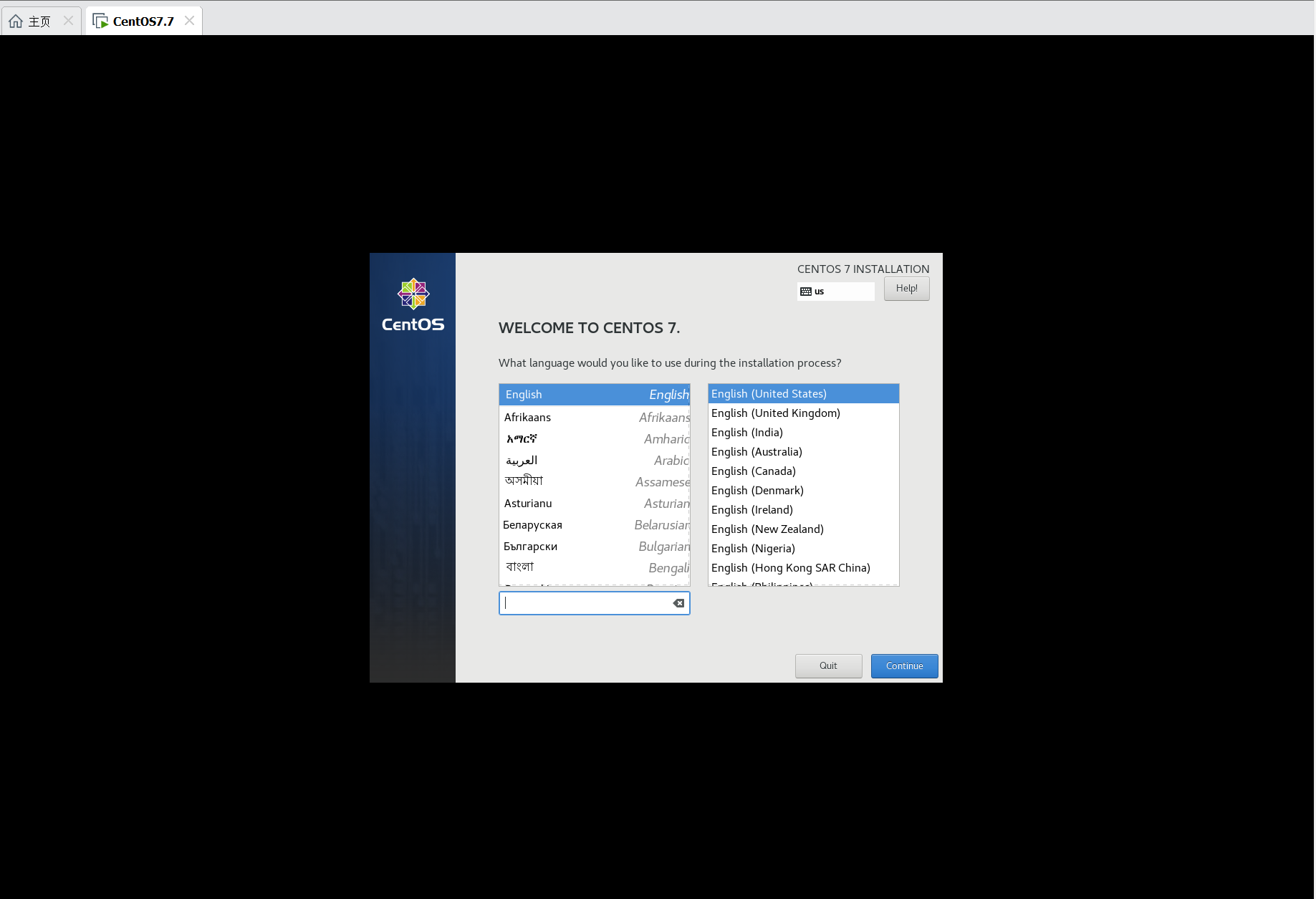
3、选择语言,选择默认英语。

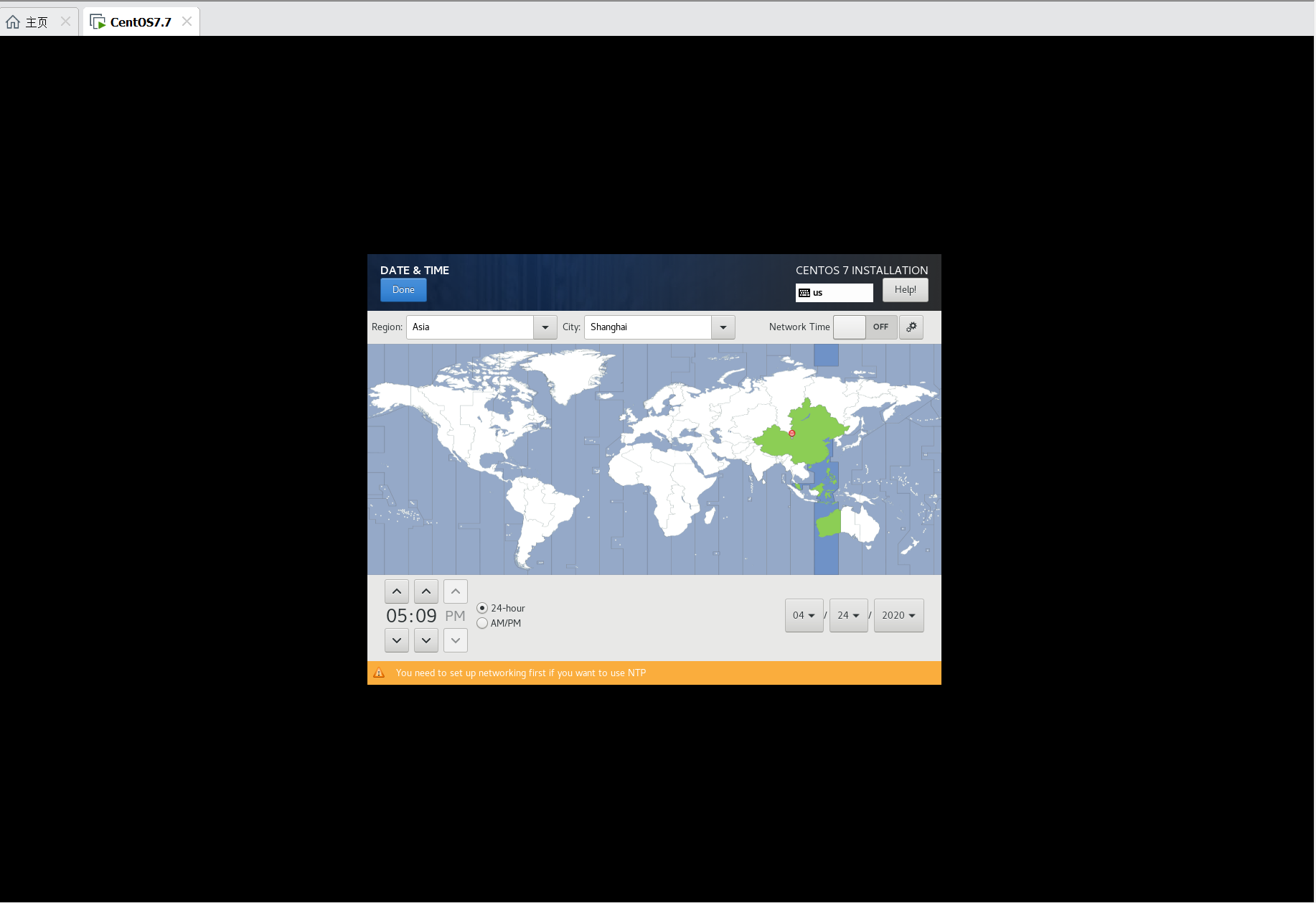
 4、配置时区为shanghai

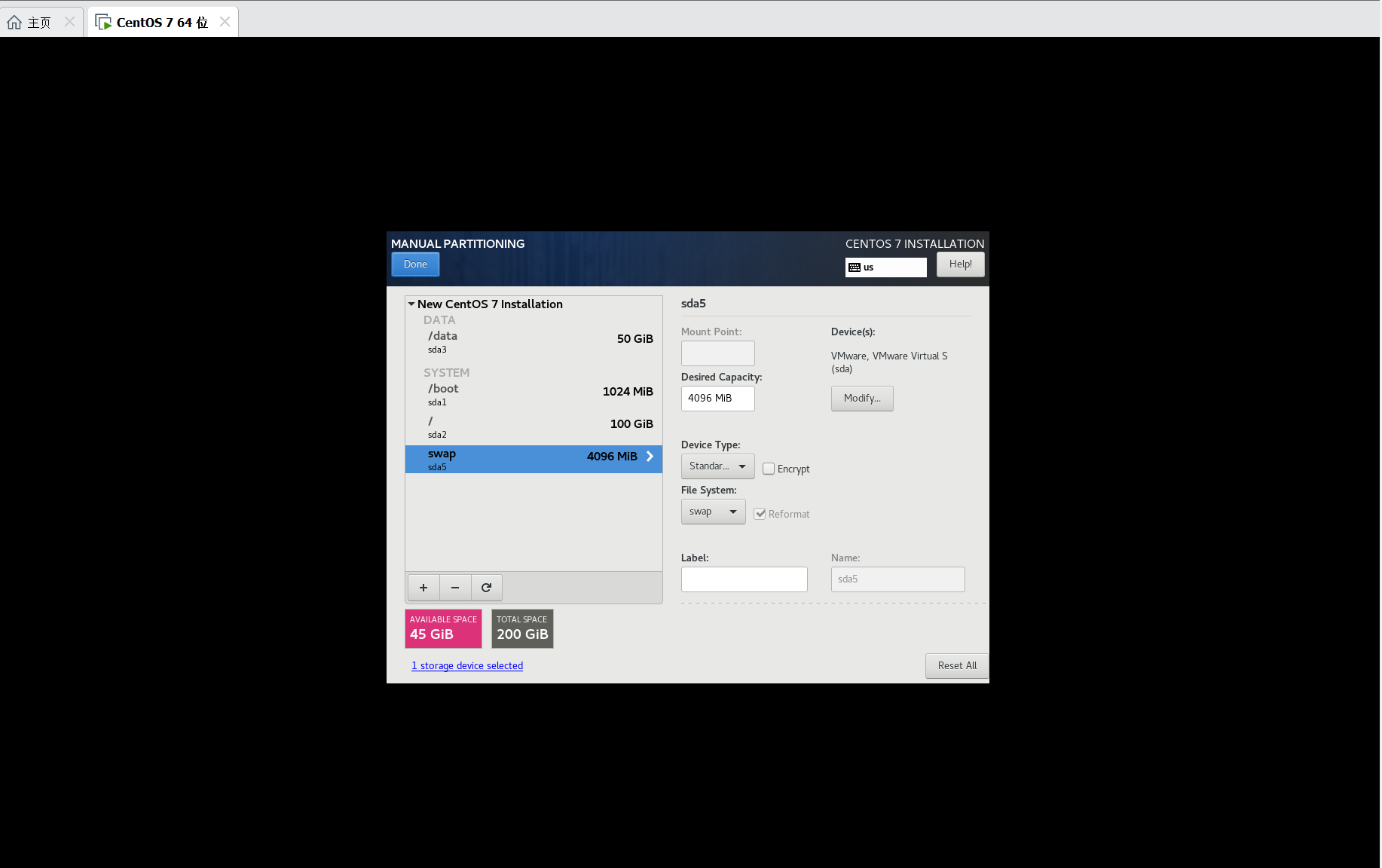
 6 、配置分区

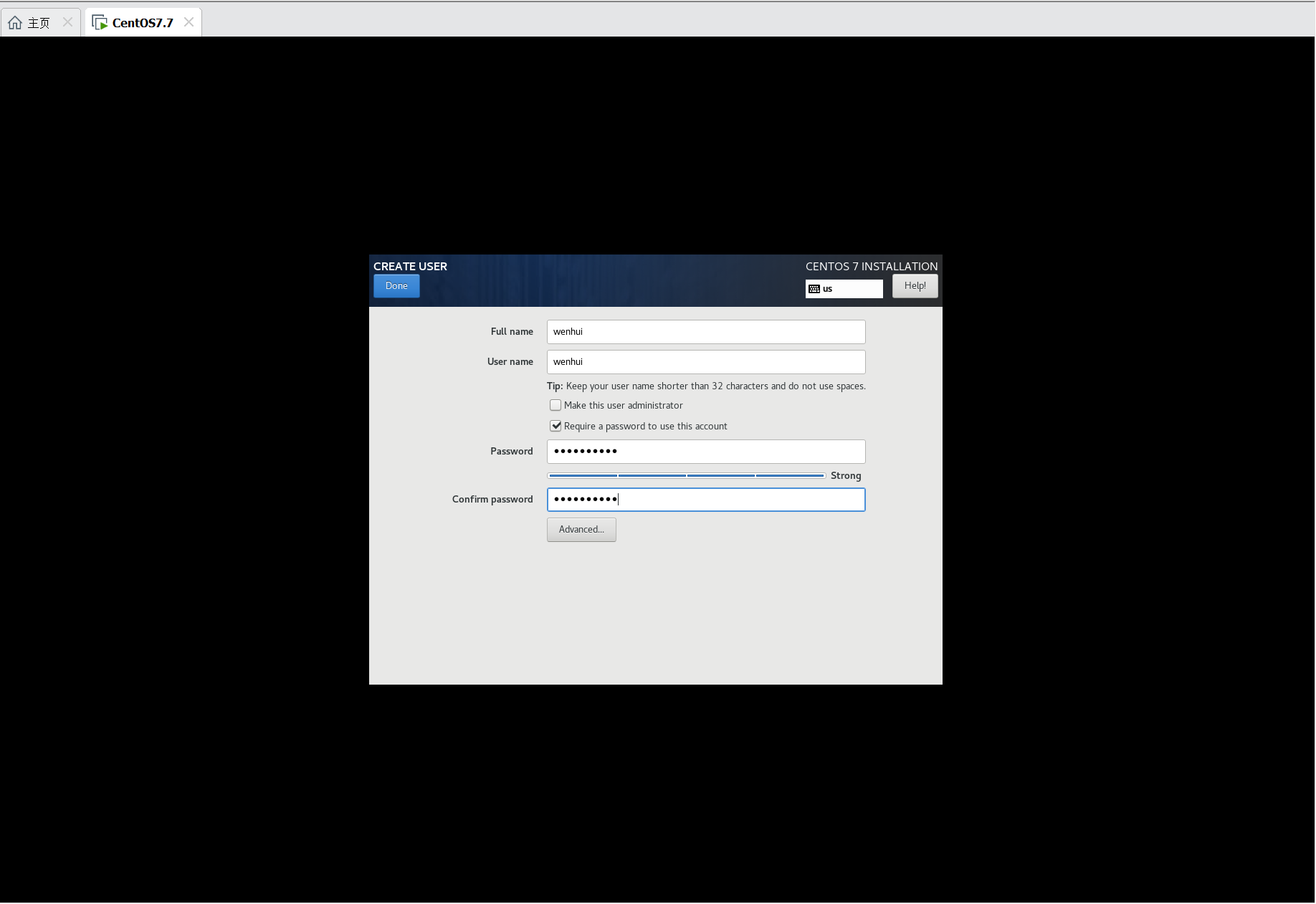
7、开始安装,配置root密码和普通账号


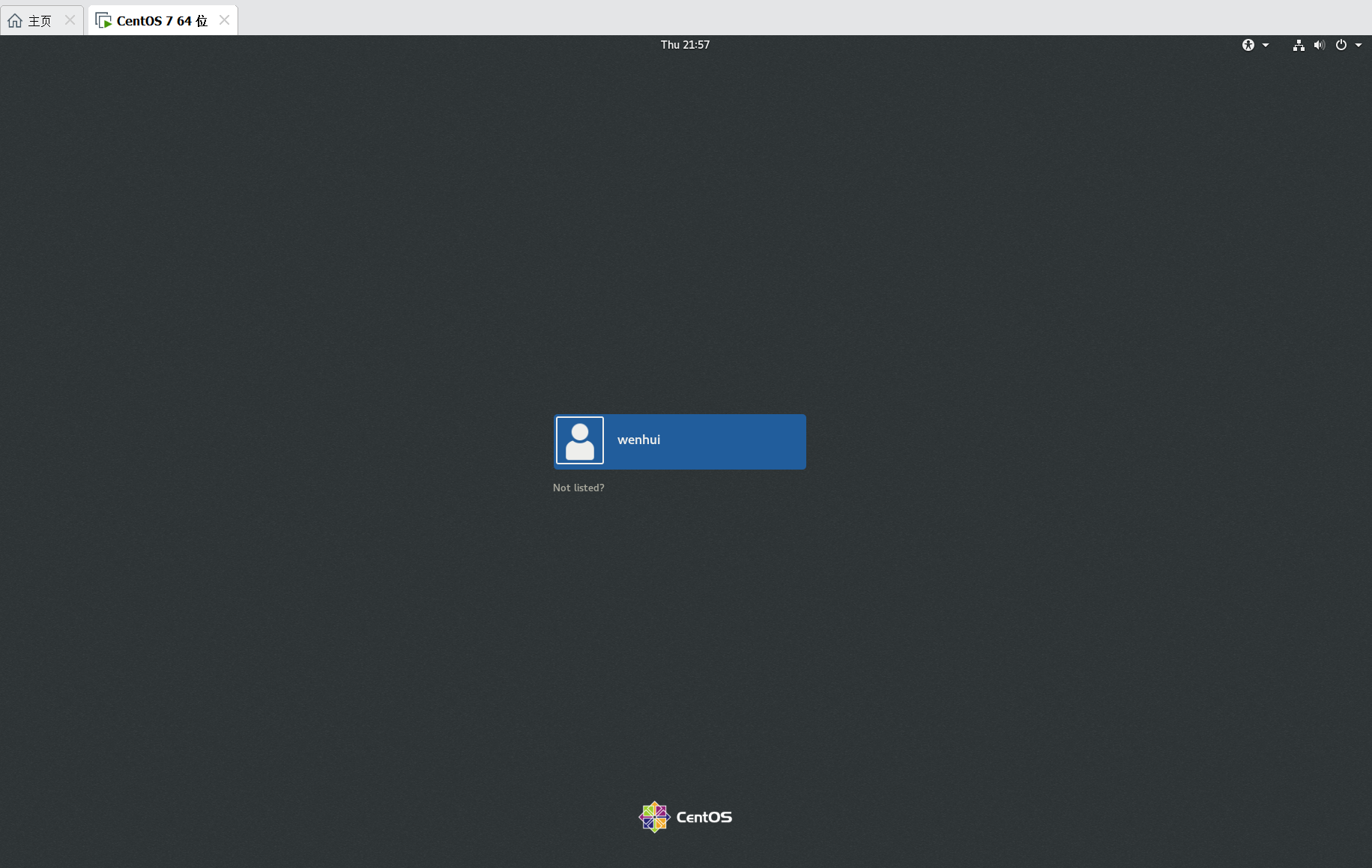
 8、安装完成,登录界面

posted @ 2020-04-23 21:58  刀哥道  阅读(341)  评论(0)    收藏  举报

刷新页面返回顶部