


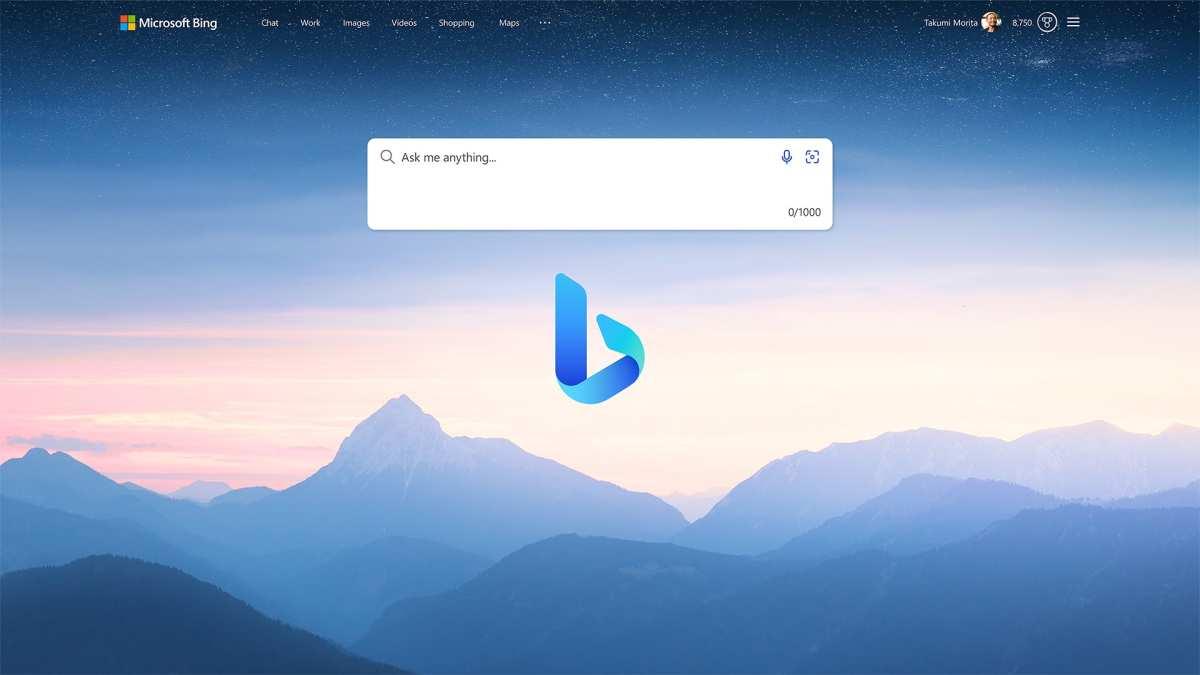
Would you like to chat with your search engine? What if it were a friendly assistant who understands your needs, creates content, and saves you time? That's exactly what the evolution of Bing with ChatGPT offers: the service that started as Bing Chat and is now presented as Microsoft Copilot, with a more polished experience and a unified brand across the entire Microsoft ecosystem.
Since its launch, Microsoft has boosted its search engine with OpenAI language models (including GPT-4) and vision and image generation capabilities with DALL·E 3. The result is a way to search, explore and work that combines the Bing index with a conversational engine capable of understanding complex requests and returning explained, quoted and updated answers.
In its origin, Bing Chat was Microsoft's attempt to bring conversational AI to life. to the search engine. Over time, the company unified its strategy under the name Microsoft Copilot and created its own domain (copilot.microsoft.com) to give it an independent entity, although it remains integrated into Bing and products such as Edge and Windows.
The core of this experience is a LLM developed in collaboration with OpenAIFine-tuned for tasks such as searching, writing, reasoning, and contextual assistance, Copilot is able to respond naturally, maintain the flow of the conversation, and use web results to provide up-to-date information with references.
One of the most important changes was the use of GPT-4 and integration of DALL·E 3 to generate images from text, with more coherent and realistic results. In addition, Microsoft has strengthened security and privacy—especially for business accounts—and added features like Copilot Vision to interpret visual content (screenshots, images, or the screen).
It is good to know that The old brand “Bing Chat” is still present in many guides and tutorialsBut the current experience is called Microsoft Copilot. This will make it easier for you to identify it on the web, in Microsoft apps, and in Microsoft systems.
Microsoft combines its search index with a his own approach, which he calls the "Prometheus model" (Prometheus in some initial references). This model helps improve relevance, annotate sources, and update responses, allowing Copilot to "blend" general knowledge with real-time information from the web.
Unlike closed models with static data, Copilot draws its data from the web and the Bing index. to provide answers that reflect recent changes, news, or updated figures. This approach avoids some of the limitations of systems trained on older data sets.
The platform includes mechanisms for reduce bias and avoid inappropriate responsesThe assistant's behavior is adjusted according to the social context and the sensitivity of certain topics. The goal is for the model to react more responsibly to sensitive issues.
Lastly, Edge Add a sidebar Copilot displays this alongside what you're viewing, so you can summarize a PDF, compare data from a website, or request a draft email without changing tabs.
Today you can use Copilot from your preferred browser (Edge, Chrome, Firefox or Safari) and also through official mobile apps for iOS and Android. In Windows 10 and Windows 11, Copilot is integrated into the system, accessible from the Start menu or its dedicated icon.
The initial access stage through The waiting list is a thing of the past. In most markets, although it was necessary at one point while Microsoft gradually increased capacity. If you encounter any limitations, it's usually due to regional deployments or accounts with specific policies.
On mobile devices, the The SwiftKey keyboard integrates a shortcut to Copilot.This allows you to better compose a message, translate on the fly, or rewrite text without leaving your app. Additionally, there's a widget for iOS and Android that launches the assistant from your home screen.
If you prefer a simple starting point, Go to copilot.microsoft.comSign in with your Microsoft account and start writing whatever you need: questions, a briefing, a list of ideas, a social media post, or a presentation script.
Copilot sets a maximum of approximately 30 shifts per session and a limit of around 4.000 characters per request, figures that Microsoft adjusts over time to balance quality and cost.
When answering, you can choose writing modes such as “Creative” or “Accurate”The first focuses on ideas and style; the second prioritizes direct answers, emphasizing data and clarity. Switching modes alters the tone and type of content generated.
The interface makes it easy save history and resume conversations, as well as export responses to formats like PDF, Word, or plain text. Ideal if you work with summaries, reports, or drafts that you'll later refine outside of the chat.
On Bing.com, the The search box supports long queries (up to ~1.000 characters). And, when appropriate, it displays a panel with the chat on the right to expand or refine results without leaving the SERP.
Microsoft highlighted three pillars of the experience: Complete answers, creative help, and a new way to chat in the search engine. Translated into everyday terms, this means that the assistant reviews sources, synthesizes and provides context, while suggesting ideas, lists, and drafts.
In everyday tasks, Copilot summarizes articles and compares products.It cross-references specifications, generates presentation scripts, and suggests titles and approaches for content. It can also answer complex questions with quotes, allowing you to quickly validate information.
When you need a creative hand, The assistant writes poems, stories, lyrics, and scripts. and even quiz games. You can request variations, change the tone, shorten or expand paragraphs, and convert a text into various styles.
Furthermore, proposes travel itinerariesIt recommends restaurants, comments on sports results, summarizes current events, curates sources on a topic, and even accompanies you in study tasks with step-by-step explanations.
If you work with documents, The panel in Edge analyzes PDFs, Word, or Excel files. It helps you extract key points, explain a table, or rephrase conclusions. In professional environments, Copilot can connect (in Pro/Enterprise versions) with tools like Jira or Power BI via plugins.
One of the most appreciated functions is the Creating images from text with DALL·E 3Available for free within Copilot's "Creative" mode. Describe what you want—style, composition, atmosphere—and the system generates high-quality visuals.
After the first round, You can request variations or changes. Without starting from scratch, you can fine-tune details, colors, and elements. It's very useful for rapid prototyping, mood boards, or campaign inspiration.
Furthermore, Bing Image Creator It offers four initial prompt options. and the possibility of customizing the result. Request, for example, "a children's drawing inspired by a rabbit" and adjust style, palette, and framing until you get exactly what you're looking for.
Access is simple: 1) Go to copilot.microsoft.com2) Sign in with your Microsoft account (you can create one with email or phone) and 3) type what you need in the text box. Press Enter and let the wizard do its work.
If you prefer it on mobile, install the Copilot or Bing appAdd the widget to your home screen and activate the SwiftKey keyboard to ask for summaries, translations, or rewrites in any app without changing screens.
Edge integration allows Copilot to be anchored to the side rail and bring the chat to the web or your documents. This greatly speeds up tasks such as comparing information between tabs or creating a briefing with data from multiple sources.
If you use ChatGPT, there is an option to Enable Bing navigation In certain models and plans. In the model selector, choose GPT-4 (when the option is available) and enable "Browse with Bing." This will allow the assistant to search the web to provide answers.
To refine the results, customize your search preferences (country, language, current events) and save the outputs you want to refer to later. You can also change the conversation style between creative and precise to vary the tone of the responses.
If you work with many inquiries, Organize your chats by projects And use descriptive tags or titles. This way, you'll retrieve relevant summaries, lists, and links without wasting time.
A good prompt is not just a question: provides context, objective, and formatSpecify the role (“acts as a marketing expert”), the audience (“for beginners”), the style (“friendly and clear tone”), and what output you expect (“bulletin list with 5 ideas”).
For instance, "Summary the latest Microsoft News article on climate change “List the 3 advantages of using Bing AI Chat for research with examples”; or “Explain the role of AI in current health with 2 real cases and links.”
Avoid vague prompts (“tell me about the weather”) and Do not overload with contradictory instructionsIf you ask for too many things at once, the response will be scattered. Break the task down into steps and use follow-up questions.
As a rule of thumb, use specific keywordsSpecify the region/date if important and ask for the final format: list, table, email draft, presentation outline, checklist or code snippet, depending on your needs.
To split hairs, Apply filters by date, location, or type. (news, videos, images) and combine operators: quotation marks for exact phrases, minus to exclude terms, site: to search within a domain, filetype: for specific file types.
La Bing visual search allows you to upload an image or its URL. To identify products, places, or elements within a photo. Useful when you don't know the name of an object or are looking for similar versions.
The mixture of operators, filters and chat It lets you progress in iterations: filter, ask the chat to synthesize, check sources, and readjust. It's faster than opening dozens of tabs haphazardly.
If Copilot doesn't load or gives errors, start with the basics: check the connectionRestart your browser and clear your cache and cookies. Make sure you have the latest version of your browser and operating system.
In case of slowness, Disable any extensions that might interfere. Try using incognito mode or a different browser. If the network is struggling, consider upgrading your fiber connection for a smoother experience.
When the answers don't match, check the prompt: Be more specific, add context and request sources. Adjust the mode (creative/precise) and use search filters to narrow down by date or region.
If nothing works, contact Microsoft support From official channels, describe your case (account, device, browser, region). You can also try again later if you suspect a drop in usage or a spike in traffic.
In addition to Copilot, there is a growing ecosystem of AI-powered engines and assistants that prioritize privacy, zero ads, or specific research approaches.
PageOn.ai is betting on ad-free experience and focus on privacywith AI-powered recommendations and advanced filters. You set up your account, personalize your preferences, and take advantage of tailored suggestions.
You.com too puts privacy first and refines results with AI, reducing advertising noise and displaying relevant information without invasive tracking.
Neeva introduced herself as Private motor without ads Founded by ex-Google employees, with a user-centric design and clean results for less distracting searches.
Perplexity AI shines for its advanced understanding of complex queries, ideal for academic or technical research that requires precision and clear synthesis.
Andi focuses on speed and usability, combining AI with a straightforward interface to find information quickly.
Elicit stands out in synthesis of information from multiple sources, returning concise answers that combine clarity and depth.
Kagi prioritizes privacy and an ad-free environmentfocusing on high-quality results with minimal distraction.
Metaphor offers sophisticated interpretation of queries and generates answers with a comprehensive view, useful in studies and research projects.
Scribe provides concise and direct answerssynthesizing data to save time on frequent information queries.
Full sentence Content summaries, SEO, and trend analysis so that your pieces fit what the audience demands and position themselves better.
Scite focuses on contextualize scientific literature with citations, validating findings and accelerating literature reviews with supporting and contrasting metrics.
If you're going to use it at work or school, take advantage of the conversation saving feature and export to PDF/Word/Text. It will allow you to create dossiers and briefing documents without copying and pasting manually.
In the Microsoft ecosystem, Copilot coexists with Edge and Windows To provide contextual assistance wherever you are: web, documents, email, or apps. And if you're just browsing, get direct access from copilot.microsoft.com without installing anything.
In long searches, remember that The box supports approximately 1.000 characters.This facilitates complex queries with context and detailed requirements without falling short.
And when you want to mix data from various sources, Use the side panel in Edge. To pin the chat and keep pages, PDFs, and the assistant visible at the same time. It's incredibly convenient for researching and writing simultaneously.
The leap from “Bing with ChatGPT” to Copilot is not just a name change: It combines research, writing, analysis, and visual creation. all in one place. Between the precision of "Precise" mode, the spark of "Creative" mode, Bing filters, and image generation with DALL·E 3, you have a toolbox ready to work faster, search better, and create with less friction, whether you're writing a flawless email, planning a trip, preparing a report, or testing ideas for your next campaign.
此内容由惯性聚合(RSS阅读器)自动聚合整理,仅供阅读参考。 原文来自 — 版权归原作者所有。