






HandBrake is one of the most popular free video tools around, offering a powerful way to convert and compress video files without sacrificing quality. HandBrake is cross-platform, available for Windows, Mac and Linux.
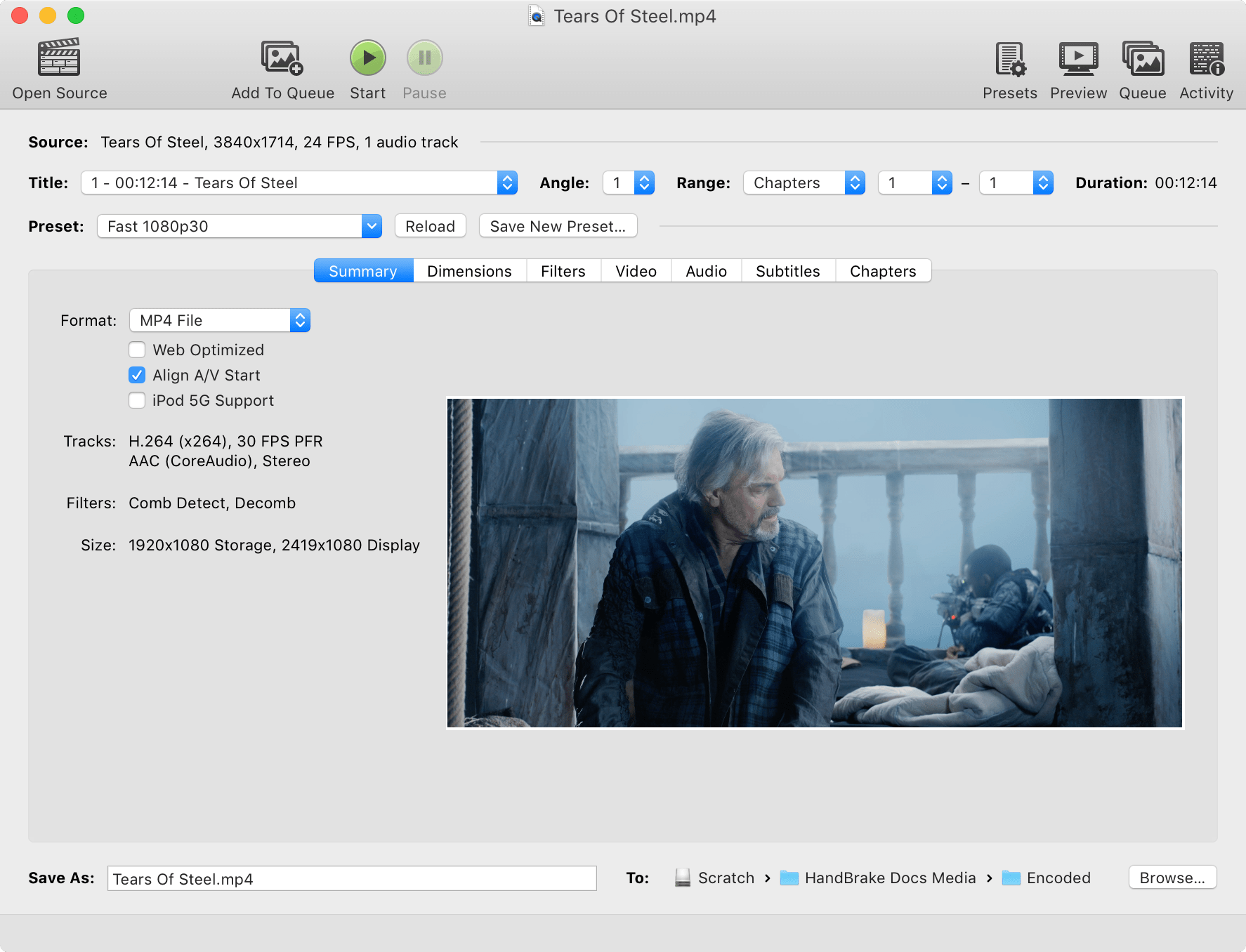
The open-source transcoder can convert almost any video format into modern, widely compatible codecs like H.264, H.265, AV1, MP4, or MKV. HandBrake remains a go-to utility for anyone who wants smaller video files, better compatibility across devices, and full control over encoding settings.
To compress videos effectively, use the slowest preset your system can handle, as slower presets typically offer better compression efficiency. Avoid hardware encoders like NVENC if possible, as they may reduce quality compared to software encoding. For 1080p content, aim for a file size of 7 - 10GB to maintain near-lossless quality.
Many users recommend using the x265 (HEVC) codec with a Constant Quality RF (Rate Factor) setting between 18-20 for 1080p content. A slower preset, such as "Slow" or "Slower," can improve compression efficiency without significant quality loss. However, going beyond "Slower" often yields diminishing returns in quality while increasing encoding time. For 720p videos, an average bitrate around 2100 kbps with a two-pass encode can be effective.
HandBrake can crop and resize videos as well as restore old and low-quality videos, but for more powerful editing tools you can try DaVinci Resolve, Shotcut or VSDC Free Video Editor, which are great free options.
HandBrake and FFmpeg are both free and open source, they serve similar purposes but are suited to different users:
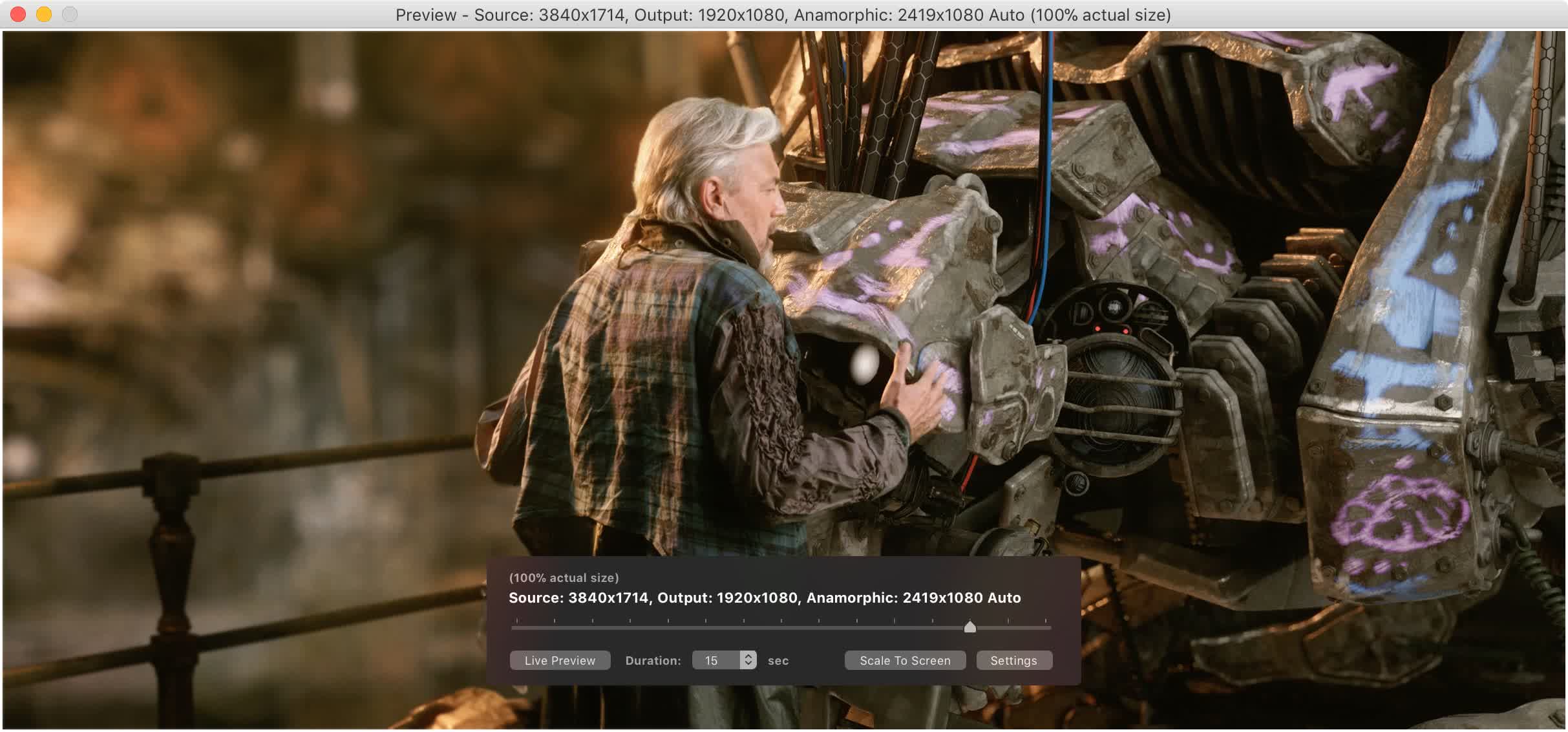
Audio sync issues can occur when using certain encoder presets. For example, using the "Slowest" preset with H.264 NVENC has been reported to cause desynchronization. Switching to the "Medium" preset or using software encoding (x264) can resolve these issues.
Yes, HandBrake can rip any DVD or Blu-Ray discs that are not copy protected.
Yes, HandBrake can compress any 4K video to reduce video size, while converting the video format at the same time.
One of HandBrake's strengths is its ability to open a wide variety of video formats. HandBrake uses FFmpeg under the hood and generally can open whatever FFmpeg will, in addition to disc-based formats like DVD and Blu-ray. HandBrake does not defeat or circumvent copy protection of any kind. It does not work with video files employing Digital Rights Management (DRM).
HandBrake's software video encoders, video filters, audio encoders, and other processes benefit from fast CPU and memory. HandBrake's hardware video encoders also benefit from modern GPU hardware.
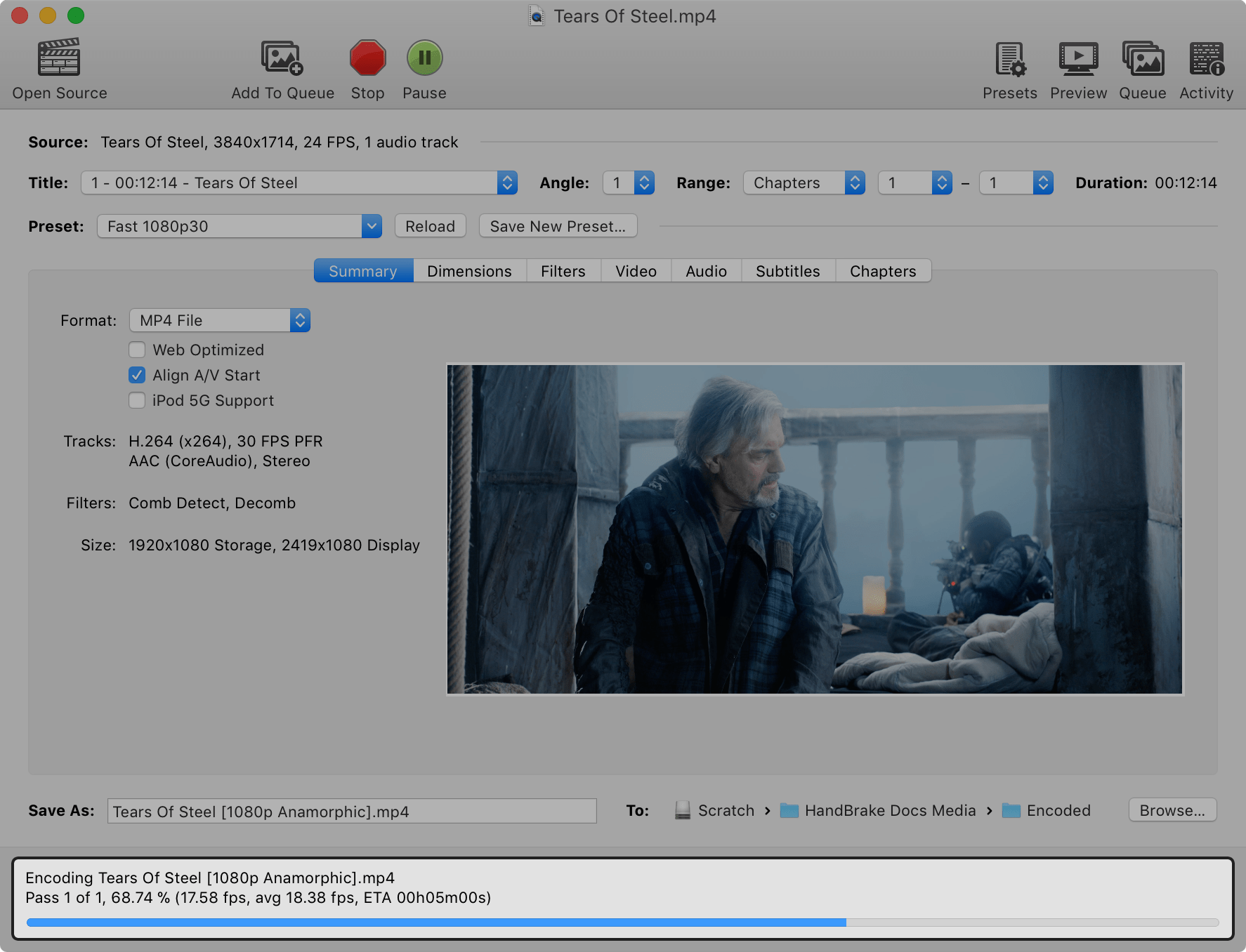
Built-in Device Presets
Get started with HandBrake in seconds by choosing a profile optimised for your device, or choose a universal profile for standard or high quality conversions. Simple, easy, fast. For those that want more choice, tweak many basic and advanced options to improve your encodes.
Supported Input Sources
Handbrake can process most common multimedia files and any DVD or Blu Ray sources that do not contain any kind of copy protection.
Outputs
Even more features
Video
Audio
Subtitles
Build system
Third-party libraries
Updated libraries
Linux
Mac
Windows
Fast servers and clean downloads.
Serving tech enthusiasts for over 25 years.
Tested on TechSpot Labs.


Last updated:
OS:
Windows, macOS, Linux
HandBrake is a GPL'd multi-platform, multithreaded DVD to MPEG-4 ripper/converter.
Decode, encode, transcode, mux, demux, stream, filter and play pretty much anything that humans and machines have created.
A converter designed by video editors. The professional compression tool accessible to all.
More similar downloads
此内容由惯性聚合(RSS阅读器)自动聚合整理,仅供阅读参考。 原文来自 — 版权归原作者所有。